
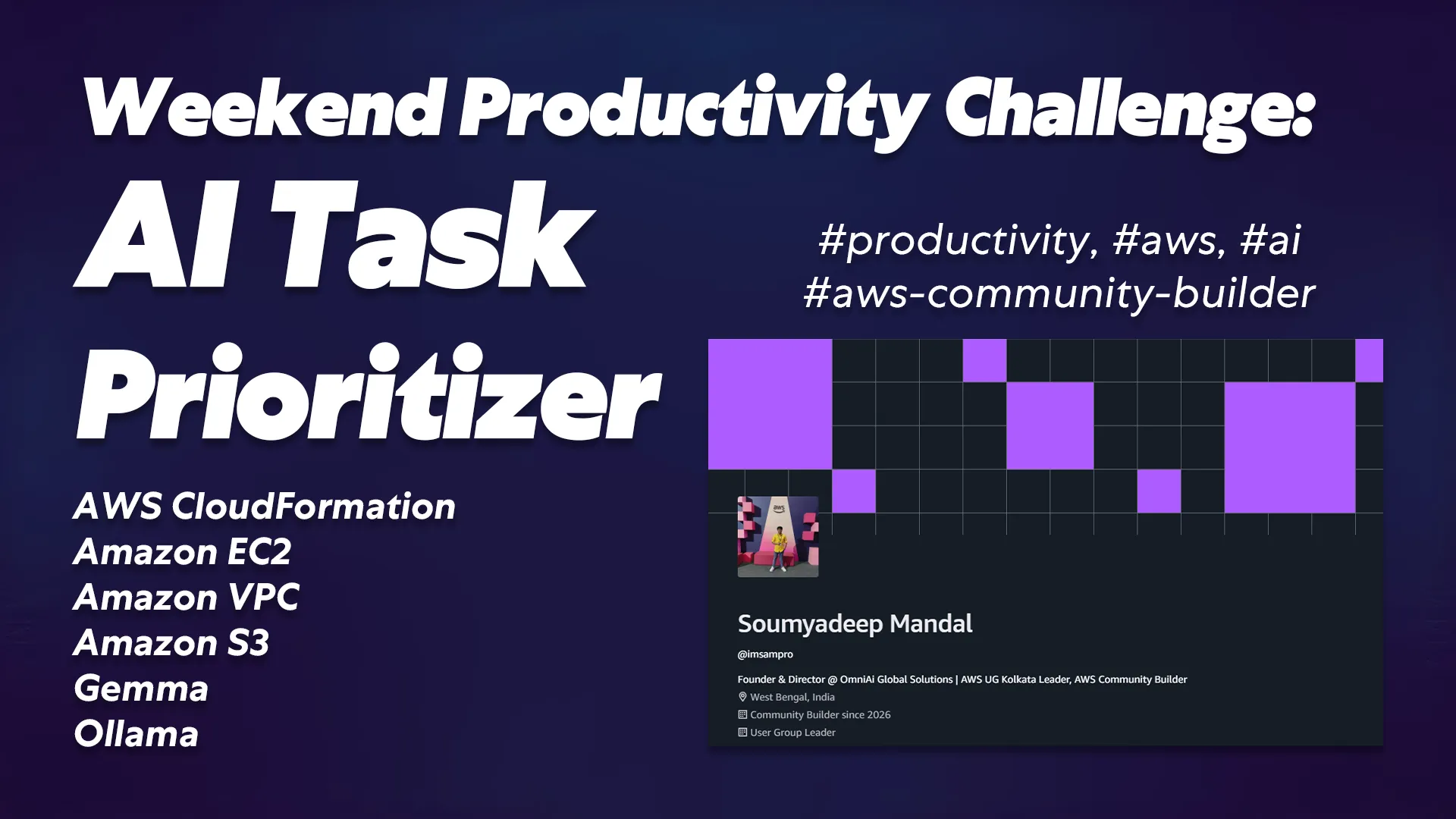
Weekend Productivity Challenge: AI Task Prioritizer
See how I built an AI task prioritization app over the weekend using AWS EC2, Flask, and the Gemma 3 model. A complete cloud architecture breakdown.
TL;DR / Key Takeaways
- The Problem: I built a web application to solve decision fatigue by automatically sorting messy brain-dump to-do lists into High, Medium, and Low priorities using AI.
- The Tech Stack: The app relies on a decoupled architecture featuring a vanilla Bootstrap 5 frontend, a Python Flask API, and the Gemma 3 (4B) model hosted via Ollama.
- The Infrastructure: Everything is deployed on AWS using a custom CloudFormation template that provisions a VPC, an EC2
t3.largeinstance, and an S3 bucket for data storage.
Introduction
Look, we have all been there. You sit down at your desk on a Monday morning with a cup of adrak wali chai or a cup of coffee, open your notepad or task list manager, and write down your tasks for the day. Within five minutes, your list has everything from "fix critical production database bug" to "buy eggs and milk from the local shop".
It takes so much brainpower just to face a massive task, disorganized list and decide what to do first is exhausting. You end up wasting half your energy just prioritizing, which totally kills your actual productivity. I realized this is a classic problem that needed a smart, automated jugaad (solution).
So, for my recent weekend coding sprint, I decided to fix this once and for all. I wanted a tool that would take my chaotic brain dumps and magically organize them into a structured action plan.
In this post, I am going to walk you through my Weekend Productivity Challenge, where I built the AI Task Prioritizer from scratch. I’ll break down the exact AWS architecture, how I wrestled with the Gemma 3 LLM, and the key lessons I learned along the way. Let’s get into it.
Table of Contents
- The Core Vision: What the App Actually Does
- The Architecture: AWS Services and Why I Chose Them
- The Engineering: How I Built It & What I Learned
- The Development Process
- Challenges and The Desi Jugaad
- What I Learned
- Frequently Asked Questions
- Conclusion
- Check Out the Code
The Core Vision: What the App Actually Does
At its core, the AI Task Prioritizer is a web-based productivity tool designed to eliminate decision fatigue. The main purpose of this application is to serve as a ruthless, logical assistant that looks at your daily unorganized task lists and tells you exactly what needs your immediate attention.
From a user perspective, the flow is incredibly straightforward:
- The Input: You open the sleek, dark-themed dashboard and paste your completely unfiltered, messy to-do list into a text area. No formatting required.
- The Engine: You click "Prioritize My Life". The frontend sends this text to a custom backend hosted in the cloud.
- The Output: Within seconds, the AI analyzes the context of each task. It returns a clean, structured list grouped by High, Medium, and Low priority. Better yet, it provides a one-sentence logical reason for why a task was given that specific priority.
You can then check off tasks as you complete them, copy the prioritized plan to your clipboard, or export it as a text file. It transforms an overwhelming wall of text into an actionable, stress-free game plan.
The Architecture: AWS Services and Why I Choose Them
To make this app scalable and completely independent of third-party API rate limits (like OpenAI), I decided to host my own open-source AI model. For this, I heavily relied on Amazon Web Services (AWS).
Here is a quick overview of the AWS services I utilized and the architecture I designed:
- AWS CloudFormation: I did not want to click around the AWS console manually like a beginner. I wrote a YAML CloudFormation template to script my entire infrastructure. This allowed me to deploy the network and servers in just a few minutes.
- Amazon VPC & Networking: The template creates an isolated Virtual Private Cloud (VPC) with an Internet Gateway, a Public Subnet, and custom Route Tables to ensure the app is accessible securely over the internet.
- Amazon EC2 (Elastic Compute Cloud): This is the heavy lifter. I deployed a
t3.largeUbuntu instance. Why this specific size? Because running a 4-billion parameter LLM locally requires a decent chunk of RAM, and the t3.large gives a good balance of cost and performance. I configured the Security Group to only allow SSH (port 22) and API traffic (port 5000). - Amazon S3 (Simple Storage Service): I provisioned an S3 bucket (
ai-task-prioritizer-data) attached via an IAM Role and Instance Profile. Right now, it acts as a foundation for future features, like storing user history logs or custom model weights.
Architecture Flow: The user's browser loads the local HTML file and sends an HTTP POST request directly to the EC2 instance's Public IP on port 5000. Inside the EC2 server, Flask catches the request, hands the prompt to the Ollama service running locally, and streams the JSON response right back to the frontend.
The Engineering: How I Built It & What I Learned
Building an AI-wrapper app sounds easy until you actually try to make the AI follow your strict formatting rules. Here is a breakdown of my development process over the weekend.
The Development Process
I tackled this project in three distinct layers: the cloud infrastructure, the backend API, and the frontend UI.
- Bootstrapping the Server: First, I deployed the CloudFormation stack. I used a bash script in the
UserDatasection of the EC2 configuration to automatically install Ollama, pull thegemma3:4bmodel, and install Python dependencies. - Writing the API: I built a lightweight backend using Python. My
requirements.txtspecifically called forFlask>=3.0.0,Flask-Cors>=4.0.0, andrequests>=2.31.0. I wrote a single/prioritizeroute that accepts the raw text and packages it into a strict prompt. - Crafting the Frontend: I wanted a premium feel, so I used Bootstrap 5 with custom CSS to create a glassmorphism effect. The UI includes dynamic loading spinners, collapsible settings to input the EC2 IP address, and color-coded task cards.
Challenges and The Desi Jugaad
The biggest headache was getting the Gemma 3 model to return a clean JSON object instead of a conversational response. LLMs love to chat. They always want to start with "Sure! Here is your list:" which completely breaks frontend JSON parsing.
The Fix: I had to heavily engineer the system prompt. I explicitly told the model, "You are a strict data-processing engine." and demanded it return only a valid JSON array. I also passed
"format": "json" in the Ollama API payload.On the frontend, as a backup jugaad, I wrote a JavaScript regex function to scan the AI's response, locate the outermost
[ and ] brackets, and strip away any markdown or conversational garbage before parsing it.I also dealt with annoying Cross-Origin Resource Sharing (CORS) blocks since the frontend runs locally while the backend is on AWS. Wrapping the Flask app with the
CORS() library fixed it instantly.What I Learned
This weekend sprint was a massive learning experience. Reflecting on the challenge, a few key takeaways stand out:
- Local LLM Hosting is Powerful: I learned how incredibly easy it is to self-host models using Ollama on an EC2 instance. It gives you complete data privacy.
- Infrastructure as Code (IaC): Writing the CloudFormation template taught me the value of repeatable deployments. If I mess up the server, I can tear it down and spin up an identical one in exactly 5 minutes.
- Prompt Engineering is Coding: I realized that framing the context and constraints for an LLM is a unique coding syntax of its own.
Screenshots

Screenshot of the Website 1 captured by Soumyadeep Mandal

Screenshot of the Website 2 captured by Soumyadeep Mandal

Screenshot of the Website 3 captured by Soumyadeep Mandal

Screenshot of the Website 4 captured by Soumyadeep Mandal

Screenshot of the Website 5 captured by Soumyadeep Mandal
Frequently Asked Questions
- How much does it cost to run this AI model on AWS?
Running a t3.large instance on AWS costs roughly $0.08 to $0.09 per hour depending on the region. Since this was a weekend project, the total cost for development and testing was less than a cup of coffee. You can always stop the instance when you aren't actively prioritizing tasks to save money. - How does the frontend connect to the cloud backend?
The frontend is a static HTML file that uses JavaScript's fetch() API. It hits a specific endpoint (http://<YOUR-EC2-IP>:5000/prioritize). I built a settings panel in the UI where you can simply paste your active EC2 Public IP, saving it to your browser's local storage so you don't have to hardcode anything. - Can I use a different AI model besides Gemma 3?
Absolutely. Because the app uses Ollama as the model runner, you can SSH into your EC2 instance and run ollama pull llama3 or mistral. You just need to update the model name in the app.py payload to match the new model you downloaded.
Conclusion
At the end of the day, the Weekend Productivity Challenge was a total success. What started as a simple frustration with my morning to-do list turned into a fully functional, cloud-hosted AI web app.
Not only did I build a tool that legitimately saves me time and mental energy every morning, but I also leveled up my skills in AWS infrastructure, Python backend development, and LLM orchestration. Stop letting a messy notepad ruin your productivity. Sometimes, you just need to build the right tools to get your mind right. Keep building, keep experimenting, and most importantly, keep your tasks prioritized!
Check Out the Code
Ready to deploy your own AI Task Prioritizer? I have open-sourced the entire project. Grab the AWS templates, the Python backend, and the Bootstrap frontend right now.
About the Author: Soumyadeep Mandal is a cloud enthusiast, full-stack developer, and technical writer who loves hacking together desi solutions for modern tech problems. When he is not writing code, he is probably drinking too much coffee and reading AWS documentation.
Related Reading:
Enjoyed reading this content? Let the author know!
Your likes, comments, shares, and saves help creators reach more builders.

Loading recommendations
Loading article