
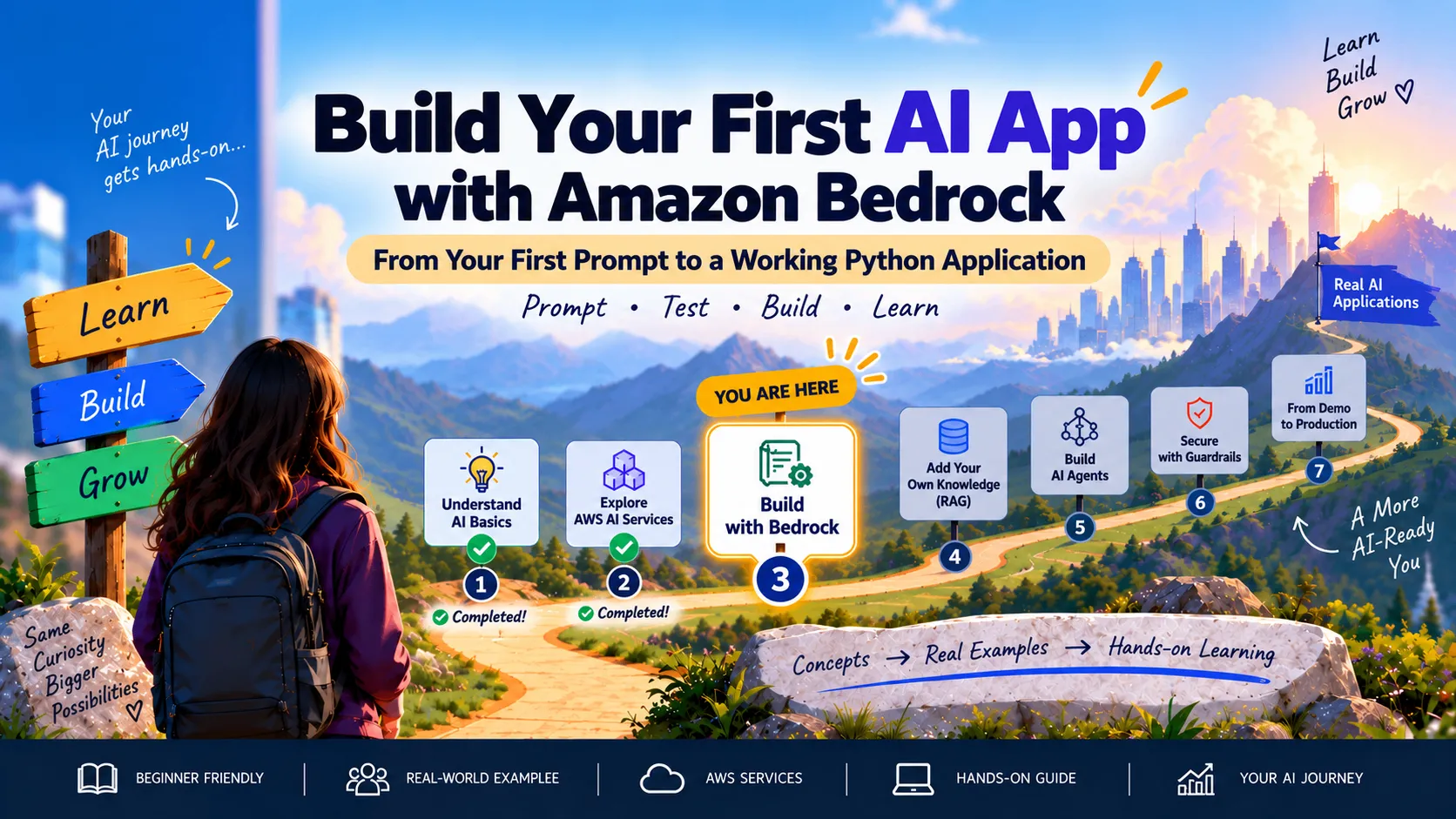
🛠️ Build an AI Support Assistant with Amazon Bedrock
Build an AI Support Assistant with Amazon Bedrock by testing prompts with Nova Lite and invoking the model through Python.
Series: 🚀 AI on AWS: From Zero to Building (7 articles)
- …
- 3🛠️ Build an AI Support Assistant with Amazon Bedrock This article

In the first article, we learned the basics of AI and generative AI. Then, we explored the main AI services available on AWS.
Now, it is time to build something.
In this guide, we will create a simple AI Cloud Support Assistant using Amazon Bedrock and Amazon Nova Lite.
The assistant will take an AWS problem and return possible causes and troubleshooting steps.
What Are We Building?
Suppose a user asks:
My application receives an AccessDenied error when uploading a file to Amazon S3.
Our assistant will provide:
- A summary of the problem
- Possible causes
- Troubleshooting steps
- AWS settings to inspect
- A security reminder
The application flow is simple:
1
User → Python application → Amazon Bedrock → Amazon Nova Lite → Response
Amazon Bedrock manages the foundation model for us, so we do not need to deploy or maintain any model infrastructure.
Step 1: Open Amazon Bedrock
Sign in to the AWS Management Console and search for:
1
Amazon Bedrock
Select this Region:
1
US East (N. Virginia) — us-east-1
Model availability can vary by Region, so we will use
us-east-1 throughout this project.
Step 2: Select Amazon Nova Lite
From the left menu:
- Open Model catalog
- Select Amazon as the provider
- Search for Nova Lite
- Open the model
Nova Lite is a fast, low-cost model suitable for simple text-generation applications.
We do not always need the largest model. We need a model that can perform our task at an acceptable cost and speed.

Step 3: Test a Basic Prompt
Open Playgrounds → Chat/Text.
Choose Select model, select Amazon Nova Lite, and then choose Apply.
Enter this prompt:
1
2
My application receives an AccessDenied error when uploading
an object to Amazon S3. What could be causing it?
Choose Run.
The model may identify causes such as:
- Missing
s3:PutObjectpermission - An explicit deny in an IAM or bucket policy
- An incorrect S3 object ARN
- Missing AWS KMS permissions
- A restrictive service control policy
The answer may be useful, but its structure might not always be consistent.

Step 4: Improve the Prompt
Add this system instruction:
1
2
3
4
5
6
7
8
9
10
11
12
13
14
You are an AWS Cloud Support Assistant.

For every issue:

1. Summarize the problem.
2. List the most likely causes.
3. Provide numbered troubleshooting steps.
4. Mention the AWS settings that should be inspected.
5. Include a security note when relevant.
6. Ask for more information if the cause cannot be confirmed.

Do not present assumptions as confirmed facts.
Do not invent AWS commands or features.
Never ask the user to share credentials.
Run the same S3 question again.
The response should now be clearer and easier to follow.
The system instruction gives the model:
- A role
- A specific task
- A response format
- Safety boundaries
Set the inference values to:
1
2
3
Temperature: 0.2
Top P: 0.9
Maximum output tokens: 600
A low temperature helps produce more focused responses, which is useful for technical troubleshooting.

Step 5: Test More Questions
Try a few different AWS problems:
1
I cannot connect to my EC2 instance using SSH.
1
My Lambda function times out while connecting to Amazon RDS.1
2
My application receives AccessDeniedException when invoking
an Amazon Bedrock model.Check whether the assistant:
- Follows the requested format
- Gives reasonable troubleshooting steps
- Separates possible causes from confirmed facts
- Requests missing information
- Avoids asking for credentials
Testing different questions helps us identify weaknesses before placing the model inside an application.

Step 6: Build the Python Application
Open AWS CloudShell and create a file:
1
nano support_assistant.py
Paste this code:
1
2
3
4
5
6
7
8
9
10
11
12
13
14
15
16
17
18
19
20
21
22
23
24
25
26
27
28
29
30
31
32
33
34
35
36
37
38
39
40
41
42
43
44
45
46
47
import boto3
from botocore.exceptions import ClientError

MODEL_ID = "amazon.nova-lite-v1:0"

SYSTEM_PROMPT = """
You are an AWS Cloud Support Assistant.

For every issue:
1. Summarize the problem.
2. List the most likely causes.
3. Provide numbered troubleshooting steps.
4. Mention the AWS settings to inspect.
5. Include a security note when relevant.

Do not present assumptions as confirmed facts.
Never ask the user to share credentials.
"""

bedrock = boto3.client(
    "bedrock-runtime",
    region_name="us-east-1"
)

def troubleshoot(issue):
    response = bedrock.converse(
        modelId=MODEL_ID,
        system=[{"text": SYSTEM_PROMPT}],
        messages=[{
            "role": "user",
            "content": [{"text": issue}]
        }],
        inferenceConfig={
            "temperature": 0.2,
            "topP": 0.9,
            "maxTokens": 600
        }
    )

    return response["output"]["message"]["content"][0]["text"]

try:
    issue = input("Describe your AWS issue: ")
    print("\n" + troubleshoot(issue))

except ClientError as error:
    print(error.response["Error"]["Message"])
Save the file and run it:
1
python3 support_assistant.py
Enter an AWS issue when prompted.
The application sends the question to Amazon Bedrock, Nova Lite generates the response, and Python displays the result.

What Is Happening Behind the Scenes?
When we enter a question:
- Python receives the question.
- Boto3 sends it to Amazon Bedrock.
- IAM verifies permission to invoke the model.
- Nova Lite processes the system instruction and question.
- Bedrock returns the generated response.
- Python displays it.
The application needs this IAM permission:
1
bedrock:InvokeModel
Important Limitations
Our assistant cannot see the user’s actual:
- IAM policies
- S3 bucket policies
- CloudWatch logs
- VPC configuration
- CloudTrail events
- AWS resources
It can suggest possible causes, but it cannot confirm the root cause without evidence.
1
AI guidance is not the same as a verified diagnosis.
Always review the response before making changes to an AWS environment.
Security and Cost
For a real application:
- Use IAM roles instead of hard-coded credentials
- Follow least privilege
- Never include passwords or access keys in prompts
- Avoid sending sensitive customer data
- Protect stored prompts and responses
- Validate recommendations before executing them
Amazon Bedrock uses usage-based pricing. The cost depends mainly on the selected model and the number of input and output tokens.
This project should remain inexpensive because we are using Nova Lite, short prompts, and limited responses.
Common Errors
AccessDeniedException
Confirm that your IAM identity has:
1
bedrock:InvokeModel
Invalid model identifier
Confirm the model ID and selected Region.
On-demand throughput is not supported
Try the cross-Region inference-profile ID:
1
MODEL_ID = "us.amazon.nova-lite-v1:0"
The converse operation is unavailable
Upgrade Boto3:
1
pip3 install --user --upgrade boto3
What We Learned
In this project, we:
- Selected a foundation model
- Tested it in the Bedrock playground
- Improved its response with a system instruction
- Configured inference settings
- Tested multiple support questions
- Invoked the model from Python
- Considered security, permissions, and cost
We have moved from learning about AI services to building with them.
Our assistant can answer general AWS questions, but it does not yet know our private documentation or support procedures.
In the next article, we will add our own trusted knowledge using Retrieval Augmented Generation, or RAG.
Our journey now looks like this:
1
Learn → Explore → Build → Add Knowledge
Let’s keep building.
AWS References
Series: 🚀 AI on AWS: From Zero to Building (7 articles)
- …
- 3🛠️ Build an AI Support Assistant with Amazon Bedrock This article
Enjoyed reading this content? Let the author know!
Your likes, comments, shares, and saves help creators reach more builders.

Loading recommendations
Loading article