
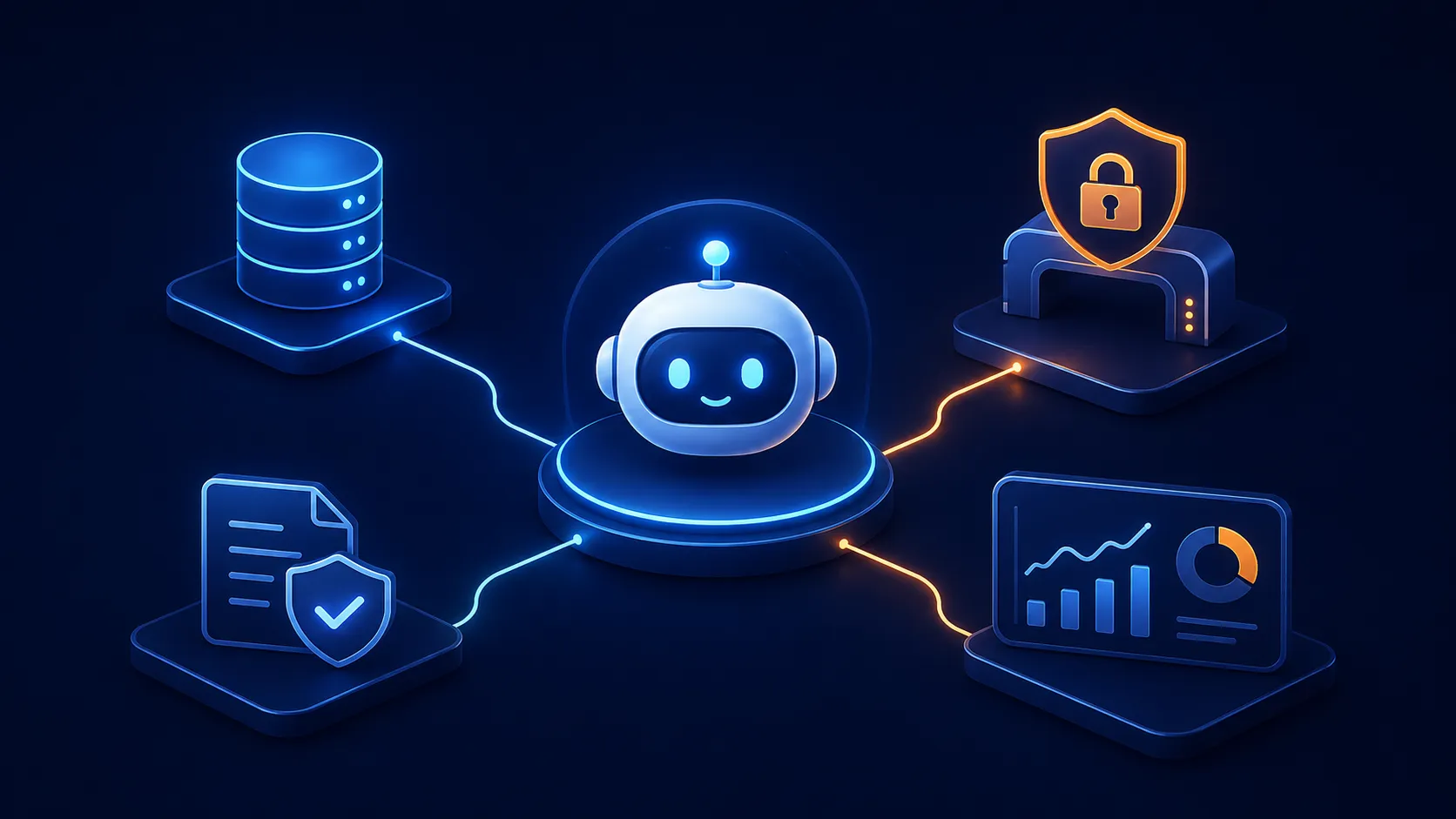
Making Your AI Agent Production-Ready: Memory, Gateways, and Governance
Part 2 of 3: From POC to Production with AWS Bedrock AgentCore
Series: From POC to Production with AWS Bedrock AgentCore (3 articles)
- 2Making Your AI Agent Production-Ready: Memory, Gateways, and Governance This article

The Uncomfortable Truth About Demo Agents
In Part 1, I deployed a customer support agent to the cloud in 15 minutes. Impressive? Sure. Production-ready? Not even close.
Here's why: that agent had amnesia. Every conversation started from scratch. It had no security and anyone with the endpoint could invoke it. It had no external integrations beyond hardcoded Python functions. And nobody was watching whether it was actually doing a good job.
It's like hiring a customer service rep who forgets every conversation the moment they hang up the phone, who doesn't check ID at the door, who can't access any company systems, and who has no manager reviewing their work.
Let's fix all of that.
Chapter 1: Teaching Your Agent to Remember
The Problem with Stateless Agents
Imagine calling your bank three times in one week:
- Monday: "Hi, I'm Sarah, I prefer email updates."
- Wednesday: "It's Sarah again, about that issue from Monday..."
- Friday: "Sarah here — can you check what we discussed?"
A stateless agent treats each of these as a stranger calling for the first time. That's not customer service but a frustrating loop.
Adding Memory to AgentCore
AgentCore Memory is a managed service that stores and retrieves user context across sessions. Here's how I added it:
1
2
3
4
agentcore add memory \
  --name SharedMemory \
  --strategies SEMANTIC,SUMMARIZATION \
  --expiry 30
Two strategies working together:
- SEMANTIC - Extracts facts about the user ("Sarah prefers email", "Sarah bought a Smart Watch")
- SUMMARIZATION - Creates condensed summaries of past conversations
The
--expiry 30 means memories fade after 30 days. Like a real human - you remember recent customers vividly, older interactions fuzzily.How It Works Under the Hood
The memory integration uses two retrieval paths:
1
2
3
4
5
# Retrieve user facts
GET /users/{userId}/facts  → top 3 most relevant facts (relevance > 0.3)

# Retrieve conversation summaries
GET /summaries/{userId}/{sessionId} → top 3 recent summaries
After deploying with memory enabled, I tested it:
Session A:
"My name is Sarah and I prefer email updates. I recently bought a Smart Watch."
Two minutes later, brand new session:
Session B:
"Do you know anything about me?"
The agent responded: "Yes! You're Sarah, you prefer email communications, and you recently purchased a Smart Watch."
That two-minute gap is important: it proves the memory persisted across sessions, not just within a conversation. The agent recognized Sarah even though she was calling from a completely new session ID.
The Analogy
Memory in AgentCore works like a good doctor's office. You don't re-explain your entire medical history every visit. Your file is there. The doctor (agent) glances at it before seeing you, picks up the relevant context, and continues where you left off. The
SEMANTIC strategy is like the highlighted notes in your file; the SUMMARIZATION strategy is like the visit summaries from past appointments.
Chapter 2: Connecting to External Tools via Gateway
Why Local Tools Aren't Enough
My agent had two local tools: product lookup and return policy. But what about warranty checks? Those require querying an external system; a Lambda function that hits a real database.
You wouldn't want your agent calling arbitrary Lambda functions directly. That's like giving a new employee root access on their first day. You need a controlled gateway.
The AgentCore Gateway Pattern
AgentCore Gateway is a managed MCP (Model Context Protocol) server that sits between your agent and external tools. It provides:
- Authentication: Who's calling?
- Authorization: Are they allowed to do this?
- Schema validation: Is the request properly formed?
- Audit trail: What happened?
Here's how I set it up:
1
2
3
4
5
6
7
8
9
10
11
12
13
14
15
# Get the Lambda ARN for the warranty check function
WARRANTY_LAMBDA_ARN=$(aws ssm get-parameter \
  --name /app/customersupport/agentcore/warranty_check_lambda_arn \
  --query 'Parameter.Value' --output text)

# Create a gateway linked to my agent
agentcore add gateway --name my-gateway --runtimes CustomerSupport

# Register the Lambda as a gateway target
agentcore add gateway-target \
  --type lambda-function-arn \
  --name WarrantyCheck \
  --lambda-arn $WARRANTY_LAMBDA_ARN \
  --tool-schema-file app/CustomerSupport/tool/warranty_schema.json \
  --gateway my-gateway
Now my agent can check warranty status by calling through the gateway, and the gateway handles all the Lambda invocation details.
Testing it:
1
agentcore invoke "Check the warranty for product PROD-003" --stream
The agent calls the warranty tool through the gateway, gets back structured data (product name, warranty months, status, expiration date), and presents it naturally to the user.
The Analogy
The gateway is like a reception desk at a corporate office. You (the agent) don't wander directly into the warranty department. You go to reception, show your badge, state your business, and they connect you to the right person through proper channels. Everything is logged, and if you're not authorized, you don't get past the desk.

Chapter 3: Locking It Down with JWT and Cedar Policies
Adding Authentication: Cognito JWT
An open endpoint is a liability. I secured the gateway with Cognito-based JWT authentication:
1
2
3
4
agentcore add gateway --name my-gateway-secure --runtimes CustomerSupport \
  --authorizer-type CUSTOM_JWT \
  --discovery-url $COGNITO_DISCOVERY_URL \
  --allowed-clients $COGNITO_CLIENT_ID,$COGNITO_WEB_CLIENT_ID
Now every request needs a valid bearer token. No token? No entry.
1
2
3
4
5
6
7
8
9
10
# Get a token
TOKEN=$(aws cognito-idp initiate-auth \
  --auth-flow USER_PASSWORD_AUTH \
  --client-id $COGNITO_WEB_CLIENT_ID \
  --auth-parameters USERNAME=workshopuser@example.com,PASSWORD='WorkshopPass1!' \
  --query 'AuthenticationResult.AccessToken' --output text)

# Invoke with authentication
agentcore invoke "What's the return policy for electronics?" \
  --session-id $SESSION --bearer-token "$TOKEN" --stream
Adding Authorization: Cedar Policies
Authentication answers "who are you?" Authorization answers "what are you allowed to do?"
AgentCore uses Cedar - AWS's purpose-built authorization language for fine-grained policy control. I added a Policy Engine and attached several rules:
Policy 1: Refund limits
1
2
3
4
5
permit(
  principal,
  action == AgentCore::Action::"ProcessRefund___process_refund",
  resource == AgentCore::Gateway::"<gateway-arn>"
) when { context.input.amount < 100 };
Translation: anyone can process a refund, but only if it's under $100.
Policy 2: Warranty access for authenticated users
1
2
3
4
5
permit(
  principal,
  action == AgentCore::Action::"WarrantyCheck___check_warranty",
  resource == AgentCore::Gateway::"<gateway-arn>"
) when { (principal is AgentCore::OAuthUser) };
Translation: any authenticated user can check warranties. No restrictions beyond being logged in.
Policy 3: PII protection with Bedrock Guardrails
1
2
3
4
5
6
7
8
9
forbid(
  principal,
  action == AgentCore::Action::"ProcessRefund___process_refund",
  resource == AgentCore::Gateway::"<gateway-arn>"
) when guardrails {
  BedrockGuardrails::SensitiveInformation(
    ["EMAIL"], [context.input.reason]
  ).maxConfidenceScore().greaterThanOrEqual(decimal("0.2"))
};
Translation: if someone includes an email address in their refund reason, block the request. This prevents PII from leaking into refund processing systems.
Why This Matters
This is where most DIY agent deployments fall apart. Teams build the agent, deploy it, and then realize: "Wait, how do we prevent the agent from processing a $10,000 refund? How do we stop sensitive data from flowing through?"
With Cedar policies, you declare your rules once and the platform enforces them consistently. No defensive code scattered through your agent logic. No hoping the LLM "remembers" the rules.
The Analogy
If the Gateway is the reception desk, Cedar policies are the security badges. Your blue badge gets you into the warranty department (read-only queries). Your green badge lets you into the refunds office, but only for amounts under $100. And there's a scanner at every door that checks for contraband (PII in this case). The agent doesn't need to police itself, the building does it.
Chapter 4: Watching the Watchers - Online Evaluation
The Monitoring Gap
You've deployed. You've secured it. But is your agent actually... good? Is it selecting the right tools? Is it achieving the user's goal?
Most teams find out their agent is underperforming from customer complaints. That's like finding out your restaurant has a food quality problem from Yelp reviews - too late and too painful.
Continuous Quality Monitoring
1
2
3
4
5
6
agentcore add online-eval \
  --name QualityMonitor \
  --runtime CustomerSupport \
  --evaluator Builtin.GoalSuccessRate Builtin.Correctness Builtin.ToolSelectionAccuracy \
  --sampling-rate 100 \
  --enable-on-create
Three evaluators running on 100% of requests:
- GoalSuccessRate: Did the agent actually accomplish what the user asked?
- Correctness: Was the information provided accurate?
- ToolSelectionAccuracy: Did it pick the right tool for the job?
After running several test queries covering product info, warranty checks, return policies, and multi-tool scenarios, I ran the evaluation:
1
2
3
4
agentcore run eval \
  --runtime CustomerSupport \
  --evaluator Builtin.GoalSuccessRate Builtin.Correctness \
  --days 1
This retroactively scores all traces from the past day. You can also check evaluation history:
1
agentcore evals history --runtime CustomerSupport --limit 5
The Analogy
Online evaluation is like having a quality assurance team that listens to every customer service call in real-time, scoring each interaction on a rubric. Except this team never takes breaks, never has subjective bias, and produces data you can graph over time.

The Transformation
Let's recap what we added in this post:
| Capability | Before | After |
|---|---|---|
| Memory | Amnesia every session | Remembers users across sessions |
| External tools | Hardcoded local functions only | Lambda functions via secure gateway |
| Authentication | Open endpoint | Cognito JWT required |
| Authorization | Trust the LLM | Cedar policies enforced at platform level |
| Monitoring | Hope for the best | Continuous quality scoring |
This is the difference between a demo and a product.
In Part 3, I'll show the advanced patterns: declarative harness agents that need zero code, human-in-the-loop approvals for high-stakes actions, a code interpreter for data analysis, container-based agents, and a Flask frontend that ties it all together into a real chat interface.
About the Author
Pauline Namwakira - Building with AWS
- GitHub: github.com/kira-PJ
- LinkedIn: linkedin.com/in/paulinenamwakira
- Source code for this project: github.com/kira-PJ/bedrock-agentcore-workshop
Series:
- Part 1: From Zero to Deployed - The 15-Minute Agent
- Part 2: Making It Production-Ready (you are here)
- Part 3: Advanced Patterns - Harnesses, Human-in-the-Loop, and Container Agents
Series: From POC to Production with AWS Bedrock AgentCore (3 articles)
- 2Making Your AI Agent Production-Ready: Memory, Gateways, and Governance This article
Enjoyed reading this content? Let the author know!
Your likes, comments, shares, and saves help creators reach more builders.

Loading recommendations
Loading article