
From Zero to a Deployed AI Agent in 15 Minutes: My First Taste of Bedrock AgentCore
Part 1 of 3: From POC to Production with AWS Bedrock AgentCore
Series: From POC to Production with AWS Bedrock AgentCore (3 articles)
- 1From Zero to a Deployed AI Agent in 15 Minutes: My First Taste of Bedrock AgentCore This article

The Problem Everyone's Ignoring
Here's something nobody talks about at AI conferences: building a clever agent in a Jupyter notebook is the easy part. Getting that same agent to run reliably in production, with authentication, monitoring, scalability, and proper tooling: that's where most teams stall for months.
I've seen it firsthand. You build a beautiful proof-of-concept, demo it to stakeholders, get the green light, and then spend the next quarter wrestling with infrastructure that has nothing to do with AI. Load balancers. Container orchestration. Secret management. Observability pipelines. The agent itself hasn't changed and you're just building a house around it.
Think of it like this: you've written the perfect recipe (your agent logic), but now someone's asking you to also build the kitchen, install the plumbing, wire the electricity, and get the health inspector's approval before you can serve a single dish.
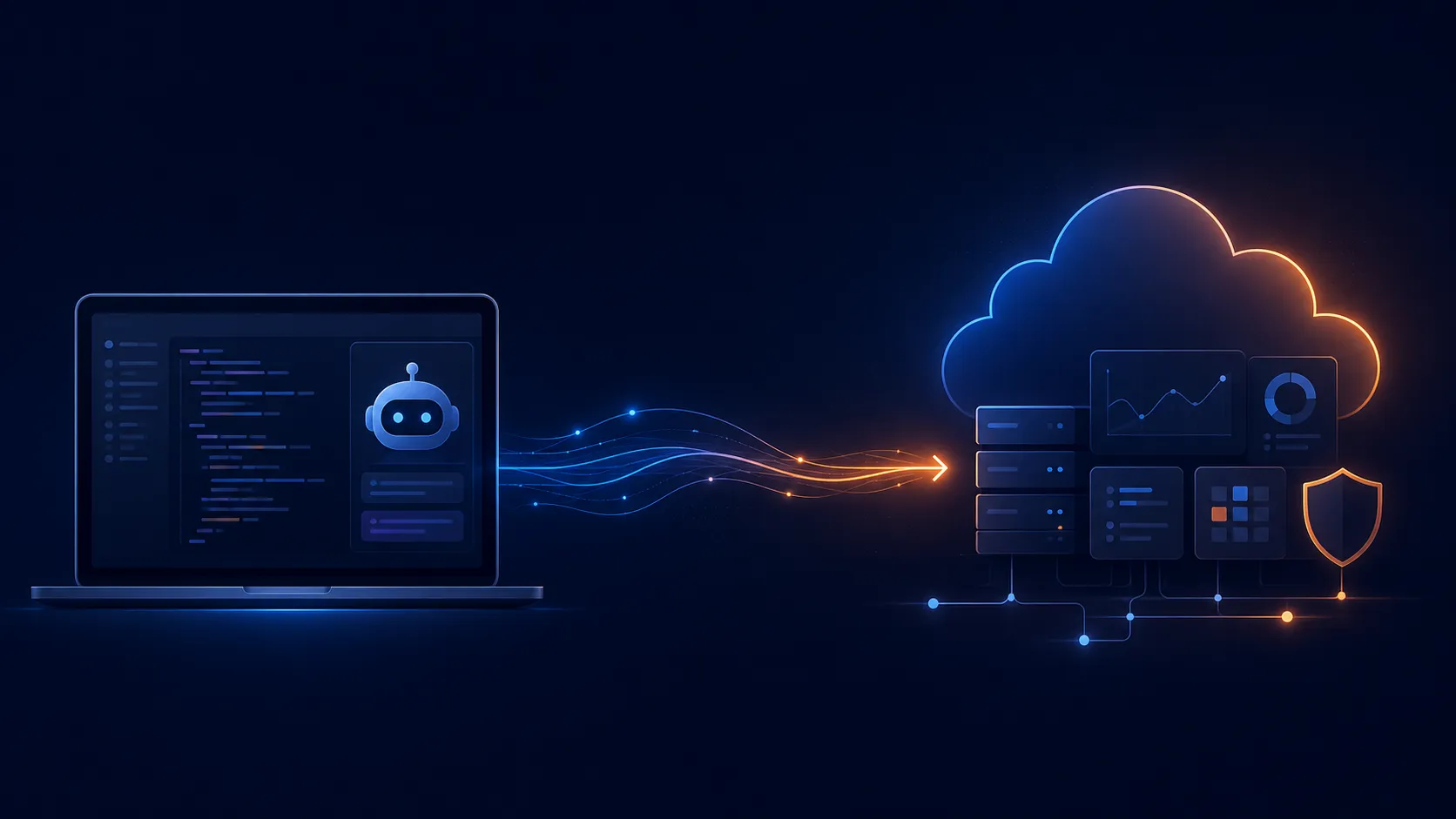
That's the gap Amazon Bedrock AgentCore is designed to close.
What Is Bedrock AgentCore, Really?
If I had to explain it to someone over coffee, I'd say: AgentCore is the kitchen that comes pre-built so you can focus on cooking.
More precisely, it's an agentic platform that handles the operational infrastructure; deployment, scaling, tool integration, memory, security, and monitoring; so you can bring your agent logic from any framework (Strands, LangGraph, CrewAI, whatever) and just... run it. In production. Today.
The key insight is that AgentCore doesn't force you into a proprietary agent format. It works with your existing code. You bring the brains; it provides the body.
My Workshop Experience: The First 15 Minutes
I recently completed the AgentCore Getting Started Workshop as part of the BeSA (Become a Solutions Architect) program focused on Agentic AI on AWS. Let me walk you through what the first experience felt like.
Step 1: Scaffolding (30 Seconds)
1
2
3
4
5
agentcore create \
  --name CustomerSupport \
  --framework Strands \
  --model-provider Bedrock \
  --memory none
That's it. One command, and I had a fully structured project: entry point, model loader, tool definitions, CDK infrastructure code; all wired together. It's like
create-react-app but for AI agents.The generated
main.py came with a working Strands agent, a system prompt, and even sample tools. Not "hello world" placeholder but actual functional tools for product info lookup and return policy retrieval.Step 2: Local Development
1
agentcore dev --no-browser
This spins up a local server where you can interact with your agent immediately. No Docker. No cloud credentials needed for the initial test. Just you and your agent, having a conversation.
I asked it: "What can you do?" ; and it responded with a summary of its tools and capabilities. Already useful and already functional.
Step 3: Deploy to Production
1
agentcore deploy
Yes, really just one command. Behind the scenes, this:
- Packages your code
- Synthesizes a CDK stack
- Deploys to AgentCore Runtime (a managed compute layer)
- Sets up the invocation endpoint
No Dockerfiles to write. No ECS task definitions. No API Gateway configurations. No load balancer target groups.
Step 4: Invoke It Live
1
agentcore invoke "What can you do?"
And just like that, my agent is running in the cloud, accessible via a secure endpoint, scalable by default.
What's Actually In the Box
Let me show you what the scaffolded agent looks like. The core of
main.py defines your tools as simple Python functions:1
2
3
4
5
6
7
8
9
10
11
12
def get_return_policy(product_category: str) -> dict:
"""Get return policy for a product category."""
policies = {
"electronics": {
"return_window": "30 days",
"condition": "unopened or defective",
"refund_type": "full refund"
},
# ... more categories
}
return policies.get(product_category, {"error": "Category not found"})That's your tool. A decorated Python function. No OpenAPI specs to maintain separately, no complex registration processes. You write a function, decorate it with
@tool, and the agent can use it.The entry point is equally clean:
1
2
3
4
5
async def invoke(payload, context):
session_id = context.session_id
agent = get_or_create_agent(session_id)
return agent.stream(payload["prompt"])The
BedrockAgentCoreApp wrapper handles all the HTTP plumbing, session routing, and streaming response formatting.
The Analogy That Clicked for Me
Think of traditional agent deployment like opening a restaurant:
- Your agent logic = your recipes and cooking skills
- The infrastructure = the building, kitchen equipment, dining room, POS system, health permits, staff hiring
Most teams spend 80% of their time on the second part. AgentCore is like signing a lease on a fully-equipped kitchen: you walk in, start cooking, and customers can order from day one.
The trade-off? You're working within their kitchen layout. But for the vast majority of use cases, that layout is exactly what you need.
What Surprised Me
The speed was real. I'm not exaggerating the 15-minute timeline. From
agentcore create to a live, cloud-deployed agent responding to queries; it genuinely took less time than configuring a typical CI/CD pipeline.Framework flexibility. The CLI supports Strands, LangGraph, and others. You're not locked into Amazon's agent framework. If you've already built something in LangChain, you can bring it over.
The CLI is the interface. Everything; creation, deployment, invocation, status checks, adding capabilities, happens through
agentcore commands. There's no console-clicking. No YAML manifests to hand-edit. It's opinionated in a good way.What This Means for POCs
If you've been stuck in the "works on my laptop" phase with an AI agent, AgentCore removes your biggest excuse. The gap between local prototype and deployed service just collapsed to a single command.
But here's the thing, getting deployed is just the beginning. A production agent needs memory, security, observability, and governance. That's where things get interesting.
In Part 2, I'll show how I added persistent memory across sessions, connected external tools via a secure gateway, locked it down with JWT authentication and Cedar authorization policies, and set up continuous quality monitoring. That's where the "production" in "production-ready" actually lives.
About the Author
Pauline Namwakira - Building with AWS
- GitHub: github.com/kira-PJ
- LinkedIn: linkedin.com/in/paulinenamwakira
- Source code for this project: github.com/kira-PJ/bedrock-agentcore-workshop
Series:
- Part 1: From Zero to Deployed (you are here)
- Part 2: Making It Production-Ready - Memory, Gateways, and Governance
- Part 3: Advanced Patterns - Harnesses, Human-in-the-Loop, and Container Agents
Series: From POC to Production with AWS Bedrock AgentCore (3 articles)
- 1From Zero to a Deployed AI Agent in 15 Minutes: My First Taste of Bedrock AgentCore This article
Enjoyed reading this content? Let the author know!
Your likes, comments, shares, and saves help creators reach more builders.

Loading recommendations
Loading article