
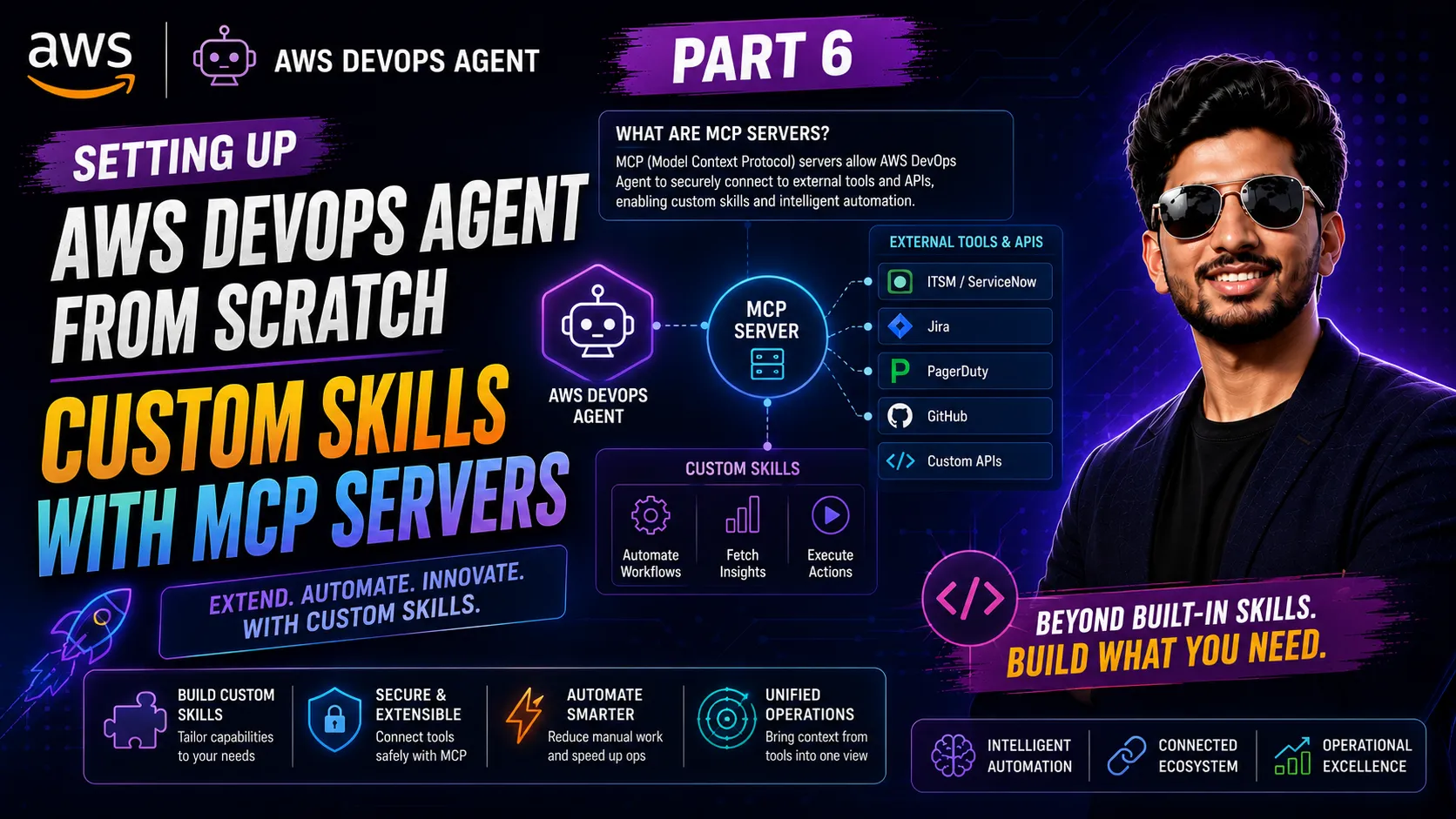
Custom Skills with MCP Servers (Part 6)
In this part, we will: Understand what MCP Servers are and how the DevOps Agent uses them Build a lightweight Runbook Lookup MCP Server on AWS Lambda (no external dependencies, effectively free) Register it as a Capability Provider in the DevOps Agent console Allowlist the `get_runbook` tool for our Agent Space Watch the agent call the runbook tool during a chat session and investigation
Series: Setting Up AWS DevOps Agent from Scratch (7 articles)
- …
- 6Custom Skills with MCP Servers (Part 6) This article

What is an MCP Server?
Model Context Protocol (MCP) is an open standard that lets AI agents connect to external tools and data sources through a common interface. Instead of the agent knowing everything upfront, MCP lets you extend it at runtime with custom tools.
In the context of AWS DevOps Agent, an MCP Server is a hosted HTTP service that exposes tools — functions the agent can call during investigations. When the agent needs information it doesn’t have built in, it can call a tool on your MCP server and use the result in its analysis.
1
2
3
4
5
6
7
8
9
Investigation running
        ↓
Agent identifies: EC2 high CPU
        ↓
Agent calls: get_runbook("EC2") on your MCP server
        ↓
MCP server returns: your team's remediation steps
        ↓
Agent includes runbook in investigation findings
The agent decides when to call your tools based on the context of the investigation. You just define what the tools do.
The Goal: A Runbook Lookup Tool
We’ll build an MCP server with a single tool:
1
get_runbook(service_name: str) → str
When the agent investigates an EC2 CPU spike (like the one we triggered in Part 4), it can call `get_runbook(“EC2”)` to fetch the remediation steps, and include them directly in the investigation findings.
Why this is useful in practice: The agent already knows how to detect and diagnose issues. What it doesn’t know is your team’s specific response procedure. The runbook tool bridges that gap — without requiring the agent to have been trained on your internal docs.
Step 1: Create the Lambda MCP Server
We’ll implement the MCP server directly in Python with no external libraries — just the AWS Lambda runtime. This keeps the deployment simple (no dependency packaging) and the cost effectively zero.
1.1 — Create the Lambda Function
- Open Lambda → Create function.
- Function name: `devops-agent-runbook-mcp`
- Runtime: Python 3.12
- Architecture: x86_64
- Click Create function.
1.2 — Deploy the Function Code
Replace the default code with the following and click Deploy:
1
2
3
4
5
6
7
8
9
10
11
12
13
14
15
16
17
18
19
20
21
22
23
24
25
26
27
28
29
30
31
32
33
34
35
36
37
38
39
40
41
42
43
44
45
46
47
48
49
50
51
52
53
54
55
56
57
58
59
60
61
62
63
64
65
66
67
68
69
70
71
72
73
74
75
76
77
78
79
80
81
82
83
84
85
86
87
88
89
90
91
92
93
94
95
96
97
98
99
100
101
102
103
104
105
106
107
108
109
110
111
112
113
114
115
116
117
118
119
120
121
122
123
124
125
126
127
128
129
130
131
132
133
134
135
136
137
138
139
140
141
142
143
import json
import os

RUNBOOKS = {
    "EC2": """## EC2 High CPU Runbook

**Symptoms:** CPU utilization above threshold

**Immediate Steps:**
1. SSH into the instance and check top processes:
   ssh ec2-user@<ip> "top -b -n1 | head -20"
2. Identify and stop runaway processes:
   sudo kill -9 <PID>
3. If caused by a stress test, stop it:
   sudo killall stress
4. Monitor CPUUtilization in CloudWatch for 5 minutes.
5. If load is legitimate, scale up the instance type or add Auto Scaling.""",

    "RDS": """## RDS High CPU Runbook

**Symptoms:** RDS CPU utilization spike

**Immediate Steps:**
1. Open RDS Performance Insights and identify top SQL queries.
2. Kill long-running or blocking queries if safe.
3. Check for missing indexes on frequently queried columns.
4. If sustained high load, scale up the instance class.""",

    "LAMBDA": """## Lambda Error Runbook

**Symptoms:** Lambda errors, timeouts, or throttling

**Immediate Steps:**
1. Open CloudWatch Logs for the function and check for error patterns.
2. Timeout errors: increase the function timeout or optimize code.
3. OOM errors: increase the memory allocation.
4. Throttling: request a concurrency limit increase in Service Quotas.""",
}

def handle_initialize(request_id):
    return {
        "jsonrpc": "2.0",
        "id": request_id,
        "result": {
            "protocolVersion": "2024-11-05",
            "capabilities": {"tools": {}},
            "serverInfo": {"name": "devops-runbook-server", "version": "1.0.0"}
        }
    }

def handle_tools_list(request_id):
    return {
        "jsonrpc": "2.0",
        "id": request_id,
        "result": {
            "tools": [
                {
                    "name": "get_runbook",
                    "description": "Returns the incident remediation runbook for a given AWS service. Use this during investigations to get step-by-step remediation guidance for the affected service.",
                    "inputSchema": {
                        "type": "object",
                        "properties": {
                            "service_name": {
                                "type": "string",
                                "description": "AWS service name, e.g. EC2, RDS, Lambda"
                            }
                        },
                        "required": ["service_name"]
                    }
                }
            ]
        }
    }

def handle_tools_call(request_id, params):
    tool_name = params.get("name", "")
    arguments = params.get("arguments", {})

    if tool_name == "get_runbook":
        service = arguments.get("service_name", "").upper()
        runbook = RUNBOOKS.get(
            service,
            f"No runbook found for '{service}'. Available runbooks: {', '.join(RUNBOOKS.keys())}"
        )
        return {
            "jsonrpc": "2.0",
            "id": request_id,
            "result": {
                "content": [{"type": "text", "text": runbook}],
                "isError": False
            }
        }

    return {
        "jsonrpc": "2.0",
        "id": request_id,
        "error": {"code": -32601, "message": f"Unknown tool: {tool_name}"}
    }

def lambda_handler(event, context):
    # Validate API key
    headers = {k.lower(): v for k, v in (event.get("headers") or {}).items()}
    api_key = headers.get("x-api-key", "")
    expected_key = os.environ.get("MCP_API_KEY", "")

    if not expected_key or api_key != expected_key:
        return {
            "statusCode": 401,
            "headers": {"Content-Type": "application/json"},
            "body": json.dumps({"error": "Unauthorized"})
        }

    try:
        body = json.loads(event.get("body") or "{}")
    except json.JSONDecodeError:
        return {
            "statusCode": 400,
            "headers": {"Content-Type": "application/json"},
            "body": json.dumps({"error": "Invalid JSON"})
        }

    method = body.get("method", "")
    request_id = body.get("id")
    params = body.get("params", {})

    if method == "initialize":
        result = handle_initialize(request_id)
    elif method == "tools/list":
        result = handle_tools_list(request_id)
    elif method == "tools/call":
        result = handle_tools_call(request_id, params)
    else:
        result = {
            "jsonrpc": "2.0",
            "id": request_id,
            "error": {"code": -32601, "message": f"Method not found: {method}"}
        }

    return {
        "statusCode": 200,
        "headers": {"Content-Type": "application/json"},
        "body": json.dumps(result)
    }
Press enter or click to view image in full size
1.3 — Set the API Key Environment Variable
The Lambda validates requests using an `x-api-key` header. Set the key as an environment variable:
- Go to Configuration → Environment variables → Edit.
- Add:
— Key: `MCP_API_KEY`
— Value: Choose a strong random string, e.g. generate one with:
1
openssl rand -hex 32
3. Click Save and copy the value — you’ll need it when registering the MCP server.
1.4 — Create a Function URL
The DevOps Agent connects to the MCP server over HTTPS. Lambda Function URLs give us a public HTTPS endpoint at no extra cost.
- Go to Configuration → Function URL → Create function URL.
- Auth type: NONE (we handle auth ourselves via the API key in code).
- Click Save.
- Copy the Function URL — it will look like:
`https://<id>.lambda-url.<region>.on.aws/`
Press enter or click to view image in full size
1.5 — Test the Endpoint
Verify the MCP server is working before registering it. Run this from your terminal (replace the URL and API key with yours):
1
2
3
4
curl -X POST https://<your-function-url>/ \
  -H "Content-Type: application/json" \
  -H "x-api-key: <your-api-key>" \
  -d '{"jsonrpc":"2.0","id":1,"method":"tools/list","params":{}}'
Expected response:
1
2
3
4
5
6
7
8
9
10
11
12
{
  "jsonrpc": "2.0",
  "id": 1,
  "result": {
    "tools": [
      {
        "name": "get_runbook",
        "description": "Returns the incident remediation runbook..."
      }
    ]
  }
}
Press enter or click to view image in full size
If you see the tool listed, the MCP server is working correctly.
Step 2: Register the MCP Server in DevOps Agent
MCP servers are registered at the AWS account level and can then be shared across Agent Spaces.
2.1 — Open Capability Providers
- In the AWS Management Console, go to AWS DevOps Agent.
- In the left nav, click Capability providers.
- Click Register MCP server.
2.2 — Configure the MCP Server
Fill in the registration form:
1
2
3
4
5
6
7
| Field               | Value |
|---------------------|---|
| Name                | `devops-runbook-server` |
| MCP server URL      | Your Lambda Function URL (e.g. `https://<id>.lambda-url.<region>.on.aws/`) |
| Authentication type | API key / token |
| API key header name | `x-api-key` |
| API key value       | The value of your `MCP_API_KEY` environment variable |
Click Register.
Press enter or click to view image in full size
Step 3: Allowlist the Tool in the Agent Space
3.1 — Allowlist the Tool
1. After adding the server, click on it to expand the tool list.
2. Find `get_runbook` and toggle it to Allowed.
3. Click Save.
2. Find `get_runbook` and toggle it to Allowed.
3. Click Save.
Best practice: Only allowlist the specific tools your Agent Space needs. For read-only tools like `get_runbook`, this is safe — the agent can call it during investigations but cannot use it to modify anything.
Press enter or click to view image in full size
Step 4: Watch the Agent Use the Runbook Tool
4.1 — Test via Chat
The fastest way to verify the tool is working is to ask the agent directly.
- Open the DevOps Agent web app via Operator access.
- Click + New chat.
- Type:
1
What runbook steps should I follow for an EC2 high CPU incident?
The agent will call `get_runbook(“EC2”)` on your Lambda MCP server and return your team’s runbook steps — not a generic answer, but the exact runbook you defined.
Press enter or click to view image in full size
4.2 — Watch the Agent Use It During an Investigation
Now run an investigation to see the agent use the tool autonomously.
- In the web app, click Incident Response → Start investigation
- Enter:
1
High CPU utilization detected on EC2 instance devops-agent-demo-app. Investigate and provide remediation steps.
3. Click Start.
During the investigation, the agent will:
1. Identify the EC2 instance as the affected resource
2. Check CloudWatch metrics to confirm the CPU spike
3. Call `get_runbook(“EC2”)` on your MCP server to retrieve remediation steps
4. Include the runbook steps in its findings
1. Identify the EC2 instance as the affected resource
2. Check CloudWatch metrics to confirm the CPU spike
3. Call `get_runbook(“EC2”)` on your MCP server to retrieve remediation steps
4. Include the runbook steps in its findings
The investigation findings will now contain both the agent’s own analysis and your team’s specific runbook — combining the agent’s diagnostic capabilities with your internal knowledge.
What We Accomplished
In this part, we:
- Built a lightweight Runbook Lookup MCP server in Python — no external dependencies, deployed on Lambda with a Function URL
- Implemented the MCP Streamable HTTP protocol directly, handling `initialize`, `tools/list`, and `tools/call` requests
- Secured the endpoint with API key authentication validated inside the Lambda
- Registered the MCP server as a Capability Provider in the DevOps Agent console
- Allowlisted the `get_runbook` tool for our Agent Space
- Verified the agent calls the tool during both chat sessions and autonomous investigations — combining its built-in diagnostic capabilities with our team’s internal runbooks
The DevOps Agent can now access knowledge that was previously locked in internal documentation.
What’s Next — Part 7
In Part 7 — Integrating with GitHub CI/CD, we’ll connect the agent to your deployment pipeline:
- Connect a GitHub repository as a Capability Provider
- Give the agent visibility into recent commits and pull requests
- Run an investigation where the agent correlates an incident with a specific deployment
- See how the agent identifies which commit or PR introduced the issueFull article Link:
https://medium.com/@fawazcp/setting-up-aws-devops-agent-from-scratch-custom-skills-with-mcp-servers-part-6-da91ace2fcdc?sharedUserId=fawazcp
If you found this helpful, follow along for Part 7. Questions or issues? Drop them in the comments below.
Series: Setting Up AWS DevOps Agent from Scratch (7 articles)
- …
- 6Custom Skills with MCP Servers (Part 6) This article
Enjoyed reading this content? Let the author know!
Your likes, comments, shares, and saves help creators reach more builders.

Loading recommendations
Loading article