
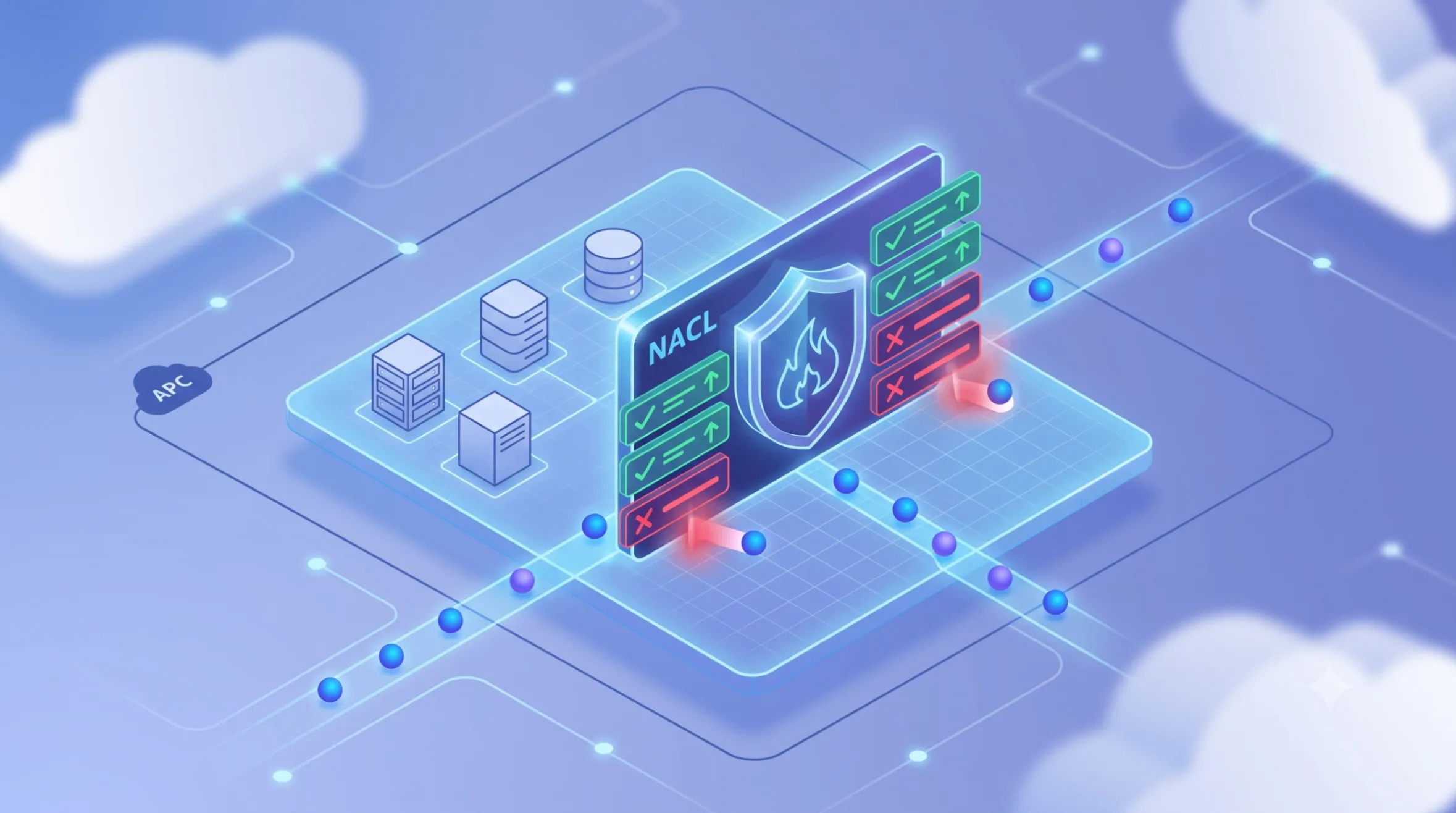
AWS - Network Access Control List
An Amazon Web Services network ACL acts as a stateless firewall that controls inbound and outbound traffic at the subnet level within your Virtual Private Cloud. It allows administrators to establish numbered rules that explicitly permit or deny specific data packets from crossing network boundaries. By functioning alongside instance-level security groups, this built-in feature provides an essential, supplementary layer of defense for your cloud architecture without incurring extra costs.
Series: Cloud Security (4 articles)
- 1AWS - Network Access Control List This article

AWS Network Access Control Lists (NACLs)
An Amazon Web Services network ACL acts as a stateless firewall that controls inbound and outbound traffic at the subnet level within your Virtual Private Cloud. It allows administrators to establish numbered rules that explicitly permit or deny specific data packets from crossing network boundaries. By functioning alongside instance-level security groups, this built-in feature provides an essential, supplementary layer of defense for your cloud architecture without incurring extra costs.
The First Line of Defense
When designing a secure cloud environment, network isolation is critical. While it is common to attach security rules directly to individual compute instances, a Network Access Control List (NACL) operates a layer higher—at the subnet level.
Think of a NACL as the border patrol for your subnet. Every packet of data attempting to enter or exit must be evaluated against a strict set of rules. These rules are evaluated in numerical order, starting from the lowest number. As soon as a packet matches a rule, that rule is applied, and all subsequent rules are ignored.
This numerical evaluation allows for powerful, explicit Deny rules. If you detect malicious traffic originating from a specific IP block, you can create a low-numbered rule to drop that traffic at the subnet boundary before it ever reaches your application servers.
The "Stateless" Catch
The most important characteristic of a NACL is that it is stateless.
Unlike many modern firewalls that remember active connections, a stateless firewall treats every single packet as a brand-new interaction. If your application sends an outbound request to an external API, the NACL will check its outbound rules. When the external API sends the response data back, the NACL does not remember the initial request. It checks the inbound rules entirely from scratch.
If you do not explicitly open ephemeral ports (typically 1024-65535) on your inbound NACL rules to allow that return traffic, the response will be blocked.
NACLs vs. Security Groups: A Layered Defense
For robust cybersecurity, AWS recommends using NACLs and Security Groups (SGs) together. They serve different purposes in a Defense-in-Depth strategy:
| Feature | Network ACL | Security Group |
|---|---|---|
| Scope | Subnet level | Instance level (Network Interface) |
| State | Stateless (Return traffic must be explicitly allowed) | Stateful (Return traffic is automatically allowed) |
| Rules | Supports Allow and Deny rules | Supports Allow rules only |
| Evaluation | Strict numerical order | All rules evaluated simultaneously |
(Note for multi-cloud engineers: If you are familiar with Microsoft Azure infrastructure, Azure Network Security Groups (NSGs) combine the functionality of AWS NACLs and Security Groups into a single stateful resource that can be applied to both subnets and network interfaces.)
Practical Scenario: Securing a Web and Database Tier
Consider a standard full-stack deployment: a public-facing Node.js/Express.js backend API and a private MySQL database.
- The Web Subnet (Public): You would configure the NACL to allow inbound traffic on port 443 (HTTPS) from the internet (
0.0.0.0/0) so users can access your Node.js API. You must also open outbound ephemeral ports so the server can respond to those users. - The Database Subnet (Private): To protect the data layer, you configure the private subnet's NACL to strictly deny all inbound internet traffic. You only allow inbound traffic on port 3306 (MySQL) originating specifically from the IP range of your Web Subnet.
Even if a misconfiguration occurs on the database's Security Group, the subnet-level NACL ensures that no external traffic can reach the MySQL server.
Best Practices for Cloud Engineers
- Leave Room in Rule Numbers: When creating rules, number them in increments of 10 or 100 (e.g., 100, 200, 300). This allows you to easily insert new rules in the future without having to renumber everything.
- Keep It Simple: Because NACLs are stateless and apply to the entire subnet, overly complex rules can quickly become difficult to manage and debug. Rely on Security Groups for granular, instance-specific routing, and use NACLs for broad network boundaries and blacklisting.
- Always Test Ephemeral Ports: The number one cause of NACL-related network failures is forgetting to allow inbound or outbound return traffic on high ephemeral ports.
Building secure, scalable infrastructure requires understanding not just how resources compute, but how they communicate. Mastering NACLs is a foundational step in cloud networking.
Series: Cloud Security (4 articles)
- 1AWS - Network Access Control List This article
Enjoyed reading this content? Let the author know!
Your likes, comments, shares, and saves help creators reach more builders.

Loading recommendations
Loading article