
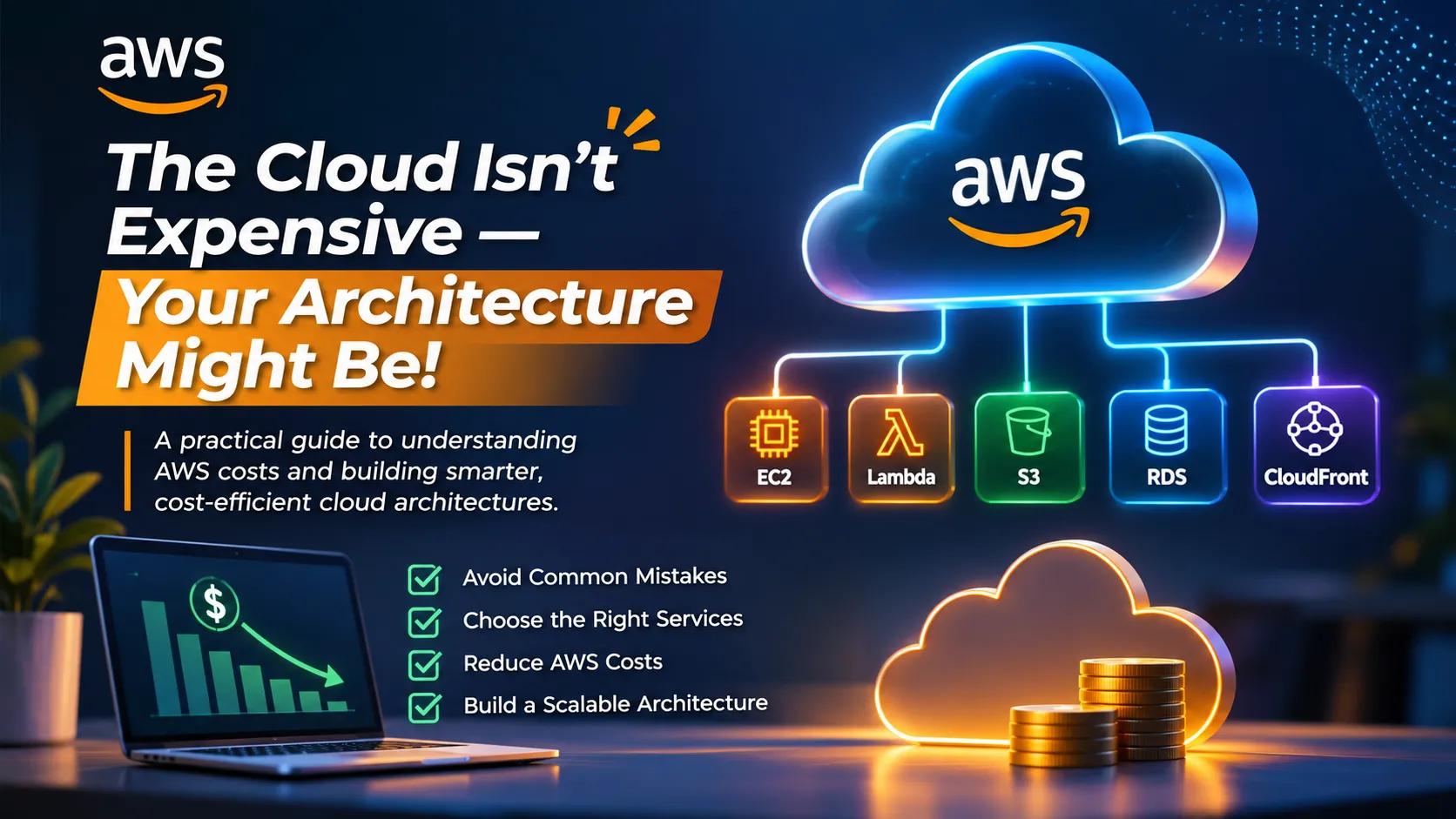
The Cloud Isn't Expensive — Your Architecture Might Be!
A practical guide to understanding hidden AWS costs, avoiding common cloud mistakes, and building smarter, cost-efficient cloud architectures.

The Cloud Isn't Expensive — Your Architecture Might Be! ☁️
Imagine launching your first application on AWS. Everything works perfectly. Your application is live, users can access it, and you're excited about your deployment.
Then comes the AWS bill. 💀
Suddenly, cloud computing doesn't feel so affordable anymore!
But here's something interesting: AWS isn't necessarily expensive. Poor cloud architecture and unmanaged resources can make it expensive.
Let's understand how developers can build smarter, more cost-efficient cloud applications.
🚀 1. The Biggest Mistake: Creating Resources and Forgetting Them
One common mistake beginners make is creating AWS resources for testing and forgetting to delete them.
For example:
- EC2 instances running even when nobody is using them.
- Unattached EBS volumes consuming storage.
- Old snapshots accumulating over time.
- Unused load balancers continuing to incur charges.
The lesson: Always review your AWS resources. If you're not using something, investigate whether it can safely be stopped or deleted.
💡 2. Choose the Right Service, Not Just the Popular One
Not every application needs a powerful EC2 instance.
AWS offers different services for different workloads:
- Amazon EC2: When you need control over virtual servers.
- AWS Lambda: For event-driven code without managing servers.
- Amazon S3: For scalable object storage.
- Amazon RDS: For managed relational databases.
- Amazon CloudFront: For delivering content closer to users.
The best architecture isn't necessarily the most complicated one.
It's the one that solves your problem efficiently.
💰 3. Five Simple Ways to Reduce AWS Costs
Here are five practical habits every cloud developer should develop:
1. Right-size your EC2 instances
Don't use a large instance when a smaller one can handle your workload.
2. Use S3 Lifecycle Policies
Automatically transition or expire objects according to your storage requirements.
3. Monitor your spending
Use AWS Cost Explorer and AWS Budgets to understand spending patterns and configure budget alerts.
4. Clean up unused resources
Regularly review storage volumes, snapshots, IP addresses and other resources.
5. Monitor your application
Use Amazon CloudWatch to understand resource utilization, application performance and logs.
🧠 4. Think Like a Cloud Architect
Being a cloud developer isn't just about knowing how to launch an EC2 instance or create an S3 bucket.
It's about asking the right questions:
- Does this application really need a server running 24/7?
- Can this workload use serverless architecture?
- Is my storage configuration appropriate?
- Am I paying for resources that I don't need?
- Can my architecture scale without unnecessary costs?
These questions separate someone who simply uses AWS from someone who understands cloud architecture.
🔥 Final Thoughts
Cloud computing is not just about deploying applications. It's about building applications that are scalable, secure, reliable and cost-efficient.
The next time you build something on AWS, don't just ask:
"Will it work?"
Also ask:
"Will it scale, will it remain secure, and will it be cost-efficient?"
Because a great cloud architecture doesn't just solve today's problems — it prepares you for tomorrow.
💬 Let's Discuss!
What's the biggest challenge you've faced while learning AWS?
- Understanding AWS services
- Managing cloud costs
- Designing cloud architecture
- Deploying real-world applications
Share your thoughts in the comments. Let's learn from each other!
If this article helped you, give it a like ❤️ and share it with someone learning AWS.
#AWS #CloudComputing #CloudArchitecture #DevOps #CloudCostOptimization
Enjoyed reading this content? Let the author know!
Your likes, comments, shares, and saves help creators reach more builders.

Loading recommendations
Loading article