

Three Hackathons, Three Builds, One Learning Journey: My Experience Building with AWS
A personal journey through three hackathon experiences, three different projects and countless learning moments. From building CampusConnect with Kiro and securing 3rd place, to exploring AI-powered accessibility auditing with Strands Decider and developing personalized learning roadmaps with Strands SDK, I share my ideas, development process, AWS technologies, technical challenges, debugging experiences and lessons learned as a student developer
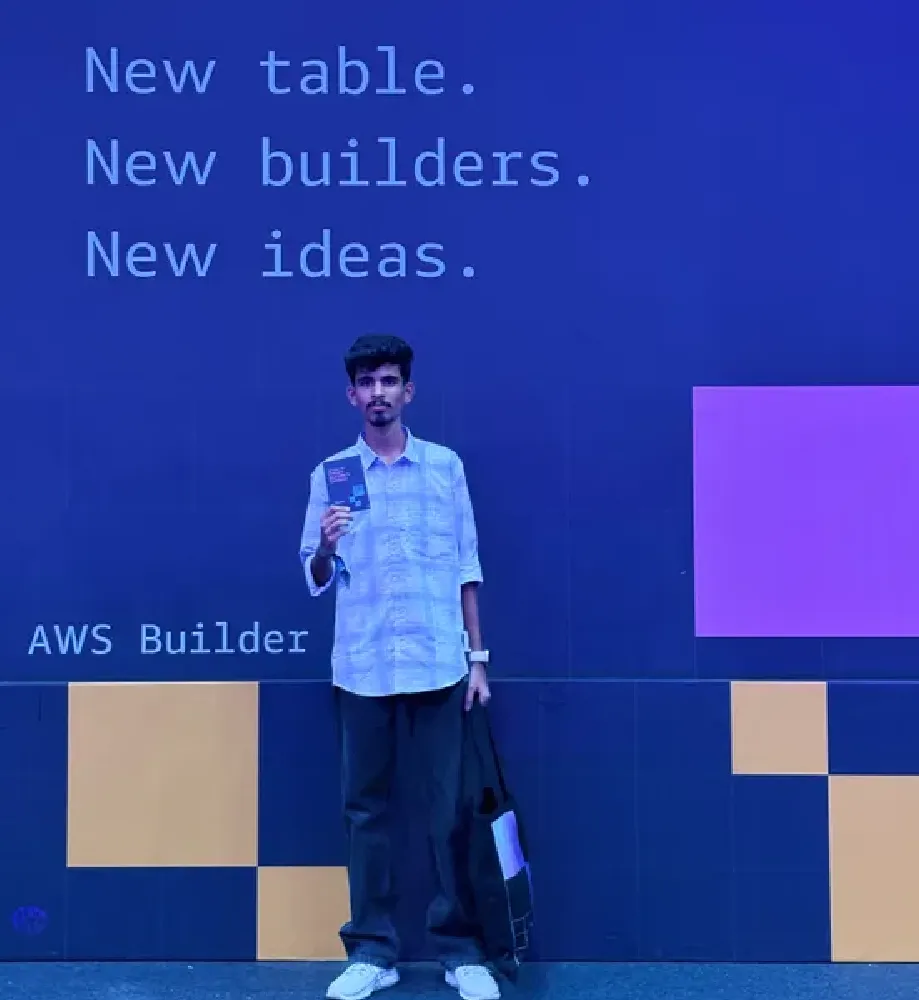
Three Hackathons, Three Builds, One Learning Journey: My Experience Building with AWS
Introduction
The most valuable part of participating in hackathons is not simply completing a project. It is the process of turning an idea into something functional, making technical decisions under constraints, solving unexpected problems and learning technologies by actually using them.
As a B.Tech Computer Science and Engineering student specializing in AI & ML at Amity University Bengaluru, I have been exploring full-stack development, artificial intelligence, automation and cloud technologies through practical projects.
Three hackathon experiences gave me opportunities to explore these areas from different perspectives:
- Kiro University Challenge — CampusConnect
- Strands Decider Challenge — AccessLens AI
- Strands SDK Challenge — SyllabusSync AI
Each project addressed a different problem, introduced different technical challenges and helped me understand more about building practical AI-powered applications.
This article is about that journey: the ideas, development process, technical exploration, challenges and lessons I gained along the way.
1. CampusConnect — My Kiro University Challenge Experience
My first major experience in this journey was the Kiro University Challenge.
I wanted to work on a problem that students could relate to directly. Campus environments often have everyday issues that need a better way to be reported, communicated and tracked.
That idea led to CampusConnect.
The idea
CampusConnect was designed as a student-focused campus platform bringing together two practical modules:
- FixIt: A way to report and manage campus maintenance issues.
- Lost & Found: A centralized place for reporting and discovering lost or found belongings.
Rather than treating these as completely separate problems, I wanted to bring them into one application.
Development experience
One important part of development was building the application beyond its visual interface.
I worked on authentication and role-based access control (RBAC), ensuring that access to application functionality was structured around user roles and permissions.
I also worked through implementation and security-related improvements, including changes associated with authentication and access control.
Kiro played an important role in my development workflow. It helped me explore an AI-assisted approach to software development while I focused on understanding the application structure, reviewing generated changes and improving the implementation.
Recognition
This experience became especially memorable when CampusConnect secured 3rd place in the Kiro University Challenge leaderboard.
It was encouraging to see a practical student-focused idea receive recognition.
More importantly, the experience helped me understand that building a useful application requires more than writing code. It requires understanding users, designing workflows, handling permissions and continuously testing the implementation.
2. AccessLens AI — Exploring AI Agents with Strands Decider
My next experience took me towards a different kind of problem: digital accessibility.
Websites are not always equally usable by everyone. Accessibility issues can make navigation, reading and interacting with websites difficult for people with different needs.
I wanted to explore how browser automation, accessibility testing and AI-assisted decision-making could work together to make website auditing more useful.
That became AccessLens AI — Civic Access Auditor.
The idea
AccessLens AI explores automated website accessibility auditing.
The goal is to inspect websites, identify accessibility issues and use AI-assisted reasoning to help interpret findings and support more meaningful review.
Technology and implementation
I explored a combination of tools:
- Python and FastAPI for the backend.
- Playwright for browser automation.
- axe-core 4.13.0 for accessibility testing.
- SQLite for storing application data.
- AWS Strands and Strands Decider 2B for AI-assisted decision-making.
- Amazon Bedrock for model inference.
One of the interesting parts was combining deterministic accessibility testing with AI-assisted reasoning.
The accessibility engine could identify technical violations, while the AI decision component could help interpret the results and support a more contextual review.
I learned that these two approaches serve different purposes: automated rules provide structured findings, while AI can help reason about those findings. AI should not simply replace the underlying testing evidence.
A real debugging experience
One of my important experiments involved testing the Strands Decider integration.
During testing, I received a HUMAN_REVIEW decision with a confidence value of approximately 0.8144.
This was useful because it demonstrated that an AI-based decision system does not always need to produce an automatic final answer. Some cases should be escalated for human verification.
I also explored the importance of keeping the AI decision process grounded in the actual accessibility findings rather than treating model output as unquestionable truth.
What I learned
AccessLens AI helped me understand:
- How browser automation can support real-world testing.
- How accessibility testing tools produce structured findings.
- How AI agents can be incorporated into existing software workflows.
- Why human review and confidence-aware decisions matter.
- Why AI output should be evaluated rather than blindly trusted.
This project expanded my understanding of AI beyond chat interfaces and into practical decision-support systems.
3. SyllabusSync AI — Building Personalized Learning Roadmaps with Strands SDK
The third experience brought me back to a problem I understand personally as a student: managing academic learning.
Students often have multiple subjects, topics, deadlines and learning goals. Knowing what to study is only one part of the challenge. Organizing that information into a manageable learning journey can be equally difficult.
I wanted to explore how AI agents could help make this process more structured.
That idea became SyllabusSync AI — Personalized Learning Roadmaps with AWS Strands SDK.
The idea
SyllabusSync AI focuses on transforming academic learning requirements into personalized learning roadmaps.
The concept is to help learners organize their study journey, identify what they need to learn and approach their academic goals through a more structured plan.
Exploring agent-based development
Through this project, I explored the AWS Strands SDK and the possibilities of building AI-agent-powered applications.
Instead of thinking about AI only as a question-and-answer interface, I started exploring how agent-based workflows could support a specific task.
This experience helped me think about:
- Understanding a learner's academic requirements.
- Organizing learning topics into a structured sequence.
- Connecting learning goals with actionable study plans.
- Making the learning experience more personalized.
The project also encouraged me to think about the importance of usability. An AI-powered application should not only generate information; it should present that information in a way that users can understand and act upon.
What this experience taught me
SyllabusSync AI helped me explore the educational application of AI agents and think about how generative AI can support everyday student workflows.
It also reinforced an important development principle: a useful AI application needs a clear problem, a well-designed workflow and an interface that makes its output practical.
4. What These Three Experiences Taught Me
Although the three projects addressed different problems, they shared an important theme: using technology to solve practical challenges.
Each experience taught me something different.
Project | Main learning |
|---|---|
CampusConnect | Full-stack development, authentication, RBAC and AI-assisted development |
AccessLens AI | Browser automation, accessibility testing, AI decision-making and human review |
SyllabusSync AI | Agent-based AI development and personalized educational workflows |
Moving beyond just building interfaces
Initially, it is easy to focus heavily on how an application looks. These experiences helped me pay more attention to what happens behind the interface.
Authentication, permissions, data handling, API integration, testing, deployment and error handling are all important parts of building a functional application.
Understanding AI as a development tool and application capability
I also explored two different dimensions of AI.
First, AI-assisted development tools can help accelerate implementation, exploration and debugging.
Second, AI can become part of the actual application, helping users solve problems through intelligent workflows.
Understanding the difference between these two uses has been an important part of my learning journey.
Learning through debugging
Not everything works on the first attempt.
There are integration issues, unexpected outputs, configuration problems and implementation decisions that need to be revisited.
I learned that debugging is not just about fixing an error. It is about understanding the system, identifying the source of a problem and validating the correction.
Building with a user-focused mindset
CampusConnect focused on campus needs, AccessLens AI explored digital accessibility, and SyllabusSync AI focused on student learning.
These projects reminded me that technology becomes more meaningful when it starts with a real problem.
5. My Development Approach
Across these experiences, I gradually developed a more structured approach to building projects.
My process generally involves:
- Identify the problem: Understand the user need before choosing technologies.
- Plan the solution: Break the idea into smaller modules and workflows.
- Explore the tools: Select suitable frameworks, AI services and development tools.
- Build incrementally: Implement features step by step instead of attempting everything at once.
- Test and debug: Validate functionality, inspect errors and improve the implementation.
- Review the result: Evaluate whether the application actually addresses the original problem.
I also learned that AI-assisted development does not remove the need for technical understanding. Generated code still needs to be reviewed, tested, debugged and understood.
6. Looking Ahead
These three hackathon experiences have strengthened my interest in full-stack development, generative AI, AI agents and AWS cloud technologies.
I am still learning, experimenting and improving as a student developer. I do not see these projects as the end of the journey. I see them as milestones that have helped me understand what I can build today and what I need to learn next.
My next goal is to continue improving these applications, explore more production-oriented engineering practices and build solutions that are useful beyond a hackathon demonstration.
Final Thoughts
Three hackathons gave me three different opportunities to experiment, build and learn.
CampusConnect taught me about building practical student-focused applications and strengthened my understanding of authentication and access control.
AccessLens AI introduced me to accessibility automation and AI-assisted decision-making, including the importance of human review.
SyllabusSync AI helped me explore agent-based AI development and personalized learning workflows.
The biggest takeaway is simple: every project teaches something that the next project builds upon.
I am grateful for the opportunities to participate in these challenges, experiment with new technologies and learn from the developer community.
This is only the beginning of my journey into building with AI, full-stack technologies and AWS.
Keep building. Keep experimenting. Keep learning.
Enjoyed reading this content? Let the author know!
Your likes, comments, shares, and saves help creators reach more builders.

Loading recommendations
Loading article