


If you use Kiro for a while, you eventually notice something: the Kiro CLI is more interesting than the Kiro IDE. It is, in practice, an agent tool you can run anywhere, not something locked to one editor window. As I slowly migrated away from the Kiro IDE toward different environments, I fell in love with one combination in particular: Zed plus the Kiro CLI, wired up as agents over the ACP protocol.
That said, the IDE does have real advantages. You can claw some of them back by hand with a local graph database like KiroGraph , by configuring access, by setting up sub-agents, and so on. But all of that is manual plumbing. You end up rebuilding, piece by piece, the scaffolding that an integrated agent mode just gives you.
The thing that unexpectedly solved all of this for me was a product called Kiro Crew.
Why I ignored Kiro Crew at first
Here is the honest reason I dismissed it for a long time. When you install Kiro Crew on, say, macOS, it shows up as yet another one of those inscrutable Chrome-based desktop apps. It eats an absurd amount of memory. It burns through a huge number of tokens. You cannot see what it does better than the agentic mode already baked into the IDE, so you shrug it off and move on. It looks like noise.
It gets a lot more interesting on Linux.
The moment it clicked, on Linux
If you look carefully at the Kiro site and read the Linux install instructions for Kiro Crew, you notice the install script is the same kind of script you use for the Kiro CLI. At some point I got curious: what actually happens, and how does it work under the hood?
It turns out that Kiro Crew on Linux is a systemd service. It runs a harness around the Kiro CLI, with its own persistent memory and a pile of built-in features. These are exactly the things I used to hand-roll myself as a layer wrapped around the CLI: memory, scheduling, sub-agents, self-learning, multi-session orchestration. Here they came in the box.
There is one catch, and it turned out to be a feature. On Linux, Kiro Crew works through an existing browser as its interface, alongside the CLI. And, wonder of wonders, it works in any browser. You do not need another Chrome-based app. You open a tab, switch sessions whenever you like, keep the tab closed when you want to, and the service keeps running.
But something was still missing for me.
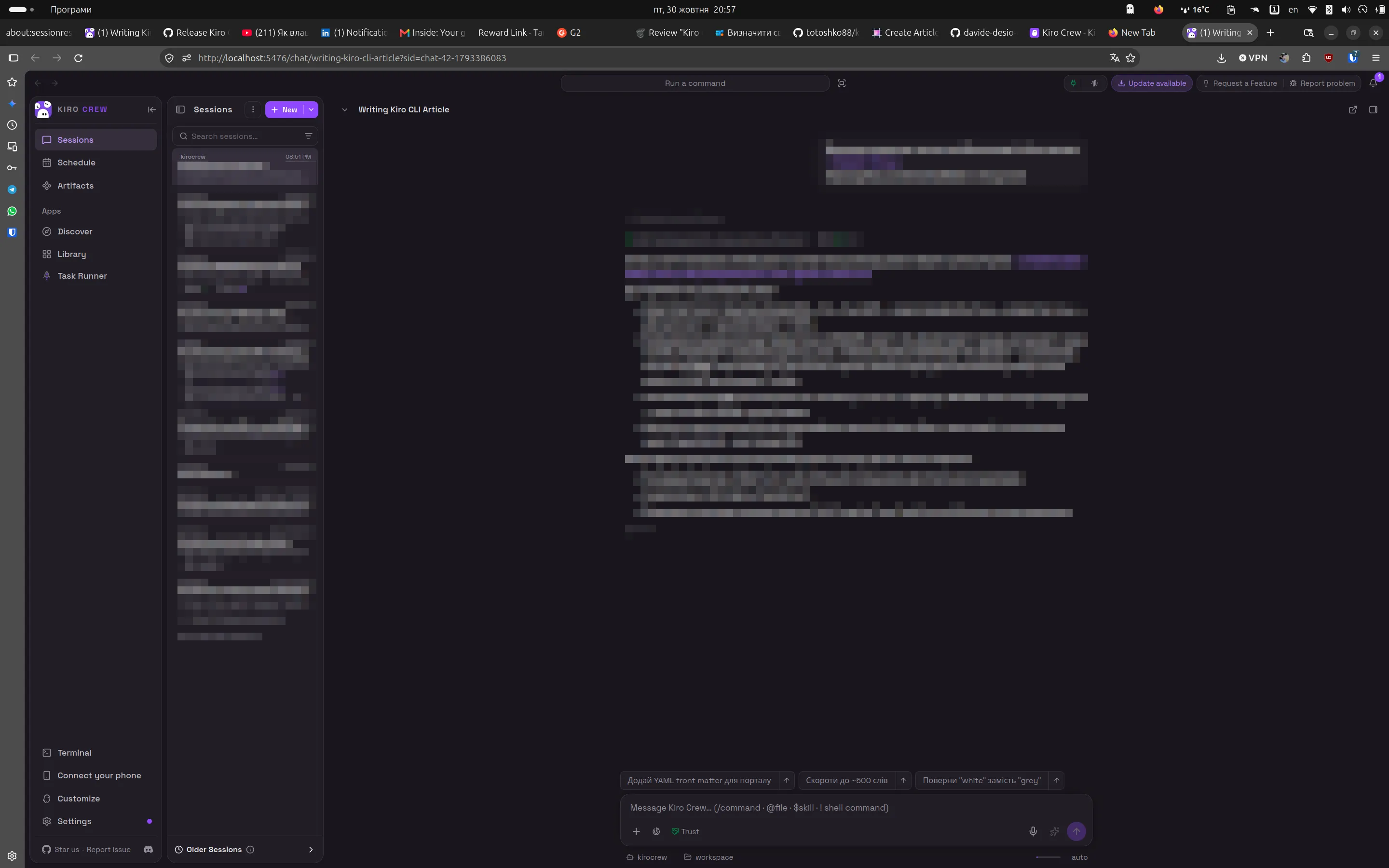
The idea: a GNOME extension for Kiro Crew
That gap is exactly how the idea for a GNOME extension was born.
Kiro Crew agents keep working after you close the chat. They run long tasks, answer on a schedule, spawn helpers, and wait for approvals, all unattended, on your own hardware. The problem is simple: if nobody is watching, an agent can sit for an hour stuck on a single yes/no question. You end up checking the dashboard "just in case," which is the opposite of letting a crew run.
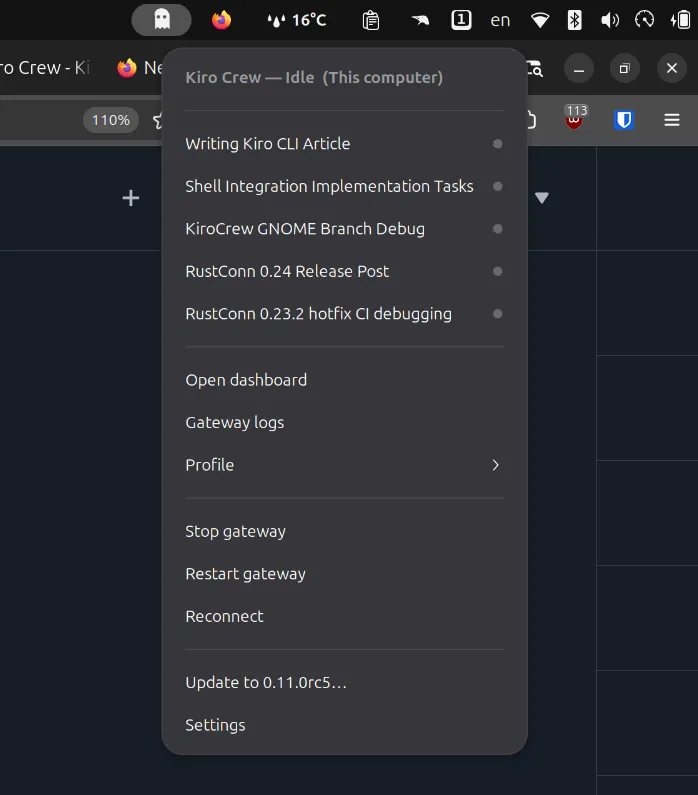
So I built kiro-crew-gnome : a little ghost that lives in the GNOME top bar and watches your whole Kiro Crew for you. It pulls you in only when it matters.
The extension is still under review, so you will not find it on the official GNOME Extensions portal yet. AI-assisted development landed on open source faster than review queues did. But if you are a Linux GNOME user, you can grab it and install it today.
What I actually implemented
Essentially, I exposed everything the API gives you out of the box:
- Automatic token fetch for verification. On a normal local setup the extension fetches its own access token on first run, via the gateway's loopback-only local bootstrap, so the ghost usually lights up with no extra steps.
- Tabs, statuses, and live session state — what is happening right now across your different sessions.
- Session visibility control — you decide how many sessions you want to see.
- A color-coded ghost that changes as work happens.
The ghost's color is the whole trick. At a glance, without opening a single browser tab:
- Grey (idle) — all quiet, nothing to do, it stays out of your way.
- Purple — an agent is working (Kiro's own accent color). Something is churning.
- Amber — an agent stopped and needs you: a question or an approval.
- Red — something broke, or the gateway is down.
And one click takes you straight to the session that wants you, not the home page, not the last tab you had open, but the one that needs attention. That is the difference between babysitting a dashboard and running a crew.
It works. It has been working for about a month now. I am already on version 0.1.5, which rolls up development, improvements, and fixes for Kiro Crew security issues, meaning the support work on my side that keeps the extension running as Kiro Crew evolves.
Running it across machines over SSH
Because this is access to AI agents, I also wired up SSH tunneling inside my own setup. I currently run several Kiro Crew Profiles from different computers. And precisely because it is access to AI agents, that access is never direct: it goes over SSH tunnels.
That, in the end, is the pitch. Powerful autonomous agents, kept on a short leash, on a machine you own, and a ghost in your top bar watching the leash for you.
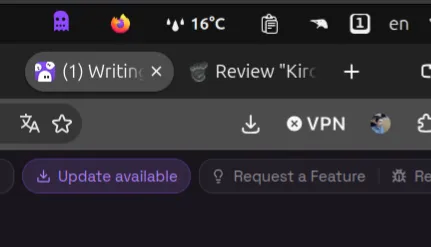
P.S. I am hoping the GNOME Extensions review queue clears up at some point, so you will be able to install the extension with a single click. For now it is still going through the official review, so the one-click path is not live yet. You can follow its status on the review page: extensions.gnome.org/review/75860 . Until it lands, install it from source from the GitHub repository .
Enjoyed reading this content? Let the author know!
Your likes, comments, shares, and saves help creators reach more builders.

Loading recommendations
Loading article