
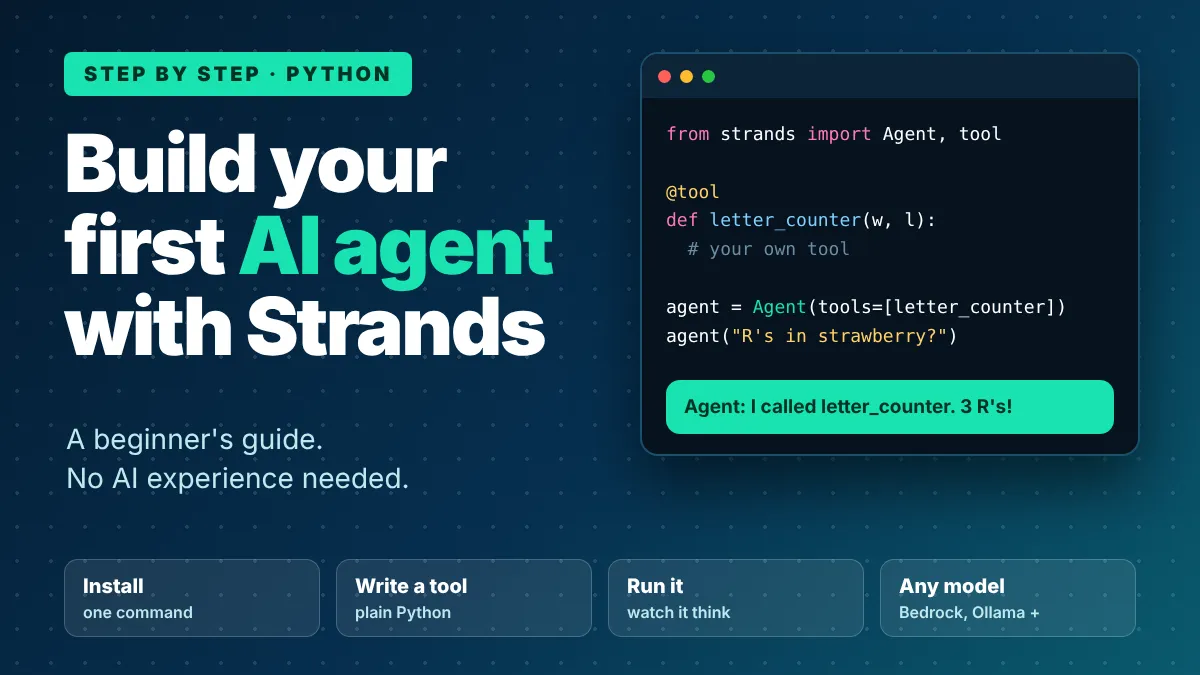
Build Your First AI Agent with Strands: A Beginner's Guide
A beginner-friendly, step-by-step guide to building a working AI agent in Python with the Strands Agents SDK. Give it your own tool and watch it decide what to do. Uses Amazon Bedrock by default, or Ollama, Anthropic or OpenAI if you don't have an AWS account. No AI experience needed.

DevOps Engineer
In this guide you will build a working AI agent in Python with Strands Agents, give it a custom tool, run it, and see how it decides to use that tool. You do not need any AI experience. It uses Amazon Bedrock by default, but you can also follow along with Ollama, Anthropic or OpenAI.
New to AI agents? What Is an AI Agent? A Simple Guide for AWS Beginners explains the ideas first. You can also start here and come back to it later.
What you will build
A small agent that can answer a question and call two tools: one you write yourself (a letter counter) and one that comes with Strands (a file editor). At the end you ask it, "How many R's are in strawberry? Write the answer to answer.txt", and it counts the letters and saves the file by itself.
An AI agent in one sentence: a program that uses an AI model to decide what to do, calls tools to do it, and repeats until the job is done. Strands Agents is the open source SDK that runs that loop for you, so you only write the tools.
What you need
- Python 3.10 or newer, with a virtual environment activated.
- An AWS account with access to a model in Amazon Bedrock. Strands uses Amazon Bedrock by default, with Claude Sonnet 4.6 in the us-west-2 Region, so you do not need to choose a model.
- AWS credentials that are allowed to invoke the model.
- Model access turned on in the Amazon Bedrock console. Follow the AWS documentation for this step.
No AWS account? You can still follow this guide. Strands also works with Anthropic, OpenAI and Ollama, and Step 2B below shows how.
Step 1: Install Strands
Create and activate a virtual environment, then install the SDK:
Bash
pip install strands-agents
Step 2: Set up your AWS credentials
For local testing, the quickest way is a Bedrock API key. Set it as an environment variable:
Bash
export AWS_BEARER_TOKEN_BEDROCK=your-bedrock-api-key
Or use your normal AWS setup: run
aws configure , or set AWS_ACCESS_KEY_ID , AWS_SECRET_ACCESS_KEY and, if needed, AWS_SESSION_TOKEN . On AWS services such as EC2, ECS or Lambda, an IAM role works too. Never paste keys into your code or into a public repository.Step 2B: No AWS account? Use another model
Pick one option. You pass a model object to the agent, and every other step in this guide stays the same. Skip this step if you use Amazon Bedrock.
Option 1: Ollama (free, runs on your computer). Install Ollama, start it, and pull a model:
Bash
ollama pull llama3.1pip install 'strands-agents[ollama]'
Python
from strands import Agentfrom strands.models.ollama import OllamaModelmodel = OllamaModel(host="http://localhost:11434", model_id="llama3.1")agent = Agent(model=model)
Option 2: Anthropic. Use your own Anthropic API key:
Bash
pip install 'strands-agents[anthropic]'
Python
from strands import Agentfrom strands.models.anthropic import AnthropicModelmodel = AnthropicModel(client_args={"api_key": "<YOUR_KEY>"},max_tokens=1028,model_id="claude-sonnet-4-20250514",)agent = Agent(model=model)
Option 3: OpenAI. Use your own OpenAI API key (or set the
OPENAI_API_KEY environment variable):Bash
pip install 'strands-agents[openai]'
Python
from strands import Agentfrom strands.models.openai import OpenAIModelmodel = OpenAIModel(client_args={"api_key": "<YOUR_KEY>"}, model_id="gpt-4o")agent = Agent(model=model)
In Steps 3 to 6, build the agent with
Agent(model=model, ...) instead of Agent(...) . For example, in Step 4 use Agent(model=model, tools=[letter_counter]) . Keep API keys out of your code in real projects. Model names change, so check the provider's current list.Step 3: Run your first agent
Create a file called
agent.py :Python
from strands import Agent# Bedrock is the default, so no model object is needed.agent = Agent()agent("What is an agent harness, in one sentence?")
Run it:
Bash
python -u agent.py
The
-u flag shows the answer as it streams in. If you see a one-sentence answer, your agent works. It has no tools yet, so it can only talk.Step 4: Give it a tool
A tool is a normal Python function that the agent is allowed to call. Add the
@tool decorator, type hints and a clear docstring. Strands reads these to tell the model what the tool does. Replace your file with this:Python
from strands import Agent, tool@tooldef letter_counter(word: str, letter: str) -> int:"""Count occurrences of a specific letter in a word.Args:word (str): The input word to search inletter (str): The specific letter to countReturns:int: The number of occurrences of the letter in the word"""if len(letter) != 1:raise ValueError("The 'letter' parameter must be a single character")return word.lower().count(letter.lower())agent = Agent(tools=[letter_counter])agent('How many letter R\'s are in the word "strawberry"?')
Run it again. This time the agent does not guess. It decides to call
letter_counter with the word "strawberry" and the letter "r", reads the result, and writes the answer. That is the agent loop: think, act, look, repeat.Why the docstring matters: the first paragraph becomes the tool's description, and the Args section describes each parameter. A clear description helps the model pick the right tool and use it correctly.
Step 5: Add a second tool that does something real
Strands includes ready-made tools. Add the file editor so the agent can save its answer. The full file now looks like this:
Python
from strands import Agent, toolfrom strands.vended_tools import file_editor@tooldef letter_counter(word: str, letter: str) -> int:"""Count occurrences of a specific letter in a word.Args:word (str): The input word to search inletter (str): The specific letter to countReturns:int: The number of occurrences of the letter in the word"""if len(letter) != 1:raise ValueError("The 'letter' parameter must be a single character")return word.lower().count(letter.lower())agent = Agent(tools=[letter_counter, file_editor])agent('How many letter R\'s are in the word "strawberry"? Write the answer to answer.txt.')
Run it. The agent counts the letters, then writes the result to an
answer.txt file in your folder. Open the file to check.You now have an agent that uses two tools in one task, and you decided nothing about the order. The model chose it.
Step 6: Look at what happened
Every call returns an
AgentResult with the messages, metrics and traces from the run. To keep the result in a variable instead of only printing it:Python
result = agent('How many letter R\'s are in the word "strawberry"?')print(result)
To turn off the streamed console output, for example in a web app, create the agent with
callback_handler=None :Python
agent = Agent(tools=[letter_counter], callback_handler=None)
If something goes wrong
- A credentials or access error? Check that your credentials are set in the same terminal, and that model access is enabled in the Amazon Bedrock console.
- Python errors on install or import? Check that you are on Python 3.10 or newer, and that your virtual environment is activated.
- The agent ignores your tool? Improve the docstring. Say what the tool does and when to use it.
- No streamed output? Run the script with
python -u.
Where to go next
- Add more tools. Start with two or three. Too many tools make the model pick the wrong one.
- Try another model. Pass a model object, such as
AnthropicModelorOpenAIModel, toAgent(model=model).
- Run it for real users. When your agent works on your laptop, Amazon Bedrock AgentCore can host it. Its Runtime service runs agents in isolated sessions, Memory remembers conversations, and Gateway can turn your APIs into tools. You do not need AgentCore to learn, so add it when you have real users.
- Learn the ideas behind agents. Read What Is an AI Agent? A Simple Guide for AWS Beginners for the concepts and how Strands and AgentCore fit together.
- Use several agents together. Strands supports agents as tools, Swarm, Graph and Workflow patterns.
Clean up
If you created any hosted deployments or Bedrock API keys for this lab, delete them when you finish. A local
agent.py costs nothing to keep, but every model call can cost money, so check your Bedrock usage.Sources
Code and setup steps are taken from the Strands documentation as of Oct 28, 2026. SDK versions, default models and Bedrock access steps change often, so check the current docs before you start.
Enjoyed reading this content? Let the author know!
Your likes, comments, shares, and saves help creators reach more builders.

Loading recommendations
Loading article