
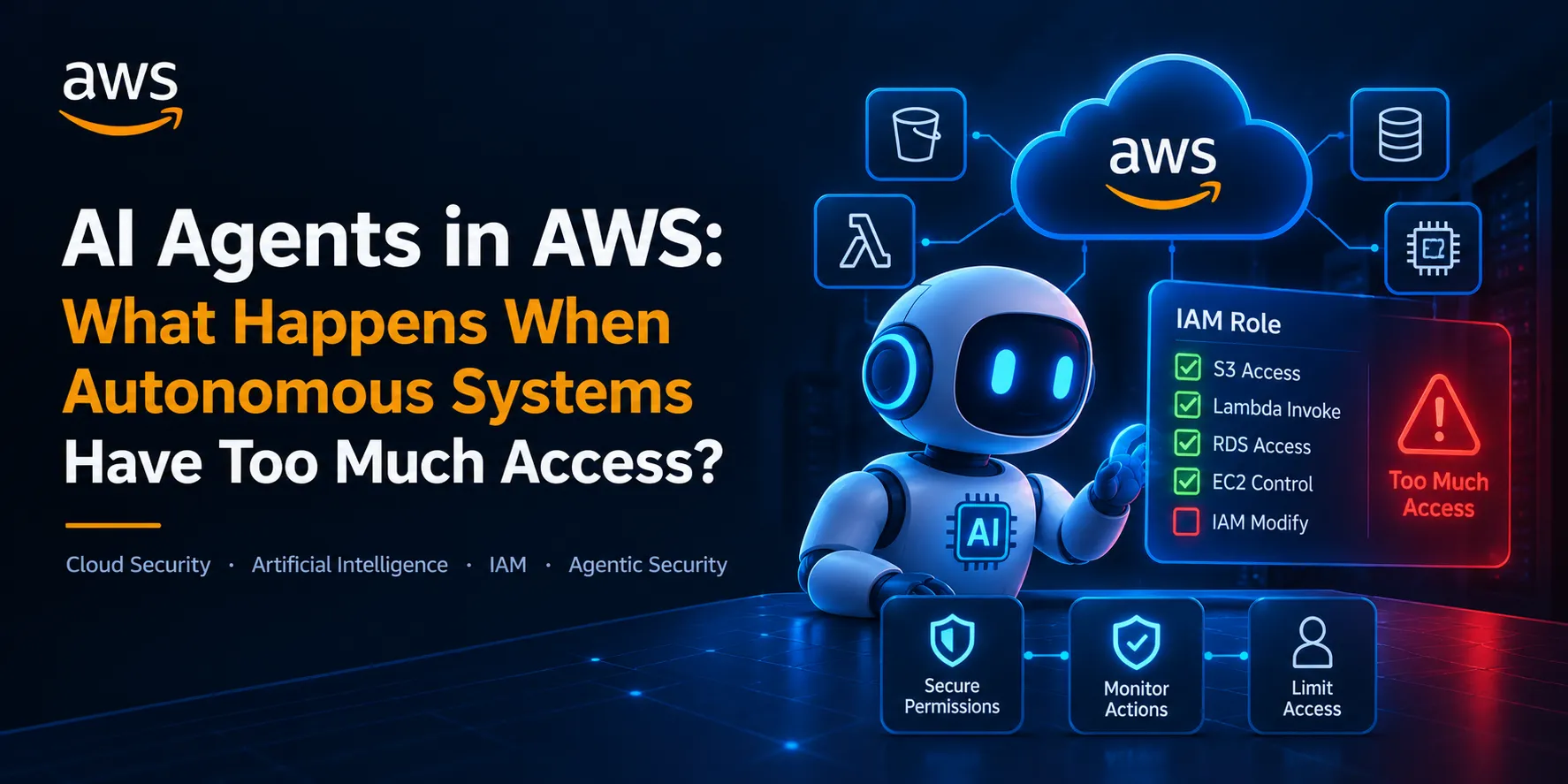
AI Agents in AWS: What Happens When Autonomous Systems Have Too Much Access?
Artificial intelligence is evolving beyond chatbots that answer questions. Today's AI agents can interact with APIs, execute tasks, process data, and use external tools to accomplish complex goals

Artificial intelligence is evolving beyond chatbots that answer questions. Today's AI agents can interact with APIs, execute tasks, process data, and use external tools to accomplish complex goals.
When these agents operate in cloud environments such as AWS, they introduce an important security question:
What happens when an autonomous AI agent has more permissions than it actually needs?
An agent with excessive access could potentially expose sensitive data, modify cloud resources, or perform unintended actions if it is manipulated, compromised, or simply makes a mistake.
As organizations adopt AI-powered automation, securing these agents is becoming an important part of cloud security.
🤖 1. What Is an AI Agent in the Cloud?
An AI agent is a system that can interpret a goal, make decisions, and interact with tools or services to complete a task.
In an AWS environment, an AI-powered application might:
- Retrieve information from an S3 bucket.
- Query a database.
- Invoke AWS Lambda functions.
- Analyze CloudWatch logs.
- Interact with internal APIs.
- Automate operational workflows.
For example, imagine an AI assistant designed to analyze application logs and recommend fixes.
The agent may need permission to read selected logs. It probably doesn't need permission to delete production resources, modify IAM policies, or access unrelated customer data.
This distinction is where security begins.
🔐 2. The Permission Problem
Traditional cloud security already deals with excessive permissions through IAM misconfigurations and poorly scoped roles.
AI agents add another layer: they may decide which available tools to invoke based on instructions and the information they receive.
Consider this architecture:
User → AI Agent → Tool/API → AWS Service → Data
If the agent has broad permissions, a mistake or malicious instruction could lead to actions outside its intended purpose.
For example, a log-analysis agent might be authorized to read application logs but also possess permissions to modify infrastructure.
The issue isn't that the AI is necessarily malicious. The issue is that its available capabilities exceed what its task requires.
A useful security principle: An agent should never have more authority than its job demands.
⚠️ 3. Prompt Injection Can Become a Cloud Security Problem
Prompt injection occurs when malicious instructions are placed in content that an AI system processes, potentially influencing its behavior.
Imagine an agent that reads support tickets and can also call cloud-management tools.
A malicious ticket might contain instructions telling the agent to retrieve confidential information or perform an unauthorized action.
If the agent treats untrusted content as trusted instructions, and its tools permit the requested action, the consequences could extend beyond the AI conversation.
A simplified attack path might look like this:
Untrusted Content → AI Agent → Tool Invocation → Overprivileged Identity → Sensitive Resource
This does not mean every prompt injection will lead to a cloud compromise. The impact depends on the agent's design, available tools, permissions, and security controls.
However, it demonstrates why prompt filtering alone is not enough.
The underlying cloud permissions must also limit what the agent can do.
☁️ 4. How AWS IAM Can Help Secure AI Agents
AWS Identity and Access Management provides controls that can help limit an agent's authority.
A safer architecture should consider the following:
Dedicated IAM roles: Assign each workload an appropriate role rather than sharing powerful credentials across multiple agents.
Least privilege: Permit only the specific actions and resources required for the agent's task.
Temporary credentials: Prefer appropriate temporary credentials over hardcoded, long-lived access keys.
Resource restrictions: Scope access to specific buckets, functions, or other resources whenever possible.
Separation of duties: Separate reading information from making consequential changes.
Controlled tool execution: Ensure that the application validates proposed actions before passing them to AWS services.
For example, a log-analysis agent could receive read-only access to a designated log group instead of broad administrative access to the AWS account.
If the agent behaves unexpectedly, these restrictions help reduce its potential impact.
🛡️ 5. Use Human Approval for High-Impact Actions
Not every AI action needs human approval.
Reading a permitted log file may be a low-risk operation. Deleting a production database or changing an IAM trust policy is very different.
Organizations should classify actions by their potential impact and apply stronger controls to sensitive operations.
A practical approach could be:
- Low risk: Read approved documentation or logs.
- Medium risk: Generate a proposed configuration change for review.
- High risk: Require explicit authorization before executing a consequential operation.
Human approval should be enforced by the application or execution layer, not merely requested through a prompt.
This creates a meaningful security boundary between an agent recommending an action and an agent being allowed to perform it.
🔍 6. Monitor What the Agent Actually Does
Giving an AI agent limited permissions is important, but monitoring is equally valuable.
Security teams should be able to answer:
- Which identity performed an action?
- Which AWS resource was accessed?
- Which API operation was called?
- When did the action occur?
- Was the action expected for the agent's task?
AWS CloudTrail can record supported AWS API activity, while Amazon CloudWatch can help collect and monitor application logs and operational signals.
Where appropriate, organizations can also use Amazon GuardDuty and AWS Security Hub to support threat detection and security-finding management.
Application-level audit records are useful too. They can connect an agent's task, proposed tool invocation, authorization decision, and execution result.
Sensitive prompts, tokens, and personal data should not be indiscriminately written into logs.
🧪 7. Build a Safe AI-Agent Security Lab
You can explore these concepts without testing a production environment.
Create an isolated AWS test environment and build a simple agent or simulated workflow that can perform a small number of approved actions.
Then examine the following scenarios:
Scenario 1: Excessive permissions
Give a test workload access to more resources than it needs. Identify the unnecessary permissions and replace them with a narrower policy.
Scenario 2: Untrusted instructions
Provide the agent with a test document containing conflicting or malicious instructions. Observe whether it attempts to call tools outside its intended workflow.
Scenario 3: Unauthorized actions
Attempt a restricted operation using the agent's test identity. Verify that AWS denies the action.
Scenario 4: Auditability
Review available logs to determine whether you can trace the attempted action, the identity involved, and the authorization outcome.
Use synthetic data and non-destructive test resources. The goal is to understand the security boundaries and verify that they work.
🚀 8. The Future: Authorization Designed for AI Agents
As agents become more autonomous, assigning a role at startup may not be enough for every application.
Some systems may benefit from authorization decisions that also consider:
- The current task.
- The specific tool being invoked.
- The resource being accessed.
- The user's existing permissions.
- The sensitivity and impact of the requested action.
- Whether the action requires additional approval.
For example, an agent authorized to investigate a security alert should not automatically gain permission to delete the affected infrastructure.
Its authority should remain constrained to the approved investigation, with separate authorization for disruptive remediation.
This points toward a broader cloud-security challenge: how can we ensure that an AI agent's authority stays aligned with its purpose throughout execution?
Identity establishes who or what is making a request. Authorization determines whether a particular action should be allowed. Secure agent systems need both, supported by monitoring and well-designed execution controls.
🎯 Final Thoughts
AI agents can make cloud operations faster and more efficient, but autonomy should not mean unrestricted access.
An agent that can reason, select tools, and execute actions must operate within clear security boundaries.
For cloud security engineers, the challenge is to protect not only the infrastructure but also the identities, tools, and decision-making workflows that interact with it.
As we build more capable AI systems, we should ask three questions:
What can the agent access?
What actions can it perform?
What prevents it from exceeding its authority?
The goal is not to eliminate AI-driven automation. It is to make that automation secure, accountable, and appropriately constrained.
Give AI agents the tools they need—not the keys to everything. 🔐☁️
# agentic-interactions# aws-iam-identity-center# cloud-security# aws-data-pipeline# student-builders
Any opinions in this article are those of the individual author and may not reflect the opinions of AWS.Enjoyed reading this content? Let the author know!
Your likes, comments, shares, and saves help creators reach more builders.

Loading recommendations
Loading article