
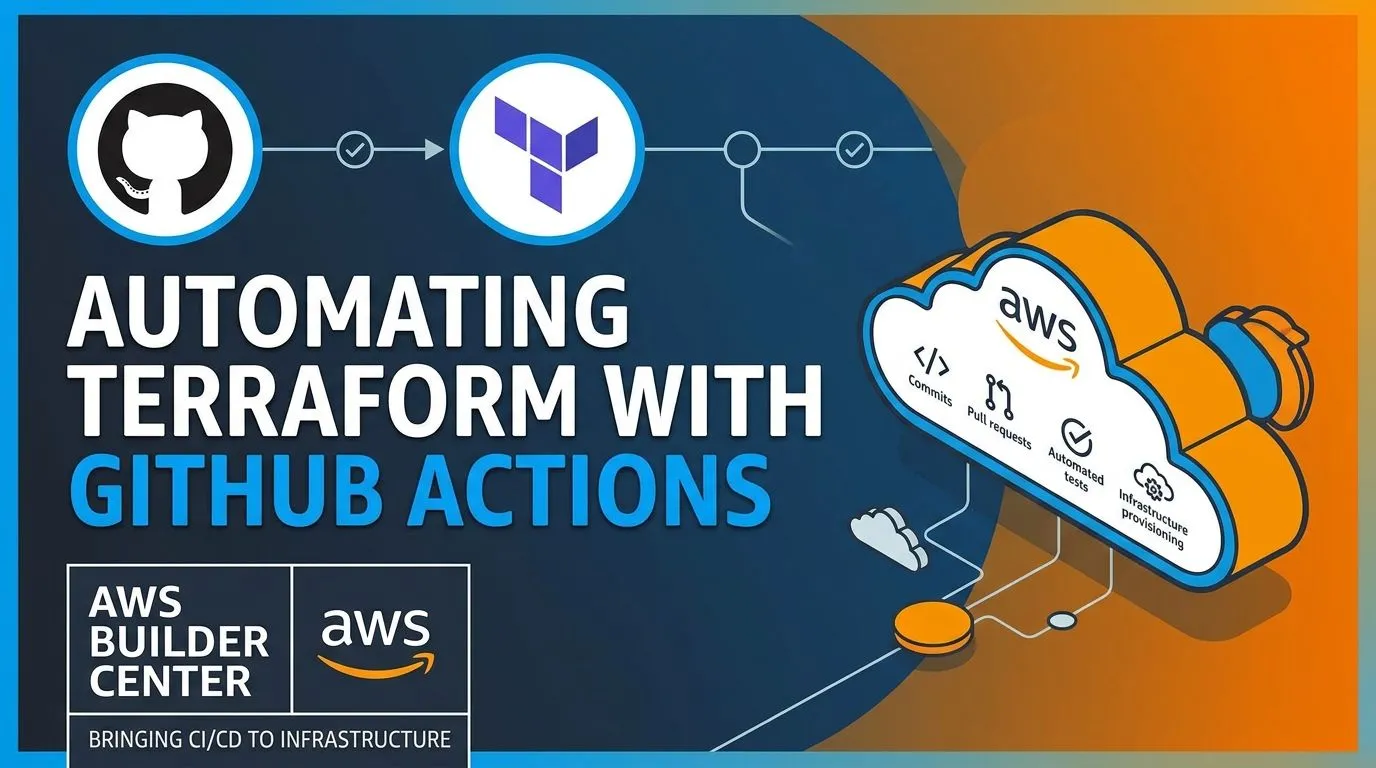
Automating Terraform with GitHub Actions: Bringing CI/CD to Infrastructure
Learn how GitHub Actions and Terraform work together to automate infrastructure validation, planning, and deployment while following AWS security best practices.
Series: From Code to Cloud: My DevOps Journey on AWS (5 articles)
- …
- 5Automating Terraform with GitHub Actions: Bringing CI/CD to Infrastructure This article

Automating Terraform with GitHub Actions: Bringing CI/CD to Infrastructure
Introduction
In my previous article, I explored Infrastructure as Code (IaC) and how Terraform can be used to manage AWS resources through configuration files.
But learning to define infrastructure as code raises another question:
What if we could automatically validate and manage infrastructure changes whenever we update our Terraform configuration?
This is where GitHub Actions comes in.
In this article, I'll explore how GitHub Actions and Terraform can work together to automate infrastructure workflows and bring CI/CD practices to cloud infrastructure.
What Is GitHub Actions?
GitHub Actions is an automation platform built into GitHub.
It allows us to automate tasks such as testing applications, building container images, and deploying software whenever specific events occur in a repository.
For example, when a developer pushes a change or opens a pull request, GitHub Actions can automatically start a workflow.
These workflows are defined in YAML files and can contain multiple jobs and steps.
Why Automate Terraform?
When managing infrastructure manually, we might need to run Terraform commands whenever a configuration changes.
This works for learning and small projects, but it can become difficult to manage as infrastructure grows.
Automation helps us create a consistent process for reviewing infrastructure changes before applying them.
Some important benefits include:
- Consistency: Run the same validation steps for every change.
- Early feedback: Identify configuration problems before deployment.
- Reviewability: Inspect proposed infrastructure changes through pull requests.
- Efficiency: Reduce repetitive manual tasks.
- Traceability: Keep workflow results and configuration changes connected to Git history.
The goal is not simply to automate commands. It is to make infrastructure changes more controlled and predictable.
How Terraform and GitHub Actions Work Together
Terraform defines the infrastructure we want, while GitHub Actions automates the workflow around that configuration.
A typical process looks like this:
Developer updates Terraform files
↓
Pushes changes to GitHub
↓
GitHub Actions starts a workflow
↓
Terraform validates the configuration
↓
Terraform creates an execution plan
↓
Changes are reviewed
↓
Approved changes are applied
This creates a repeatable workflow for managing infrastructure.
Understanding the Main Workflow Stages
1. Source Control
Terraform configuration files are stored in a GitHub repository.
When changes are pushed, GitHub provides a history of the updates and supports collaboration through pull requests.
2. Initialization and Validation
Terraform initializes the working directory and prepares the required providers and modules.
It can then validate the configuration to identify syntax and configuration errors.
3. Planning
Terraform generates an execution plan describing the infrastructure changes it proposes to make.
This is an important step because it gives us an opportunity to review the changes before modifying real AWS resources.
4. Review and Approval
A pull request can be used to review both the Terraform configuration and the proposed infrastructure changes.
For important environments, applying changes should require appropriate approval and access controls.
5. Apply
After the required checks and approvals, Terraform can apply the planned changes to AWS.
For a beginner project, it is a good practice to start with automated validation and planning before introducing automatic deployment.
Connecting GitHub Actions to AWS
To manage AWS resources, the workflow needs permission to access the AWS account.
One recommended approach is OpenID Connect (OIDC).
With OIDC, GitHub Actions can request temporary AWS credentials through an appropriately configured IAM role instead of storing long-lived AWS access keys in GitHub secrets.
This requires configuration on both sides:
- An OIDC identity provider and IAM role in AWS.
- Appropriate permissions and trust conditions for the GitHub repository and workflow.
- A GitHub Actions workflow configured to request an OIDC token.
The role should follow the principle of least privilege, granting only the permissions required for the intended infrastructure changes.
This is an important lesson: automation should make infrastructure management easier without compromising security.
What About Terraform State?
Terraform state is another important consideration when introducing automation.
State tracks the resources managed by Terraform and helps it determine what changes are required.
For team projects, storing state in a shared, securely configured remote backend can help multiple users and automation workflows work with the same infrastructure state.
The backend should have appropriate access controls, encryption, and state-locking support where available.
We should also avoid exposing sensitive values through workflow logs or accidentally committing state files containing sensitive information to Git.
What I Learned
Exploring Terraform and GitHub Actions helped me understand how CI/CD can extend beyond application deployment.
Some key takeaways are:
- GitHub Actions can automate infrastructure workflows.
- Terraform validation helps catch configuration issues early.
- Terraform plans make proposed changes easier to review.
- Pull requests provide a structured way to review infrastructure updates.
- OIDC can provide temporary AWS credentials without long-lived access keys.
- Terraform state needs careful management in collaborative environments.
- Automated infrastructure changes still require appropriate security controls and approvals.
The biggest lesson for me is that Infrastructure as Code becomes even more useful when combined with a reliable automation and review process.
Conclusion
GitHub Actions and Terraform provide a practical way to bring CI/CD principles to cloud infrastructure.
GitHub Actions automates the workflow, while Terraform defines and manages the infrastructure.
Together, they help make infrastructure changes more consistent, reviewable, and repeatable.
For me, this is another step toward understanding how modern DevOps practices connect application development, cloud infrastructure, automation, and security.
The goal is to move beyond manually managing resources and toward infrastructure workflows that are automated, controlled, and reproducible.
Series: From Code to Cloud: My DevOps Journey on AWS (5 articles)
- …
- 5Automating Terraform with GitHub Actions: Bringing CI/CD to Infrastructure This article
Enjoyed reading this content? Let the author know!
Your likes, comments, shares, and saves help creators reach more builders.

Loading recommendations
Loading article