
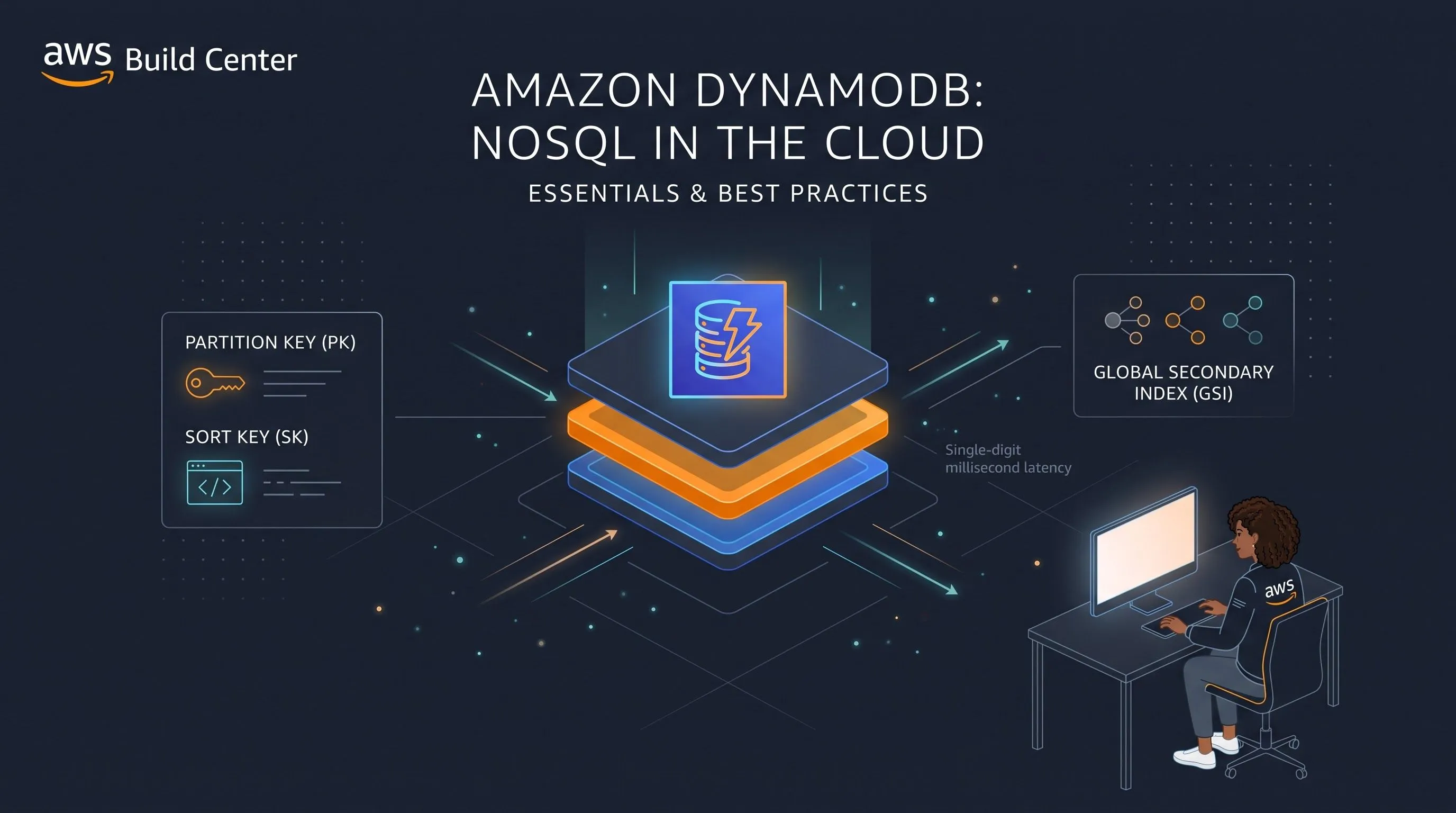
NoSQL in the Cloud: Mastering Amazon DynamoDB Basics and Best Practices
Ditch relational constraints for high-scale applications. Learn the core concepts of Amazon DynamoDB, including partition keys, capacity modes, and NoSQL data modeling best practices

When building modern, serverless applications on AWS, traditional relational databases like MySQL or PostgreSQL can sometimes become bottlenecks at massive scale. This is where **Amazon DynamoDB** steps in.
DynamoDB is a fully managed, serverless NoSQL database designed to deliver single-digit millisecond performance at any scale. However, working with DynamoDB requires a complete shift in how you think about data modeling. Here are the essential best practices to get started.
### 1. Stop Thinking in SQL (No JOINs)
In a relational database, you normalize your data into multiple tables (e.g., `Users`, `Orders`, `Products`) and use `JOIN` statements to bring them together.
In a relational database, you normalize your data into multiple tables (e.g., `Users`, `Orders`, `Products`) and use `JOIN` statements to bring them together.
In DynamoDB, there are no `JOIN` operations. Instead, you must pre-join your data. The best practice is **Single-Table Design**, where you store multiple entity types in the exact same table. You differentiate them using generic keys like `PK` (Partition Key) and `SK` (Sort Key).
### 2. Choose Your Keys Wisely
Your Primary Key is the most critical decision in DynamoDB. It dictates how data is distributed across underlying physical servers.
* **Partition Key (PK):** Used to distribute data. Choose a high-cardinality attribute (like `userId` or `orderId`) so traffic is evenly spread across partitions. Avoiding "hot partitions" is crucial for performance.
* **Sort Key (SK):** Used to group and sort data within a partition. It allows you to perform complex range queries, such as fetching all orders for a specific user between two dates.
Your Primary Key is the most critical decision in DynamoDB. It dictates how data is distributed across underlying physical servers.
* **Partition Key (PK):** Used to distribute data. Choose a high-cardinality attribute (like `userId` or `orderId`) so traffic is evenly spread across partitions. Avoiding "hot partitions" is crucial for performance.
* **Sort Key (SK):** Used to group and sort data within a partition. It allows you to perform complex range queries, such as fetching all orders for a specific user between two dates.
### 3. Use Global Secondary Indexes (GSIs) for Flexible Querying
Because you can only query DynamoDB efficiently using your Primary Key, what happens if you need to search an `Orders` table by `status` instead of `orderId`?
Because you can only query DynamoDB efficiently using your Primary Key, what happens if you need to search an `Orders` table by `status` instead of `orderId`?
You create a **Global Secondary Index (GSI)**. A GSI duplicates your data asynchronously in the background with a new Partition Key and Sort Key, allowing you to establish completely new query patterns without impacting the performance of your main table.
### 4. Optimize Costs with the Right Capacity Mode
DynamoDB offers two billing models:
* **On-Demand:** You pay per request. This is perfect for unpredictable workloads, new applications, or serverless APIs where traffic spikes are common.
* **Provisioned:** You specify the exact number of reads and writes per second you need. This is much cheaper for predictable, steady-state workloads.
DynamoDB offers two billing models:
* **On-Demand:** You pay per request. This is perfect for unpredictable workloads, new applications, or serverless APIs where traffic spikes are common.
* **Provisioned:** You specify the exact number of reads and writes per second you need. This is much cheaper for predictable, steady-state workloads.
### 5. Interact with DynamoDB Programmatically
AWS provides excellent SDKs to interact with DynamoDB. Here is a quick Python snippet using `boto3` to insert a new item into a table:
AWS provides excellent SDKs to interact with DynamoDB. Here is a quick Python snippet using `boto3` to insert a new item into a table:
```python
import boto3
import boto3
# Initialize the DynamoDB resource
dynamodb = boto3.resource('dynamodb')
table = dynamodb.Table('Store_Data')
dynamodb = boto3.resource('dynamodb')
table = dynamodb.Table('Store_Data')
# Put an item into the table
response = table.put_item(
Item={
'PK': 'USER#123',
'SK': 'PROFILE#123',
'email': 'developer@example.com',
'status': 'ACTIVE'
}
)
response = table.put_item(
Item={
'PK': 'USER#123',
'SK': 'PROFILE#123',
'email': 'developer@example.com',
'status': 'ACTIVE'
}
)
print("Item inserted successfully!")
Enjoyed reading this content? Let the author know!
Your likes, comments, shares, and saves help creators reach more builders.

Loading recommendations
Loading article