
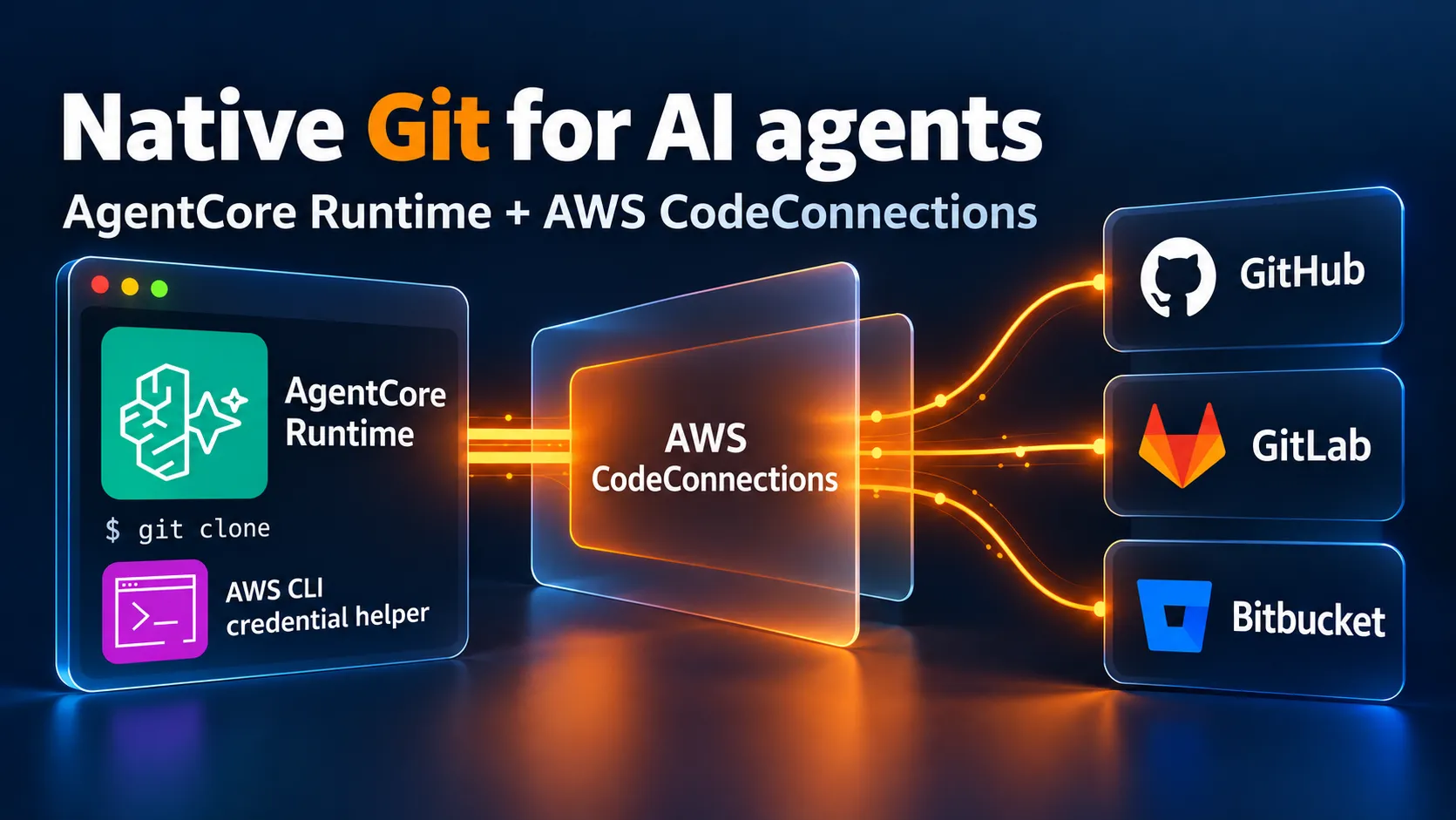
Native Git for AgentCore Runtime with AWS CodeConnections
Discover how AWS CodeConnections and the AWS CLI helper give AgentCore Runtime agents Git access to GitHub, GitLab, and Bitbucket without tokens or keys.

A coding agent can't do much until it has a working copy of the repository. For a private repository, that usually means handing the agent another secret, such as a personal access token, an SSH key, or a GitHub App private key. Then you have to scope it, rotate it, and keep the agent from printing it.
While building agents at scale on Amazon Bedrock AgentCore Runtime, I found a way to skip building a custom solution for performing git operations through a GitHub App. AWS CodeConnections already exposes a Git HTTPS endpoint for GitHub repositories (GitLab, and Bitbucket are also supported). The AWS CLI already ships a Git credential helper that signs requests with AWS credentials. If you use the two togethen, then an ordinary
git clone works from AgentCore with only the runtime's IAM role.Hidden in plain sight
Neither piece is really a secret. AWS documents the
git-http endpoint for the Amazon EKS capability for Argo CD . That page covers GitHub, GitLab, and Bitbucket, with AWS managing the authentication to the provider. The aws codecommit credential-helper is documented for CodeCommit.What I couldn't find in any AWS guide is the combination, where you point the CodeCommit helper at the CodeConnections endpoint from your own workload. The repository never moves to CodeCommit. The helper just generates the same AWS Git authentication credentials it uses for CodeCommit, that are needed for CodeConnections. Thsi way, I didn't have to patch it or write a custom signer.
The lead came from Thomas Preece's research into CodeConnections , which showed SageMaker using this helper, so I wanted to know whether my own agents could do the same with my private GitHub connection.
Two hops, one role
Your agent authenticates to CodeConnections with temporary AWS credentials. CodeConnections then authenticates to the Git provider through the connection. For GitHub, that is the AWS Connector for GitHub app installation. This way, the agent never receives a provider token or an app private key.
The endpoint URL has this shape, with no credentials in it:
https://codeconnections.${CC_REGION}.amazonaws.com/git-http/ACCOUNT/${CC_REGION}/CONNECTIONID/OWNER/REPO.gitConfigure Git with three settings
I assume your AgentCore image already has Git and AWS CLI v2 on
PATH, outbound HTTPS access to the CodeConnections endpoint, and an AVAILABLE connection. Set CC_REGION to the connection's Region, then wrap Git once:1
2
3
4
5
6
7
8
9
10
11
12
13
export CC_REGION=eu-west-1
export CC_GIT_URL="https://codeconnections.${CC_REGION}.amazonaws.com/git-http/111122223333/${CC_REGION}/11111111-2222-3333-4444-555555555555/your-org/your-repo.git"
ccgit() {
git \
-c credential.helper= \
-c 'credential.helper=!aws --region "${CC_REGION:?}" codecommit credential-helper $@' \
-c credential.useHttpPath=true \
"$@"
}
ccgit clone "$CC_GIT_URL" checkout
ccgit -C checkout fetch originThe empty
credential.helper= clears any helper inherited from system or global config. The second setting selects the AWS helper. credential.useHttpPath=true makes Git pass the repository path to the helper, which signs it. I use CC_REGION instead of overriding AWS_REGION, so the helper signs for the connection's Region and the rest of the agent keeps its own.These settings don't persist in the clone's config. And remember keeping the helper's output out of logs, because it might contain temporary AWS credential material.
For credential lookup, the runtime supplies the execution role's temporary credentials through its metadata service, as described in AgentCore credential management . The AWS CLI finds them through its default credential chain, so you don't need a profile, a login step, or static keys.
Scope the role to one repository
You grant access with
codeconnections:UseConnection on the connection ARN and narrow it with condition keys. This read-only policy allows one repository:1
2
3
4
5
6
7
8
9
10
11
12
13
14
15
16
17
18
19
20
21
22
{
"Version": "2012-10-17",
"Statement": [
{
"Effect": "Allow",
"Action": "codeconnections:GetConnection",
"Resource": "arn:aws:codeconnections:eu-west-1:111122223333:connection/11111111-2222-3333-4444-555555555555"
},
{
"Effect": "Allow",
"Action": "codeconnections:UseConnection",
"Resource": "arn:aws:codeconnections:eu-west-1:111122223333:connection/11111111-2222-3333-4444-555555555555",
"Condition": {
"StringEquals": {
"codeconnections:FullRepositoryId": "your-org/your-repo",
"codeconnections:ProviderAction": "GitPull",
"codeconnections:ProviderPermissionsRequired": "read_only"
}
}
}
]
}Here,
GitPull is a value of the ProviderAction condition key rather than a standalone policy action. GitPush works the same way. The roles I tested also had GetConnection on the exact connection ARN, in its own statement without repository conditions. I didn't isolate whether Git needs it. Other grants on the role must not provide broader connection access. The CodeConnections authorization reference lists the actions and keys.For an agent that pushes, widen only the operation conditions and keep the same connection and repository:
1
2
"codeconnections:ProviderAction": ["GitPull", "GitPush"],
"codeconnections:ProviderPermissionsRequired": ["read_only", "read_write"]
On GitHub, the push actor is
aws-connector-for-github[bot], not your own GitHub App. Commit author, committer, and signature come from your Git config and are separate from that actor.What I tested
I ran this in a real AgentCore Runtime in
eu-west-1, with public networking and MMDSv2 required. The image had Git 2.47.3, AWS CLI 2.37.10, and the AgentCore Python SDK 1.24.2. Credentials came from the execution role alone. The runtime had no workstation profile, GitHub token, or app private key.Against a private GitHub.com repository, clone, fetch, and a push to a new branch all succeeded. I checked the cloned objects and confirmed that the remote branch SHA matched the pushed commit.
I also tested the policy with real Git operations. A role scoped to one repository got a 403 when it read a second repository that the installation could reach. A read-only role could clone and fetch, and its pushes failed. I didn't run a negative push against the second repository.
My AgentCore tests used GitHub only. AWS documents the same endpoint and managed authentication for GitLab and Bitbucket, and the EKS CodeConnections integration page lists the providers. I haven't run those two from AgentCore yet, but let me know if you try it in the comments!
What it doesn't solve
Any code the agent runs in the microVM can reach the execution role's temporary AWS credentials , so the role's permissions are the agent's permissions. Remember to give each agent a dedicated role that allows only the repositories it needs.
There is also another limitation I discovered:
codeconnections:BranchName conditions didn't give me usable per-branch isolation on this Git path. If you need branch isolation, enforce it on the provider side instead and test it.For my agents, this means no custom Git proxy and no token vending service. The agent runs ordinary Git with its own role, and AWS handles the provider side. With an available connection (built, secured and managed by AWS) and the tools in your runtime image, these three Git settings and the scoped IAM policy give you a starting point for simplifying your agents.
Enjoyed reading this content? Let the author know!
Your likes, comments, shares, and saves help creators reach more builders.

Loading recommendations
Loading article