
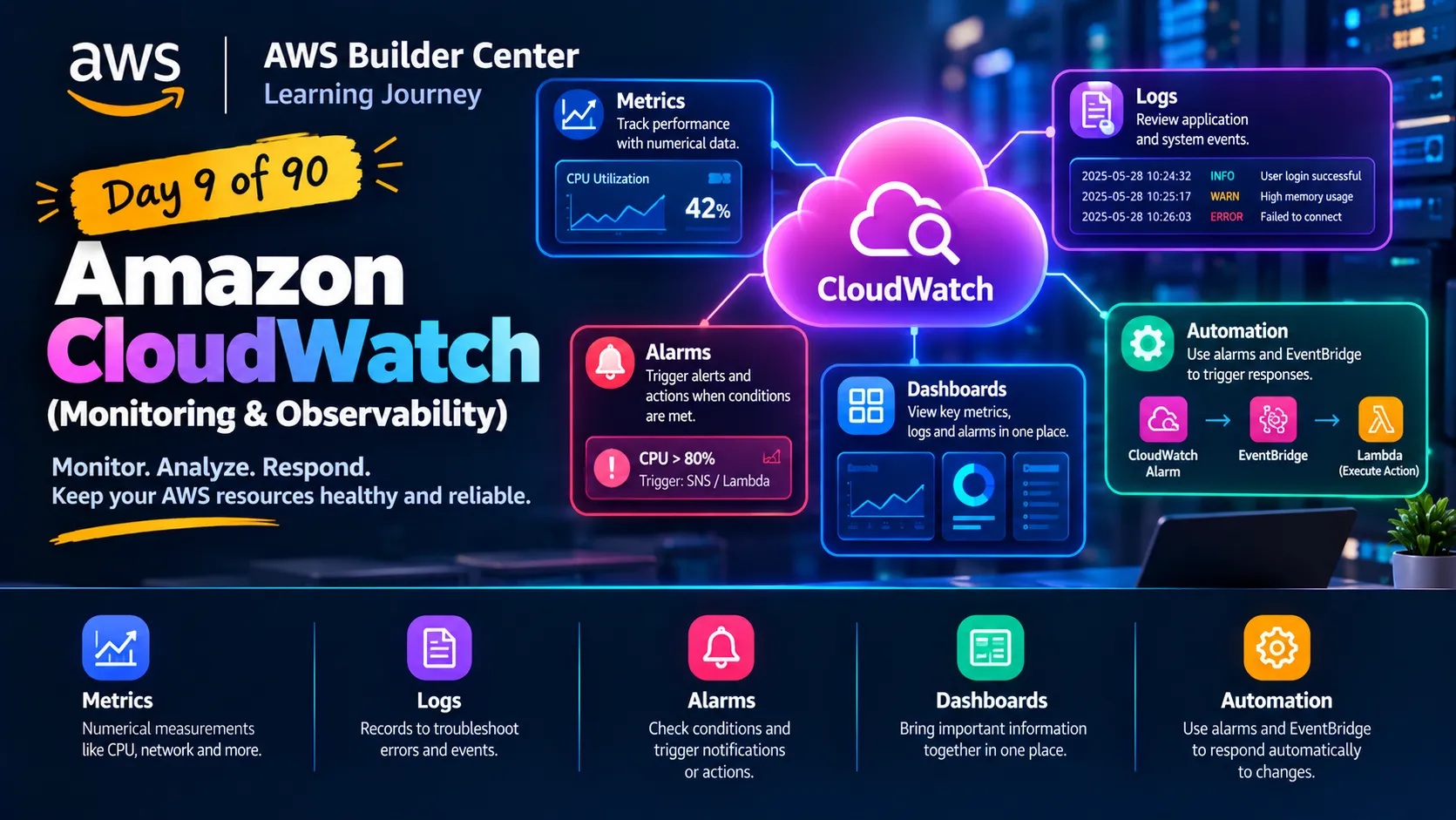
📊 Day 9 of my 90-Day AWS Learning Journey: Amazon CloudWatch
Amazon CloudWatch || Metrics || Logs || Alarms || Dashboards || EventBridge ||

Launching an AWS resource is only the beginning. We also need to understand how it's performing.
Today, I learned about Amazon CloudWatch, an AWS monitoring and observability service that helps us collect metrics, analyze logs, and respond to operational issues.
Here are five important concepts I explored:
📈 Metrics: Numerical measurements such as EC2 CPU utilization and network activity.
📝 Logs: Records that help us investigate application errors and system events.
🚨 Alarms: Evaluate metrics against configured conditions and can trigger notifications or other actions.
📊 Dashboards: Bring important monitoring information together in one place.
⚡ Automation: CloudWatch alarms and Amazon EventBridge can help initiate responses to specific conditions or events.
💡 My key takeaway: Running an application is not enough. Monitoring its performance and investigating issues are essential parts of managing cloud infrastructure.
For example, if an EC2 instance experiences unusually high CPU utilization, CloudWatch can help us identify the trend and alert us when a configured threshold is crossed.
💬 Question for the AWS community: When monitoring an application on EC2, which would you prioritize first: CPU utilization, application logs, or alarms? Why?
#AWS #AmazonCloudWatch #CloudComputing #AWSLearning #90DaysOfAWS
Enjoyed reading this content? Let the author know!
Your likes, comments, shares, and saves help creators reach more builders.

Loading recommendations
Loading article