
Your AI Agent Can Burn Your AWS Budget Overnight
How to stop AI agents from running up your AWS bill with loop limits, CloudWatch alarms, and a Budgets kill switch

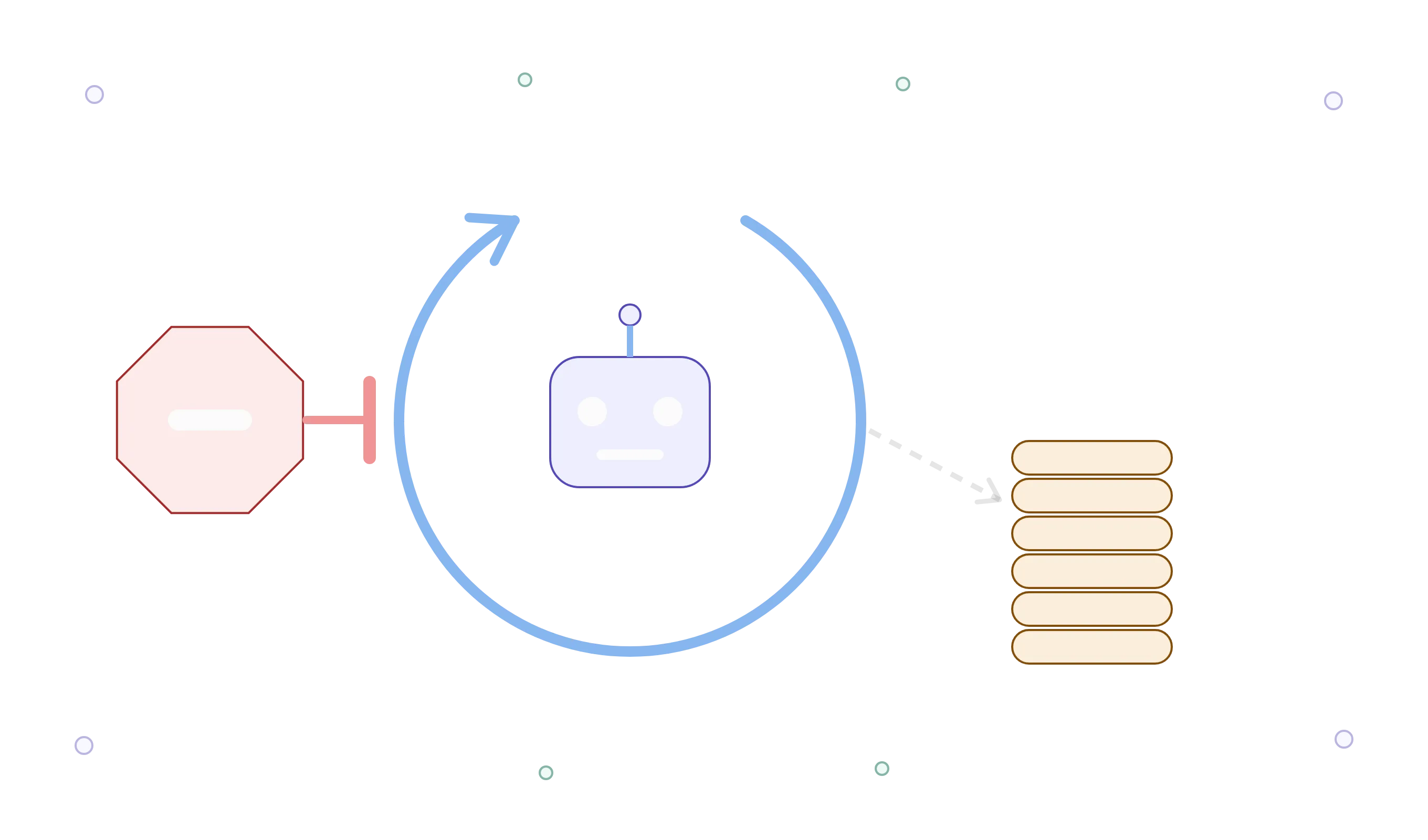
An agent stuck in a retry loop doesn’t know it’s expensive. It doesn’t get tired, it doesn’t check the bill, and it will keep calling a model until something external stops it. Most agent tutorials show how to make the loop work. Almost none show how to make it stop.
Here’s a setup with three layers, from fastest to slowest.
Layer 1: hard limits inside the loop
Cap steps, tokens, and wall-clock time. The agent can’t spend what the loop won’t let it:
1
2
3
4
5
6
7
8
9
10
11
12
13
14
15
16
17
18
19
20
21
22
23
24
25
26
27
28
29
30
31
32
33
34
35
36
37
38
39
40
41
import time
import boto3

bedrock = boto3.client("bedrock-runtime")

MAX_STEPS = 8
MAX_TOKENS_TOTAL = 40_000
MAX_SECONDS = 120

class BudgetExceeded(Exception):
    pass

def run_agent(task: str, model_id: str):
    messages = [{"role": "user", "content": [{"text": task}]}]
    tokens_used = 0
    start = time.monotonic()

    for step in range(MAX_STEPS):
        if time.monotonic() - start > MAX_SECONDS:
            raise BudgetExceeded(f"time limit hit at step {step}")

        resp = bedrock.converse(
            modelId=model_id,
            messages=messages,
            inferenceConfig={"maxTokens": 1024},
        )

        usage = resp["usage"]
        tokens_used += usage["inputTokens"] + usage["outputTokens"]
        if tokens_used > MAX_TOKENS_TOTAL:
            raise BudgetExceeded(f"{tokens_used} tokens used, limit {MAX_TOKENS_TOTAL}")

        message = resp["output"]["message"]
        messages.append(message)

        if resp["stopReason"] != "tool_use":
            return message

        messages.append(run_tools(message))  # your tool executor goes here

    raise BudgetExceeded(f"step limit of {MAX_STEPS} reached")
Note that input tokens are counted on every step. The conversation grows each turn, so you pay for the history again each time, and that’s what makes loops get expensive faster than people expect.
Layer 2: make spend visible in real time
Publish usage as a custom metric so you can alarm on it:
1
2
3
4
5
6
7
8
9
10
11
12
cloudwatch = boto3.client("cloudwatch")

def report_usage(agent_name: str, tokens: int):
    cloudwatch.put_metric_data(
        Namespace="Agents",
        MetricData=[{
            "MetricName": "TokensUsed",
            "Dimensions": [{"Name": "Agent", "Value": agent_name}],
            "Value": tokens,
            "Unit": "Count",
        }],
    )
Then an alarm that notifies you when one agent burns through an unusual amount in an hour:
1
2
3
4
5
6
7
8
9
10
11
aws cloudwatch put-metric-alarm \
  --alarm-name agent-token-spike \
  --namespace Agents \
  --metric-name TokensUsed \
  --dimensions Name=Agent,Value=report-agent \
  --statistic Sum \
  --period 3600 \
  --evaluation-periods 1 \
  --threshold 500000 \
  --comparison-operator GreaterThanThreshold \
  --alarm-actions arn:aws:sns:us-east-1:123456789012:agent-alerts
Layer 3: a kill switch on the account
AWS Budgets can run an action when a threshold is crossed, including attaching an IAM policy automatically. Point it at a policy that denies model invocation for the agent’s role:
1
2
3
4
5
6
7
8
{
  "Version": "2012-10-17",
  "Statement": [{
    "Effect": "Deny",
    "Action": ["bedrock:InvokeModel", "bedrock:InvokeModelWithResponseStream"],
    "Resource": "*"
  }]
}
One important caveat: billing data is not real time. It can lag by hours, so Budgets is a backstop, not a limit you can rely on for a fast runaway. That’s exactly why Layers 1 and 2 exist.
The takeaway
Layer 1 stops a loop in seconds. Layer 2 tells you within the hour. Layer 3 stops the bleeding even if you’re asleep. Each one is cheap to add and none of them needs a new tool.
The most expensive agent bug is rarely a wrong answer. It’s a correct-looking loop that never ends.
Does your agent have a hard stop today, or does it just run until something breaks?
Enjoyed reading this content? Let the author know!
Your likes, comments, shares, and saves help creators reach more builders.

Loading recommendations
Loading article