
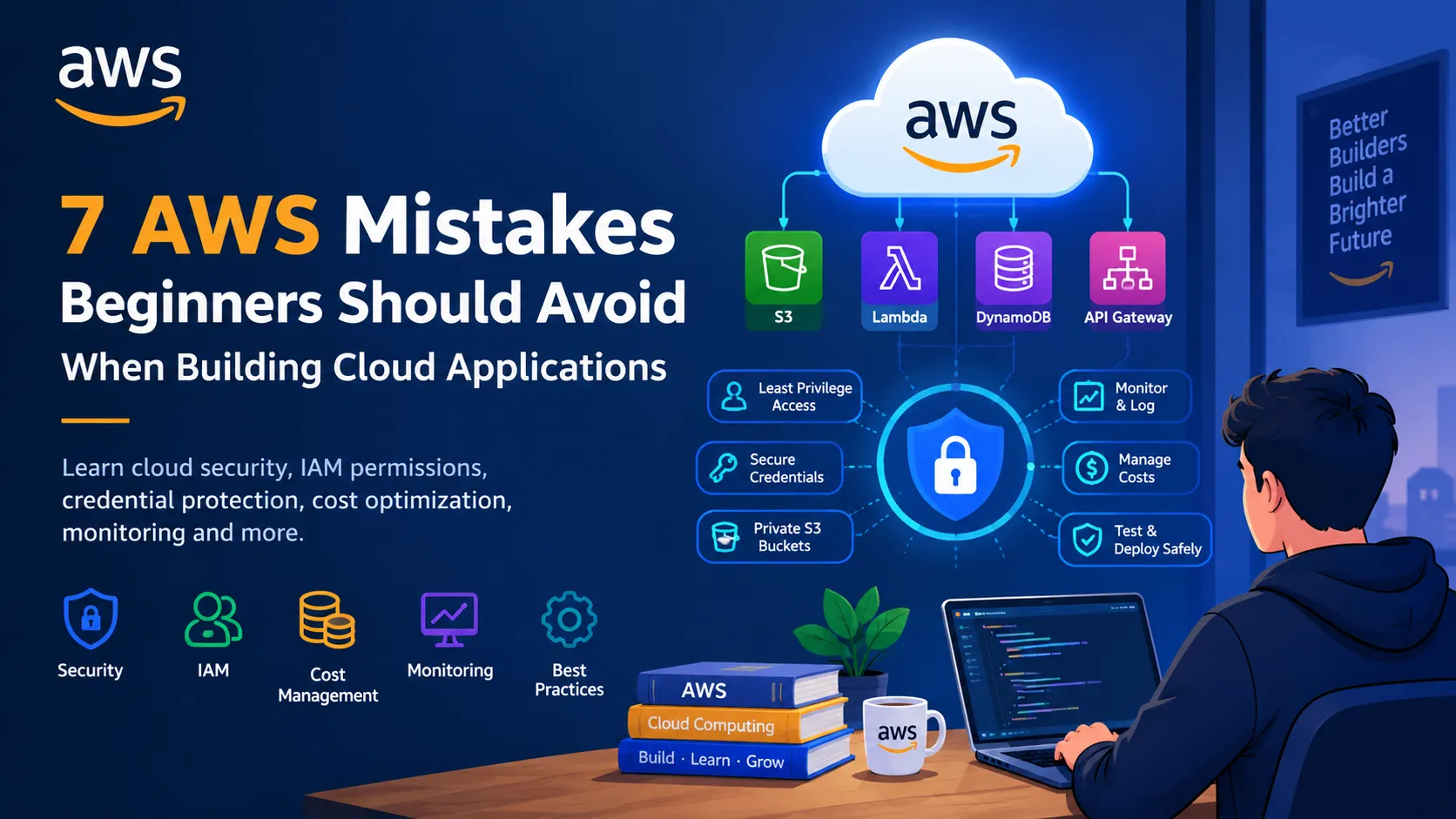
7 AWS Mistakes Beginners Should Avoid When Building Cloud Applications
Discover 7 common AWS mistakes beginners should avoid when building cloud applications. Learn practical tips for cloud security, IAM permissions, credential protection, cost optimization, monitoring, and building more reliable applications. 🚀

7 AWS Mistakes Beginners Should Avoid When Building Cloud Applications
Introduction
Cloud computing has made it easier than ever to build, deploy, and scale applications. With Amazon Web Services (AWS), developers can access powerful services without purchasing and maintaining physical servers.
However, getting started with AWS is not just about learning services and writing code. It is also about understanding security, managing costs, and making smart architectural decisions.
As a student developer exploring cloud technology, I believe that learning what not to do is just as important as learning what to build.
In this article, let's explore seven common mistakes beginners should avoid when working with AWS.
1. Giving Excessive Permissions
One common mistake is granting more permissions than an application or developer actually needs.
For example, an application that only needs to read files from a specific Amazon S3 bucket should not automatically receive full access to every AWS resource.
AWS Identity and Access Management (IAM) helps control who can access which resources.
Best practice: Follow the principle of least privilege. Grant only the permissions required for a specific task and review them regularly.
2. Exposing AWS Credentials
Credentials such as access keys and secret keys must be protected carefully.
Placing credentials directly in source code or uploading them to a public GitHub repository can create serious security risks.
Best practice:
- Never commit credentials to public repositories.
- Use appropriate IAM roles and temporary credentials where possible.
- Store application secrets in a dedicated secrets-management service when necessary.
- Rotate exposed credentials immediately and investigate any unauthorized activity.
Security should be part of development from the beginning, not something added after deployment.
3. Ignoring Cloud Costs
Cloud services are convenient, but convenience does not mean every resource is free.
Depending on the service, region, configuration, and usage, costs may arise from compute, storage, requests, data transfer, and other resources.
Beginners sometimes create resources for experiments and forget to remove them.
Best practice:
- Review service pricing before deployment.
- Configure AWS Budgets and billing alerts.
- Monitor usage regularly.
- Delete resources that are no longer required.
- Remember that stopping a compute instance may not eliminate charges for attached storage or other associated resources.
A small project should have a clear cost-management plan.
4. Making Amazon S3 Buckets Public by Accident
Amazon S3 is useful for storing files, images, backups, and application assets. However, incorrect access settings can unintentionally expose private data.
Making a bucket public is not a shortcut that should be used without understanding the consequences.
Best practice: Keep sensitive data private, enable S3 Block Public Access where appropriate, and use carefully controlled permissions or authorized access methods.
Before deploying, verify who can read, write, and delete your stored data.
5. Building Everything in One Large Application
Putting all application logic into one large function may seem easier at first. As the project grows, however, debugging, testing, and updating the code can become difficult.
AWS offers different architectural approaches, including serverless services and event-driven systems.
For example, a simple application might use:
Amazon API Gateway → AWS Lambda → Amazon DynamoDB
Each component has a specific responsibility: receiving requests, executing backend logic, and storing application data.
Best practice: Start with the simplest architecture that meets your requirements. Separate components when doing so improves maintainability, security, or scalability. Avoid adding services just because they are available.
6. Skipping Monitoring and Logging
An application can appear to work correctly during development but fail when real users start interacting with it.
Without monitoring, it may be difficult to identify errors, slow responses, unexpected usage, or unusual activity.
Amazon CloudWatch provides monitoring and logging capabilities for supported AWS services.
Best practice: Configure useful logs, monitor important metrics, and create alarms for conditions that matter to your application. Avoid logging passwords, access tokens, or other sensitive information.
Monitoring helps developers understand what is happening after deployment.
7. Deploying Without Testing
A successful local test does not guarantee that an application will behave correctly in the cloud.
Configuration differences, permissions, network settings, and unexpected inputs can all cause problems.
Best practice:
- Test normal and invalid inputs.
- Validate permissions and access controls.
- Check error-handling behavior.
- Review logs after deployment.
- Test recovery and backup procedures when relevant.
For applications that use generative AI, also test for inaccurate responses, unexpected prompts, and inappropriate disclosure of sensitive information.
A Simple Checklist Before Deploying on AWS
Before making your application available to users, ask yourself:
- Have I reviewed IAM permissions?
- Are my credentials protected?
- Do I understand the expected cost?
- Is private data properly secured?
- Have I configured monitoring and logging?
- Have I tested error handling and access controls?
- Do I know how to remove unused resources?
You do not need a complicated enterprise architecture to follow these practices. Even a small student project benefits from good security and cost-management habits.
Conclusion
AWS provides developers with powerful tools to build modern applications, but using these tools responsibly requires more than technical knowledge.
Understanding permissions, protecting credentials, monitoring costs, securing data, and testing applications are essential skills for anyone learning cloud computing.
As beginners, we should not aim only to make our projects work. We should aim to make them secure, understandable, and reliable.
Build smart. Secure by default. Monitor continuously. Improve with every project.
What is the most important AWS best practice you would recommend to someone building their first cloud application? Share your thoughts and let's learn from each other.
#AWS #AWSBuilderCenter #CloudSecurity #CloudComputing #StudentBuilders
Enjoyed reading this content? Let the author know!
Your likes, comments, shares, and saves help creators reach more builders.

Loading recommendations
Loading article