
🔐 Day 8 of my 90-Day AWS Learning Journey: AWS IAM
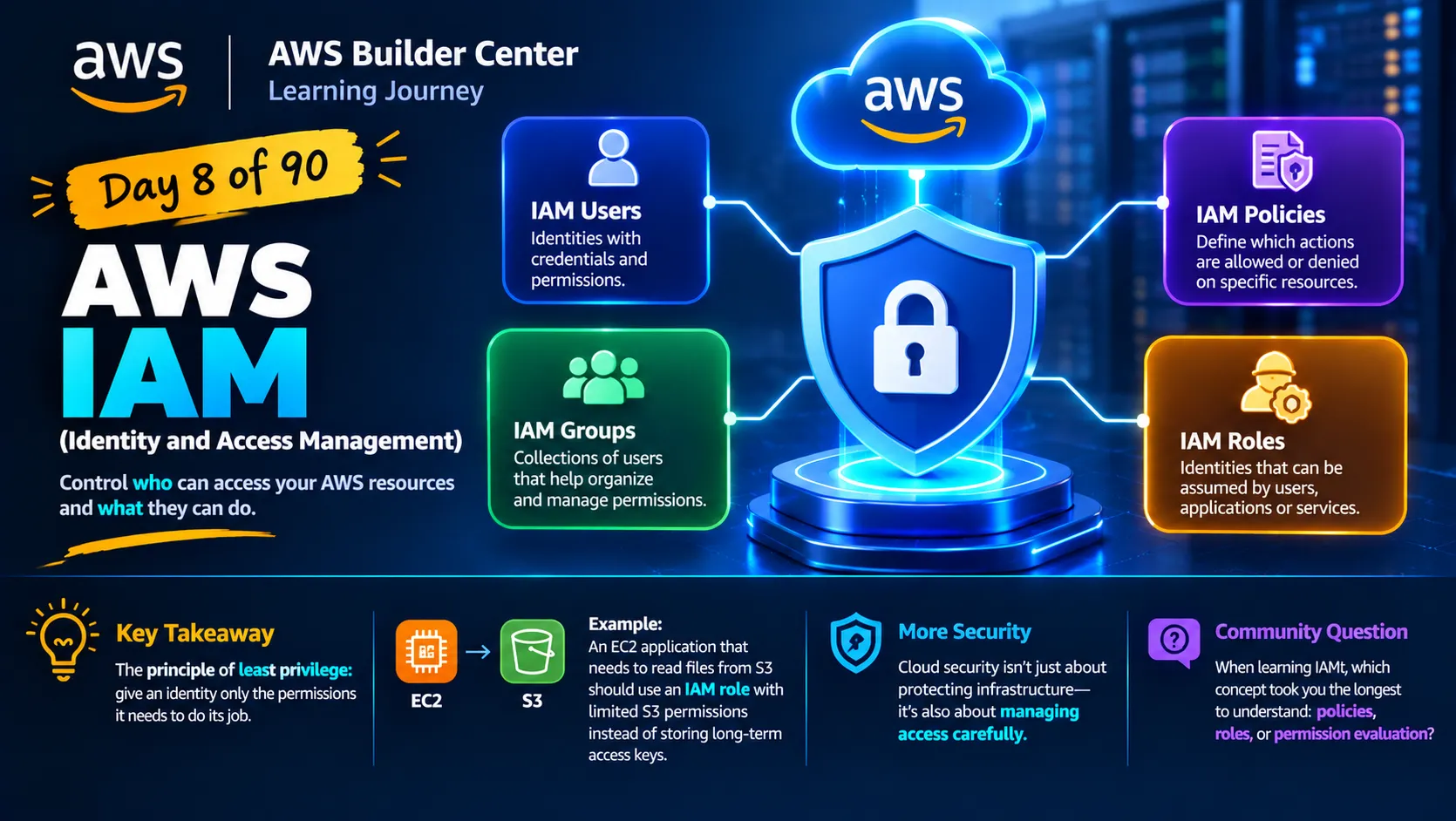
AWS Identity and Access Management (IAM) || IAM Users || IAM Groups || IAM Policies || IAM Roles

Today, I learned about AWS Identity and Access Management (IAM), a core AWS service that helps control who can access AWS resources and what they can do.
Here are four important IAM concepts I explored:
👤 IAM Users: Identities with credentials and permissions.
👥 IAM Groups: Collections of IAM users that help organize and manage permissions.
📜 IAM Policies: Documents that define which actions are allowed or denied on specific resources.
🎭 IAM Roles: Identities that can be assumed by authorized users, applications, or services, often providing temporary credentials.
One of my biggest takeaways was the principle of least privilege: give an identity only the permissions it needs to do its job.
For example, if an application running on EC2 needs to read files from S3, an IAM role with limited S3 permissions is generally a better approach than storing long-term access keys directly in the application.
I'm beginning to see that cloud security isn't just about protecting infrastructure—it's also about managing access carefully.
💬 Question for the AWS community: When learning IAM, which concept took you the longest to understand: policies, roles, or permission evaluation?
#AWS #AWSIAM #CloudSecurity #90DaysOfAWS #CloudComputing
Enjoyed reading this content? Let the author know!
Your likes, comments, shares, and saves help creators reach more builders.

Loading recommendations
Loading article