

Why Kiro, KIRO local setup and AWS Credits for Kiro Tokens
Article about Kiro Spec driven development, its importance, Kiro Local setup for AWS workshop and utilizing token credit using AWS credits.
Series: AWS Data and AI (15 articles)
- …
- 14Why Kiro, KIRO local setup and AWS Credits for Kiro Tokens This article

This article is based on my preparation and presentation for KIRO workshop I conducted for AWS Student Builders Community at Jeppiar Engineering College Chennai.

We will see Why, what and How about the Kiro tool
**If you can think it, you can build it
Kiro can work independently without using any of AWS services**
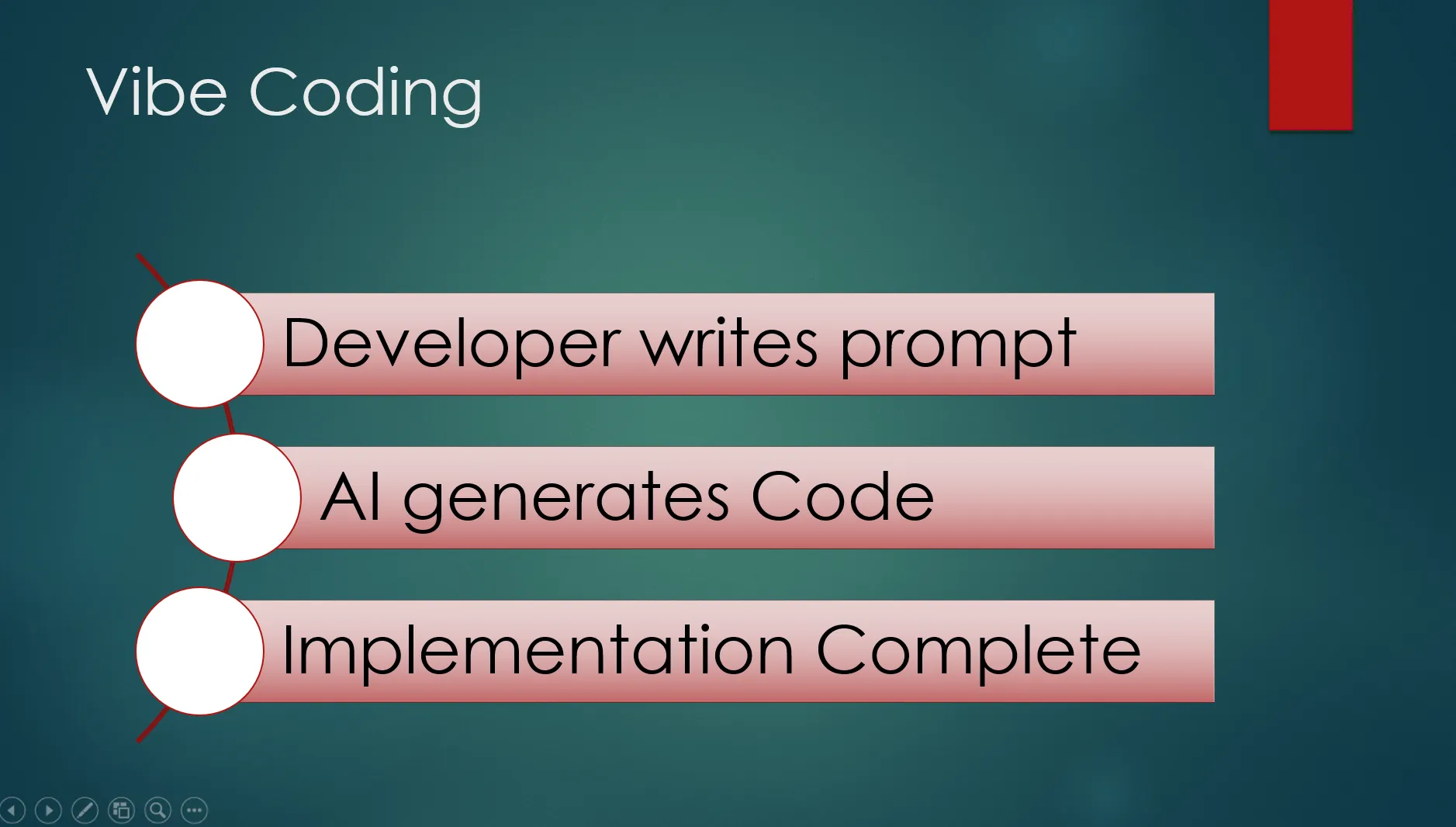
Prompt Engineering / VIBE Coding
We have been using prompt engineering to develop our code for past few months with single prompts. However, this approach fails while we build software for large enterprise organizations.
Enterprise requirements cannot fit in one prompt. It also keeps changing with business needs.
Hence the need for Specifications file-based development emerged.
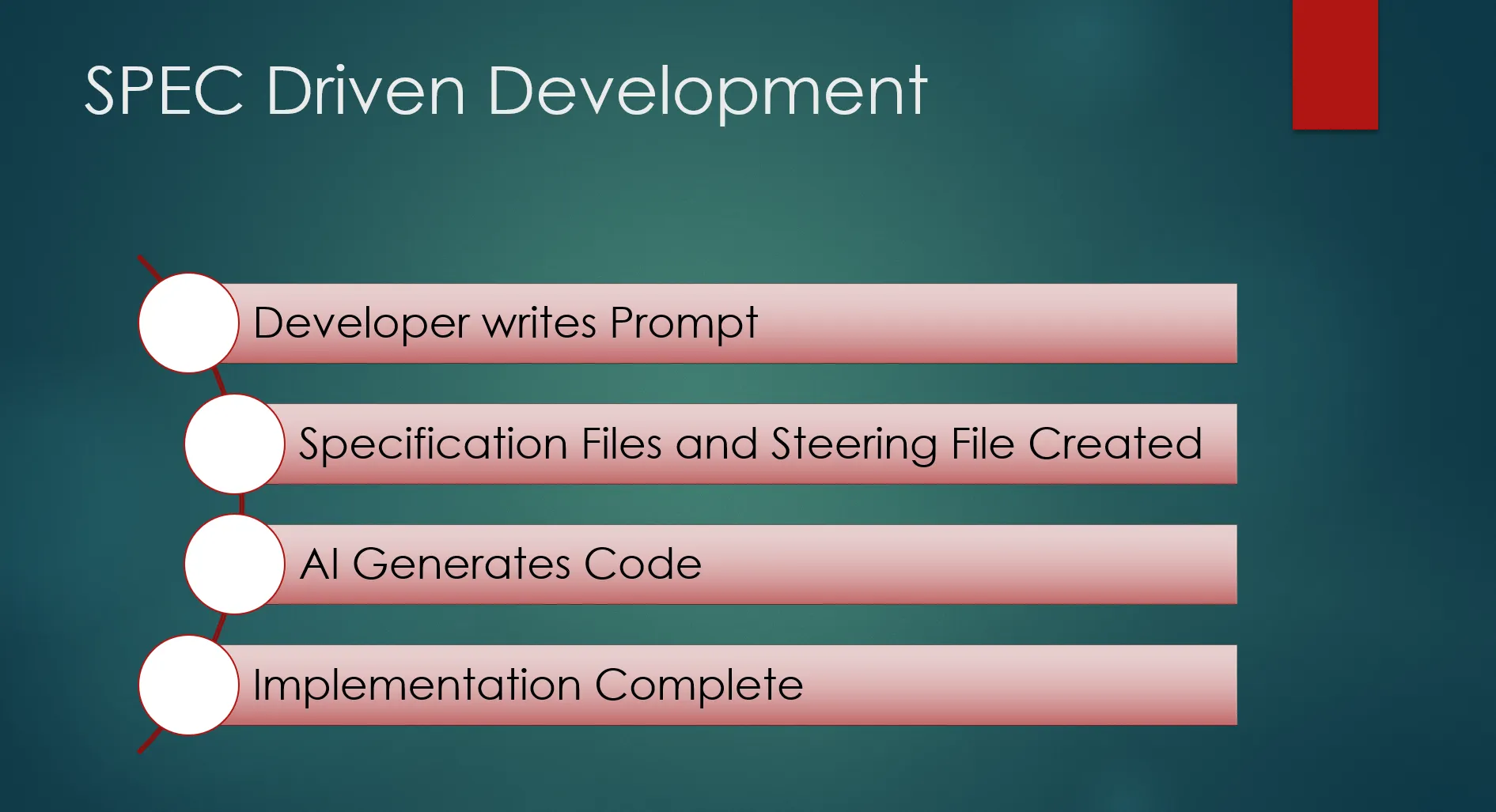
SPEC DRIVEN DEVELOPMENT
- Suitable for Real-time projects with constant change requests.
- Applications with detailed requirements and Design
- Write once and refer all time
- Optimized token usage
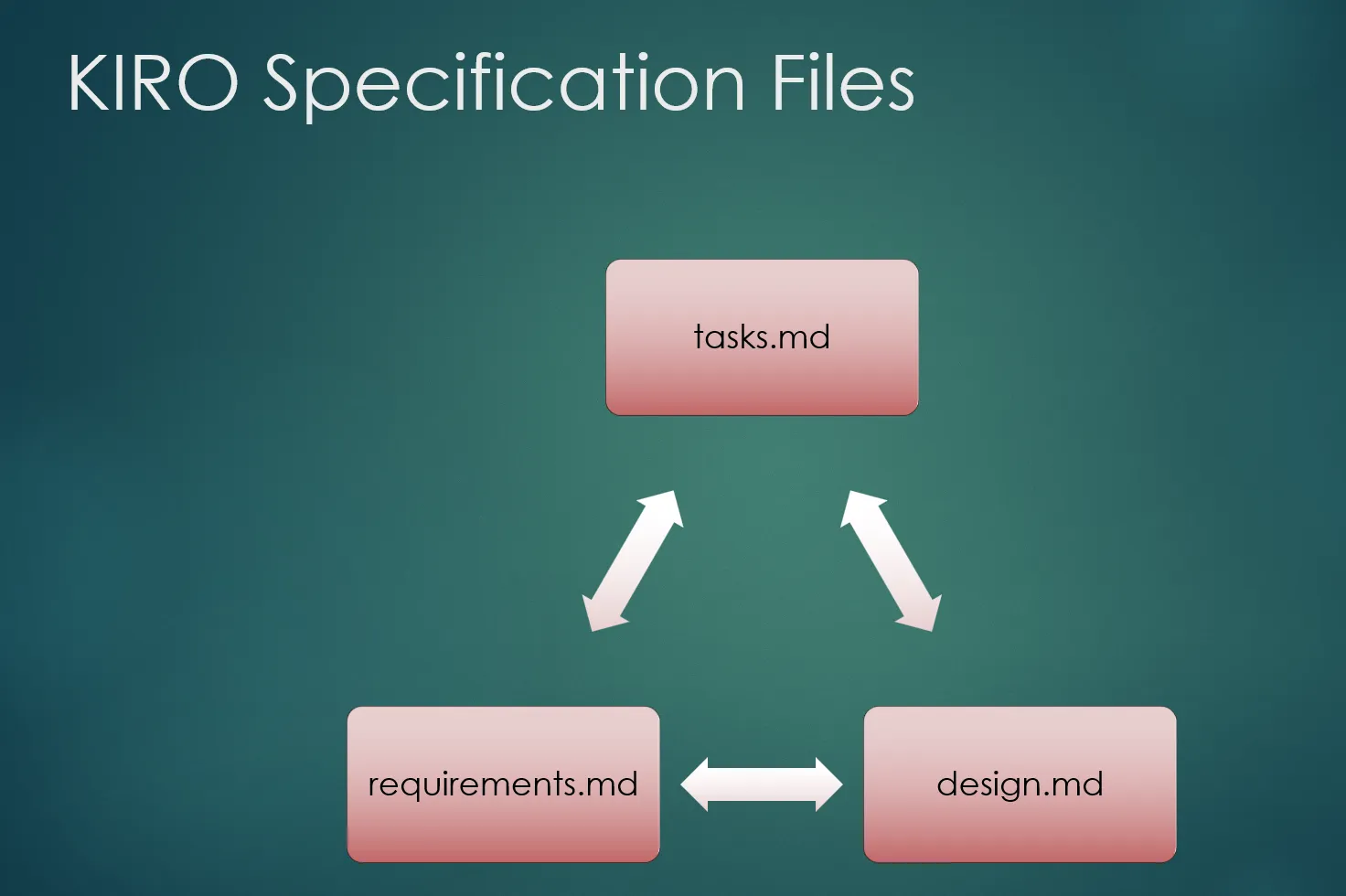
KIRO SPECIFICATION FILES
Based on our prompt, KIRO can generate requirements.md file which is a specification for requirements. We can review and after our confirmation KIRO can generate design.md file. After the review of design.md file, Kiro generates tasks.md file. tasks.md file generates the code as we excute and approve it.
KIRO STEERING FILES
Kiro steering files are Markdown documents stored in
.kiro/steering/ that give the Kiro AI persistent, project‑specific knowledge—such as coding standards, tech stack, architecture, and team conventions—so it follows your rules automatically in every session.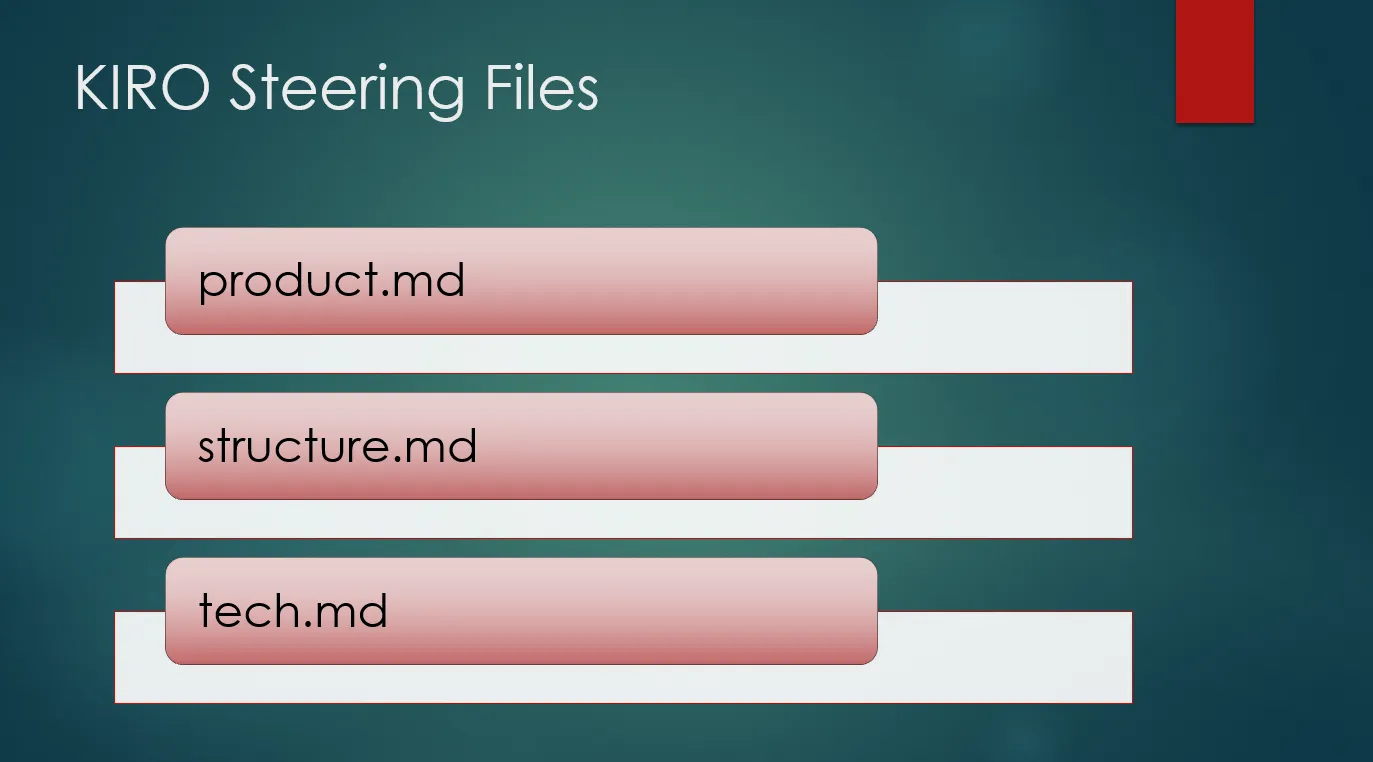
KIRO Local setup
- Visual Studio is already installed in my system.
- Download Kiro IDE and Kiro CLI from Downloads - Kiro
- Authenticate using AWS Builder ID. I got 50 free tokens.

- Once the tokens expired, I tried to use my AWS Credits and subscribed to 1000 tokens per month.
AWS Credit for Kiro Tokens
- I have AWS Account; I logged in as root user. I Opened IAM Identity Center and enabled it. Add User in Console.
- Provide the User information. Best practice is to use Email ID in the Username
- Click on Next button
- Follow the instructions to create the User. You can add as many users as needed, may be for your team members. Next, open Kiro in Console.
- Add the new user to Kiro
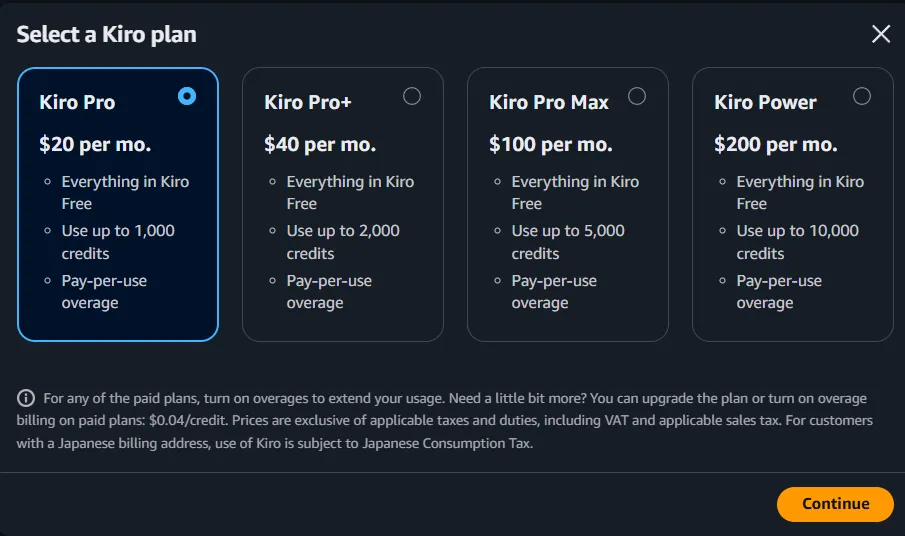
- Click continue and assign the user.
- As a user you will get sign in URL in email.
- Use that to login in - Your organization

Once logged in we can open projects and work there similar to visual studio.
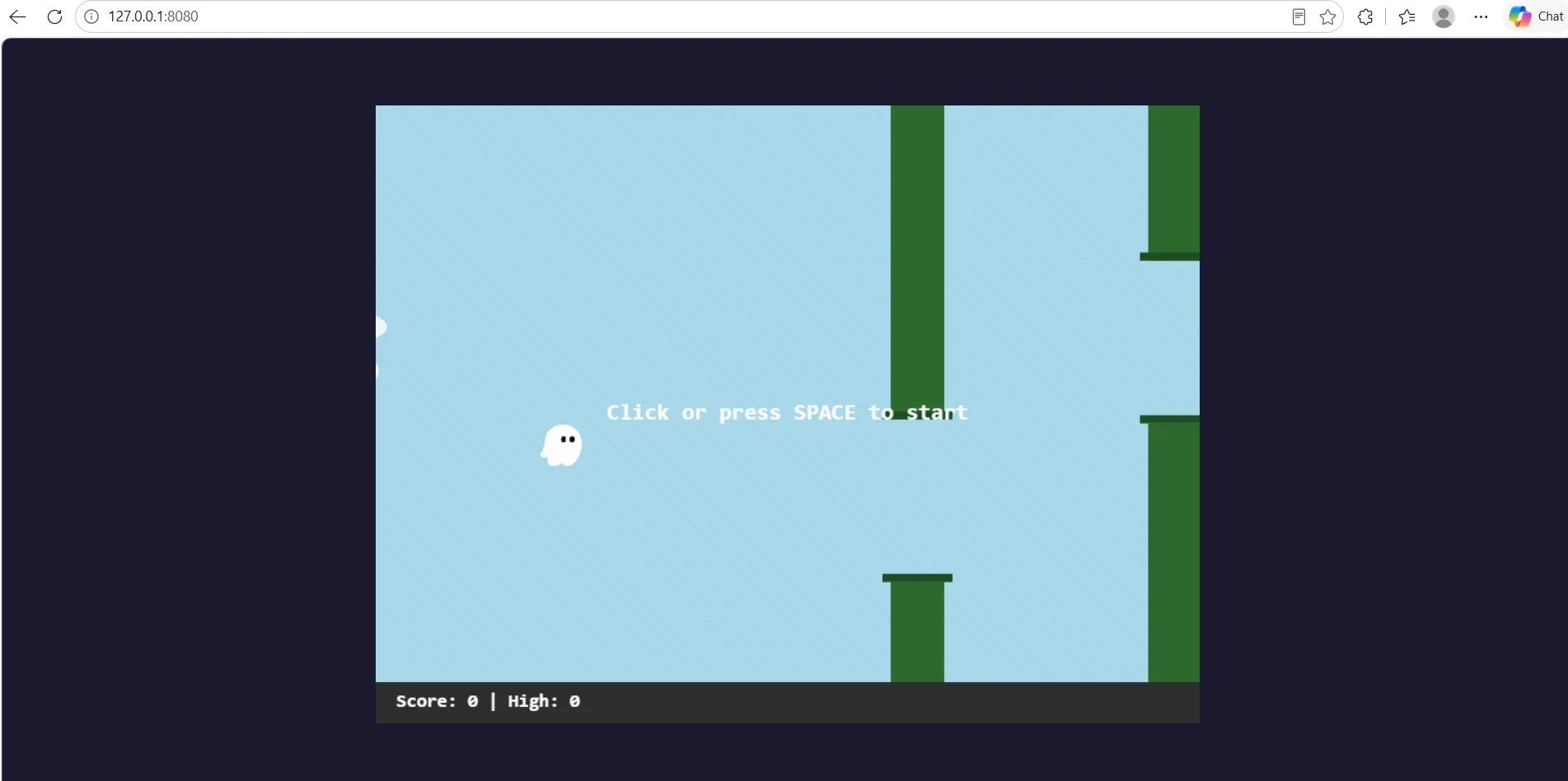
I followed the steps in Kiro Express AWS Workshop and I was able to create the gaming application shown.
Series: AWS Data and AI (15 articles)
- …
- 14Why Kiro, KIRO local setup and AWS Credits for Kiro Tokens This article
Enjoyed reading this content? Let the author know!
Your likes, comments, shares, and saves help creators reach more builders.

Loading recommendations
Loading article