
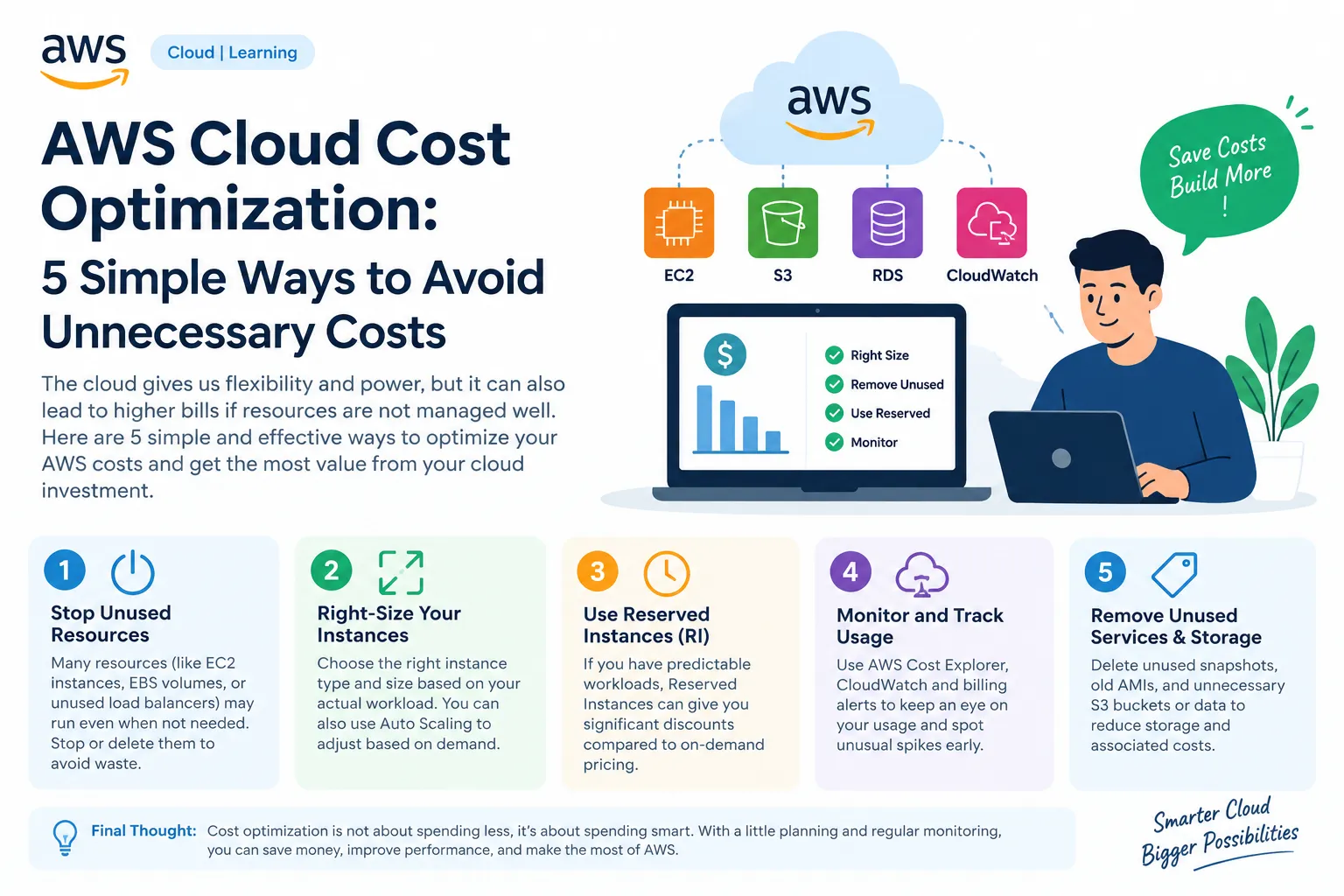
AWS Cloud Cost Optimization: 5 Practical Tips for Beginners
Learn how to reduce unnecessary AWS expenses by managing EC2 instances, choosing the right resources, monitoring usage, and cleaning up unused storage. These practical tips will help you build cost-effective cloud applications and develop real-world AWS skills.

Title: AWS Cloud Cost Optimization: 5 Simple Ways to Avoid Unnecessary Costs
Description: Learn five practical ways to reduce AWS expenses by stopping unused resources, right-sizing EC2 instances, using Reserved Instances when appropriate, monitoring usage with AWS Cost Explorer and CloudWatch, and removing unnecessary storage. These tips help beginners manage cloud costs while maintaining performance.
Tags: AWS, Cloud Computing, Cost Optimization, EC2, CloudWatch
Article:
Introduction
AWS provides flexible and scalable cloud services, but poor resource management can lead to unnecessary expenses. Understanding how to monitor and optimize cloud resources is an important skill for every cloud engineer.
1. Stop Unused Resources
Stop EC2 instances when they are not needed, and delete unused resources carefully. Remember that stopping an instance does not eliminate every possible charge, such as charges for attached EBS volumes.
2. Right-Size Your Instances
Choose EC2 instance types based on actual CPU, memory, and workload requirements. Monitoring utilization helps you avoid paying for more computing power than your application needs.
3. Use Reserved Instances When Appropriate
For predictable workloads, Reserved Instances or Savings Plans can reduce costs compared with standard on-demand pricing, depending on the service and commitment.
4. Monitor and Track Usage
Use AWS Cost Explorer to analyze spending and AWS CloudWatch to monitor resource performance. Set billing alerts to identify unexpected cost increases early.
5. Remove Unused Services and Storage
Review old snapshots, unused Elastic IP addresses, unattached volumes, and unnecessary S3 data. Verify that resources are no longer needed before deleting them.
Conclusion
AWS cost optimization is not just about spending less; it is about spending wisely. By reviewing usage regularly, selecting appropriate resources, and monitoring billing, you can build efficient and cost-effective cloud applications.
Final thought: Spend smarter, optimize continuously, and get more value from AWS.
Enjoyed reading this content? Let the author know!
Your likes, comments, shares, and saves help creators reach more builders.

Loading recommendations
Loading article