
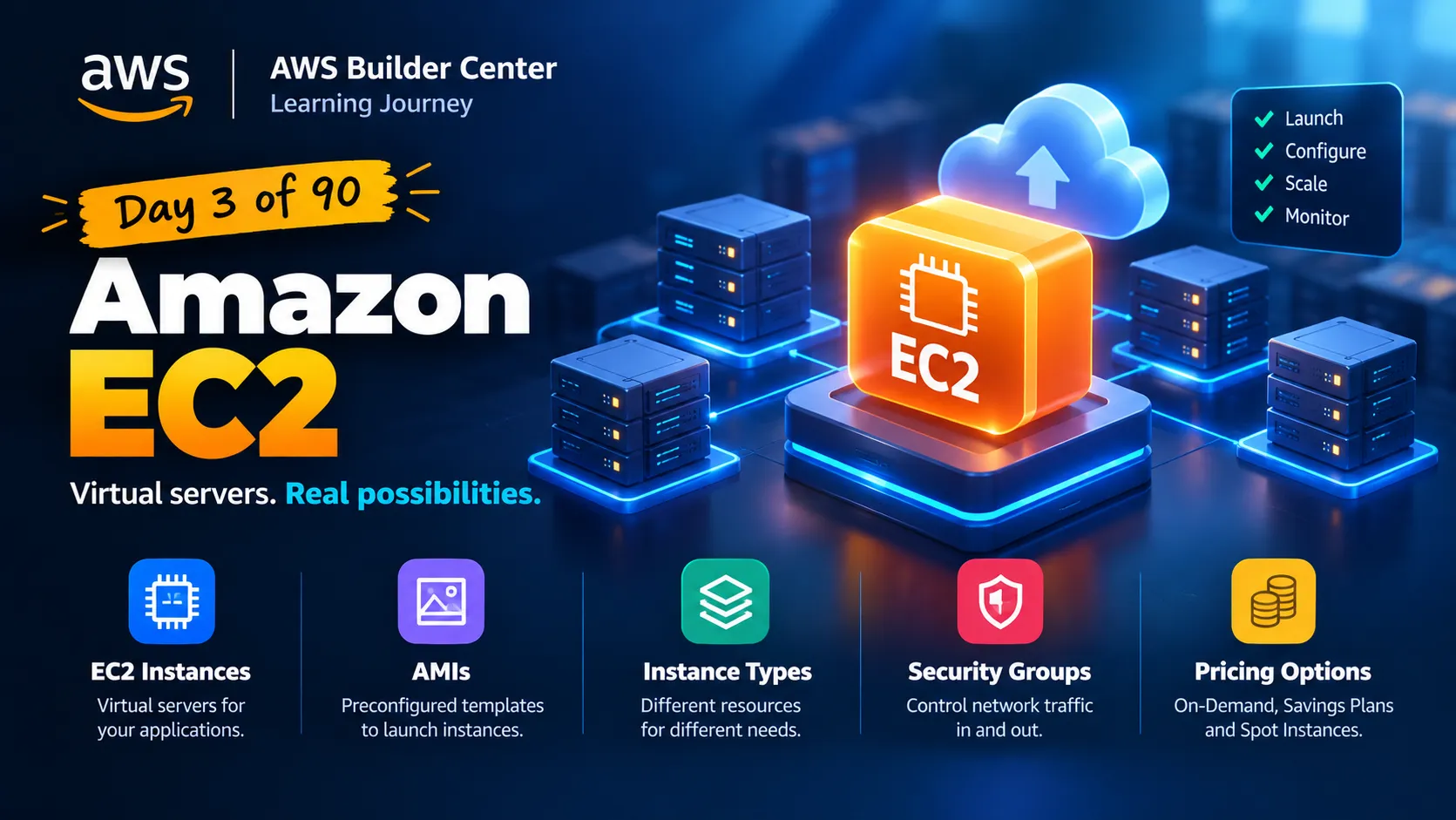
🚀 Day 3 of my 90-day AWS learning journey: Understanding Amazon EC2
Amazon EC2-- AMI || Instance Types || Security Groups ||

Yesterday, I explored AWS global infrastructure. Today, I learned about one of AWS's core compute services: Amazon EC2.
So, what exactly is EC2?
Amazon EC2 allows us to launch and use virtual servers in the cloud without purchasing and maintaining physical server hardware ourselves.
Here are five things I learned today:
🔹 EC2 instances: Virtual servers that can run applications and workloads.
🔹 AMIs: Templates that help us launch instances with an operating system and other required software.
🔹 Instance types: Different options provide different combinations of CPU, memory, and other resources.
🔹 Security groups: They help control the network traffic allowed to reach or leave an instance.
🔹 Pricing options: On-Demand, Savings Plans, and Spot Instances offer different ways to pay for compute capacity.
💡 My biggest takeaway: Launching a server is only part of the job. Choosing the right resources, configuring security, and monitoring costs matter just as much.
I'm learning to understand the fundamentals before moving on to more advanced AWS services.
Question for the AWS community 👇
When choosing an EC2 instance for a new application, what do you consider first: CPU, memory, cost, or something else?
I'd love to learn from your experience!
#AWS #AmazonEC2 #CloudComputing #AWSLearning #LearningInPublic
Enjoyed reading this content? Let the author know!
Your likes, comments, shares, and saves help creators reach more builders.

Loading recommendations
Loading article