
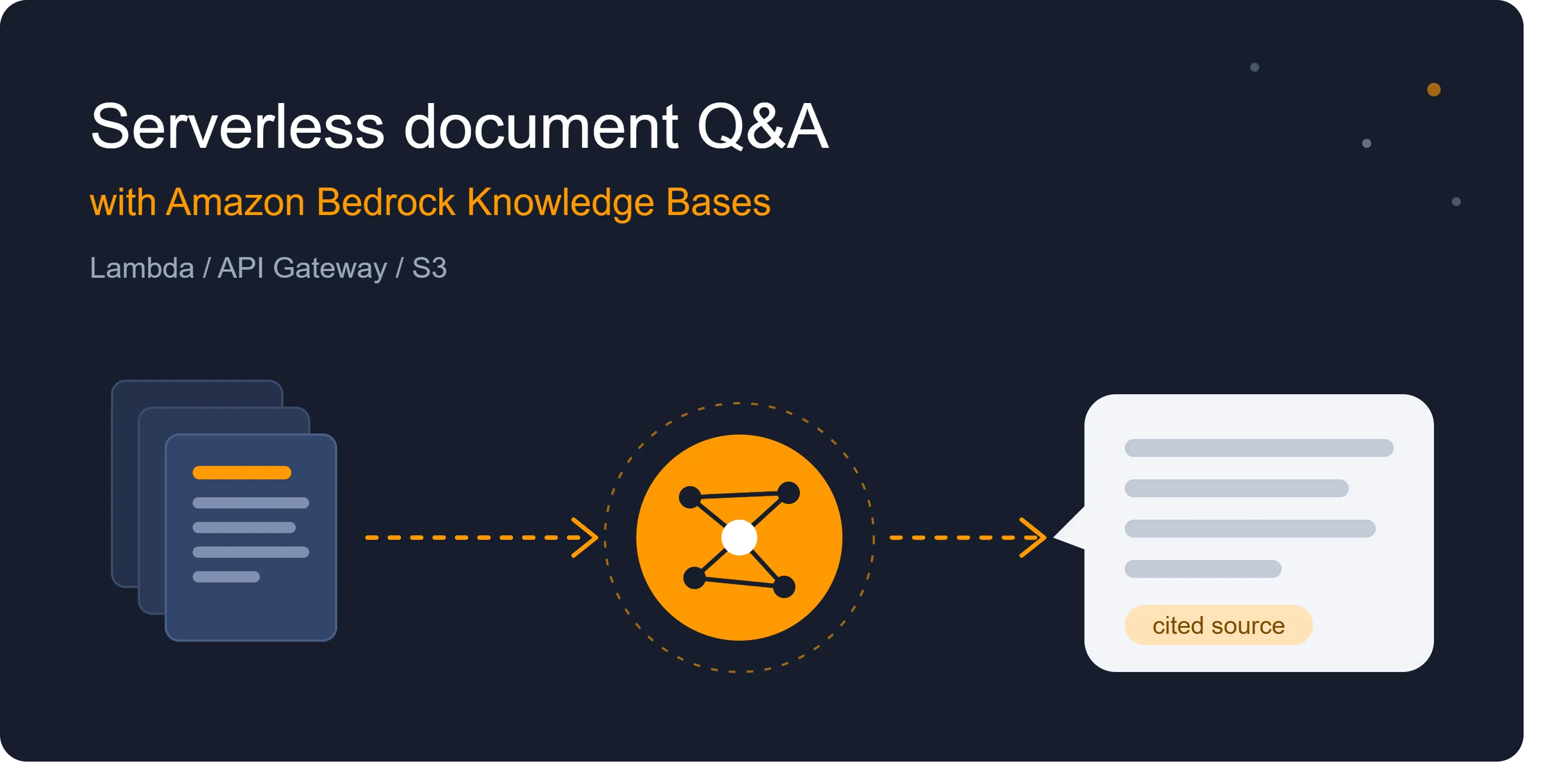
Build a Serverless Document Q&A API with Amazon Bedrock Knowledge Bases, Lambda, and API Gateway
Learn how to build a pay-per-use, serverless Q&A API that answers questions from your own documents and cites its sources. It uses Amazon Bedrock Knowledge Bases, AWS Lambda, API Gateway, and S3, with about 30 lines of Python.

Most teams have a pile of internal documents (runbooks, FAQs, policies, product docs) that nobody can find anything in. Retrieval-augmented generation (RAG) fixes that by letting a model answer questions using your content instead of guessing. The usual objection is the plumbing: chunking, embeddings, a vector store, retrieval logic, prompt assembly.
Amazon Bedrock Knowledge Bases handles most of that for you. In this post, we’ll build a small, pay-per-use API that answers questions from your own documents and cites its sources, with about 30 lines of Lambda code.
What we’re building
1
2
3
Client → API Gateway (HTTP API) → Lambda → Bedrock Knowledge Base → Foundation model
                                                    ↑
                                        S3 bucket (your documents)
- S3 stores the source documents (PDF, Markdown, TXT, DOCX, etc.).
- Bedrock Knowledge Base ingests, chunks, and embeds them into a managed vector store.
- Lambda takes a question, calls the knowledge base, and returns the answer plus citations.
- API Gateway exposes it as a simple
POST /askendpoint.
Prerequisites
- An AWS account with access to Amazon Bedrock in your chosen Region
- Model access enabled in the Bedrock console for an embedding model (such as Amazon Titan Text Embeddings V2) and a text generation model
- AWS CLI configured (optional but handy)
Step 1: Upload your documents
Create an S3 bucket and upload a few documents. Start small, with 5 to 10 files, so you can verify answers against content you know well.
1
2
aws s3 mb s3://my-kb-docs-<your-suffix>

aws s3 cp ./docs/ s3://my-kb-docs-<your-suffix>/ --recursive
Step 2: Create the knowledge base
In the Bedrock console:
- Go to Knowledge Bases → Create knowledge base.
- Choose S3 as the data source and point it at your bucket.
- Select your embedding model.
- Choose a vector store. The quick-create option is the easiest way to start; you can move to a store you manage later.
- Create it, then click Sync to ingest your documents.
When the sync finishes, use the built-in Test panel to ask a question. If the answer looks right and shows citations, you’re ready to call it from code. Note your Knowledge Base ID.
Step 3: Write the Lambda function
Create a Python Lambda function (runtime 3.12 or later) with this code:
1
2
3
4
5
6
7
8
9
10
11
12
13
14
15
16
17
18
19
20
21
22
23
24
25
26
27
28
29
30
31
32
33
34
35
36
37
38
39
40
41
42
43
44
45
46
47
48
49
50
import json

import os

import boto3


client = boto3.client("bedrock-agent-runtime")


KB_ID = os.environ["KB_ID"]

MODEL_ARN = os.environ["MODEL_ARN"]


def response(status, body):

    return {

        "statusCode": status,

        "headers": {"Content-Type": "application/json"},

        "body": json.dumps(body),

    }


def handler(event, context):

    try:

        payload = json.loads(event.get("body") or "{}")

    except json.JSONDecodeError:

        return response(400, {"error": "Body must be valid JSON"})


    question = (payload.get("question") or "").strip()

    if not question:

        return response(400, {"error": "Missing 'question'"})


    result = client.retrieve_and_generate(

        input={"text": question},

        retrieveAndGenerateConfiguration={

            "type": "KNOWLEDGE_BASE",

            "knowledgeBaseConfiguration": {

                "knowledgeBaseId": KB_ID,

                "modelArn": MODEL_ARN,

            },

        },

    )


    sources = sorted({

        ref.get("location", {}).get("s3Location", {}).get("uri")

        for citation in result.get("citations", [])

        for ref in citation.get("retrievedReferences", [])

        if ref.get("location", {}).get("s3Location")

    })


    return response(200, {

        "answer": result["output"]["text"],

        "sources": sources,

    })
Set two environment variables on the function:
KB_ID: your Knowledge Base ID
MODEL_ARN: the ARN of the generation model you enabled (for example, an arn:aws:bedrock:<region>::foundation-model/<model-id> ARN, or an inference profile ARN if your model requires one)
MODEL_ARN: the ARN of the generation model you enabled (for example, an arn:aws:bedrock:<region>::foundation-model/<model-id> ARN, or an inference profile ARN if your model requires one)
Also raise the function timeout to around 30 seconds. The default of 3 seconds is too short for a retrieval plus generation round trip.
Step 4: Grant least-privilege permissions
Attach a policy like this to the Lambda execution role, scoped to your own resources:
1
2
3
4
5
6
7
8
9
10
11
12
13
14
15
16
17
18
{

  "Version": "2012-10-17",

  "Statement": [

    {

      "Effect": "Allow",

      "Action": [

        "bedrock:RetrieveAndGenerate",

        "bedrock:Retrieve"

      ],

      "Resource": "arn:aws:bedrock:<region>:<account-id>:knowledge-base/<KB_ID>"

    },

    {

      "Effect": "Allow",

      "Action": "bedrock:InvokeModel",

      "Resource": "<MODEL_ARN>"

    }

  ]

}
RetrieveAndGenerate invokes the model on your behalf using the caller’s permissions, so the InvokeModel statement is required. A missing one is the most common cause of AccessDeniedException here.Step 5: Expose it with API Gateway
- Create an HTTP API in API Gateway.
- Add a Lambda integration pointing at your function.
- Add a route:
POST /ask. - Deploy and copy the invoke URL.
Test it:
1
2
3
curl -X POST https://<api-id>.execute-api.<region>.amazonaws.com/ask \

  -H "Content-Type: application/json" \

  -d '{"question": "What is our policy on remote work equipment?"}'
You should get back something like:
1
2
3
4
{

  "answer": "Employees can claim up to ...",

  "sources": ["s3://my-kb-docs-example/hr/remote-work-policy.pdf"]

}
Making it production-ready
The demo works, but before real users touch it, consider these:
Add authentication. An open endpoint that calls a foundation model is a cost and abuse risk. Use a JWT authorizer with Amazon Cognito, IAM auth, or at minimum an API key with usage plans and throttling.
Add guardrails. Amazon Bedrock Guardrails can filter harmful content, redact PII, and block off-topic questions. You can attach a guardrail to the
retrieve_and_generate call.Keep content fresh. Documents change. Trigger an ingestion job when S3 objects are added or updated, using an S3 event notification that invokes a small Lambda calling
start_ingestion_job, or schedule it with EventBridge.Tune retrieval. If answers feel vague or miss details, adjust chunking strategy and the number of retrieved results. Smaller chunks suit FAQ-style content, while larger ones preserve context in long-form documents.
Control access to content. If different users should see different documents, use metadata filtering on retrieval so people only get answers drawn from content they’re allowed to read.
What it costs
There’s no server to run, but you pay for several things: model inference (input and output tokens), embedding during ingestion, the vector store, Lambda invocations, and API Gateway requests. The vector store is often the biggest fixed cost for low-traffic projects, so check current pricing for your chosen store and Region, and delete test resources when you’re done.
Clean up
To avoid ongoing charges, delete the knowledge base and its vector store, the S3 bucket and its contents, the Lambda function and its role, and the API Gateway API.
Key takeaways
- Bedrock Knowledge Bases takes care of chunking, embedding, and retrieval, so a working RAG API is a few dozen lines of code.
RetrieveAndGenerategives you cited answers out of the box, which makes responses easier to trust and verify.- Treat auth, guardrails, and content sync as part of the build, not an afterthought.
- Start with a small, well-known set of documents so you can judge answer quality quickly before scaling up.
What would you add to this setup? Share your approach to chunking, evaluation, or access control in the comments.
Enjoyed reading this content? Let the author know!
Your likes, comments, shares, and saves help creators reach more builders.

Loading recommendations
Loading article