
Four people, one database master password, and one dropped table
Our group project used the RDS master user for everything, until someone ran a cleanup script against the wrong database. Setting up proper PostgreSQL roles took one evening and should have been step one.
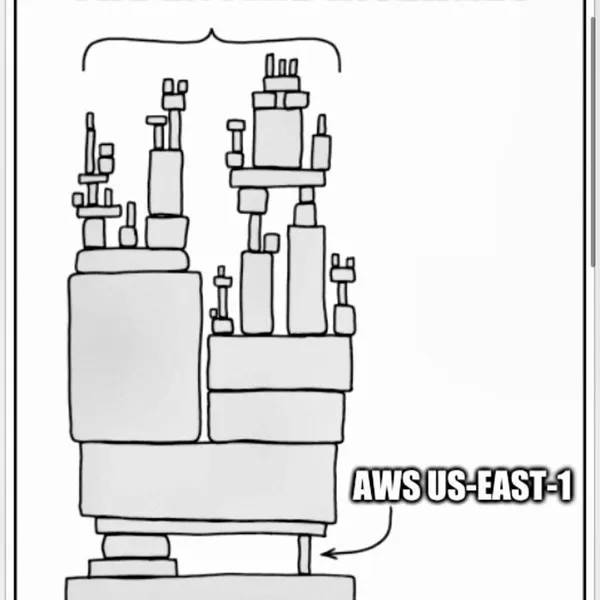
In our course project, all four of us connected to RDS PostgreSQL with the master user. The app used it. Our migration tool used it. Each of us used it from DBeaver. It was one password in our group chat, and it could do anything.
Then one night a teammate ran a cleanup script meant for their local database against the shared one. It dropped a table. Nobody was hurt, the data was fake, and we recreated it from our seed script in ten minutes. But it was the push we needed to stop pretending that "we're just students" meant permissions didn't matter.
We spent an evening setting up roles. Nothing fancy:
```sql
-- owns the schema, used only by migrations
CREATE ROLE app_owner LOGIN PASSWORD '...';
-- what the running app uses
CREATE ROLE app_rw LOGIN PASSWORD '...';
GRANT CONNECT ON DATABASE reviews TO app_rw;
GRANT USAGE ON SCHEMA public TO app_rw;
GRANT SELECT, INSERT, UPDATE, DELETE ON ALL TABLES IN SCHEMA public TO app_rw;
GRANT USAGE, SELECT ON ALL SEQUENCES IN SCHEMA public TO app_rw;
-- what we use to look around
CREATE ROLE readonly NOLOGIN;
GRANT CONNECT ON DATABASE reviews TO readonly;
GRANT USAGE ON SCHEMA public TO readonly;
GRANT SELECT ON ALL TABLES IN SCHEMA public TO readonly;
```
Then each of us got our own login role that's a member of
readonly, so we can query everything but can't change anything by accident. The app's role can read and write rows but can't drop or alter tables.The part that bit us. A week later, the app started failing on a brand-new table with "permission denied."
GRANT ... ON ALL TABLES only covers tables that exist at the time you run it. New tables created by later migrations didn't get the grants. The fix is default privileges, set for the role that creates the tables:```sql
ALTER DEFAULT PRIVILEGES FOR ROLE app_owner IN SCHEMA public
GRANT SELECT, INSERT, UPDATE, DELETE ON TABLES TO app_rw;
ALTER DEFAULT PRIVILEGES FOR ROLE app_owner IN SCHEMA public
GRANT SELECT ON TABLES TO readonly;
ALTER DEFAULT PRIVILEGES FOR ROLE app_owner IN SCHEMA public
GRANT USAGE, SELECT ON SEQUENCES TO app_rw;
```
The sequence lines came from a second surprise the same week: tables with a
serial id need a grant on their sequence too, or every insert fails with "permission denied for sequence."Once that was in place, new tables got the right permissions automatically.
We still have the master user, of course. Its password now lives in Secrets Manager, and nobody uses it for day-to-day work. Our group chat is also a lot less stressful to scroll through. It turns out the worst thing a teammate can do with read-only access is write a very slow query, and we can live with that.
Enjoyed reading this content? Let the author know!
Your likes, comments, shares, and saves help creators reach more builders.

Loading recommendations
Loading article