
Beyond the Badge: What AWS SimuLearn Taught Me
My AWS learning journey: understanding cloud architecture, IAM, messaging, containers, and the reasons behind each design.

The Aha Moments Behind My AWS SimuLearn Badge
A New Milestone in My AWS Learning Journey!
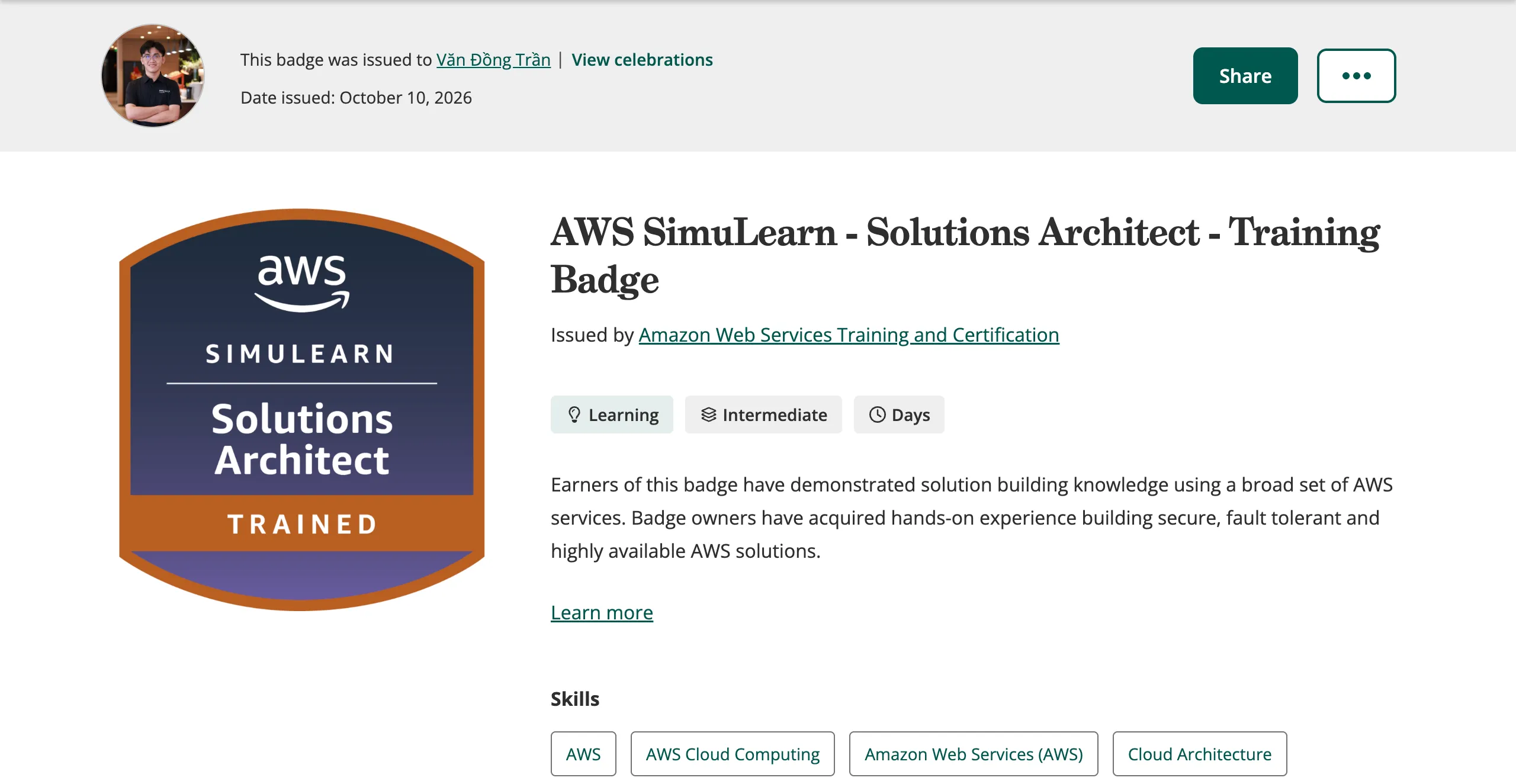
I'm excited to share that I've earned the AWS SimuLearn – Solutions Architect digital badge through AWS Skill Builder!
Receiving this badge is a meaningful milestone for me, but what I value most is what happened during the learning process.
Before these hands-on labs, I knew the names of many AWS services and understood their basic purposes. However, when I started connecting them into real architectures, I realized there were still many things I didn't fully understand.
I began asking myself questions like:
- Why does SNS need permission to send messages to SQS?
- Why does an SQS queue have a URL while an SNS topic uses an ARN?
- What is the real difference between an ECS Cluster, Task Definition, and Task?
- How do containers communicate and scale inside an ECS environment?
Finding answers to these questions completely changed the way I approach learning AWS.
1. My First Aha Moment: Understanding Decoupling
One of the most interesting labs for me was Decoupling Applications, where I explored Amazon SNS and Amazon SQS.
Initially, I was confused about how messages moved between these two services.
After completing the exercises, I finally understood their responsibilities:
Amazon SNS distributes messages, while Amazon SQS stores messages for asynchronous processing.
The architecture became much clearer:
Producer → SNS Topic → SQS Queue → Consumer
I also understood why SNS subscriptions and SQS resource-based policies are separate concepts.
A subscription defines where messages should be delivered, while a resource-based policy controls which principals are authorized to access the destination.
Another important concept was the Dead-Letter Queue (DLQ), which helps isolate messages that repeatedly fail processing.
This experience taught me that building reliable systems is not just about processing successful requests. It is also about designing for traffic spikes, failures, and recovery.
2. My Biggest Aha Moment: Understanding AWS IAM Policies
This was probably one of the most valuable lessons of my journey.
At first, I didn't completely understand why some AWS resources had resource-based policies while others appeared to work without them.
I also wondered why an SQS queue policy used:
Principal: sns.amazonaws.cominstead of simply specifying the ARN of an SNS topic.
Then something clicked.
A resource-based policy defines who is allowed to perform actions on the resource it protects. It does not grant that resource permission to perform actions on other resources.
I started understanding IAM policies through four questions:
- Principal: Who is making the request?
- Action: What are they trying to do?
- Resource: Which resource are they accessing?
- Condition: Under what conditions is the action allowed?
I also learned that an SNS topic is a resource, not an IAM principal. The SNS service performs the API call, and a condition such as
aws:SourceArn can restrict which topic is authorized.This helped me finally distinguish between identity-based policies and resource-based policies.
More importantly, I realized that understanding permissions is essential when connecting AWS services securely.
3. Understanding the Journey from Docker to ECS Fargate
Another hands-on experience that helped me connect the dots was working with Amazon ECR, Amazon ECS, and AWS Fargate.
Previously, I understood Docker images and containers, but I wanted to know how these concepts worked together in AWS.
Through the lab, I followed the workflow:
Source Code → Docker Build → Docker Image → Amazon ECR → ECS Task Definition → ECS Task → AWS Fargate
Each step had a clear purpose:
- Docker packages the application and its dependencies.
- Amazon ECR stores and manages container images.
- ECS Task Definition describes how containers should run.
- ECS Task represents a running instance of that definition.
- AWS Fargate provides the compute infrastructure without requiring me to manage servers.
I also learned why we use
docker tag before docker push, how Docker authenticates with Amazon ECR, and how shell scripts can automate the build and deployment preparation process.The biggest realization was that storing an image is not the same as running an application.
Amazon ECR stores the image, while ECS and Fargate work together to run the container.
4. Finally Understanding ECS Clusters and Scaling
One concept that initially confused me was the relationship between an ECS Cluster, Task Definition, and Task.
After exploring them further, I understood that:
A Cluster is a logical grouping of workloads, a Task Definition is a blueprint, and a Task is a running instance of that blueprint.
For example, one ECS Cluster can contain multiple applications:
- Backend A running as one ECS Task.
- Backend B running as another ECS Task.
- Frontend running as two identical ECS Tasks.
An ECS Service can maintain the desired number of Tasks, while ECS Service Auto Scaling can adjust that number based on configured scaling policies.
I also realized that running multiple Tasks does not mean creating multiple Docker images. Multiple Tasks can use the same image.
Because I was familiar with Kubernetes concepts, comparing ECS Tasks with Kubernetes Pods made these relationships easier to understand.
This helped me move from simply knowing what ECS does to understanding how containerized applications can be organized and scaled.
5. Networking Is Just as Important as Running Containers
Another lesson I learned was that launching containers is only part of building an application architecture.
For applications to communicate, we also need to understand:
- VPC and Subnets: Where workloads are deployed within the network.
- Security Groups: Which network connections are allowed.
- Application Load Balancers: How traffic is routed and distributed.
- Service Discovery: How applications locate and communicate with each other.
One important distinction became clear:
IAM controls permissions to AWS actions and resources, while Security Groups control network traffic.
Even when multiple Tasks belong to the same ECS Cluster, they still need appropriate networking configurations to communicate.
This made me appreciate how compute, networking, and security must work together in a real cloud architecture.
6. What AWS SimuLearn Changed About My Learning Approach
The most valuable part of AWS SimuLearn was not simply following instructions in the AWS Management Console.
It was the process of questioning each step.
Instead of only asking:
"Which button should I click next?"
I started asking:
"Why is this configuration necessary?"
"What happens if I remove this permission?"
"Which component is responsible for this operation?"
"How would this architecture behave if traffic suddenly increased?"
These questions helped me connect individual AWS services into a bigger architectural picture.
I began to understand that designing cloud solutions is not about choosing services independently.
It is about understanding how security, reliability, scalability, networking, and operational efficiency influence each architectural decision.
7. My Key Takeaways
After this learning experience, these are the lessons I want to carry forward:
- Understand the architecture, not just the AWS service names.
- Know why a permission exists before configuring it.
- Understand the difference between defining infrastructure and running workloads.
- Design for failures, not only successful operations.
- Think about networking and scalability from the beginning.
- Use hands-on practice to turn theoretical knowledge into practical understanding.
Conclusion
Earning the AWS SimuLearn – Solutions Architect badge is an achievement I'm happy to share, but I see it as another step in a much longer learning journey.
The most rewarding moments were the times when something that initially seemed confusing finally made sense.
From SNS and SQS messaging patterns to IAM policies, container orchestration, ECS networking, and scaling, these experiences helped me build a stronger foundation in AWS architecture.
My biggest takeaway is simple:
Learning AWS is not just about knowing how to use services. It is about understanding why they exist, how they connect, and when to use them to solve real problems.
I'm looking forward to continuing this journey, exploring more architectures, and applying what I've learned to future hands-on projects.
If you're learning AWS too, I highly recommend exploring AWS SimuLearn and taking the time to understand the reasoning behind each step.
🏅 My Digital Badge: View on Credly
📚 Learning Plan: AWS SimuLearn – Solutions Architect
#AWS #AWSBuilderCenter #AWSSkillBuilder #AWSSimuLearn #SolutionsArchitect #CloudComputing #AmazonECS #AmazonSQS #AmazonSNS #LearningInPublic
Enjoyed reading this content? Let the author know!
Your likes, comments, shares, and saves help creators reach more builders.

Loading recommendations
Loading article