
From Classroom to Cloud: 5 AWS Skills Every Student Developer Should Build
Cloud computing is more than learning services—it's about solving real-world problems. Explore how student developers can use AWS, serverless architecture, and hands-on projects to turn their classroom knowledge into practical skills.

From Classroom to Cloud: Building My AWS Journey Through Real Projects
Introduction
As a Computer Science student, I'm continuously exploring how technology can solve real-world problems. Learning programming fundamentals is important, but understanding how to build, deploy, and scale applications is equally valuable.
This is what makes cloud computing exciting to me.
Amazon Web Services (AWS) provides tools and services that help developers build applications without having to manage every part of the underlying infrastructure themselves.
For students and beginners, AWS offers an opportunity to move beyond theoretical learning and start building practical projects.
In this article, I'll share three important concepts that every aspiring cloud developer should understand and how they can be applied to real projects.
1. Think in Terms of Solutions, Not Just Services
AWS offers many services, and it can be tempting to try learning all of them at once. However, I believe a better approach is to start with a problem and then identify the services needed to solve it.
For example, imagine building a simple student task management application.
The application needs to receive user requests, process information, and save tasks. Instead of building everything on a single server, we can explore a serverless architecture.
A possible architecture is:
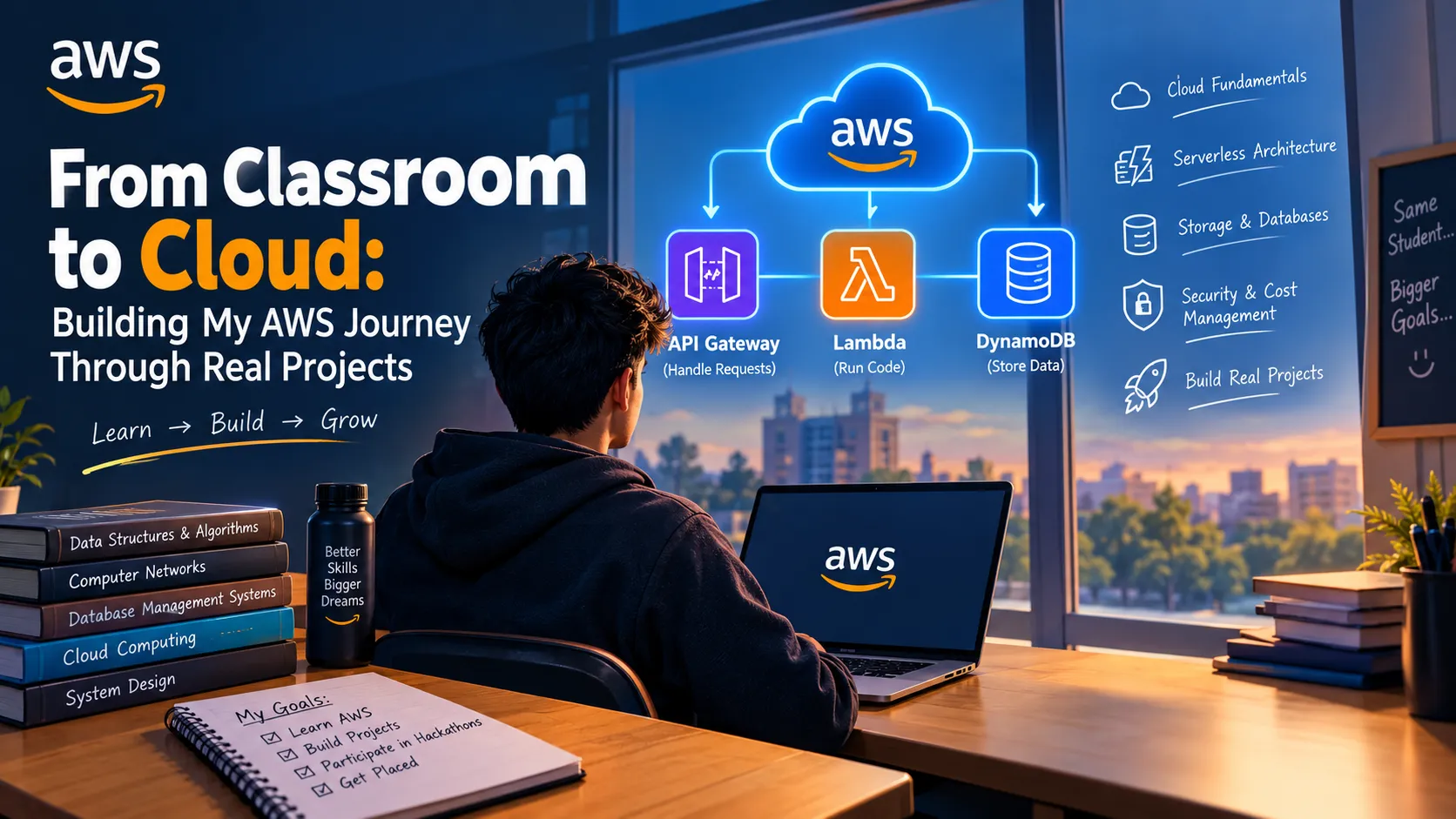
Amazon API Gateway → AWS Lambda → Amazon DynamoDB
Here's how the components work together:
- Amazon API Gateway: Receives HTTP requests from the application.
- AWS Lambda: Executes code to process incoming requests.
- Amazon DynamoDB: Stores task information in a NoSQL database.
This architecture provides a practical way to understand how cloud services communicate and work together.
The biggest lesson is that understanding the role of each service matters more than simply memorizing its name.
2. Learn by Building Small Projects
One of the best ways to understand cloud computing is to build something yourself.
You don't need to begin with a complex application. Start with a small project, make it work, and improve it gradually.
Here are three project ideas for students:
Project 1: Personal Portfolio Website
Create a portfolio that showcases your skills, projects, and learning journey. Explore Amazon S3 for storing static website assets and learn about suitable hosting options.
Project 2: Cloud-Based Notes Application
Build a simple application where users can create and manage notes. You can explore AWS Lambda for application logic and Amazon DynamoDB for storing note data.
Project 3: StudyBuddy AI
Imagine an AI-powered study assistant that helps students summarize notes, generate practice questions, and organize revision sessions.
Depending on the design, you could explore Amazon Bedrock for foundation models, AWS Lambda for backend logic, and suitable storage services for study materials.
Start with one core feature, test it, and add more functionality only after the basic version works.
These projects can help students gain practical experience and create meaningful work to discuss during hackathons and internship interviews.
3. Build Securely and Manage Costs
Learning to build applications is only part of becoming a cloud developer. Security and cost management should be considered from the beginning.
Here are some habits worth developing:
- Use AWS Identity and Access Management (IAM) to control permissions.
- Follow the principle of least privilege.
- Never publish access keys or credentials in public repositories.
- Review the pricing of services before deploying resources.
- Configure AWS Budgets and billing alerts where available.
- Remove unused resources when experiments are complete.
AWS services and configurations can incur charges, so beginners should always check current pricing and free-tier eligibility before starting a project.
A good cloud project should not only work correctly but also follow responsible security and cost practices.
4. My Approach to Learning AWS
I want to focus on understanding how real applications are designed rather than learning cloud terminology alone.
My learning approach is simple:
- Understand one AWS concept at a time.
- Build a small practical experiment.
- Test the application and learn from errors.
- Document the architecture and important decisions.
- Improve the project step by step.
This approach can make learning more structured and help connect classroom concepts with real-world development.
It also encourages an important habit: learning in public. Sharing what you build, what you learn, and what challenges you face can help other beginners while creating a record of your own progress.
Conclusion
Cloud computing can feel overwhelming when you're just starting, but you don't need to learn everything at once.
Start with the fundamentals. Understand a few essential services. Build a small application. Pay attention to security and costs. Then keep improving your work.
For student developers, the goal should not simply be to learn AWS services—it should be to use them to create useful solutions.
I'm excited to keep exploring cloud technologies, experimenting with projects, and learning how AWS can help turn ideas into working applications.
Your cloud journey doesn't begin when you know everything. It begins when you start building.
Let's Connect
What AWS project are you currently building, or what would you like to build as your first cloud project?
I'd love to learn from other builders and hear your ideas!
Enjoyed reading this content? Let the author know!
Your likes, comments, shares, and saves help creators reach more builders.

Loading recommendations
Loading article