
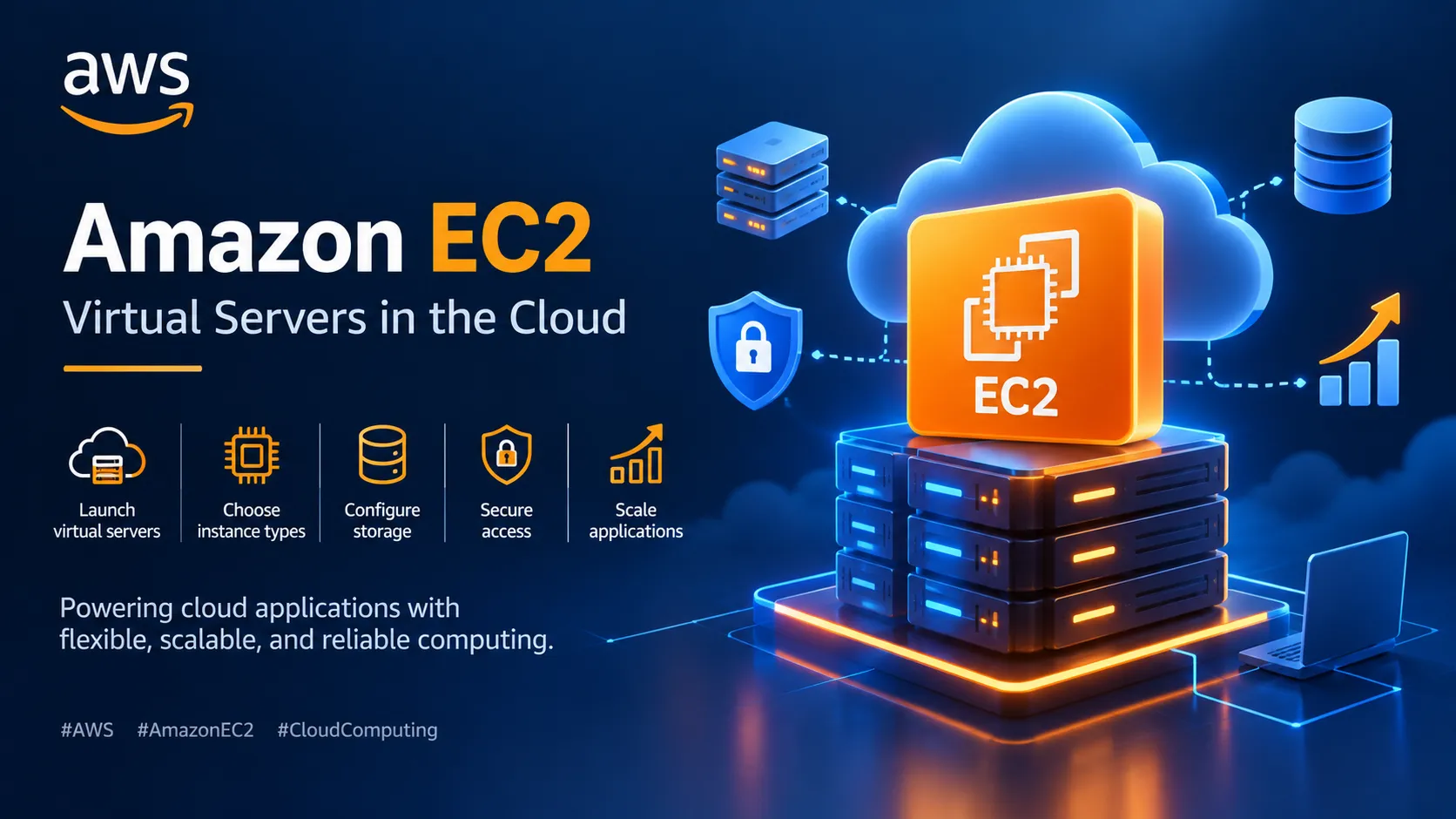
Amazon EC2: Understanding Virtual Servers in AWS
Amazon EC2 is a core AWS service that allows users to run applications on virtual servers in the cloud. In this article, I explore how EC2 works, its key features, instance types, common use cases, and important security practices.

Amazon EC2: Understanding Virtual Servers in AWS
Introduction
When exploring cloud computing, one important concept is understanding how applications run on servers. Traditionally, organizations needed physical computers to host applications, websites, and other services. Cloud computing provides a more flexible approach through virtual servers.
Amazon Elastic Compute Cloud (Amazon EC2) is an AWS service that makes it possible to launch and manage virtual servers in the cloud.
What Is Amazon EC2?
Amazon EC2 is a cloud computing service that provides resizable computing capacity. It allows users to launch virtual servers, called instances, and configure them according to their application requirements.
Instead of purchasing and maintaining physical servers, users can create EC2 instances when needed and manage their computing resources through AWS.
EC2 supports different operating systems, computing configurations, and storage options, making it suitable for many types of workloads.
How Does Amazon EC2 Work?
Amazon EC2 allows users to launch virtual servers called instances. The process generally involves the following steps:
- Choose an Amazon Machine Image (AMI), which provides the operating system and initial software configuration.
- Select an instance type based on computing, memory, and networking requirements.
- Configure network settings and security groups.
- Select storage options and other required settings.
- Launch the instance and connect to it using an appropriate method.
Once the instance is running, users can install software, deploy applications, and manage their workloads.
Important Components of EC2
1. Amazon Machine Image (AMI)
An AMI is a template used to launch EC2 instances. It includes the information needed to configure an instance, such as an operating system and, optionally, preinstalled software.
2. Instance Types
EC2 offers different instance types designed for different workloads.
- General purpose: A balanced combination of computing, memory, and networking.
- Compute optimized: Suitable for compute-intensive applications.
- Memory optimized: Designed for workloads that need large amounts of memory.
- Storage optimized: Suitable for workloads requiring high storage performance.
Choosing the right instance type depends on the application's requirements.
3. Amazon EBS
Amazon Elastic Block Store (Amazon EBS) provides block storage volumes that can be attached to EC2 instances. It is commonly used for operating systems, applications, and persistent data.
4. Security Groups
Security groups act as virtual firewalls for EC2 instances. They control inbound and outbound network traffic based on configured rules.
For example, a web server may need permission to receive HTTP or HTTPS traffic, while administrative access should be restricted to trusted sources.
5. Key Pairs
Key pairs are used for secure authentication when connecting to supported EC2 instances. The connection method depends on the operating system and configuration.
Key Benefits of Amazon EC2
Flexible Computing
Users can choose computing resources based on the needs of their applications.
Scalability
EC2 capacity can be adjusted as workload requirements change. AWS Auto Scaling can help automatically adjust capacity when configured.
Multiple Instance Options
Different instance families support general-purpose applications, compute-intensive tasks, memory-heavy workloads, and other requirements.
Cost Management
Users can choose among pricing options such as On-Demand Instances, Savings Plans, and Spot Instances, depending on their workloads and eligibility.
Integration with AWS Services
EC2 can work with services such as Amazon S3, Amazon CloudWatch, Elastic Load Balancing, and AWS IAM to support application deployment, monitoring, storage, and access management.
Common Use Cases of Amazon EC2
Amazon EC2 can be used for:
- Hosting websites and web applications
- Running backend services and APIs
- Development and testing environments
- Data processing and batch workloads
- Enterprise applications
- Scientific computing and machine learning workloads
For example, a developer can deploy a web application on an EC2 instance and use Amazon S3 to store uploaded files.
Security Best Practices
Security is an important consideration when working with cloud servers.
Some useful practices include:
- Grant only the permissions required for each task.
- Restrict inbound traffic using security groups.
- Keep operating systems and software updated.
- Use IAM roles when applications need permission to access other AWS services.
- Monitor resources and activity using appropriate AWS tools.
- Protect credentials and private keys.
- Review costs and stop or terminate resources when they are no longer needed.
Before launching resources, it is also important to review the applicable AWS pricing and Free Tier eligibility.
What I Learned About EC2
Learning about Amazon EC2 helped me understand how cloud computing provides access to virtual servers without requiring users to own physical hardware.
I also learned that selecting an instance type, configuring network access, managing storage, and applying security controls are important parts of running applications in the cloud.
Understanding EC2 alongside Amazon S3 also helped me see how different AWS services can work together in a real-world application.
Conclusion
Amazon EC2 is an important AWS service for running applications on virtual servers. Its flexibility, variety of instance types, and integration with other AWS services make it useful for many computing needs.
As I continue exploring AWS, I want to gain more hands-on experience with EC2, understand its configurations, and use it in practical projects.
Every service I learn helps me build a stronger foundation in cloud computing and brings me one step closer to developing real-world applications.
#AWS #AmazonEC2 #CloudComputing #AWSCloud #CloudInfrastructure #AWSLearning #AWSBuilderCenter #CloudTechnology #VirtualServers
Enjoyed reading this content? Let the author know!
Your likes, comments, shares, and saves help creators reach more builders.

Loading recommendations
Loading article