
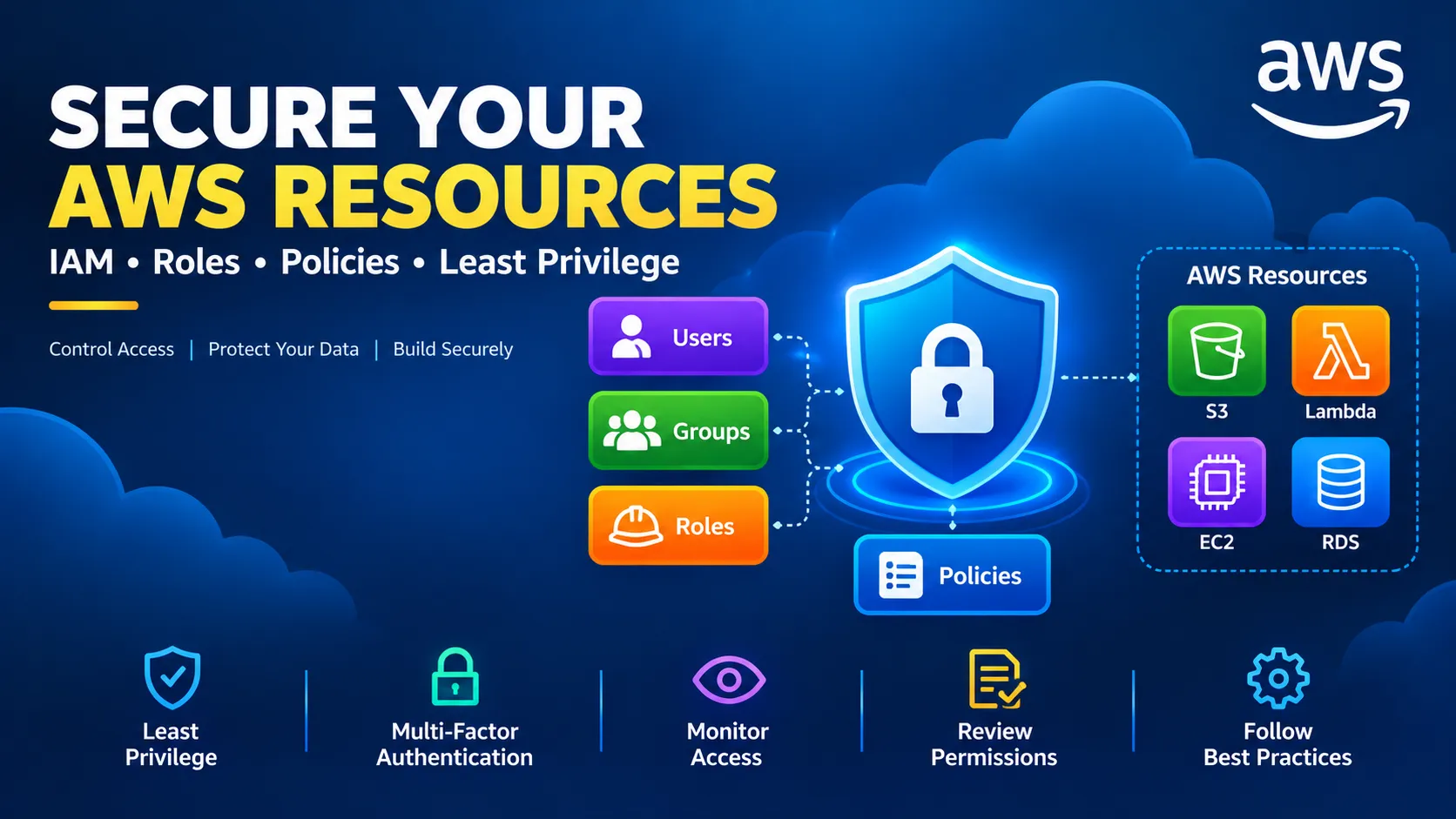
AWS IAM Explained: Secure Your Cloud Resources with Least Privilege
Learn how AWS Identity and Access Management (IAM) helps control access to AWS resources. Explore users, roles, policies, and the principle of least privilege with practical examples and security best practices.

AWS IAM Explained: Secure Your Cloud Resources with Least Privilege
Security is one of the most important parts of building applications in the cloud. As developers create resources on Amazon Web Services (AWS), they need a reliable way to control who can access those resources and what actions they can perform.
AWS Identity and Access Management (IAM) provides the tools to manage access to AWS services and resources.
In this article, we will explore the fundamentals of IAM, understand how permissions work, and learn why the principle of least privilege is essential for cloud security.
What Is AWS IAM?
AWS IAM is a service that helps you manage identities and permissions across your AWS environment.
It allows you to define who can access your resources and which actions they are allowed to perform.
For example, a developer might need permission to view objects in an Amazon S3 bucket but should not be allowed to delete those objects or modify account-wide security settings.
IAM helps you define these access rules.
Understanding the Main IAM Components 1. IAM Users
An IAM user represents an identity with specific credentials and permissions.
In some situations, users may be created for individual people or applications. However, for people accessing AWS, AWS recommends using federation and temporary credentials where appropriate rather than creating long-term IAM user credentials unnecessarily.
2. IAM Groups
An IAM group is a collection of IAM users.
Groups can make it easier to manage permissions for multiple users who need similar access.
For example, a development team might need a common set of permissions for certain development resources.
3. IAM Roles
An IAM role is an identity that provides temporary permissions when it is assumed by an authorized person, application, or AWS service.
Roles are especially useful when one AWS service needs to interact with another.
For example, an AWS Lambda function can use an execution role to access a particular S3 bucket without storing long-term access keys in its source code.
4. IAM Policies
IAM policies define permissions.
A policy specifies which actions are allowed or denied, and the resources to which those permissions apply.
Here is a simplified example of a policy that allows an identity to list the contents of one S3 bucket:
{ "Version": "2012-10-17", "Statement": [ { "Effect": "Allow", "Action": "s3:ListBucket", "Resource": "arn:aws:s3:::example-bucket" } ] }
In this example, replace example-bucket with the appropriate bucket name before using the policy.
This policy grants permission to list the bucket. It does not, by itself, grant permission to download or delete objects.
What Is the Principle of Least Privilege?
The principle of least privilege means giving an identity only the permissions necessary to complete its task.
Imagine an application that needs to read images from an S3 bucket.
It might need permission to retrieve specific objects, but it probably does not need permission to delete buckets, change IAM policies, or manage unrelated AWS services.
Granting unnecessary permissions increases the potential impact of mistakes or compromised credentials.
A useful approach is to begin with the minimum permissions required and expand them only when the application genuinely needs additional access.
A Practical Example: Lambda Accessing Amazon S3
Consider an application that processes uploaded images.
The architecture might look like this:
User uploads an image
↓
Amazon S3 stores the image
↓
An S3 event invokes AWS Lambda
↓
Lambda processes the image using its execution role
↓
Amazon S3 stores the image
↓
An S3 event invokes AWS Lambda
↓
Lambda processes the image using its execution role
The Lambda function should have the permissions it needs to perform its task.
Depending on the implementation, those permissions might include reading objects from a specific bucket and writing processed images to a separate destination.
Instead of embedding access keys in the Lambda code, use the function's IAM execution role.
This makes access easier to manage and reduces the need for long-term credentials in application code.
Common IAM Security Mistakes Giving excessive permissions
Avoid granting broad permissions simply because they make an application work quickly.
Review which actions and resources the application actually requires.
Sharing credentials
Each person or application should use an appropriate identity. Avoid sharing credentials between team members.
Storing access keys in source code
Never commit access keys, passwords, or secret tokens to a public or private source-code repository.
Use appropriate AWS identity mechanisms and temporary credentials whenever possible.
Ignoring unused permissions
Permissions can remain in place long after a project changes.
Review identities and policies periodically and remove access that is no longer needed.
Forgetting multi-factor authentication
Use multi-factor authentication (MFA) for human access where appropriate, especially for privileged accounts.
Also, protect the root user and avoid using it for routine development tasks.
How to Improve Your IAM Practices
Here are several habits that can help you build a more secure AWS environment:
Use IAM roles for workloads that run on AWS. Prefer temporary credentials over long-term access keys. Apply least-privilege permissions. Enable MFA for appropriate human identities. Review policies before deploying applications. Monitor access and investigate unexpected activity. Remove unused identities and permissions. Use AWS IAM Access Analyzer to help identify certain access and policy risks.
Security is an ongoing process. Permissions should be reviewed as applications and business requirements evolve.
Conclusion
AWS IAM is a fundamental service for anyone learning cloud computing.
Understanding users, groups, roles, and policies helps developers control access to cloud resources and reduce unnecessary security risks.
The principle of least privilege provides a simple starting point: give each identity only the access it needs.
Whether you are building a small serverless application or managing a larger cloud environment, thoughtful identity and access management should be part of your design from the beginning.
Secure access is not an optional extra. It is a foundation of reliable cloud architecture.
Enjoyed reading this content? Let the author know!
Your likes, comments, shares, and saves help creators reach more builders.

Loading recommendations
Loading article