
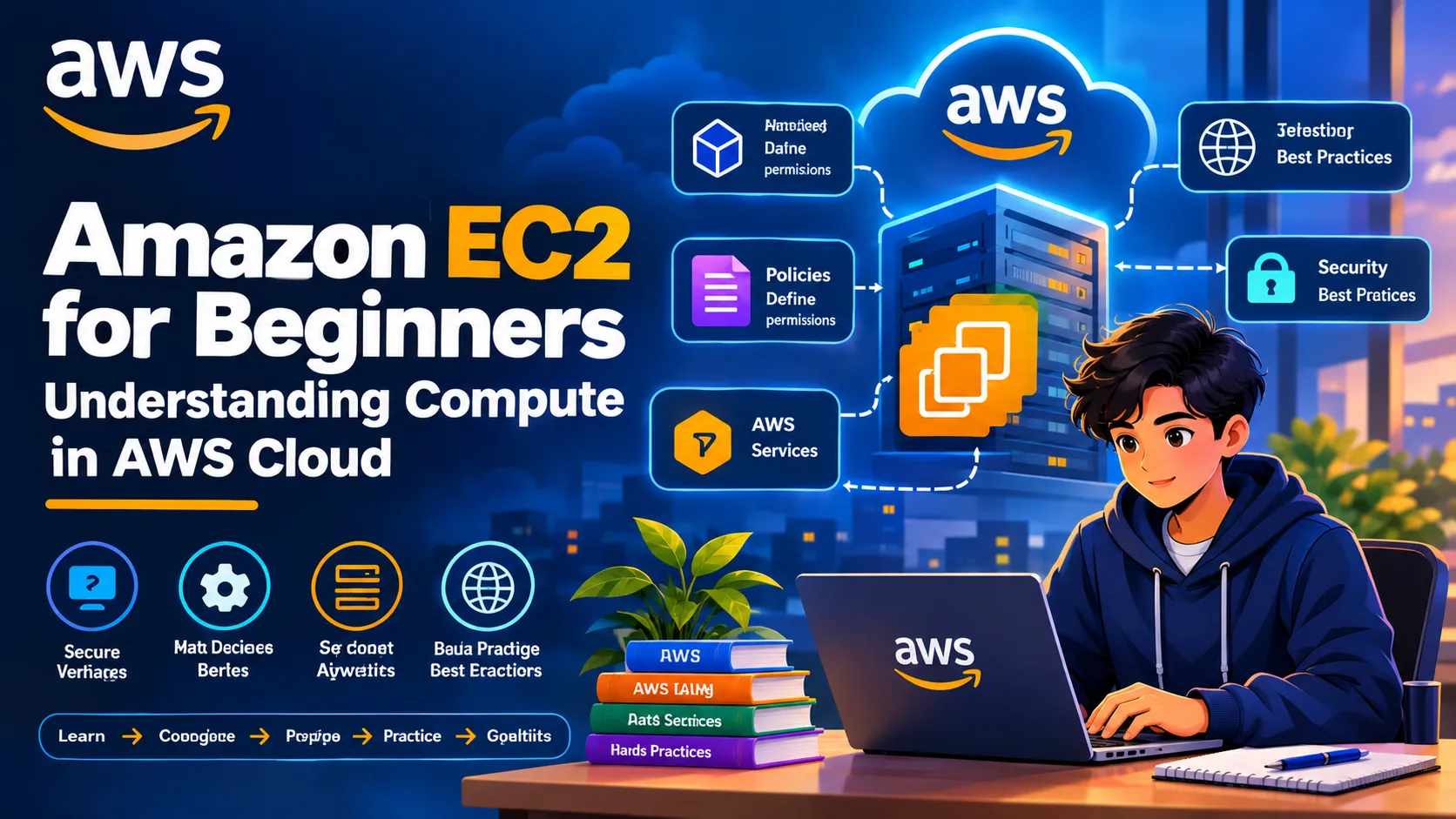
Amazon EC2 for Beginners: Understanding Compute in AWS Cloud
Learn how Amazon EC2 powers cloud applications through virtual servers, instance types, security groups, storage, pricing models, and hands-on deployment concepts. A beginner-friendly guide for students exploring AWS compute services.

Amazon EC2 for Beginners: Understanding Compute in AWS Cloud
Cloud computing allows developers to run applications without maintaining physical servers themselves. One of the most widely used AWS services for this purpose is Amazon Elastic Compute Cloud (Amazon EC2).
For students learning AWS, understanding EC2 is an important step toward building, deploying, and managing cloud applications. This guide introduces the fundamentals of EC2, its key features, common use cases, and practical learning opportunities.
1. What Is Amazon EC2?
Amazon EC2 is a cloud computing service that provides resizable virtual servers, known as instances. Users can launch instances, configure their computing resources, install software, and run applications based on their requirements.
Instead of purchasing and maintaining physical hardware, developers can provision computing capacity when needed.
2. Understanding EC2 Instances
An EC2 instance is a virtual server running in the AWS Cloud. Each instance provides computing resources such as processing power, memory, networking, and storage.
Common use cases include:
- Hosting websites and web applications
- Running backend services and APIs
- Performing data processing tasks
- Developing and testing software
- Running scheduled workloads
For example, a student could deploy a Python Flask application on an EC2 instance and make it accessible over the internet with the appropriate network configuration.
3. EC2 Instance Types
AWS offers different instance families designed for different workloads.
General purpose: Suitable for balanced computing, memory, and networking requirements.
Compute optimized: Designed for workloads that benefit from higher processing performance.
Memory optimized: Suitable for applications that process large datasets in memory.
Storage optimized: Designed for workloads requiring high storage performance.
Accelerated computing: Uses specialized hardware for workloads such as graphics processing and machine learning.
Choosing an appropriate instance type helps balance performance and cost.
4. Amazon Machine Images (AMIs)
An Amazon Machine Image (AMI) provides the information required to launch an EC2 instance.
An AMI typically includes an operating system and may include additional software and configuration.
For example, a learner can choose a suitable Linux AMI when launching an instance for a Python application.
5. EC2 Storage Options
EC2 instances can use different storage options depending on their requirements.
Amazon EBS: Provides persistent block storage volumes that can be attached to EC2 instances.
Instance store: Provides temporary storage associated with supported instance types. Its data may not persist when the instance is stopped or terminated.
Understanding the difference helps developers choose appropriate storage for application files and important data.
6. Security Groups and Networking
Security is essential when deploying cloud applications.
EC2 security groups act as virtual firewalls that control inbound and outbound traffic for associated resources.
For example, a web server may need inbound access on HTTPS port 443. SSH access on port 22 should be restricted to trusted sources rather than exposed unnecessarily.
Other important networking concepts include:
- Amazon VPC
- Public and private subnets
- Public and private IP addresses
- Network access and routing
- Key pairs and secure administration
Correct configuration helps reduce unnecessary exposure.
7. EC2 Pricing and Cost Management
EC2 offers several purchasing options, including:
- On-Demand Instances
- Savings Plans
- Reserved Instances, where applicable
- Spot Instances
The best option depends on workload duration, flexibility, and availability requirements.
Beginners should check current AWS pricing and eligible free offers before launching resources. Charges can apply to running instances, attached storage, data transfer, and other resources.
Always stop or terminate resources when they are no longer needed, as stopping an instance does not necessarily eliminate all associated costs.
8. A Beginner-Friendly Hands-On Exercise
A simple learning workflow is:
- Sign in to the AWS Management Console.
- Open the Amazon EC2 console.
- Review available instance types and eligible offers.
- Select an appropriate AMI.
- Configure networking and a security group.
- Review the estimated costs and launch settings.
- Connect securely to the instance.
- Explore basic system administration.
- Stop or terminate the instance when finished.
Use a controlled learning environment and never share private keys, passwords, or AWS credentials.
9. Real-World Applications of EC2
Amazon EC2 supports a wide range of workloads, including:
- Web hosting
- Application servers
- Development environments
- Batch processing
- Enterprise applications
- Data processing pipelines
- Self-managed software deployments
For data science students, EC2 can also provide an environment for running Python scripts, processing datasets, and experimenting with selected machine learning workloads.
10. EC2 and Other AWS Services
EC2 becomes more powerful when integrated with other AWS services.
For example:
- Amazon S3 can store application files and datasets.
- IAM roles can provide an instance with permissions to access AWS resources.
- Amazon CloudWatch can collect monitoring metrics and logs.
- Elastic Load Balancing can distribute application traffic.
- Auto Scaling can adjust the number of instances based on configured conditions.
Understanding these connections helps learners move beyond individual services and think about complete cloud architectures.
Conclusion
Amazon EC2 is a foundational AWS compute service that helps developers run applications using virtual servers. Understanding instances, AMIs, storage, networking, security groups, and pricing provides a practical foundation for cloud development.
For students, the best way to learn EC2 is to combine theoretical concepts with carefully managed hands-on practice.
Learn → Configure → Deploy → Monitor → Optimize
Building this foundation can prepare learners to explore more advanced AWS services and cloud architecture concepts.
Enjoyed reading this content? Let the author know!
Your likes, comments, shares, and saves help creators reach more builders.

Loading recommendations
Loading article