
A locked AWS account, 4 days, and a deadline: how I still shipped a Lambda app
My new AWS account stayed on "Complete your account setup" for a whole hackathon. Here is the water-reuse app I built, the errors that nearly stopped me, and how sam local start-api saved the submission.

CSE Student at VTU | Founder at StackBIZ.tech | Empowering Businesses with Tech
On Thursday I created my first AWS account. On Sunday, ten minutes before the hackathon deadline, every AWS service still told me to "Complete your account setup".
I submitted anyway, with a real Lambda function running. This is how.
A problem hiding in plain sight
I'm a final year student at VTU. I entered Environmental Hacks in the Heat and Water track and went looking for a problem that wasn't floods or leaks.
I found this. Bengaluru has more than 3,500 apartment sewage treatment plants. Since 2024, apartments may sell half of their treated water. Construction sites are banned from using drinking water, so they need exactly that water.
A year after the rule changed, only a handful of apartments had sold any. The treated water goes into storm drains. The sites buy tanker water pumped from borewells. Researchers found the sellers and buyers are often a few streets apart, with nothing connecting them.
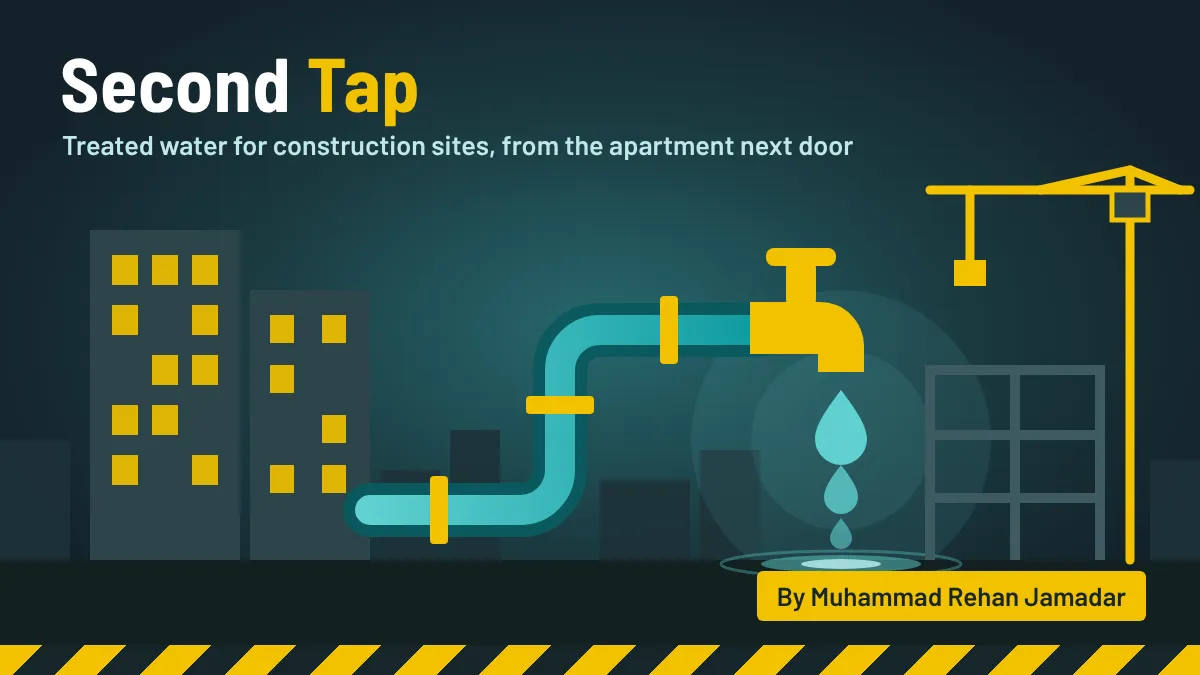
Two groups, each with a legal push toward the other, who cannot find each other. So I built Second Tap to match them.
The feature that matters: "is this water safe for my work?"
A marketplace alone doesn't fix this, because buyers don't trust the water. So every listing gets a verdict for the exact use: Fit, Check first, or Not suitable, with the reason.
Dust control needs the basic limits from the National Green Tribunal's 2019 order. Concrete is stricter, because chlorides rust the steel inside it. The rules are plain data:
Plain text
// Extra limits for water that touches concrete (IS 456:2000)export const CONCRETE = [{ key: 'ph', label: 'pH', min: 6.0 },{ key: 'chloride', label: 'Chlorides', max: 500 },{ key: 'sulphate', label: 'Sulphates', max: 400 },];
If a lab report has no chloride value, the listing doesn't fail. It says "Check first" and tells the buyer what to ask for. That one decision made the results feel fair instead of harsh.
In my demo, a site needing 150 kilolitres a day is fully covered by three nearby apartments. That is 150,000 litres of groundwater a day left in the ground.
I used an AI coding assistant (Claude) heavily for the code. My part was choosing the problem, deciding what mattered, testing every flow, and fighting the setup. There was a lot of setup to fight.
What fought back
1. The account that never woke up
CloudShell said "Unable to create the environment". I assumed new accounts need a day. Two days later, even S3 showed "Complete your account setup".
The page gave two possible causes and didn't say which was mine. The real clue was in Billing: my payment method read "Manual bill payments". The payment verification step at sign-up had not completed, and nothing had told me. I added a payment method and opened a support case. It was still locked at the deadline.
2. SAM could not see Docker
The hackathon allowed local builds with AWS open-source tools, and my app was already a SAM template. So:
Plain text
sam build -t template.local.yamlsam local start-api --port 3000 --warm-containers LAZY
First error: "Running AWS SAM projects locally requires a container runtime." Docker Desktop was running. On a Mac, SAM needs to be told where:
Plain text
export DOCKER_HOST=unix://$HOME/.docker/run/docker.sock
3. The 60-second timeout
Next: "Read timed out (read timeout=60)". SAM was checking the internet for a newer Lambda image on every start. One flag fixed it:
--skip-pull-image .4. The silent terminal
Now the site loaded, but SAM printed nothing. I had left
npm start running in another terminal on the same port, and my browser was talking to that. I stopped it, opened 127.0.0.1:3000 , and got this:Plain text
START RequestId: 27197890-e418-4247-bec3-e93cbc566efa Version: $LATESTEND RequestId: 27197890-e418-4247-bec3-e93cbc566efaREPORT RequestId: 27197890-... Duration: 3.80 ms Billed Duration: 4 ms Memory Size: 512 MB
Every click printed a Lambda invocation with its duration. It stopped being a Node app on my laptop. It was a Lambda function I could watch, in AWS's own runtime image, with no AWS account at all.
Why SAM saved me
I never reached the cloud, but one template still describes all of it: Lambda, an HTTP API with rate limits, a DynamoDB table, a private S3 bucket and Bedrock permissions. Even small things are one line, like letting DynamoDB delete old requests by itself:
Plain text
TimeToLiveSpecification:AttributeName: expiresAtEnabled: true
sam validate --lint also caught a circular dependency between my bucket and my API before I had deployed anything.If you are a student starting this week
- Open Billing, then Payment preferences, on day one. If it says "Manual bill payments", your account will not activate.
- Write your project as a SAM template from the first hour. It works locally and in the cloud.
- Keep a local path. A locked account cost me a live link. It did not cost me my submission.
- Pick a problem you can say in one sentence.
What's next
My listings are samples, so the next step is one real apartment and one real site. And the day my account activates, I'm typing
sam deploy .Enjoyed reading this content? Let the author know!
Your likes, comments, shares, and saves help creators reach more builders.

Loading recommendations
Loading article