
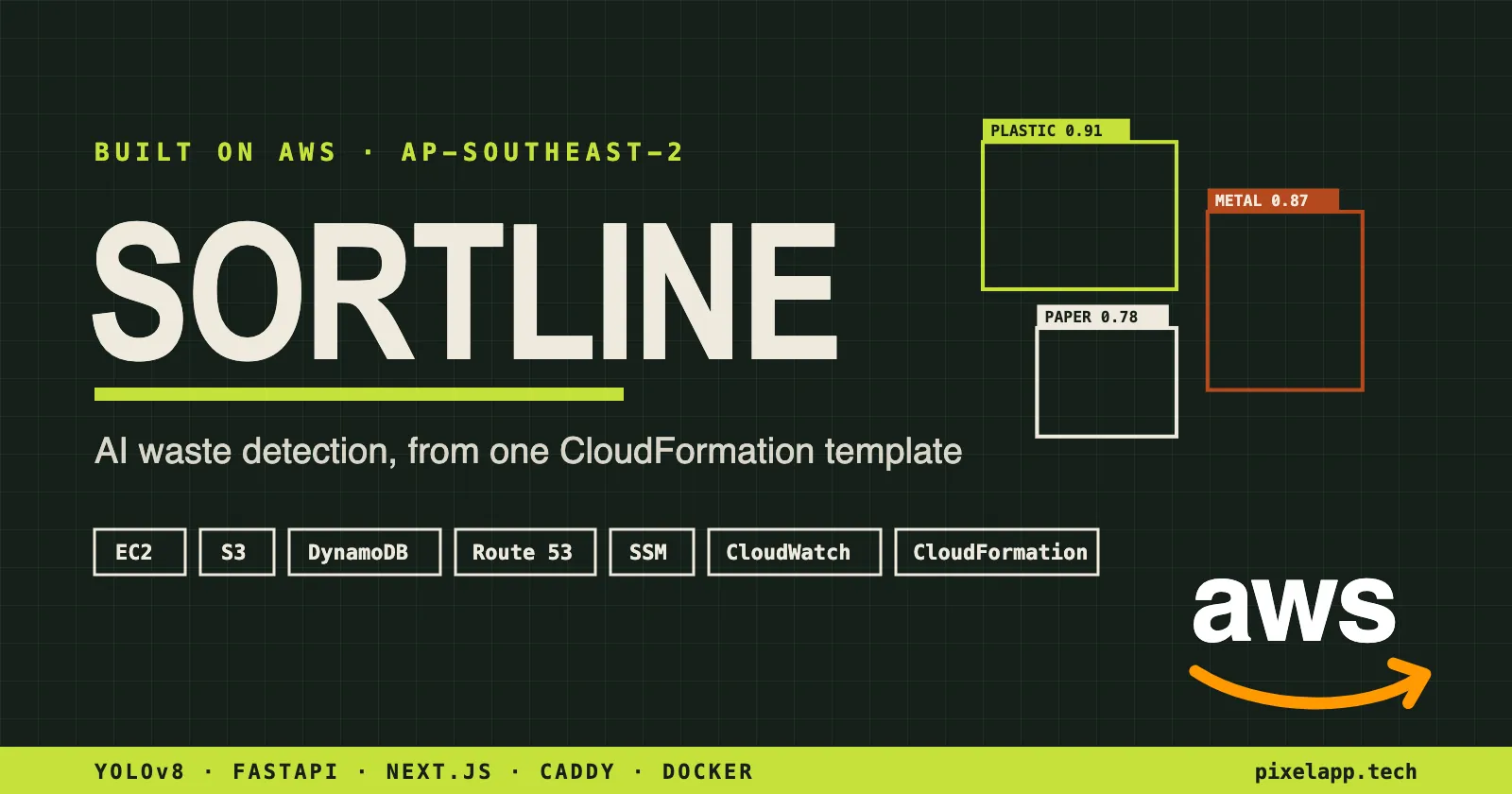
Building Sortline on AWS using a Terminal
An AI waste-sorting app for WeMakeDevs × AWS Environmental Hacks, shipped and run entirely from the AWS CLI on EC2, S3, DynamoDB and Route 53.

Our project for WeMakeDevs × AWS Environmental Hacks (Bharat Builds Tour, Event 02), Waste and Energy track.
India's waste problem starts with segregation. Plastic, metal, paper, glass and cardboard end up in the same bag, and sorting them by hand at a facility is slow, dirty and inconsistent. We wanted to know if a phone camera and an object-detection model could do the first pass, and whether one small team could put that on the public internet in a weekend.
- Scans a photo of mixed waste, draws a box around every item and labels it (plastic, metal, paper and so on) with a confidence score.
- Runs live on a webcam, a few frames every second.
- Shows a facility dashboard with how much was scanned, the mix of materials, purity and estimated recovery value over the last week.
- Handles civic flows: report a garbage spot and have the cleanup verified by AI, sell recyclables through pickup requests, and a view for collectors.
This post is about what it was like to build and run all of that on AWS, mostly from the AWS command line.
How Sortline runs on AWS
We deliberately kept the design boring. A visitor's browser finds our domain through Route 53, which points at a fixed Elastic IP. Behind that is a single EC2 instance running two containers:
- The web container serves the site and handles HTTPS automatically.
- The AI container runs the YOLOv8 waste-detection model.
Every scan's photos go to S3, and every scan's results go to DynamoDB. The dashboard reads both back. All of it lives in one Region (Sydney), and all of it is described in a single CloudFormation template.
The AWS services we used:
Service | What it does for Sortline |
|---|---|
AWS CloudFormation | Describes the entire app (network, server, storage, database, permissions, logs) in one template, so the whole thing comes up or goes away with one command. DNS lives in a second small stack. |
Amazon EC2 | The one server that runs both containers. Encrypted disk, no SSH keys. |
Elastic IP | A fixed address, so the domain keeps working when the server restarts. |
Amazon VPC | A private network with only the web ports open to the world. The AI service is never exposed directly. |
Amazon S3 | Two buckets: one holds the trained model, the other holds the original and annotated photo of every scan. Both are private, and old scan photos expire automatically after 30 days. |
Amazon DynamoDB | One record per scan, organised by day, so "show me the last 7 days" is fast and cheap. Garbage reports and pickup requests live here too. |
AWS IAM | A single role for the server that can do only what the app needs, nothing more. |
AWS Systems Manager | Lets us run commands on the server from our laptops without ever opening SSH. It also picks the latest Amazon Linux image for us. |
Amazon CloudWatch Logs | Collects logs from both containers, so we could watch the app from the terminal. |
Amazon Route 53 | Hosts our domain's DNS, including our existing email records. |
Why not Lambda or CloudFront?
Our first version was CloudFront + Lambda + a load balancer. It worked. We replaced it because:
- Size. An AI model plus its libraries is heavy for a serverless function, and slow cold starts hurt a live webcam demo.
- Cost. An idle load balancer still costs money every hour.
One server turned out simpler, cheaper and faster for an app at demo scale. The trade-off is no high availability, and we're upfront about that.
What the AWS CLI was actually like
We're students, and this was the first time some of us ran a real deployment end to end. We were expecting to spend the weekend clicking through console pages. Instead, almost everything happened in a terminal, and that turned out to be the best part of the experience.
One command builds the whole app
With the app described in CloudFormation, creating everything (network, server, buckets, database, permissions and logs) was a single CLI command. When it finished, it printed a neat table of everything it had made: the server's address, the bucket names, the table name.
Every later step just read its values from that output. We never copied a bucket name by hand or hard-coded one anywhere. Changing the app meant editing the template and running the same command again, and CloudFormation worked out what had changed.
Uploading the AI model felt like copying a file
Our trained model sits in S3 rather than inside the app. Uploading it felt exactly like copying a file to another folder. When we retrained the model, we just copied the new one up and restarted the app. Nothing needed rebuilding.
Deploying without SSH
This was the moment that surprised us most. We never created an SSH key and never opened port 22.
To ship a new version, one CLI command through Systems Manager tells the server to pull the latest app, restart the containers and clean up old files. The CLI then waits for it to finish and prints the server's output right back in our terminal. It feels like running a command on your own laptop, with none of the key management or open ports that SSH needs.
The whole "rebuild and redeploy" loop became one line we could run between coffee breaks.
DNS and HTTPS took one step
We put our domain's DNS in Route 53 as its own small stack, separate from the app. Once the domain pointed at our server, HTTPS certificates sorted themselves out. We never handled a certificate by hand.
Watching it live
Following the app's logs is a single CLI command that streams them, like watching a file grow. When something broke, we saw it within seconds, without hunting through console pages.
Things that tripped us up
- Broken images on the dashboard. Our private scan photos wouldn't load at first. The fix was to generate the links using our Region's own S3 address instead of the global one.
- Running too many commands at once. Firing off several CLI commands in parallel sometimes made our login session expire. Running them one after another fixed it.
- Server setup runs only once. Changing the template doesn't update a server that's already running. You redeploy explicitly, which our Systems Manager step made painless.
- One Region, by design. The new AWS experience keeps a project in one Region. That pushed us toward a simpler design, which honestly helped.
Security, briefly
- Only the web ports are open to the internet. The AI service can only be reached through the web container.
- HTTPS everywhere, with standard security headers.
- Both storage buckets are private. Photos are shared only through links that expire after an hour.
- Uploads are checked for type and size before they reach the model.
- Honest gap: the app has no login yet. That's fine for a hackathon demo, but it's the first thing we'd add before real use.
Cost
There is no load balancer, NAT gateway, CloudFront or Lambda, so the bill is mostly:
- one server,
- its disk,
- its public IP address,
- a few cents of S3 and DynamoDB.
Free-plan credits cover a demo like this. Set a budget, and tear the stack down when you're not demoing.
What's next
- Logins, and separate accounts for each facility.
- More waste types, especially e-waste.
- Improving model using RL using AWS sagemaker.
- A queue in front of the model so bursts of traffic don't block each other.
- A second server behind a load balancer, once people actually depend on it.
Thank you
A huge thank you to Kunal Kushwaha and the whole WeMakeDevs team for running the Bharat Builds Tour and making Environmental Hacks open to students across India. Thank you to AWS for the credits, the Builder Center sandboxes and workshops, and for backing a student hackathon at this scale. Thanks also to Delhi Technological University and AIMS-DTU for hosting the build day.
A special thanks to the AWS mentors. Your sessions and answers pushed us toward shipping something that runs rather than something that almost does. Sortline is better because of you.
If you're building for the next stop on the tour: pick a small problem, describe it in one template, and drive it from the CLI. You'll understand every piece you're paying for.
#AWS #WeMakeDevs #BharatBuildsTour #EnvironmentalHacks #YOLOv8 #CloudFormation
Enjoyed reading this content? Let the author know!
Your likes, comments, shares, and saves help creators reach more builders.

Loading recommendations
Loading article