
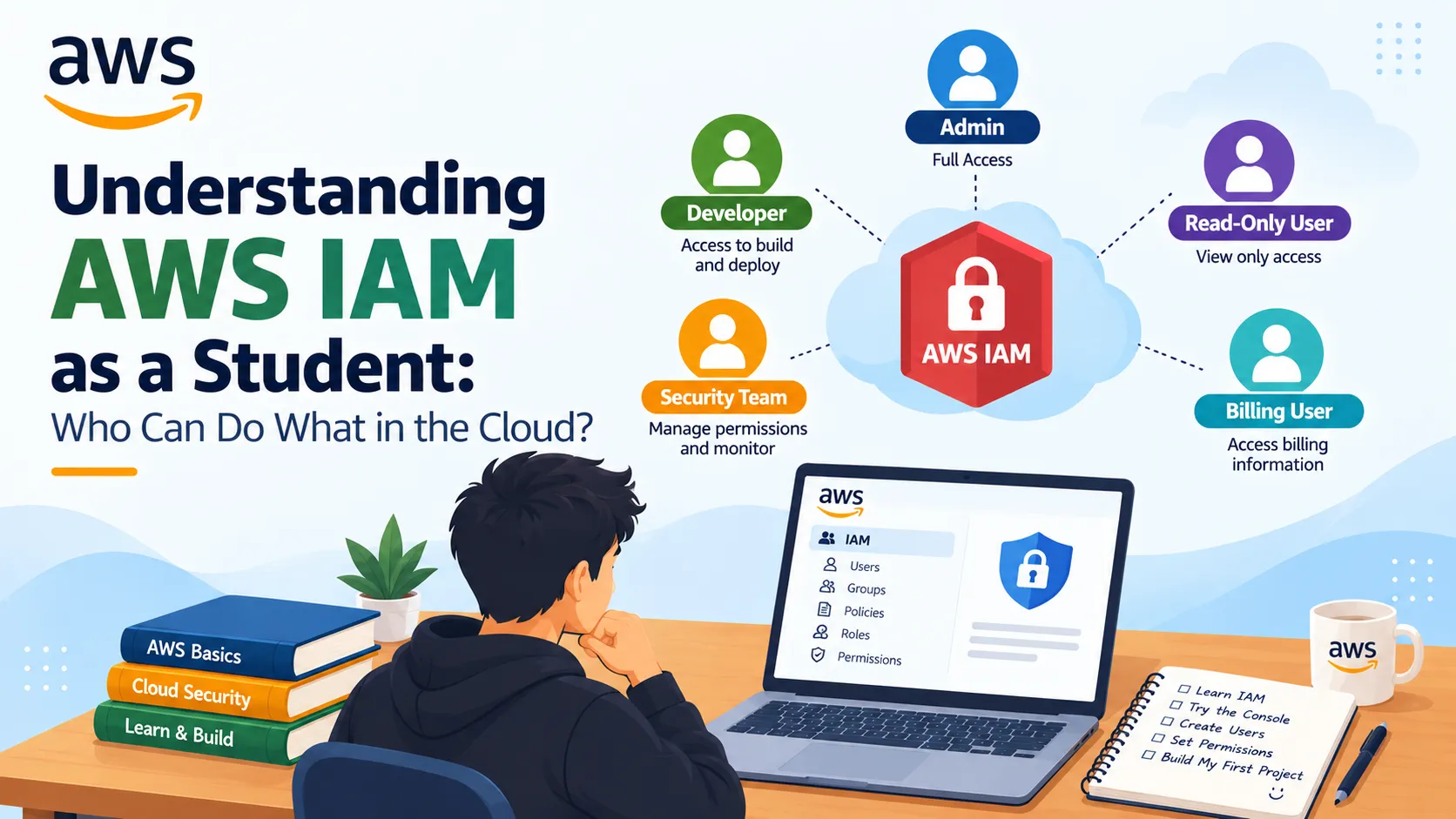
Understanding AWS IAM as a Student: Who Can Do What in the Cloud?
When I started learning AWS, I thought security meant just having a strong password. After exploring AWS IAM (Identity and Access Management), I realized it is much more than that: IAM is how AWS decides who can access what, which actions they can perform, and under what conditions. As a student, understanding IAM early is important because it protects your AWS account, your projects, and your data from accidental or unauthorized access.

What is AWS IAM?
AWS IAM is a service that helps you securely control access to AWS resources. Instead of giving everyone full access, IAM lets you define fine-grained permissions for users, groups, roles, and policies.
In simple words, IAM answers four questions:
- Who can access AWS?
- Which resources can they access?
- What actions can they perform?
- Under what conditions is access allowed?
Key IAM concepts I learned
Users, groups, and roles
- IAM user: An identity for a person or application that needs long-term access to AWS.
- IAM group: A collection of users who share the same permissions, useful for teams or classes.
- IAM role: An identity that can be assumed temporarily by users or AWS services (like EC2 or Lambda) to get permissions.
For example, instead of giving an EC2 instance permanent access keys, you can attach an IAM role so it can access S3 securely.
Policies and permissions
A policy is a document that defines what actions are allowed or denied and on which resources. IAM uses policies to enforce the principle of least privilege, meaning you give only the permissions needed to do a task—nothing more.
For example, if a student only needs to upload files to S3, they should have an IAM policy that allows
s3:PutObject on a specific bucket, not full admin access.Authentication vs authorization
- Authentication is proving who you are (e.g., username + password + MFA).
- Authorization is deciding what you are allowed to do after you are authenticated.
IAM handles both, and using multi-factor authentication (MFA) adds an extra layer of security beyond just a password.
Best practices I’m following as a beginner
AWS recommends several IAM best practices that are especially useful for students:
- Protect the root user: Use MFA and avoid using root for daily tasks.
- Create individual IAM users: Don’t share credentials; give each person their own identity.
- Use groups for permissions: Assign policies to groups, not individual users, to make management easier.
- Apply least privilege: Grant only the permissions needed for a task.
- Use roles for applications: Let EC2, Lambda, or other services assume roles instead of storing long-term access keys.
- Enable MFA: Add an extra layer of security for privileged users.
How IAM fits into my learning plan
As I continue learning AWS, I plan to:
- Create an IAM user for myself (not use root).
- Enable MFA on that user.
- Create a group with limited permissions for practice.
- Attach policies that allow only what I need (e.g., S3 access for a project).
- Use IAM roles when I start working with EC2 or Lambda.
Why IAM matters for students
IAM is the foundation of cloud security. If you get it right early, you protect your account, your data, and your future projects. If you get it wrong, you risk accidental data exposure or unauthorized access.
For students, IAM is also a great topic to write about because it connects directly to real-world skills employers look for: security, access management, and least-privilege design.
Enjoyed reading this content? Let the author know!
Your likes, comments, shares, and saves help creators reach more builders.

Loading recommendations
Loading article