
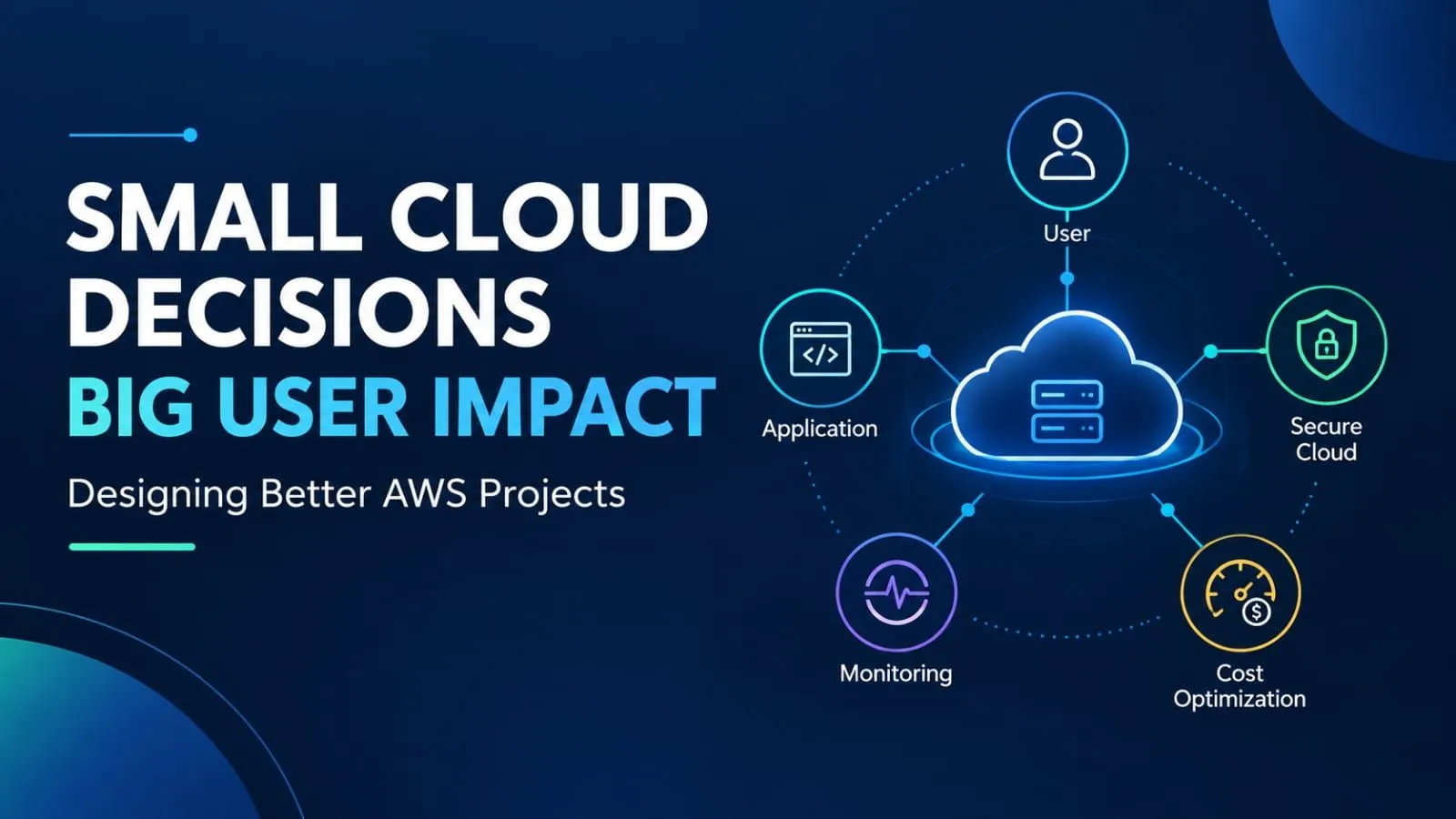
Small Cloud Decisions, Big User Impact: Designing Better AWS Projects ☁️
Explore six important considerations for building better AWS projects, including security, reliability, monitoring, performance, cost optimization, and maintenance. Learn how small cloud design decisions can help students and beginners build more secure, efficient, and reliable applications using practical examples and a simple checklist.☁️

Introduction
Deploying an application on Amazon Web Services (AWS) is an exciting milestone in any cloud learning journey. Seeing a project work online is a great achievement, but successful deployment is only the beginning.
An application may be accessible and still have security weaknesses, performance issues, unexpected costs, or maintenance challenges. These problems often depend on the decisions made during its design and development.
So, what makes an AWS project effective beyond deployment?
It is not always about adding more services or building a complex architecture. It is about understanding user needs, selecting appropriate resources, protecting data, monitoring performance, and planning for future improvements.
For students and cloud beginners, these decisions offer valuable opportunities to develop practical cloud skills.
Let's explore six important considerations that can make AWS projects more secure, reliable, efficient, and maintainable.
1.Start with the Problem, Not the Services
AWS offers many services, and exploring them can be exciting for beginners. However, choosing services before understanding the actual requirements can introduce unnecessary complexity.
Before designing a solution, consider these questions:
- Who will use the application?
- What problem does it solve?
- Which features are essential?
- What level of performance and availability is needed?
- Which resources suit the expected workload?
For example, a student portfolio website may need a simple hosting solution, while an attendance management application may require authentication and a suitable way to store records.
Although both applications can use AWS, their requirements are different.
A good architecture is not the one that uses the most services. It is the one that meets the requirements with an appropriate level of complexity.
Key takeaway: Let the problem guide your service selection instead of choosing services simply because they are available.
2.Make Security Part of Every Decision 🔐
Security is important even when building a small learning project. Exposed credentials, unnecessary permissions, and incorrectly configured resources can create avoidable risks.
Developers can improve security by following these practices:
- Apply the principle of least privilege.
- Use AWS Identity and Access Management (IAM) to manage permissions.
- Never expose access keys, passwords, or other sensitive credentials in public repositories.
- Review whether resources genuinely require public access.
- Use appropriate access controls and encryption to protect sensitive information.
Consider an application that stores files in Amazon Simple Storage Service (Amazon S3). Public access may be appropriate for certain website assets, but private documents should not automatically receive the same permissions.
Understanding what each resource contains and who should access it helps prevent unnecessary exposure.
Security should influence architectural decisions from the beginning rather than being treated as a final check before deployment.
Key takeaway: Protect your data and provide access only where it is needed.
3.Prepare for Problems Before They Occur
An application may work correctly during initial testing but encounter problems after deployment. Configuration changes, unavailable dependencies, or accidental data deletion can affect its operation.
Reliability means understanding possible failures and deciding how the application should respond.
Useful practices for beginner AWS projects include:
- Testing important application features.
- Identifying critical data and choosing suitable backup options.
- Understanding dependencies between application components.
- Documenting recovery procedures where necessary.
- Testing data restoration when appropriate.
Imagine a student attendance application that stores important records. If those records are accidentally deleted, having a suitable recovery method can make a significant difference.
However, a small portfolio website and an application containing important records have different reliability requirements. Not every project needs a complex disaster recovery architecture.
The goal is to identify realistic risks and prepare solutions that match the project's importance.
Key takeaway: Think about what could go wrong and how you would recover before a problem occurs.
4.Use Monitoring to Understand What Is Happening
An application being online does not automatically mean it is working efficiently. Users may experience slow responses or unexpected errors even when the application remains accessible.
Amazon CloudWatch provides monitoring capabilities that help developers collect and review metrics, logs, and alarms for supported AWS resources and applications.
Useful monitoring practices include:
- Reviewing relevant resource and application metrics.
- Checking logs to investigate errors.
- Configuring alarms for important conditions.
- Identifying unusual resource utilization.
- Reviewing application behaviour after configuration changes.
For example, if users report that a website has become slower, monitoring information may help identify possible causes.
The issue could involve resource limitations, application code, database operations, or another component. Simply increasing computing resources may not solve the underlying problem.
Monitoring helps developers investigate issues using evidence rather than assumptions.
Key takeaway: Monitoring provides useful information for troubleshooting and continuous improvement.
5.Balance Performance with Cost 💰
Cloud computing provides flexibility, but selecting and managing resources carefully is essential. Resources that are too limited may affect performance, while unnecessarily powerful resources can increase costs without providing meaningful benefits.
A balanced approach includes:
- Reviewing service pricing before deployment.
- Selecting resources appropriate for the workload.
- Testing performance under realistic conditions.
- Reviewing AWS billing and cost information.
- Setting suitable budgets and alerts where available.
- Removing temporary resources when they are no longer required.
For example, a student may launch an Amazon EC2 instance for a learning exercise and forget about it after completing the task. Depending on the resources involved, charges may continue even when the application is no longer in use.
Stopping an instance does not necessarily eliminate every associated cost. Storage and other resources may continue to incur charges.
AWS budgets and alerts can improve cost visibility, but they do not automatically stop spending.
Cost optimization is not simply about choosing the cheapest service. It means balancing cost with performance, reliability, and the actual requirements of the application.
Key takeaway: Understand potential costs before deployment and review them throughout the project's lifecycle.
6.Design for Easy Maintenance and Future Improvements
Deployment is an important milestone, but it is not the end of a project's lifecycle.
As an application develops, dependencies may require updates, permissions may need reviewing, and configurations may need improvement. Without proper maintenance, even a small project can become difficult to understand and manage.
Developers can build good maintenance habits by:
- Documenting important architecture and configuration decisions.
- Updating dependencies appropriately.
- Reviewing access permissions periodically.
- Testing changes before applying them to important environments.
- Using version control to manage application code.
- Removing unused resources.
- Recording known limitations and possible improvements.
For students, a clear README file is particularly valuable. It can explain the project's purpose, AWS services used, deployment steps, configuration requirements, and possible future improvements.
As projects become more complex, Infrastructure as Code (IaC) can help developers manage infrastructure through repeatable configurations.
These practices make projects easier to understand, troubleshoot, demonstrate, and improve.
Key takeaway: A well-built project should remain understandable and manageable after its first deployment.
A Practical Example: Improving a Student Portfolio Website
Imagine a student has deployed a portfolio website using AWS. The website is accessible, and the initial deployment is complete.
Instead of immediately adding more services, the student evaluates the existing solution.
Step 1: Review the user experience
Test the website on mobile and desktop devices. Check navigation, links, page loading, and content readability.
Step 2: Check security
Review resource permissions and confirm that public access is intentional. Ensure that credentials and private information are not exposed.
Step 3: Consider reliability
Test important features and identify recovery options for any data that needs protection.
Step 4: Review performance and cost
Evaluate how the website behaves under expected conditions. Review resource usage and remove unnecessary test resources.
Step 5: Document the solution
Record the services used, important configuration decisions, deployment steps, and possible future improvements.
These checks can improve the quality of a project without requiring a complete redesign or additional services.
The exact approach depends on the architecture. A static website does not require the same configuration as an application using compute instances, databases, containers, or serverless functions.
The important principle is to improve the solution according to its actual purpose and requirements.
Learning from the AWS Well-Architected Framework
The AWS Well-Architected Framework provides guidance for evaluating cloud workloads and making informed architectural decisions.
It is organized around six pillars:
- Operational Excellence: Operate and improve workloads effectively.
- Security: Protect systems, information, and access.
- Reliability: Help workloads perform as expected and recover from disruptions.
- Performance Efficiency: Use computing resources efficiently.
- Cost Optimization: Manage spending while meeting requirements.
- Sustainability: Consider the environmental impact of cloud workloads.
These pillars connect closely with the decisions discussed in this article. Reviewing permissions supports security, planning recovery supports reliability, and evaluating resource usage supports cost optimization.
Beginners do not need to implement every advanced architectural pattern in a small learning project. Instead, they can use these principles to identify relevant risks and opportunities for improvement.
Official resource: AWS Well-Architected Framework
https://docs.aws.amazon.com/wellarchitected/latest/framework/welcome.html
Learning this framework helps developers evaluate their decisions systematically rather than focusing only on whether an application works.
Before You Call Your AWS Project Ready: A Quick Checklist
Use this checklist when reviewing your next cloud project.
- Have I understood the needs of my application's users?
- Are resource permissions appropriate?
- Have I tested the important application features?
- Do I know where to investigate errors?
- Have I considered suitable data recovery options where necessary?
- Are the selected resources appropriate for the workload?
- Do I understand the potential costs?
- Have I removed unnecessary test resources?
- Have I documented important configuration decisions?
- Can I identify a meaningful improvement for the next version?
Not every item applies equally to every project. Adapt the checklist to your application's purpose, architecture, and requirements.
The goal is not to make a simple project unnecessarily complicated. It is to develop the habit of reviewing important decisions before considering the work complete.
Final Thoughts
Building a better AWS project is not simply about deploying an application or using more cloud services. It is about making thoughtful decisions that balance user needs, security, reliability, performance, cost, and maintainability.
For students and cloud beginners, progress does not always mean building something bigger. Sometimes, the most valuable next step is to review an existing solution, understand its limitations, and make one meaningful improvement.
These habits can help developers develop stronger cloud design skills and build applications that are easier to understand, manage, and improve.
Build with purpose. Choose wisely. Improve continuously.
Because in cloud computing, small decisions can make a big difference. ☁️ns can make a big difference. ☁️
Enjoyed reading this content? Let the author know!
Your likes, comments, shares, and saves help creators reach more builders.

Loading recommendations
Loading article