
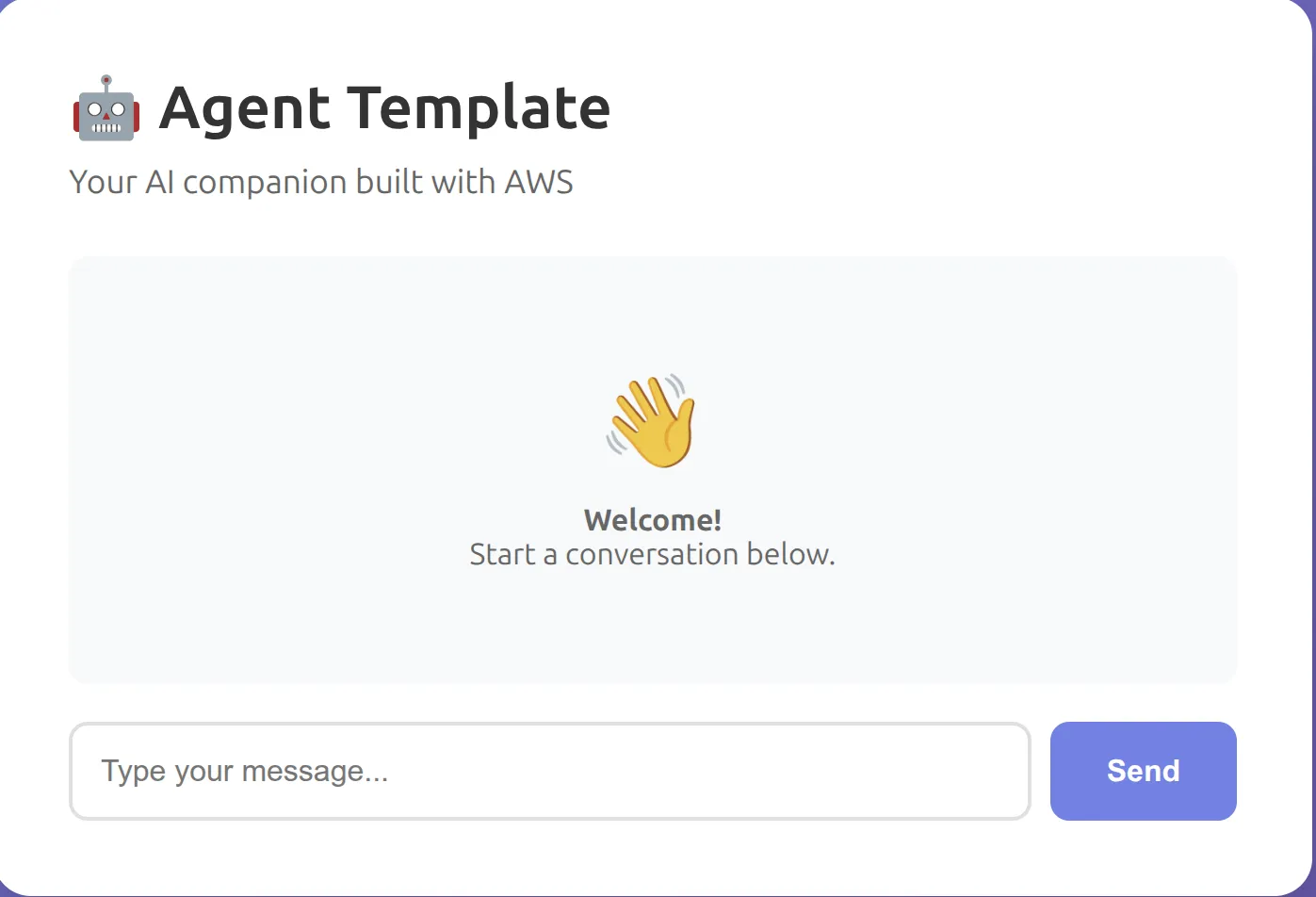
Notes to Action: An AI Meeting Notes Parser That Extracts Action Items and Owners
Paste messy meeting notes, get owners, deadlines, and a WhatsApp-ready recap—with unclear owners flagged.

BEFORE: The 45-Minute Meeting With Zero Follow-Through
Tuesday morning. Product planning call. Forty-five minutes. Eight people. Great energy. Everyone talking, ideas flying, "yes let's do that," "someone should handle this," "we'll circle back next week."
Meeting ends. I have two pages of scattered notes in my notebook.
Now what?
I read through them. Half-sentences. Arrows pointing to other arrows. Three different ideas for the same feature with no decision on which one we're actually doing. Someone said they'd "look into the API integration" but I can't remember who.
I spend twenty minutes trying to reconstruct what was decided. I type up action items. "Someone needs to check with finance." WHO? I don't know. The notes say "finance" but no name.
I send the recap in Slack. Vague commits. "We'll follow up on X." "Someone should Y."
Nothing happens. Next meeting, same discussion. "Didn't we already talk about this?"
Yeah. We did. But nobody actually did anything because nobody knew who owned what.
AFTER: Paste Notes, Get Structure, Flag Gaps
That's why I built Notes to Action.
You paste raw meeting notes. Typos, half-sentences, chaos, all of it. Ten seconds later you get:
✅ Decisions made (what was actually decided)
✅ Action items table (Action | Owner | Deadline)
✅ Unclear owner flags (where accountability is missing)
✅ WhatsApp-ready recap (under 150 words, one-tap copy)
✅ Action items table (Action | Owner | Deadline)
✅ Unclear owner flags (where accountability is missing)
✅ WhatsApp-ready recap (under 150 words, one-tap copy)
The game-changer: unclear owner detection. If your notes say "someone should get finance approval" without naming a person, the agent doesn't guess. It flags it. Tells you exactly where accountability is missing.
No more vague commits. No more "we'll circle back" without follow-through.
Live URL: https://d1ssaum6hj0fw0.cloudfront.net
THE TRANSFORMATION (Real Example)
Here's actual input from a meeting I had last week:
1
2
3
4
5
6
7
8
Product planning meeting notes
- new feature: custom dashboards, Sarah mentioned she could help with designs
- api integration needs to happen but unclear timeline
- someone needs to get finance approval for the contractor budget
- bug in mobile app reported by 3 users, needs fixing asap
- Peace will review the wireframes when Sarah finishes
- send update email to stakeholders
- deadline: launch by end of month
That's chaos. Who owns the API integration? Who's getting finance approval? Who's sending the email? When is "end of month"?
Here's what Notes to Action extracted:
DECISIONS MADE
- Build custom dashboards feature
- Address mobile app bug (reported by 3 users)
- Target launch: end of month
ACTION ITEMS
| Action | Owner | Deadline |
|---|---|---|
| Design custom dashboard mockups | Sarah | None |
| Review wireframes | Peace | After Sarah completes designs |
| Fix mobile app bug | UNCLEAR | ASAP |
| API integration | UNCLEAR | None |
| Get finance approval for contractor budget | UNCLEAR | None |
| Send stakeholder update email | UNCLEAR | None |
UNCLEAR OWNERS FLAGGED
⚠️ Four action items have unclear ownership:
- Fix mobile app bug - "needs fixing asap" but no name assigned
- API integration - mentioned but no owner volunteered
- Finance approval - "someone needs to" but no specific person
- Stakeholder email - "send email" but who's sending it?
Recommendation: Assign these before the next meeting or they won't get done.
WHATSAPP RECAP (READY TO COPY)
1
2
3
4
5
6
7
8
9
10
11
12
13
14
15
16
17
18
📋 Product Planning Meeting Recap

Decisions:
✅ Building custom dashboards (Sarah on designs, Peace reviewing)
✅ Mobile bug fix prioritized
🎯 Launch target: End of month

Action items:
- Sarah: Dashboard designs
- Peace: Review wireframes after Sarah's done

⚠️ NEEDS OWNERS:
- Mobile bug fix (ASAP)
- API integration
- Finance approval for contractor budget
- Stakeholder update email

Please claim these by EOD or we're blocked.
One click to copy. Paste into Slack/WhatsApp. Done.
See the difference? The chaos became structure. The gaps became visible. Now we know what's missing.
THE UNCLEAR OWNER DETECTION (Why This Matters)
This is the feature that prevents problems before they happen.
Most meeting note tools extract action items and call it done. But if the notes say "someone should do X" without a name, they either:
- Assign it to a random person (wrong)
- Leave it blank (useless)
- Ignore it (worse)
Notes to Action flags it. Explicitly. With explanation.
I tested this with three real meeting scenarios:
Test 1: Sprint planning
Input: "QA automation needs attention but nobody volunteered"
Output: QA automation marked UNCLEAR in action items table. Recap message says: "⚠️ ACTION NEEDED: QA automation still unassigned—who's taking this?"
Input: "QA automation needs attention but nobody volunteered"
Output: QA automation marked UNCLEAR in action items table. Recap message says: "⚠️ ACTION NEEDED: QA automation still unassigned—who's taking this?"
Test 2: Client call
Input: "Follow up with procurement contact next week about timeline"
Output: Flagged as unclear. "Follow-up with procurement" shows UNCLEAR in Owner column. Explanation: "no specific person assigned."
Input: "Follow up with procurement contact next week about timeline"
Output: Flagged as unclear. "Follow-up with procurement" shows UNCLEAR in Owner column. Explanation: "no specific person assigned."
Test 3: Product planning
Input: "Sarah mentioned she could help with designs"
Output: Sarah assigned to designs. NOT flagged. "Mentioned she could help" is enough signal.
Input: "Sarah mentioned she could help with designs"
Output: Sarah assigned to designs. NOT flagged. "Mentioned she could help" is enough signal.
The agent isn't pedantic. If there's reasonable signal of ownership ("Sarah mentioned she could help"), it assigns it. If it's genuinely vague ("someone should"), it flags it.
THE TECH (For Those Who Care)
Stack: S3 + CloudFront (frontend), Lambda (backend), Bedrock (Claude Haiku 4.5), CDK (infrastructure).
Flow:
- User pastes notes (up to 4,000 characters)
- Frontend sends to Lambda
- Lambda calls Bedrock with structured system prompt
- Bedrock extracts decisions, action items, unclear owners
- Lambda parses markdown table and code block
- Returns JSON:
{ decisions, action_items, unclear_owners, recap_message } - Frontend displays table + recap with copy button
System prompt (simplified):
1
2
3
4
5
6
7
8
9
10
11
12
13
14
15
16
Extract action items from messy meeting notes.

Output format:

# DECISIONS MADE
[Brief summary]

# ACTION ITEMS
| Action | Owner | Deadline |
|--------|-------|----------|
| [task] | [name or UNCLEAR] | [date or None] |

# UNCLEAR OWNERS
[List items where owner is unclear or missing]

# RECAP MESSAGE
[WhatsApp-ready recap, under 150 words]
1
2

Be precise. If owner is unclear, mark as UNCLEAR and explain why.
Why markdown table instead of JSON? More forgiving. If the model produces slightly malformed JSON, parsing breaks. Markdown tables are easier to parse and render nicely.
Response time: 2-4 seconds
Token usage: 600-900 tokens per request
Cost: ~$0.0003 per request
Token usage: 600-900 tokens per request
Cost: ~$0.0003 per request
THE PROBLEMS I HIT (And Fixed)
Problem 1: JSON parsing errors
First version returned action items as JSON. Model sometimes produced malformed JSON. Parsing failed, frontend broke. Switched to markdown tables. More forgiving, easier to parse.
First version returned action items as JSON. Model sometimes produced malformed JSON. Parsing failed, frontend broke. Switched to markdown tables. More forgiving, easier to parse.
Problem 2: IAM permissions
Lambda couldn't call Bedrock.
Lambda couldn't call Bedrock.
AccessDeniedException. IAM policy only allowed foundation-model/* but Bedrock routed to inference profiles. Fixed by adding wildcard regions and inference profile ARNs.Problem 3: Recap message length
Some responses were 50 words, others 250. Nobody wants to read a 250-word WhatsApp message. Added "under 150 words" to prompt. Now consistently 100-120 words.
Some responses were 50 words, others 250. Nobody wants to read a 250-word WhatsApp message. Added "under 150 words" to prompt. Now consistently 100-120 words.
Problem 4: Copy button on mobile Safari
Clipboard API requires direct user interaction. Can't trigger from Promise callback. Fixed by calling
Clipboard API requires direct user interaction. Can't trigger from Promise callback. Fixed by calling
navigator.clipboard.writeText() directly in onclick handler.WHAT'S MISSING (What I'd Build Next)
Right now it's one-shot. Paste notes, get results, done. No memory of past meetings.
Next version:
- Session memory: If you paste notes from the same recurring meeting (e.g., weekly sprint planning), remember action items from last week and flag incomplete ones
- Calendar integration: Export deadlines as .ics files or sync to Google Calendar
- Slack/Teams bot: Post recap directly to channel instead of copying manually
- Recurring meeting templates: Pre-fill typical action items for weekly meetings
The bigger gap: follow-up tracking. If you pasted notes from a meeting last week and three action items are still incomplete, it should remind you. Right now every request is independent.
THE HONEST LIMIT
No tool fixes bad meetings. If your meeting has:
- No clear agenda
- No decision-making authority
- People talking in circles for an hour
Notes to Action can't rescue that.
What it CAN do: surface accountability gaps. If someone says "we should do X" and nobody says "I'll do X," that's a problem. The agent flags it. Then it's on you to assign it.
This tool doesn't let vague commits slide. That's the point.
TRY IT
If you've ever left a meeting thinking "wait, who was supposed to do that?"—paste your notes and see what it extracts.
The chaos becomes structure.
The gaps become visible.
The recap is ready to copy.
The gaps become visible.
The recap is ready to copy.
Live URL: https://d1ssaum6hj0fw0.cloudfront.net
Enjoyed reading this content? Let the author know!
Your likes, comments, shares, and saves help creators reach more builders.

Loading recommendations
Loading article