
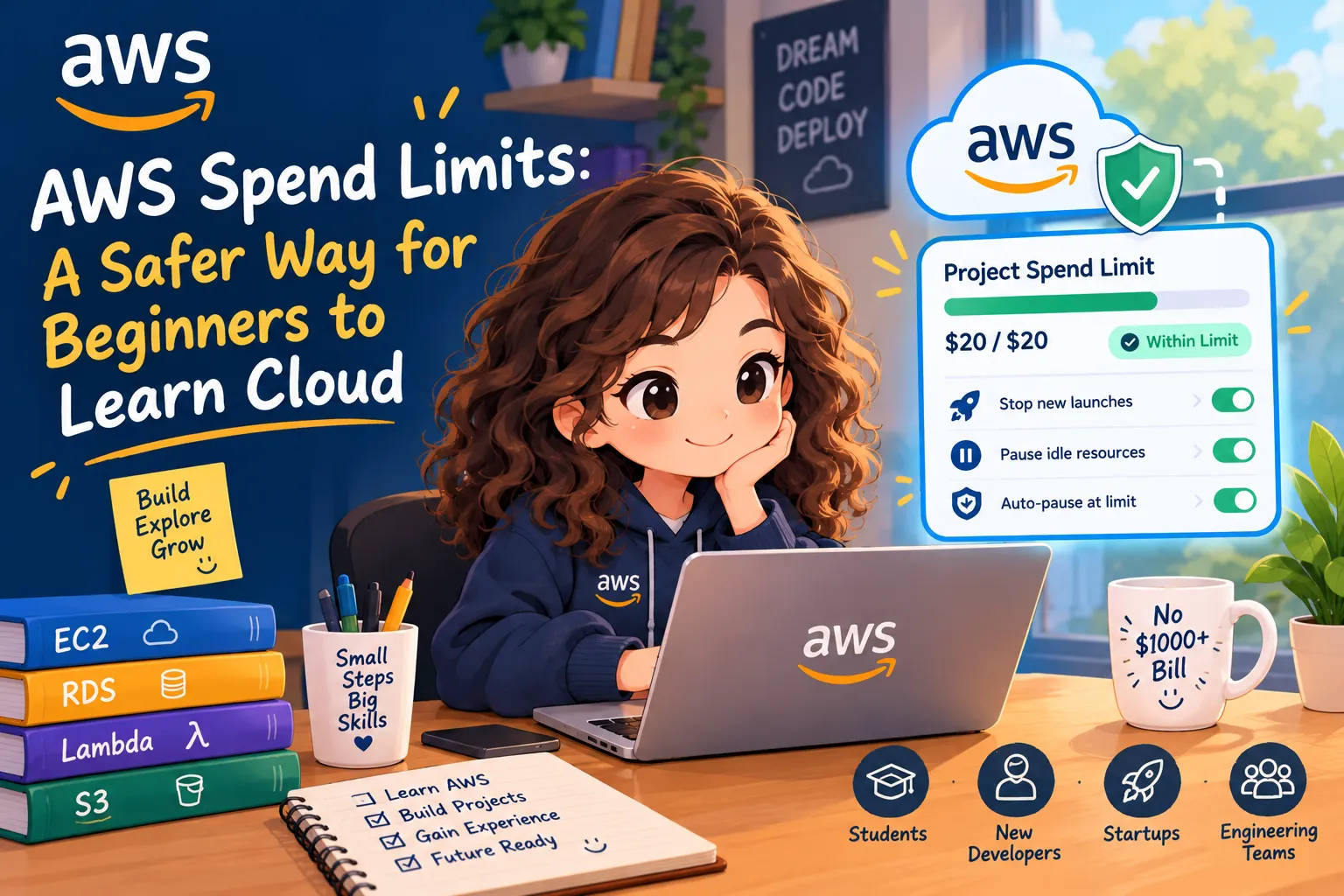
AWS Spend Limits: A Safer Way for Beginners to Learn Cloud!
Are you also afraid to launch an EC2 instance because of unexpected AWS bills? 😰 Not anymore! ☁️ AWS is introducing project-level spend limits to help students and new developers experiment with greater confidence. Read the blog and start your cloud journey without the same fear of surprise bills!

Learning AWS should be about building applications, exploring services, and understanding cloud architecture, not worrying about an unexpected bill.
Imagine you're a student experimenting with Amazon EC2, Amazon RDS, or Amazon Bedrock. You finish your project, close your laptop, and forget to clean up the resources. Your application is no longer running, but some resources may continue generating charges.
This is one reason beginners hesitate to experiment with cloud computing.
AWS is introducing a new project-level spend limit designed to make that experience safer.
What is new?
AWS already had AWS Budgets, which lets you track spending and receive alerts when costs reach or are forecast to exceed configured thresholds. AWS also previously offered automation solutions that could take action on resources.
The new feature brings a different approach to the simplified AWS getting-started experience: a project-level spending ceiling that can automatically pause the project when the limit is reached.
Developers can configure a monthly limit starting at $20, subject to AWS's estimate of expected spending.
You can also enable earlier controls to stop new resource launches or pause certain idle resources before reaching the limit.
How does it work?
Suppose you're building a personal application with an API, a database, and an AI-powered feature.
You set a monthly project limit of $30.
- As spending approaches the limit, AWS sends notifications.
- Optional early controls can help reduce resource usage.
- If spending reaches the limit, AWS pauses the project and stops its resources.
- You can raise the limit to reactivate the project.
Your data is preserved when the project is paused, but if you leave it paused without taking action for 90 days, AWS says the project data is permanently deleted.
Learn cloud cost management with AWS CLI
Spending limits are useful, but developers should also learn to inspect their infrastructure.
For example, this command lists running EC2 instances in your configured Region:
1
2
3
4
aws ec2 describe-instances \
  --filters "Name=instance-state-name,Values=running" \
  --query "Reservations[].Instances[].[InstanceId,InstanceType]" \
  --output table
Learning exercise: Run this command in a development account, identify resources you no longer need, and review their costs before stopping or deleting anything.
This command does not enforce a budget. It teaches an important habit: knowing what is running in your cloud environment.
Why this matters for learners and developers
Students and beginners get more confidence to build projects and gain hands-on experience.
New developers can experiment with unfamiliar AWS services while having an additional financial safeguard.
AI-assisted developers benefit from another layer of protection when coding agents can create multiple resources quickly.
Startups and engineering teams can set clearer spending boundaries for prototypes and experiments.
Final thoughts
The goal isn't to learn AWS without understanding billing. It's to make learning more accessible while encouraging responsible cloud engineering.
AWS Budgets helped developers understand when spending crossed a threshold. This new project-level experience adds the ability to pause resources automatically when the configured limit is reached.
For anyone starting their cloud journey, that can make the difference between being afraid to experiment and feeling confident enough to build something real.
Learn the services. Understand the costs. Build with confidence.
Official resources: AWS getting-started experience | Project spend-limit documentation
Enjoyed reading this content? Let the author know!
Your likes, comments, shares, and saves help creators reach more builders.

Loading recommendations
Loading article