
Build a Serverless REST API with AWS Lambda, API Gateway, and DynamoDB
A step-by-step guide to building a simple, pay-per-use REST API on AWS without managing a single server. You’ll create a DynamoDB table, a Lambda function, and an API Gateway endpoint, then test it end to end.

Running servers for a small API can be overkill. With a serverless stack, you only pay when requests arrive, and AWS handles scaling and patching for you. In this tutorial, we'll build a simple notes API using three services:
- Amazon DynamoDB to store data
- AWS Lambda to run our code
- Amazon API Gateway to expose HTTP endpoints
Architecture
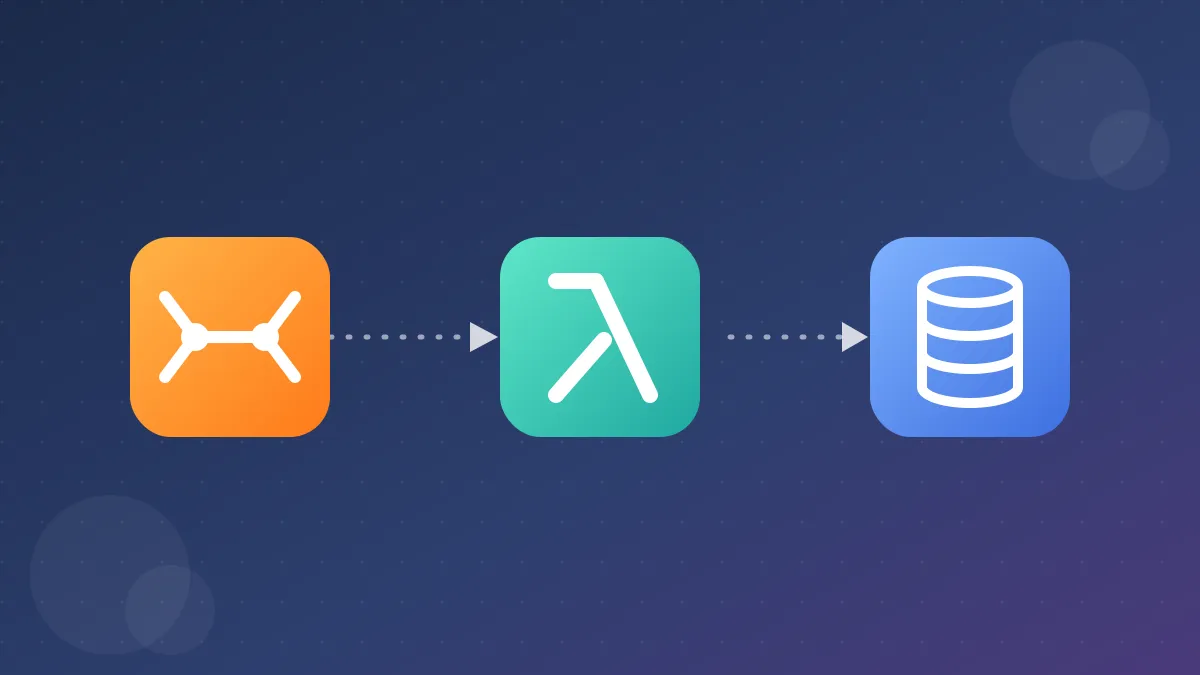
Client → API Gateway (HTTP API) → Lambda → DynamoDB
API Gateway receives the HTTP request and triggers Lambda. Lambda reads from or writes to DynamoDB and returns a JSON response.
Prerequisites
- An AWS account
- Basic familiarity with Python
- Access to the AWS Management Console
Step 1: Create the DynamoDB table
- Open the DynamoDB console and choose Create table.
- Table name:
Notes - Partition key:
id(String) - Capacity mode: On-demand, so you pay per request and don't provision anything.
- Choose Create table.
Step 2: Create the Lambda function
- Open the Lambda console and choose Create function.
- Name it
notes-handler, runtime Python 3.12. - Under permissions, create a new role with basic Lambda permissions.
- After creation, go to Configuration → Permissions, open the role, and attach a policy that allows access to your table only:
1
2
3
4
5
6
7
8
9
10
11
12
13
14
{

  "Version": "2012-10-17",

  "Statement": [

    {

      "Effect": "Allow",

      "Action": [

        "dynamodb:PutItem",

        "dynamodb:GetItem",

        "dynamodb:Scan"

      ],

      "Resource": "arn:aws:dynamodb:*:*:table/Notes"

    }

  ]

}
Following least privilege here means the function can't touch anything else in your account.
- Replace the function code with:
1
2
3
4
5
6
7
8
9
10
11
12
13
14
15
16
17
18
19
20
21
22
23
24
25
26
27
28
29
30
31
32
33
import json

import uuid

import boto3


table = boto3.resource("dynamodb").Table("Notes")


def response(status, body):

    return {

        "statusCode": status,

        "headers": {"Content-Type": "application/json"},

        "body": json.dumps(body),

    }


def lambda_handler(event, context):

    method = event["requestContext"]["http"]["method"]


    if method == "POST":

        data = json.loads(event.get("body") or "{}")

        item = {"id": str(uuid.uuid4()), "text": data.get("text", "")}

        table.put_item(Item=item)

        return response(201, item)


    if method == "GET":

        note_id = (event.get("pathParameters") or {}).get("id")

        if note_id:

            result = table.get_item(Key={"id": note_id})

            item = result.get("Item")

            if not item:

                return response(404, {"message": "Not found"})

            return response(200, item)

        return response(200, table.scan().get("Items", []))


    return response(405, {"message": "Method not allowed"})
Choose Deploy.
Step 3: Create the API Gateway endpoint
- Open API Gateway and choose Create API → HTTP API.
- Add an integration: Lambda, and select
notes-handler. - Configure routes:
POST /notesGET /notesGET /notes/{id}
- Keep the default stage with auto-deploy enabled.
- Copy the Invoke URL from the stage details.
Step 4: Test it
Create a note:
1
2
3
curl -X POST https://YOUR_API_ID.execute-api.YOUR_REGION.amazonaws.com/notes \

  -H "Content-Type: application/json" \

  -d '{"text": "My first serverless note"}'
List all notes:
1
curl https://YOUR_API_ID.execute-api.YOUR_REGION.amazonaws.com/notes
Fetch one note using the
id returned earlier:1
curl https://YOUR_API_ID.execute-api.YOUR_REGION.amazonaws.com/notes/NOTE_IDWhy HTTP API instead of REST API?
API Gateway offers both. HTTP APIs are cheaper and lower latency, and they cover most simple use cases. Choose REST APIs when you need features like request validation, usage plans, or API keys.
Things to improve before production
- Authentication: add a JWT authorizer with Amazon Cognito
- Validation: check input size and type before writing to DynamoDB
- Pagination:
Scanreads the whole table, so useQuerywith a better key design or paginate results - Infrastructure as code: define everything with AWS SAM or CDK so it's repeatable
- Observability: enable structured logging and CloudWatch alarms
Clean up
To avoid unexpected charges, delete the API Gateway API, the Lambda function (and its role), and the DynamoDB table when you're done.
Wrapping up
You now have a working serverless API with no servers to manage, automatic scaling, and costs that stay near zero at low traffic. From here, try adding update and delete routes, or convert the setup into an AWS SAM template.
What would you build next with this pattern? Let me know in the comments.
Enjoyed reading this content? Let the author know!
Your likes, comments, shares, and saves help creators reach more builders.

Loading recommendations
Loading article