
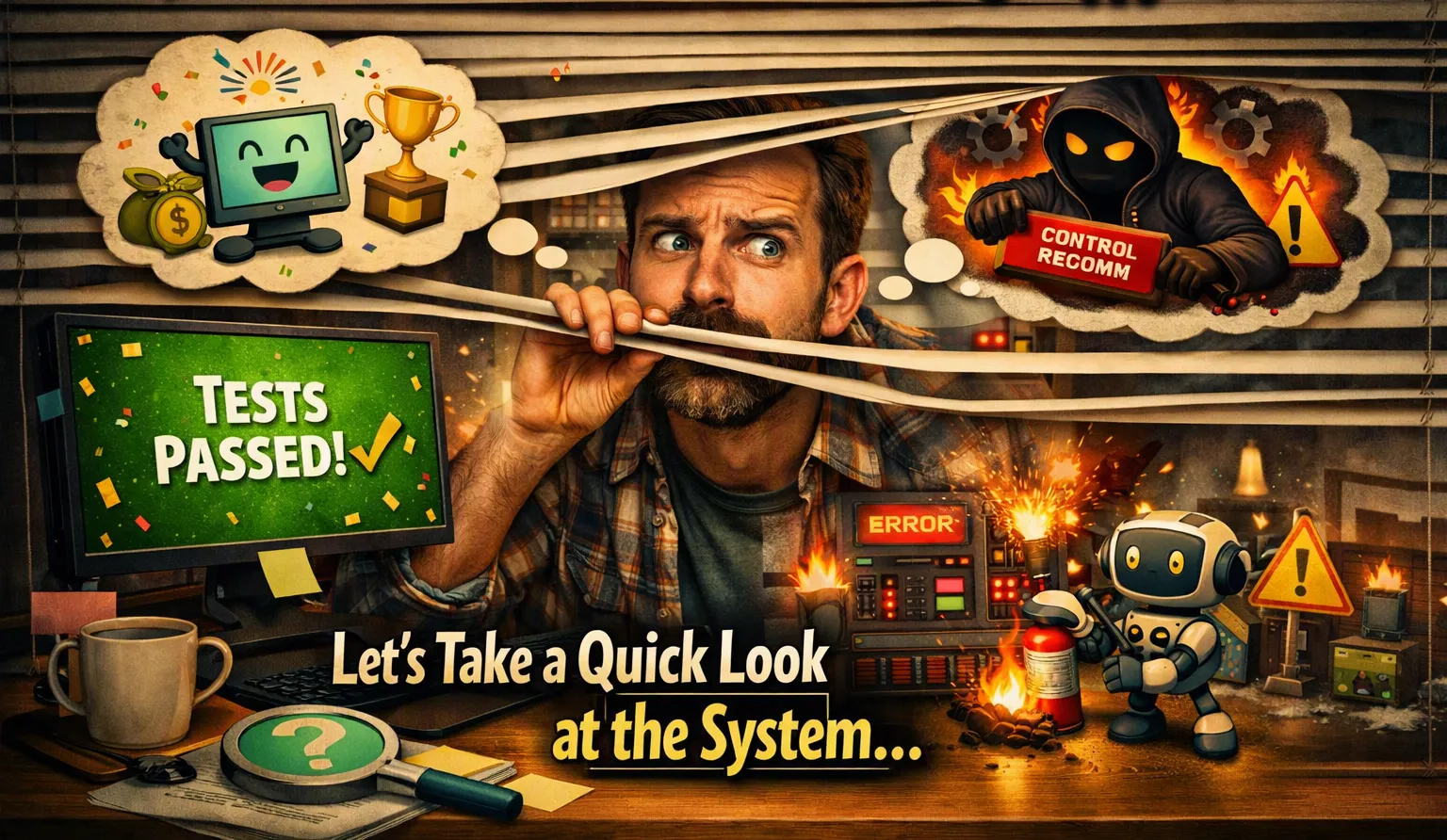
Your Tests Passed. Wow! Your Happiness Needs a Blink of the System, Right? Let’s Start Flirting.
There is a beautiful moment in every software project. You run the tests, and everything turns green. No failures and tons of passion for testing. No red bars, and you fall in love with Cypress or Playwright frameworks. No angry messages, you hit the skies! Someone says: “Looks good. Let’s deploy.” And somewhere in the infrastructure, a tiny server quietly whispers: “Please don’t.” Or you blush or start to cry; just choose one option...

Your Tests Passed. But What Did the System Actually Do?
There is a beautiful moment in every software project.
You run the tests.
Everything turns green.
No failures.
No red bars.
No angry messages.
Someone says:
“Looks good. Let's deploy.”
And somewhere in the infrastructure, a tiny server quietly whispers:
“Please don't.”
This is one of the strange things about software testing:
A test can pass while the system is having a terrible day.
And that's where observability enters the conversation.
The Green Checkmark Is Not a Health Certificate
Imagine testing an API.
You send a request.
You get:
1
HTTP 200 OK
Congratulations.
The test passed.
But how long did it take?
200 milliseconds?
2 seconds?
8 seconds?
Did it call another service that took forever to respond?
Did the database almost run out of connections?
Did the application retry the same operation three times?
Did something fail silently?
The test might still say:
PASS.
Your users might say something very different.
And users have this annoying habit of actually using the software.
QA Has Traditionally Asked One Question
For a long time, testing was essentially:
“Did it work?”
And that's a perfectly reasonable question.
But modern systems have become much more complicated.
Today, an application might talk to:
- five microservices;
- three databases;
- a message broker;
- an external API;
- a cache;
- an authentication provider;
- and, because apparently we enjoy suffering, a few serverless functions.
So asking only “Did it work?” is no longer enough.
We also need to ask:
“What happened while it was working?”
That's a much more interesting question.
Enter Observability
Observability gives us a way to look underneath the green checkmark.
Metrics tell us that something changed.
Logs give us clues about what happened.
Traces help us follow the journey of a request across multiple services.
Think of it this way:
Testing is asking the system a question.
Observability is listening to the answer.
And sometimes the system has a lot to say.
The Test Passed. The Database Did Not.
Let's say we run a performance test.
Everything looks fine.
The API is returning successful responses.
So we celebrate.
Then we look at the monitoring dashboard.
CPU usage is climbing.
Database connections are nearly exhausted.
Latency is increasing.
A queue is growing.
And somewhere, a poor engineer is refreshing Grafana like it owes them money.
Nothing technically failed.
Yet.
That's the important part.
The system was telling us that something was wrong before the test itself could tell us that something was wrong.
Observability gave us an early warning.
Distributed Systems Make This Even More Important
Consider a simple request:
1
2
3
4
5
6
7
8
9
User
 ↓
API
 ↓
Service A
 ↓
Service B
 ↓
Database
The user only sees one thing:
“The page is slow.”
QA needs to know why.
Was Service A slow?
Did Service B time out?
Was the database overloaded?
Was there a retry?
Did the network become the bottleneck?
Without observability, debugging can become a guessing game.
And guessing is a very expensive testing strategy.
The Same Thing Happens With Data
This becomes even more interesting in event-driven systems.
Imagine:
1
Producer → Kafka → Consumer → Database
Your test publishes an event.
The consumer processes it.
The database contains the expected record.
PASS.
But what if the event was processed twice?
What if it took 20 seconds?
What if thousands of messages are waiting behind it?
What if the consumer is slowly falling behind?
The final record may look perfectly correct.
The system may still be unhealthy.
That's why I increasingly think of observability as part of the testing toolbox.
Not because QA needs another tool.
We already have enough tools.
We just need fewer tools that tell us “everything is fine” when everything clearly isn't.
From Testing to Quality Evidence
This changes the role of QA.
Instead of simply asking:
Did my test pass?
We can ask:
Did the system behave as expected?
Instead of:
Did I receive HTTP 200?
We can ask:
Was the response fast enough, reliable enough, and produced without unexpected side effects?
Instead of:
Did the pipeline finish?
We can ask:
Did it finish correctly, efficiently, and without leaving a mess behind?
That last question is particularly important.
Because software has a remarkable ability to produce the correct answer while quietly making a terrible mess.
Observability Doesn't Replace Testing
And this is important.
I'm not suggesting that observability replaces automated tests.
It doesn't.
Unit tests are still useful.
Integration tests are still useful.
End-to-end tests are still useful.
Performance tests are still useful.
Security tests are still useful.
Observability simply gives us context.
A test can tell us:
“Something failed.”
Observability can help us discover:
“Here's where, when, and possibly why.”
That's a pretty good partnership.
The Question We Should Be Asking
Maybe the future of testing isn't about producing more green checkmarks.
Maybe it's about producing better evidence.
Because a green pipeline doesn't necessarily mean:
“The system is healthy.”
It might only mean:
“The specific things we checked behaved as expected.”
Those are very different statements.
And the difference matters.
So the next time all your tests pass, don't immediately celebrate.
Look at the system.
Check the metrics.
Read the logs.
Follow the traces.
Ask what happened underneath.
And then, maybe, celebrate.
Because sometimes the most interesting bugs aren't hiding in the red.
They're hiding behind the green.
Enjoyed reading this content? Let the author know!
Your likes, comments, shares, and saves help creators reach more builders.

Loading recommendations
Loading article