
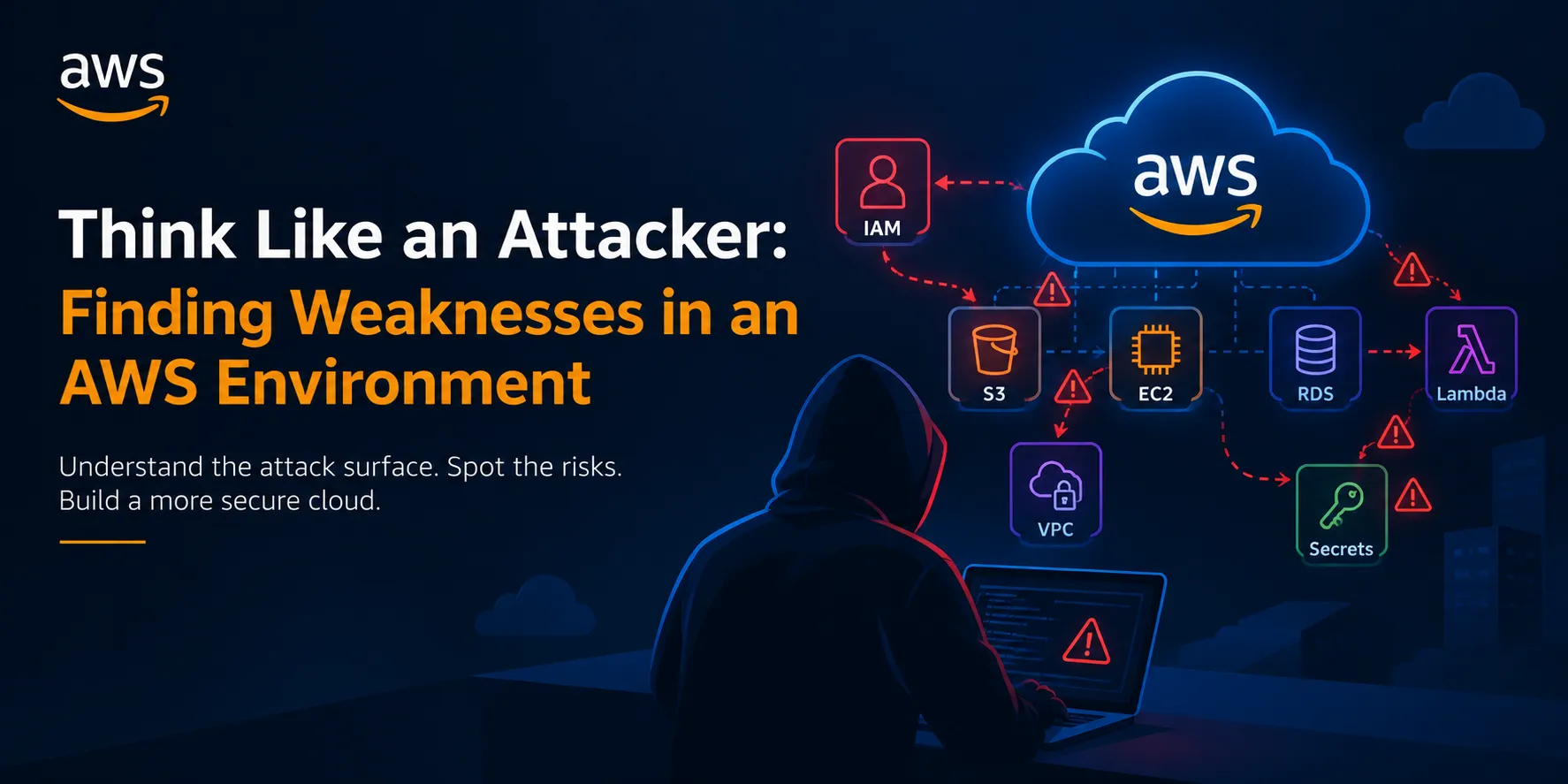
Think Like an Attacker: Finding Weaknesses in an AWS Environment
Cloud security isn't only about building secure infrastructure. It is also about understanding how an attacker would look at that infrastructure.

🧠 1. Start With the Attacker's Mindset
An attacker usually doesn't begin by trying to break everything.
Instead, they ask questions:
What can I see?
What can I access?
What permissions do I have?
What can I reach from here?
Can I move from one resource to another?
This is why attack-surface analysis is one of the most important parts of cloud security.
For an AWS environment, the attack surface can include:
- IAM identities and roles
- EC2 instances
- S3 buckets
- Lambda functions
- API Gateway endpoints
- RDS databases
- VPC networking
- Security groups
- Secrets and credentials
- Publicly exposed services
- CI/CD pipelines
The goal isn't simply to find vulnerabilities. The goal is to understand how weaknesses could connect together.
🔍 2. Reconnaissance: What Is Exposed?
The first question an attacker asks is:
“What does this organization expose to the internet?”
A common mistake is focusing only on individual vulnerabilities instead of the overall attack surface.
For example:
1
2
3
4
5
6
7
8
9
10
11
Internet
   ↓
Public API
   ↓
Application
   ↓
IAM Role
   ↓
S3 Bucket
   ↓
Sensitive Data
Each component might appear secure individually.
But if the API can assume an overly powerful IAM role, that role can potentially become the path to sensitive resources.
This is why relationships between AWS services matter as much as the services themselves.
🔐 3. IAM: The Most Important Area to Examine
One of the first things I would investigate from a defensive perspective is Identity and Access Management (IAM).
Ask:
- Who can access this resource?
- What permissions do they have?
- Are permissions broader than necessary?
- Are unused permissions still assigned?
- Can a role be assumed by an unintended principal?
- Are long-lived credentials being used unnecessarily?
Consider this simplified example:
1
2
3
4
5
6
7
Developer
   ↓
IAM Role
   ↓
S3
   ↓
Sensitive Data
If the developer's role only needs to read one specific bucket, giving it broad access to many AWS resources creates unnecessary risk.
This is where the principle of least privilege becomes extremely important.
Give identities only the permissions they actually need.
🪣 4. Look Carefully at S3
S3 is powerful, but misconfiguration can expose data.
When reviewing an environment, ask:
Is the bucket supposed to be public?
Who can read objects?
Who can upload or modify objects?
Are sensitive files stored there?
Is access logging enabled where appropriate?
For example:
1
2
3
4
5
6
Incorrect:
Public Internet
      ↓
   S3 Bucket
      ↓
Sensitive Documents
A better design is:
1
2
3
4
5
6
7
Authorized Application
        ↓
   IAM Policy
        ↓
     S3 Bucket
        ↓
 Sensitive Data
Not every public S3 bucket is automatically a vulnerability—some websites intentionally use public buckets for static assets.
The important question is:
Does the access level match the business requirement?
🌐 5. Examine the Network
AWS networking provides many security controls, including:
- VPCs
- Subnets
- Security Groups
- Network ACLs
- Internet Gateways
- NAT Gateways
- Private endpoints
An attacker thinks in terms of reachability.
For example:
1
2
3
4
5
6
7
Internet
   ↓
Public EC2
   ↓
Internal Service
   ↓
Database
If an internal database is unnecessarily reachable from the public internet, the architecture has a major security concern.
A stronger architecture might look like:
1
2
3
4
5
6
7
Internet
   ↓
Load Balancer
   ↓
Application Subnet
   ↓
Private Database Subnet
The database doesn't need to be directly exposed to the internet.
🚪 6. Security Groups: Check the Doors
Security Groups act like virtual firewalls.
A rule such as:
1
0.0.0.0/0 → TCP 22
means SSH is potentially reachable from anywhere on the internet.
That may be unnecessary depending on the architecture.
Instead, administrative access could be restricted through mechanisms such as:
1
2
3
4
5
Trusted Source
      ↓
Management Access
      ↓
Private EC2
The principle is simple:
Don't expose a service just because you can.
Every open port should have a reason.
🔑 7. Search for Secrets—Defensively
Credentials and secrets are another major cloud-security concern.
Potential locations include:
- Source repositories
- CI/CD pipelines
- Environment variables
- Application configuration
- Lambda code
- Build artifacts
- Developer machines
Examples include:
1
2
3
4
5
AWS Access Key
Database Password
API Token
Private Key
OAuth Secret
Instead of hardcoding secrets into applications, organizations should use appropriate secret-management mechanisms such as AWS Secrets Manager or AWS Systems Manager Parameter Store, depending on the use case.
A good security question is:
If this application is compromised, what credentials could the attacker obtain?
🔗 8. Think About Attack Paths
This is where cloud security becomes particularly interesting.
An attacker might not need one huge vulnerability.
They could potentially combine several smaller weaknesses.
For example:
1
2
3
4
5
6
7
8
9
10
11
Public Application
       ↓
Application Vulnerability
       ↓
Compromised Workload
       ↓
IAM Role Credentials
       ↓
Excessive IAM Permissions
       ↓
Sensitive S3 Data
Each individual weakness contributes to the overall attack path.
This is why attack-path analysis is more powerful than simply creating a list of vulnerabilities.
📊 9. Ask: “What Happens If This Gets Compromised?”
For every important resource, ask:
If this EC2 instance is compromised:
- What IAM role does it have?
- What other resources can it access?
- Can it access secrets?
- Can it communicate with internal services?
If this IAM identity is compromised:
- What can it modify?
- Can it assume other roles?
- Can it access sensitive data?
If this S3 bucket is exposed:
- What information is inside?
- Can objects be modified?
- Could modification affect an application?
This creates a blast-radius mindset.
🛡️ 10. Detection Is Just as Important as Prevention
Even a well-secured environment should assume that something could eventually go wrong.
AWS environments can use services such as:
- AWS CloudTrail — records AWS API activity
- Amazon GuardDuty — helps detect suspicious activity
- AWS Config — tracks resource configuration and compliance
- Security Hub — provides centralized security findings
The objective isn't simply:
“Prevent every attack.”
It is also:
“Detect suspicious activity quickly and understand what happened.”
🧪 11. Practice in Your Own AWS Lab
If you want to learn cloud security, don't test random AWS accounts or infrastructure you don't own.
Instead, build your own lab.
For example:
1
2
3
4
5
6
7
8
9
10
11
Your AWS Account
      ↓
Test VPC
      ↓
Test EC2
      ↓
Test S3
      ↓
Test IAM Roles
      ↓
CloudTrail / GuardDuty
Then deliberately introduce safe, controlled misconfigurations and see whether you can identify them.
For example:
- An overly permissive IAM policy
- An unnecessarily public security-group rule
- An incorrectly configured S3 bucket
- Excessive permissions on a test role
Then fix the configuration and verify the improvement.
This approach teaches much more than simply reading vulnerability lists.
Enjoyed reading this content? Let the author know!
Your likes, comments, shares, and saves help creators reach more builders.

Loading recommendations
Loading article