
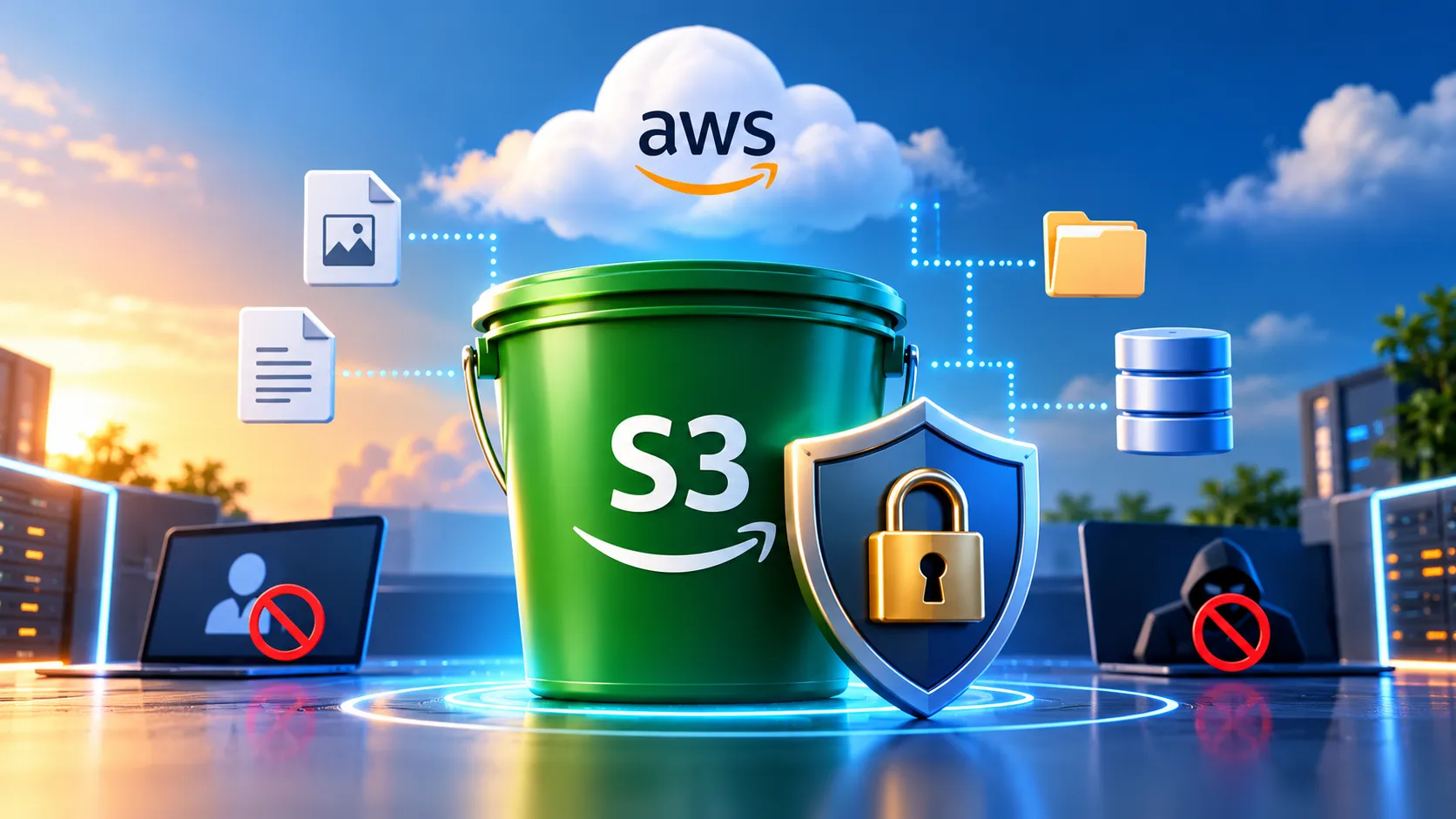
7 AWS S3 Security Mistakes That Can Expose Your Data
7 practical S3 security mistakes beginners should avoid to keep AWS data safe and properly protected.

# 7 AWS S3 Security Mistakes That Can Expose Your Data
Amazon S3 is one of the most widely used AWS services. It is simple, scalable, and commonly used for application files, backups, datasets, logs, and data lakes.
But with that flexibility comes responsibility.
A small configuration mistake can accidentally expose sensitive data or give applications more access than they actually need.
Here are seven S3 security mistakes every AWS beginner should understand.
## 1. Making an S3 Bucket Public Without Understanding the Risk
One of the most common mistakes is making a bucket or its objects publicly accessible just to make an application work.
Before enabling public access, ask yourself whether the data actually needs to be public.
If it does not, keep the bucket private.
For many applications, you can keep the bucket private and provide controlled access using IAM permissions or presigned URLs.
## 2. Ignoring S3 Block Public Access
Amazon S3 provides Block Public Access settings to help prevent accidental public exposure.
For private data, keep Block Public Access enabled unless you have a specific reason to change it.
If an application is not working, do not immediately disable security controls. First understand which permission is actually required.
## 3. Giving Excessive S3 Permissions
Avoid giving an application or user full S3 access when it only needs access to a specific bucket or operation.
For example, an application that only needs to read files does not necessarily need permission to delete objects.
Follow the Principle of Least Privilege.
Give users and applications only the permissions they actually need.
## 4. Hard Coding AWS Access Keys
Never put AWS access keys directly inside source code.
Do not commit credentials to GitHub or store them inside application files.
For AWS workloads, use IAM roles and temporary credentials whenever possible.
A leaked access key can become a serious security problem.
## 5. Forgetting About Encryption
Encryption provides an additional layer of protection for stored data.
Amazon S3 supports server side encryption, including encryption using Amazon S3 managed keys and AWS Key Management Service.
Choose an encryption approach based on the sensitivity and requirements of your data.
## 6. Not Using Versioning When It Matters
Accidental deletion or overwriting can happen.
S3 Versioning can help maintain previous versions of objects and make recovery easier in certain situations.
Versioning is not required for every bucket, but it can be valuable for important data.
Keep in mind that storing multiple versions can increase storage usage and cost.
## 7. Never Reviewing Access
Security is not something you configure once and forget.
Review your S3 permissions and access regularly.
Depending on your requirements, services such as AWS CloudTrail and Amazon CloudWatch can help with monitoring and investigation.
Ask yourself:
Who can access this bucket?
What actions can they perform?
Is public access actually required?
Are there unused permissions?
Is sensitive data properly protected?
## A Simple S3 Security Checklist
Before storing important data in S3, make sure you understand your public access settings.
Use least privilege IAM permissions.
Never expose AWS credentials.
Enable appropriate encryption.
Consider versioning for important data.
Monitor and review access regularly.
Understand how your S3 configuration affects security and cost.
## Final Takeaway
S3 security does not need to be complicated.
Keep data private by default.
Give identities only the permissions they need.
Protect credentials.
Encrypt important data.
Monitor and review access.
These simple practices can help you avoid many common S3 security problems, whether you are building a student project, a startup application, or a production AWS environment.
## Your Turn
What is the first S3 security setting you check when creating a new bucket?
Share your answer in the comments. It would be interesting to see what other AWS learners check first.
Enjoyed reading this content? Let the author know!
Your likes, comments, shares, and saves help creators reach more builders.

Loading recommendations
Loading article