
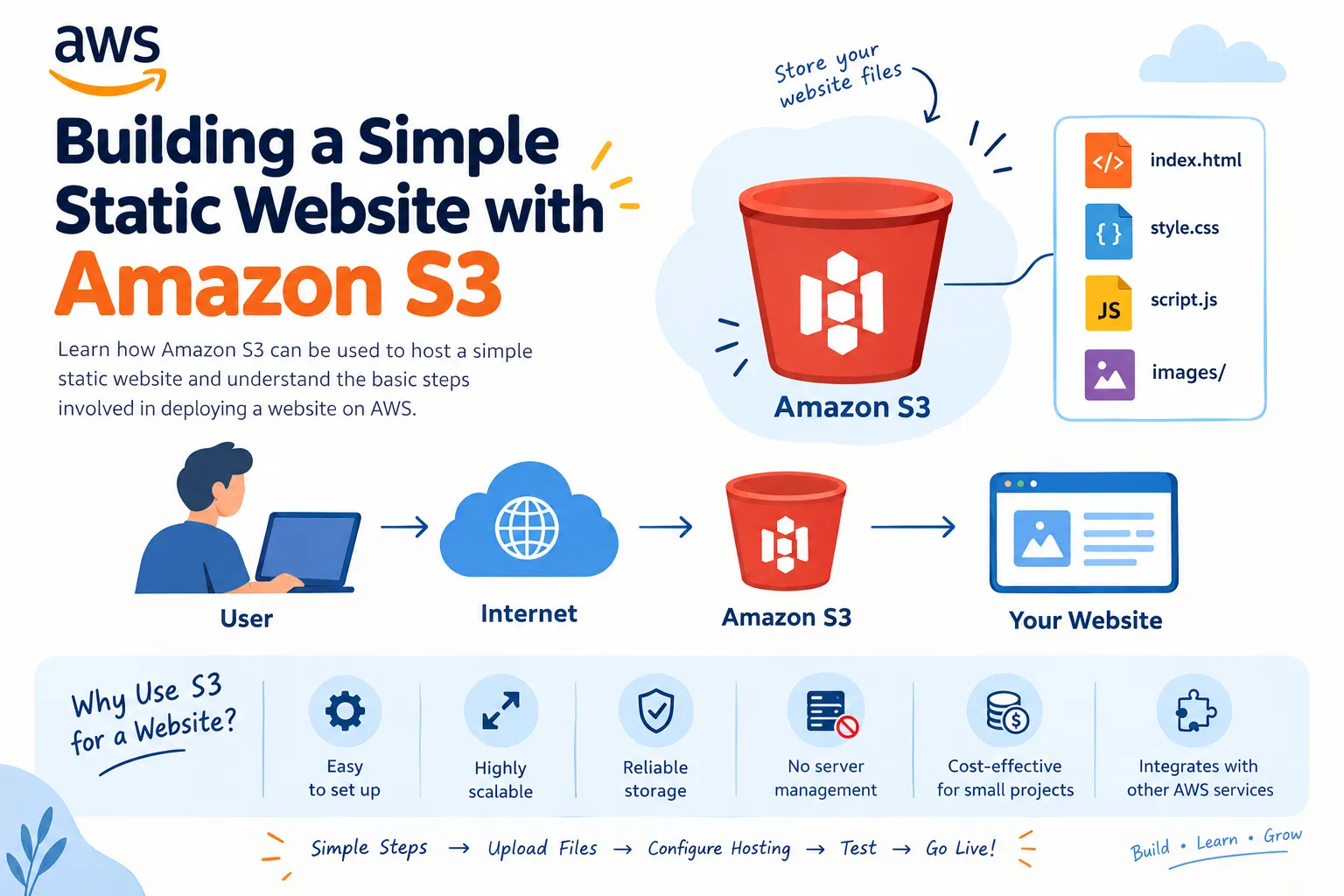
Building a Simple Static Website with Amazon S3
Learn how Amazon S3 can be used to host a simple static website and understand the basic steps involved in deploying a website on AWS.

# Building a Simple Static Website with Amazon S3
Creating and hosting a website is a great way for beginners to understand cloud computing. AWS provides several services that make website hosting simple, scalable, and reliable.
One of the easiest ways to host a static website is by using **Amazon S3 (Simple Storage Service)**.
## What is Amazon S3?
Amazon S3 is an object storage service provided by AWS. It allows users to store and retrieve files such as:
- HTML files
- CSS files
- JavaScript files
- Images
- Documents
- CSS files
- JavaScript files
- Images
- Documents
S3 is highly scalable and can store large amounts of data.
## Why Use S3 for a Website?
For a simple static website, S3 provides several advantages:
- Easy to set up
- Highly scalable
- Reliable storage
- No server management required
- Cost-effective for small projects
- Integrates with other AWS services
- Highly scalable
- Reliable storage
- No server management required
- Cost-effective for small projects
- Integrates with other AWS services
## Basic Architecture
A simple static website can follow this structure:
User → Internet → Amazon S3 → Website Files
The website files are stored inside an S3 bucket and can be served to users.
## Steps to Host a Website
### 1. Create an S3 Bucket
Create a bucket in the Amazon S3 console and choose a suitable bucket name and AWS Region.
### 2. Upload Website Files
Upload your HTML, CSS, JavaScript, and image files to the bucket.
For example:
```text
index.html
style.css
script.js
images/
index.html
style.css
script.js
images/
Enjoyed reading this content? Let the author know!
Your likes, comments, shares, and saves help creators reach more builders.

Loading recommendations
Loading article