
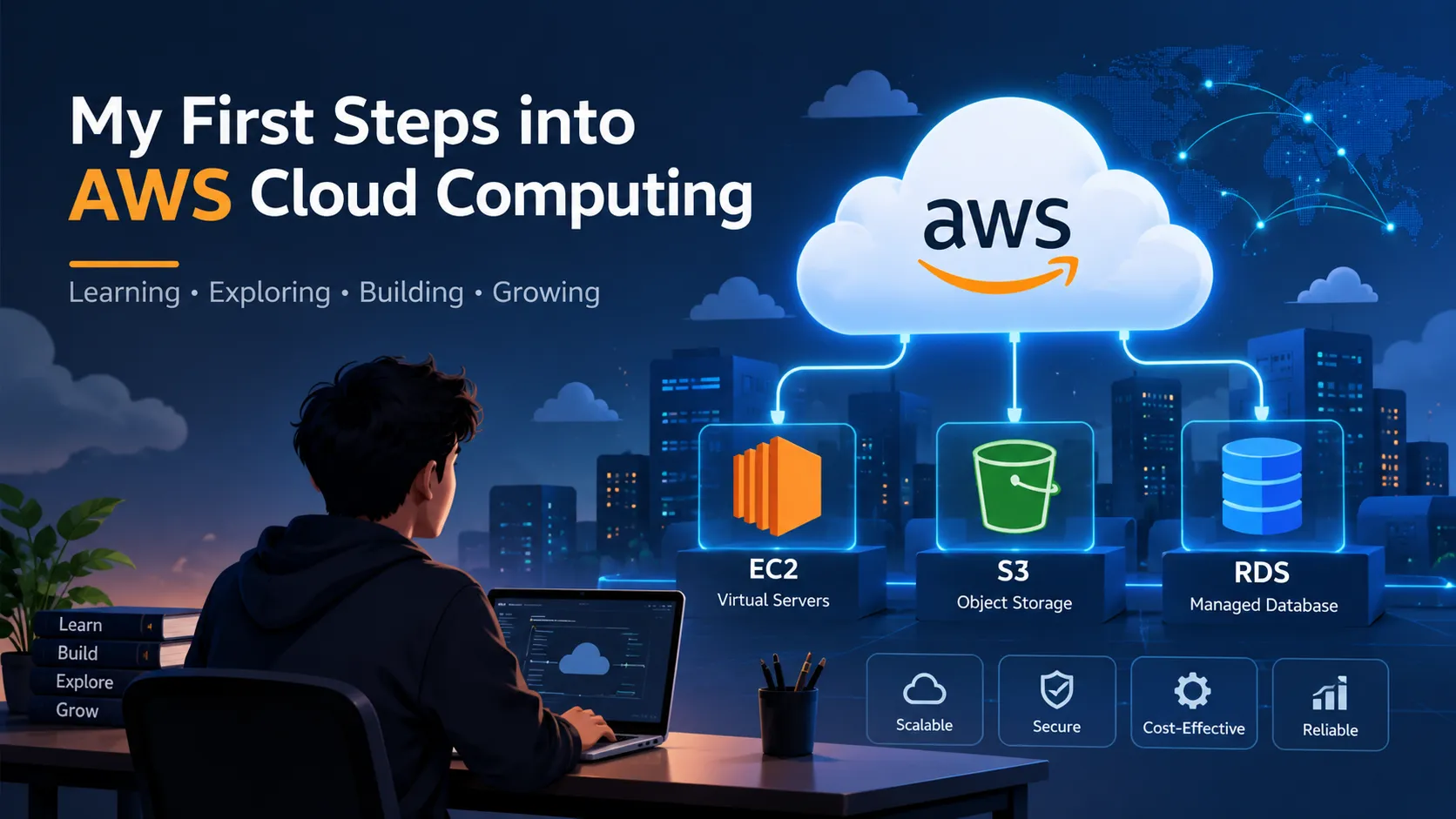
My First Steps into AWS Cloud Computing
A beginner-friendly introduction to cloud computing and AWS, covering the basic ideas behind services like EC2, S3, and RDS and what I learned while starting my AWS Cloud Practitioner journey.

I recently started learning AWS as part of my journey toward becoming a cloud and cybersecurity professional.
As a beginner, I first wanted to understand what cloud computing actually means and why companies use cloud platforms such as Amazon Web Services (AWS).
What is Cloud Computing?
Cloud computing means using computing resources such as servers, storage, databases, and other services over the internet instead of purchasing and maintaining all the physical infrastructure ourselves.
One of the important advantages of cloud computing is that we can use resources when we need them and pay based on usage.
What is AWS?
Amazon Web Services (AWS) is a cloud platform that provides many different services for computing, storage, databases, networking, security, monitoring, and more.
As a beginner, the number of AWS services can initially feel overwhelming. I am therefore starting with the core services and concepts.
My First AWS Services
Amazon EC2
EC2 provides virtual servers in the AWS Cloud.
For example, if I have a Spring Boot application running on my laptop, I can use an EC2 instance to run that application on AWS so that it can be accessed remotely.
Amazon S3
S3 is an object storage service.
It can be used to store files such as images, documents, backups, and other objects.
Amazon RDS
RDS is a managed relational database service.
Instead of manually managing a database server, AWS handles many of the operational tasks such as backups and maintenance.
What I Learned
My biggest takeaway so far is that learning AWS is not about memorizing hundreds of services.
I am trying to understand:
- What problem does each service solve?
- Why would I choose this service?
- How does it work with other AWS services?
- What security considerations should I know?
My next focus areas are AWS Identity and Access Management (IAM), networking, security, and hands-on deployment.
This is just the beginning of my AWS learning journey. 🚀
#AWS
#CloudComputing
#CloudComputing
#CloudSecurity
#LearningAWS
#LearningAWS
Enjoyed reading this content? Let the author know!
Your likes, comments, shares, and saves help creators reach more builders.

Loading recommendations
Loading article