
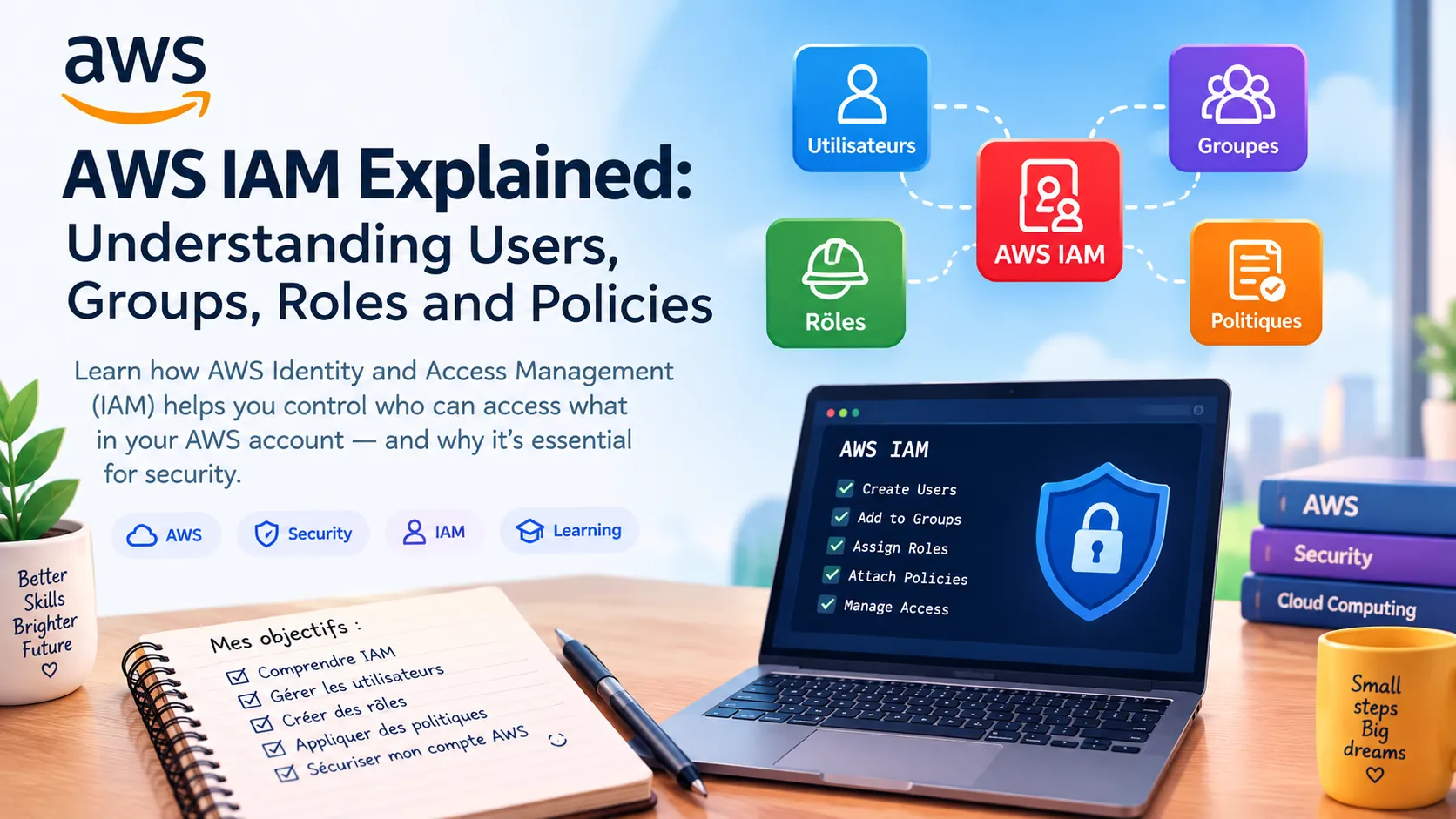
AWS IAM Explained: Understanding Users, Groups, Roles and Policies
In this second article of my AWS learning journey, I explore AWS Identity and Access Management (IAM). I explain the difference between users, groups, roles and policies, and why managing permissions is essential for cloud security. I also share what I learned as a beginner and how IAM helps follow the principle of least privilege.

AWS IAM Explained: Understanding Users, Groups, Roles and Policies
As I continue my AWS learning journey, I wanted to understand one of the most important topics in cloud security: Identity and Access Management, or IAM.
What is AWS IAM?
AWS Identity and Access Management (IAM) helps control who can access AWS resources and what actions they are allowed to perform.
Instead of giving everyone full access to an AWS account, IAM allows permissions to be managed according to each user's responsibilities.
Users
An IAM user represents an identity that can interact with AWS resources.
For example, an organization can create different identities for administrators, developers, or other team members.
Groups
Groups make permission management easier.
Users with similar responsibilities can be placed in the same group and receive the permissions associated with that group.
For example, developers could belong to a Developers group with permissions appropriate for their work.
Roles
IAM roles provide permissions that can be temporarily assumed by trusted identities or AWS services.
For example, an EC2 instance can use an IAM role to access an S3 bucket without storing long-term access keys on the server.
Policies
Policies define what actions are allowed or denied and which AWS resources those permissions apply to.
For example, a policy could allow a user to read objects from an S3 bucket without allowing them to delete those objects.
This leads to an important security principle: least privilege.
An identity should receive only the permissions it actually needs.
What I learned
One of my main takeaways is that IAM is not simply about creating users and passwords.
It is about designing a secure permission model and controlling access to cloud resources.
Understanding users, groups, roles and policies helps me better understand how security works in AWS.
My next step
My next topic will be Amazon VPC and AWS networking.
I want to understand how VPCs, subnets, route tables and security controls work together to build a network in the AWS Cloud.
I am continuing this journey step by step and connecting what I learn about AWS with my interest in systems, networking and infrastructure.
Enjoyed reading this content? Let the author know!
Your likes, comments, shares, and saves help creators reach more builders.

Loading recommendations
Loading article