
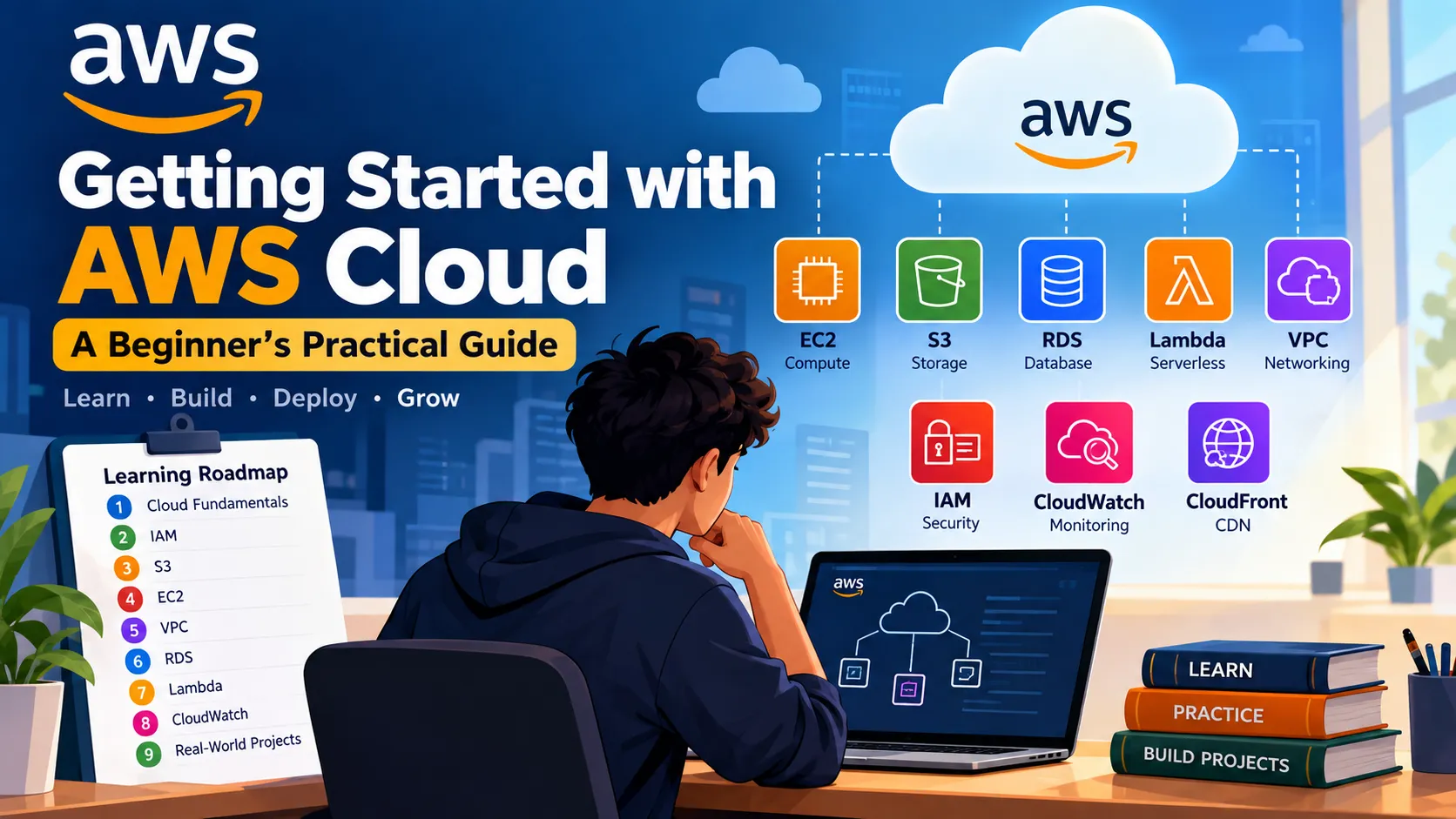
Getting Started with AWS Cloud: A Beginner’s Practical Guide
Cloud computing can seem overwhelming when you are just starting. This guide explains the basic AWS concepts and a simple learning path for students and beginners who want to build practical cloud skills.

# Getting Started with AWS Cloud: A Beginner’s Practical Guide
Cloud computing has become an important skill for students, developers, and technology professionals. Among the many cloud platforms available today, Amazon Web Services (AWS) provides a large collection of services that can be used to build, deploy, and scale applications.
If you are completely new to AWS, the number of services can feel overwhelming. The best approach is to start with the fundamentals and gradually build practical projects.
## ☁️ What is AWS?
AWS is a cloud computing platform that provides services for computing, storage, databases, networking, security, machine learning, and many other areas.
Instead of purchasing and maintaining physical servers, developers can use AWS resources through the internet and pay based on usage.
Some commonly used AWS services include:
- Amazon EC2 – Virtual servers
- Amazon S3 – Object storage
- Amazon RDS – Managed relational databases
- AWS Lambda – Serverless computing
- Amazon VPC – Networking
- IAM – Identity and access management
- Amazon CloudWatch – Monitoring and observability
- Amazon S3 – Object storage
- Amazon RDS – Managed relational databases
- AWS Lambda – Serverless computing
- Amazon VPC – Networking
- IAM – Identity and access management
- Amazon CloudWatch – Monitoring and observability
## 🚀 Where Should a Beginner Start?
You don't need to learn every AWS service.
A better learning path is:
### 1. Learn Cloud Fundamentals
Start by understanding:
- What is cloud computing?
- IaaS, PaaS, and SaaS
- Public, private, and hybrid cloud
- Regions and Availability Zones
- Scalability and elasticity
- High availability
- Pay-as-you-go pricing
- IaaS, PaaS, and SaaS
- Public, private, and hybrid cloud
- Regions and Availability Zones
- Scalability and elasticity
- High availability
- Pay-as-you-go pricing
These concepts will make the rest of AWS much easier to understand.
### 2. Learn IAM
Security is one of the most important parts of cloud computing.
Learn how IAM works, including:
- Users
- Groups
- Roles
- Policies
- Permissions
- Least-privilege access
- Groups
- Roles
- Policies
- Permissions
- Least-privilege access
Always avoid giving unnecessary permissions to users or applications.
### 3. Learn Amazon S3
S3 is one of the easiest AWS services to start practicing with.
You can learn how to:
1. Create a bucket
2. Upload objects
3. Organize data
4. Configure permissions
5. Enable versioning
6. Understand storage classes
2. Upload objects
3. Organize data
4. Configure permissions
5. Enable versioning
6. Understand storage classes
A simple project could be a personal file-storage application using S3.
### 4. Learn Amazon EC2
After understanding storage and IAM, move to EC2.
Practice:
- Launching an instance
- Connecting to a server
- Installing software
- Running a simple web application
- Understanding security groups
- Starting and stopping instances
- Connecting to a server
- Installing software
- Running a simple web application
- Understanding security groups
- Starting and stopping instances
This gives you a basic understanding of how applications run on cloud infrastructure.
## 🧠 Build Projects While Learning
Watching tutorials is useful, but building projects is where the real learning happens.
For example, you could build:
### Beginner Project
**Personal Portfolio Website**
Use:
- Amazon S3
- IAM
- CloudFront
- IAM
- CloudFront
Deploy a simple static portfolio website and make it accessible through the internet.
### Intermediate Project
**Web Application**
Use:
- EC2
- S3
- RDS
- VPC
- S3
- RDS
- VPC
Deploy a simple application with a frontend, backend, and database.
### Advanced Project
**Serverless Application**
Use:
- AWS Lambda
- API Gateway
- DynamoDB
- S3
- CloudWatch
- API Gateway
- DynamoDB
- S3
- CloudWatch
This will introduce you to serverless architecture and event-driven applications.
## 📚 Don't Try to Memorize AWS
One mistake beginners often make is trying to memorize hundreds of AWS services.
Instead, focus on understanding:
**Problem → AWS Service → Architecture → Implementation**
For example:
> "I need to store images for my application."
Instead of memorizing a service name, think:
> "Object storage is required → Amazon S3 can solve this problem."
This approach makes AWS much easier to learn.
## 🎯 A Simple AWS Learning Roadmap
Here is a roadmap that beginners can follow:
```text
Cloud Fundamentals
↓
IAM
↓
S3
↓
EC2
↓
VPC
↓
RDS
↓
Lambda
↓
CloudWatch
↓
AWS Architecture
↓
Real-World Projects
Cloud Fundamentals
↓
IAM
↓
S3
↓
EC2
↓
VPC
↓
RDS
↓
Lambda
↓
CloudWatch
↓
AWS Architecture
↓
Real-World Projects
Enjoyed reading this content? Let the author know!
Your likes, comments, shares, and saves help creators reach more builders.

Loading recommendations
Loading article