
RDP vs VPS: What’s the Difference and When Should You Use Each?
Learn the key differences between RDP and VPS, how they work, their performance and security considerations, and when each option is the better choice for different use cases.


RDP vs VPS: What’s the Difference and When Should You Use Each?
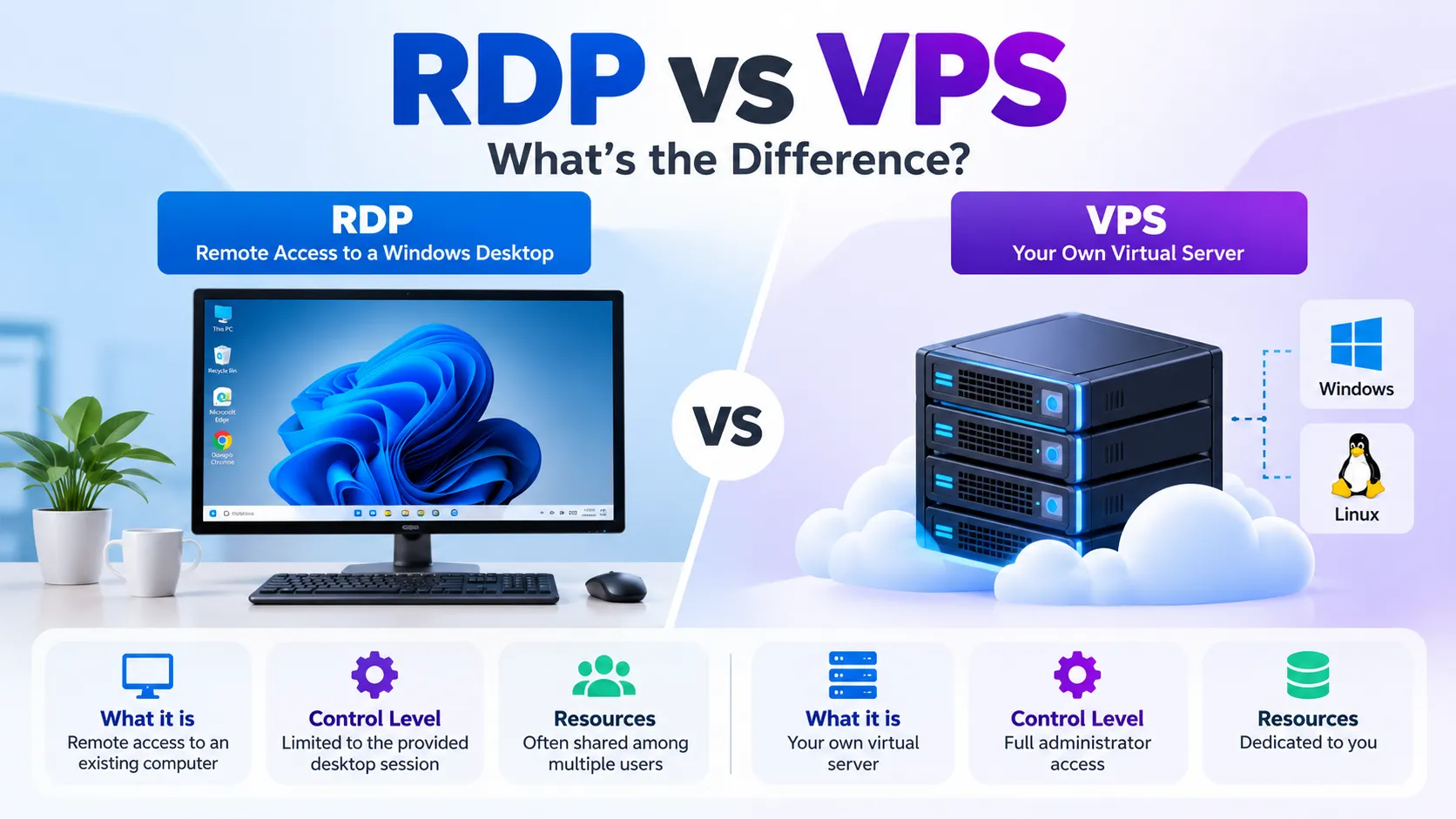
RDP and VPS are often discussed together, but they are not the same thing. RDP (Remote Desktop Protocol) is a method for remotely accessing a computer, while a VPS (Virtual Private Server) is a virtualized server that you can configure and manage.
Understanding this difference makes it easier to choose the right option for remote access, development, hosting, or server administration.
What Is RDP?
RDP is a Microsoft protocol that allows you to connect to another computer over a network and interact with its graphical desktop.
Once connected, you can use the remote system's keyboard, mouse, applications, and files much like you would when sitting directly in front of the machine.
RDP does not provide the server itself. It is simply the communication method used to access an existing Windows system.
What Is a VPS?
A VPS is a virtual server created from the resources of a physical server using virtualization technology.
A VPS has its own operating system, allocated CPU, memory, storage, and network configuration. Depending on the operating system, it can be managed through tools such as RDP or SSH.
For example, a Windows VPS can normally be accessed using RDP, while a Linux VPS is commonly administered through SSH.
RDP vs VPS
The easiest way to understand the difference is:
- RDP: A method of remotely accessing a computer.
- VPS: A virtual server that provides computing resources.
- Windows VPS: A VPS running Windows that can commonly be accessed through RDP.
- Linux VPS: A VPS running Linux that is commonly managed through SSH.
So RDP and VPS aren't necessarily competing technologies. They can actually be used together.
Can You Use RDP on a VPS?
Yes.
A Windows VPS can use RDP as its remote-access method. In this situation, the VPS is the server and RDP is the protocol used to connect to it.
This is an important distinction because someone looking for "RDP vs VPS" may actually be comparing a ready-to-use remote desktop environment with having their own virtual server.
Windows VPS vs Linux VPS
The operating system is another important consideration.
A Windows VPS can be useful when you need Windows-specific applications or prefer working through a graphical desktop.
A Linux VPS is commonly managed through SSH and is often used for websites, APIs, databases, automation, and other server-side workloads.
The better choice depends on the software and workload you need to run.
Performance Considerations
RDP itself does not determine how powerful the remote computer is.
The performance you experience depends on the hardware and resources available on the remote machine, as well as network latency.
With a VPS, the resources assigned to the virtual machine are defined by its configuration. CPU, RAM, storage performance, and network capacity can therefore have a direct impact on the workload.
For continuous workloads such as application hosting or development environments, having predictable resources can be important.
Security Considerations
Both technologies need to be configured securely.
RDP should not be exposed to the internet without appropriate protection. Strong credentials, Network Level Authentication, access restrictions, VPNs, firewalls, and regular security updates can reduce the attack surface.
A VPS also requires ongoing security management. This can include operating system updates, firewall configuration, access control, monitoring, and keeping installed software up to date.
The important point is that neither RDP nor VPS is automatically secure simply because of the technology being used.
When Should You Use RDP?
RDP can make sense when your main requirement is remote access to a Windows desktop.
Common examples include:
- Accessing Windows applications remotely
- Managing a Windows computer from another location
- Performing administrative tasks
- Working with applications that require a graphical interface
When Should You Use a VPS?
A VPS is more appropriate when you need your own virtual server environment.
Examples include:
- Hosting websites
- Running applications or APIs
- Development and testing
- Running background services
- Managing databases
- Server administration
- Long-running workloads
A Windows VPS can combine both concepts because the server can be accessed through RDP.
How Do You Choose?
Ask yourself these questions:
- Do I primarily need remote access to an existing Windows environment?
RDP may be sufficient. - Do I need to install and configure my own server software?
A VPS is usually more appropriate. - Do I need Windows-specific software?
Consider a Windows-based environment. - Am I running websites, APIs, or server-side applications?
A VPS may be a better fit. - Do I need continuous and predictable resources?
Consider a VPS with resources appropriate for your workload.
Conclusion
RDP and VPS solve different problems.
RDP is a remote-access protocol, while a VPS is a virtualized server. A Windows VPS can use RDP for remote access, so the two technologies can complement each other rather than compete.
The right choice depends on whether your primary requirement is simply accessing a remote Windows environment or having your own configurable server for applications, development, hosting, and other workloads.
Enjoyed reading this content? Let the author know!
Your likes, comments, shares, and saves help creators reach more builders.

Loading recommendations
Loading article