
Cold Starts, Warm Problems: A Practical Guide to Observability in Serverless Lambda Workloads
Most serverless guides stop at "it works on my machine." This one walks through instrumenting AWS Lambda for real production visibility, tracing cold starts, correlating logs across services, and catching the failures that metrics alone never show you.

The
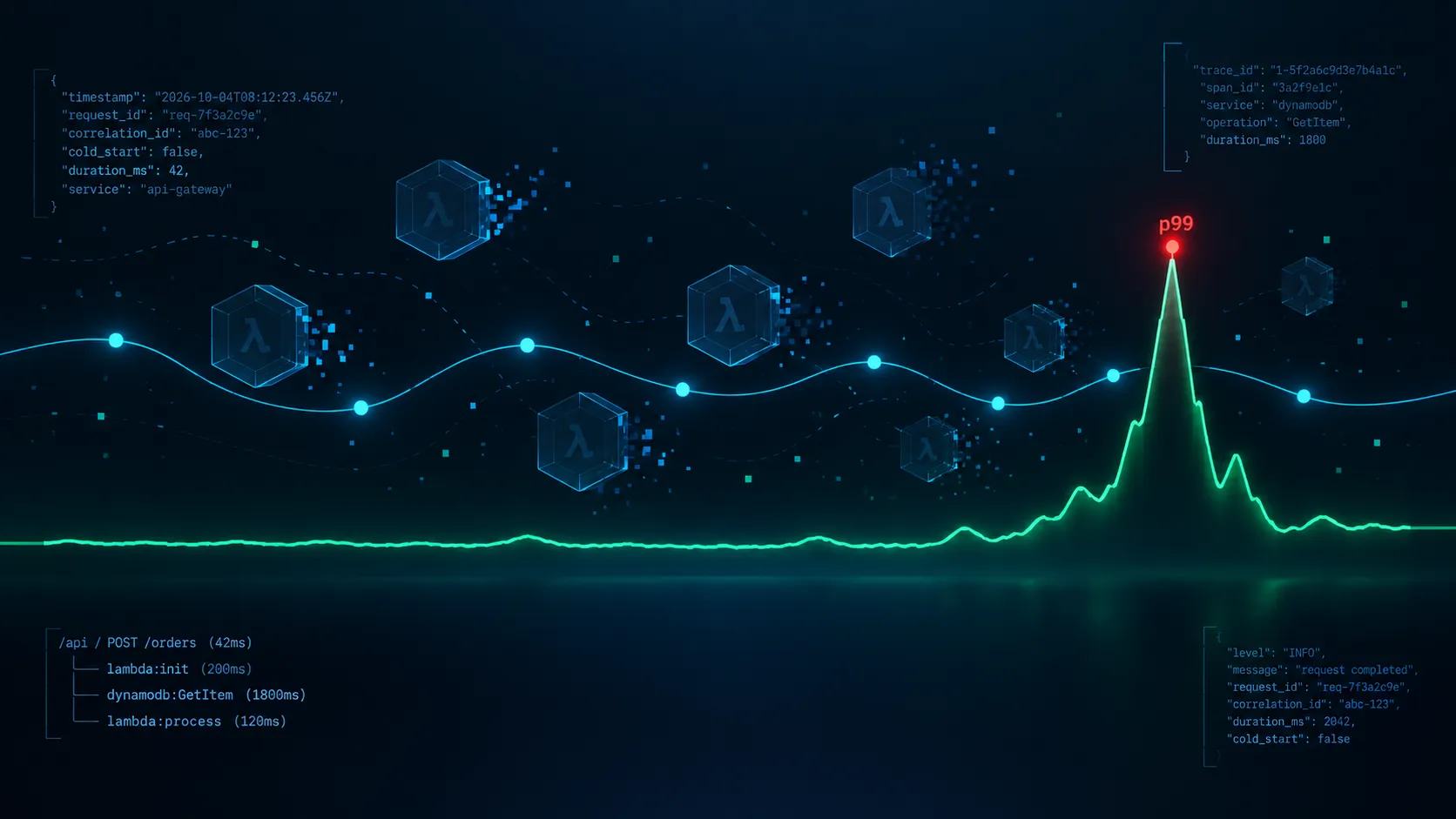
cold_start flag is a small but useful trick in that handler. Python does not give you a direct signal that tells you whether a Lambda container has been reused, but you can infer it. If the module level flag is not present, the environment is being initialized for the first time. Write that boolean into every log entry and cold start analysis becomes a simple query instead of guesswork.Traces are another signal that many teams overlook, even though they can tell you what actually happened during a request. AWS X Ray, or OpenTelemetry through the ADOT layer, shows the path a request took through your system. Without tracing, a slow request is just a mystery. With it, you might see that the request spent 1,800 milliseconds waiting for a downstream DynamoDB call and another 200 milliseconds during cold initialization.
1
2
3
aws lambda update-function-configuration \
  --function-name my-function \
  --tracing-config Mode=Active
Instrument your SDK calls as well so that the relevant subsegments appear in the trace timeline.
1
2
3
4
5
6
7
8
from aws_xray_sdk.core import xray_recorder
from aws_xray_sdk.core import patch_all
patch_all()
def process_order(order_id):
...
Correlation IDs Are the Glue
One of the highest leverage changes you can make is to carry a correlation ID through every layer of the application. API Gateway already provides a request ID, so you can use that when the client does not provide its own identifier instead of allowing every service to generate a separate ID.
1
2
3
4
5
6
7
8
9
10
def handler(event, context):
    correlation_id = (
        event.get("headers", {}).get("x-correlation-id")
        or context.aws_request_id
    )

    xray_recorder.current_segment().put_annotation(
        "correlation_id",
        correlation_id
    )
Now, when a user reports a slow request, you can take the ID from the frontend, search CloudWatch Logs Insights across the relevant functions, and reconstruct the request's journey in one place.
A Query Worth Saving
Once your logs are structured as JSON, a small query can become one of your most useful diagnostic tools.
1
2
3
fields @timestamp, message, request_id, cold_start, duration_ms
| filter correlation_id = "abc-123"
| sort @timestamp asc
Those three lines can return the events associated with a request's lifecycle in chronological order. This is what making a production system debuggable looks like in practice.
What I Would Do on Day One
If you are starting from zero, resist the temptation to instrument everything at once. Start with the signals that give you the most useful information with the least effort.
Structured JSON logs with a correlation ID should come first. They give you a reliable way to connect events belonging to the same request. Next, build percentile dashboards around Duration and Init Duration so you can see the actual distribution of latency instead of relying on averages.
After that, enable active X Ray tracing. You might not open the traces every day, but having them available when something goes wrong can save a significant amount of debugging time.
Finally, create alarms around the metrics that matter to your users. For latency and error behavior, pay attention to tail performance such as p95 and p99 rather than relying only on averages. An average can look perfectly healthy while a small percentage of requests are having a terrible experience.
The Mindset Shift
Serverless observability is not about replacing the tools you used when your applications ran on EC2. It requires a different way of thinking about what you are observing.
The request is now your unit of analysis, not the host.
Once that becomes clear, the rest of the instrumentation starts to make sense. Tag the request, trace it, log it, and connect those signals together. The individual Lambda containers are temporary execution environments. They matter when they affect the request, but they should not become the center of your debugging model.
The cold start you cannot measure is the one that eventually wakes you up at three in the morning.
Measure it before it finds you.
Enjoyed reading this content? Let the author know!
Your likes, comments, shares, and saves help creators reach more builders.

Loading recommendations
Loading article