
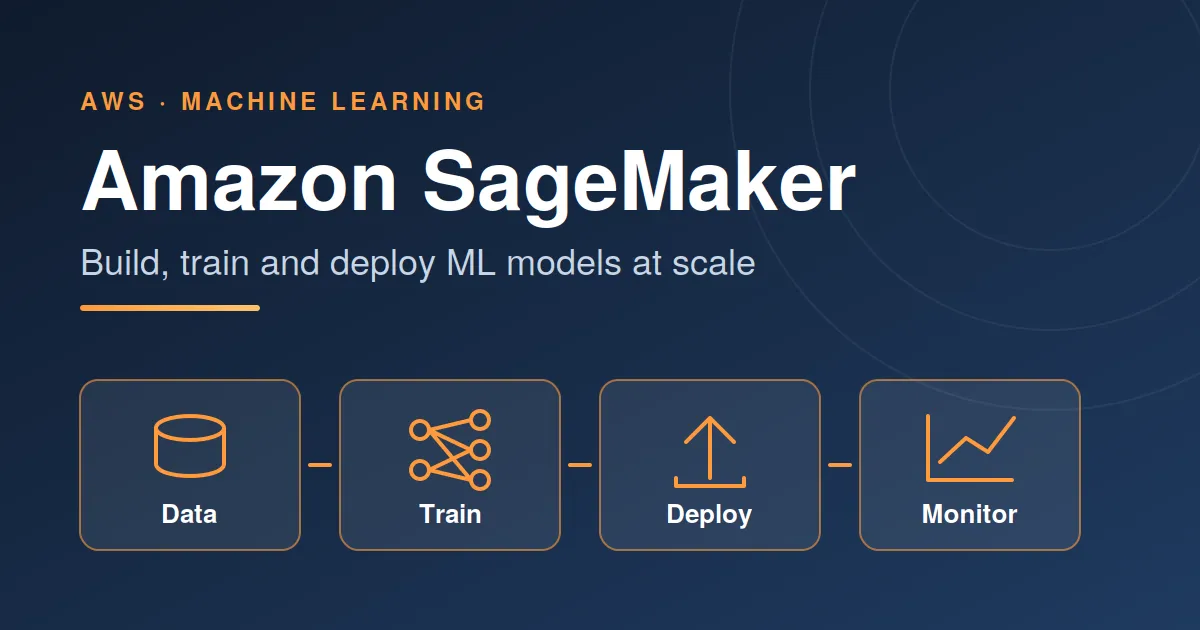
Getting Started with AWS SageMaker: Build, Train, Deploy ML
Amazon SageMaker is AWS's managed machine learning platform. It takes care of the infrastructure so you can focus on data and models instead of servers.

What is SageMaker?
SageMaker covers the full ML lifecycle in one service: preparing data, writing code in notebooks, training at scale, tuning, deploying models behind an endpoint, and monitoring them in production. You pay for the compute you use, and you can bring your own framework (scikit-learn, TensorFlow, PyTorch, XGBoost) or use built-in algorithms and prebuilt containers.
Core building blocks
StudioWeb-based IDE with notebooks, experiment tracking and pipelines in one place.
Data preparationData Wrangler and Processing jobs for cleaning, transforming and feature engineering.
TrainingManaged training jobs on CPU or GPU instances, with distributed training and spot capacity.
TuningAutomatic model tuning runs many training jobs to find strong hyperparameters.
DeploymentReal-time, serverless, asynchronous and batch inference options.
MLOpsPipelines, Model Registry and Model Monitor for repeatable, governed workflows.
AWS has also been expanding SageMaker into a broader data-and-AI workspace, so check the current console and documentation for the latest naming and features.
A typical workflow
- Store data in S3. Upload your training and validation data to a bucket.
- Explore and prepare. Use a Studio notebook or a Processing job to clean data and engineer features.
- Train. Launch a training job with your script and chosen instance type.
- Evaluate and tune. Compare metrics across runs; use hyperparameter tuning when it pays off.
- Deploy. Create an endpoint, or run batch transform for offline predictions.
- Monitor and iterate. Watch for data drift and retrain through a pipeline.
Example: train and deploy a scikit-learn model
The SageMaker Python SDK keeps the common path short. This sketch trains a script on managed infrastructure and deploys it as an endpoint:
1
2
3
4
5
6
7
8
9
10
11
12
13
14
15
16
17
18
19
20
21
22
23
import sagemaker
from sagemaker.sklearn.estimator import SKLearn

role = sagemaker.get_execution_role()

estimator = SKLearn(
    entry_point="train.py",        # your training script
    framework_version="1.2-1",
    instance_type="ml.m5.large",
    instance_count=1,
    role=role,
)

estimator.fit({"train": "s3://my-bucket/train/"})

predictor = estimator.deploy(
    initial_instance_count=1,
    instance_type="ml.m5.large",
)

print(predictor.predict([[5.1, 3.5, 1.4, 0.2]]))

predictor.delete_endpoint()        # stop charges when done
Your
train.py reads data from the path SageMaker provides, fits the model, and saves it to the model directory. SageMaker uploads the artifact to S3 and serves it for you.Best practices
- Start small. Prototype on a small instance and sample of the data before scaling up.
- Use spot training for fault-tolerant jobs to cut training cost, with checkpoints enabled.
- Pick the right inference type. Serverless or async endpoints suit spiky or infrequent traffic better than an always-on instance.
- Apply least-privilege IAM roles and keep data encrypted in S3.
- Track experiments so results are reproducible and comparable.
- Automate with Pipelines once a workflow stabilises.
Watch your costs
Endpoints and notebook instances bill while they run. Delete idle endpoints, stop unused Studio apps, and set AWS Budgets alerts. Check the AWS pricing page for current rates.
Conclusion
SageMaker removes much of the undifferentiated work of running ML in production. If you already work in Python and scikit-learn or PyTorch, you can move an existing notebook into managed training and deployment with only a few changes, then grow into pipelines and monitoring as your needs mature.
Enjoyed reading this content? Let the author know!
Your likes, comments, shares, and saves help creators reach more builders.

Loading recommendations
Loading article