
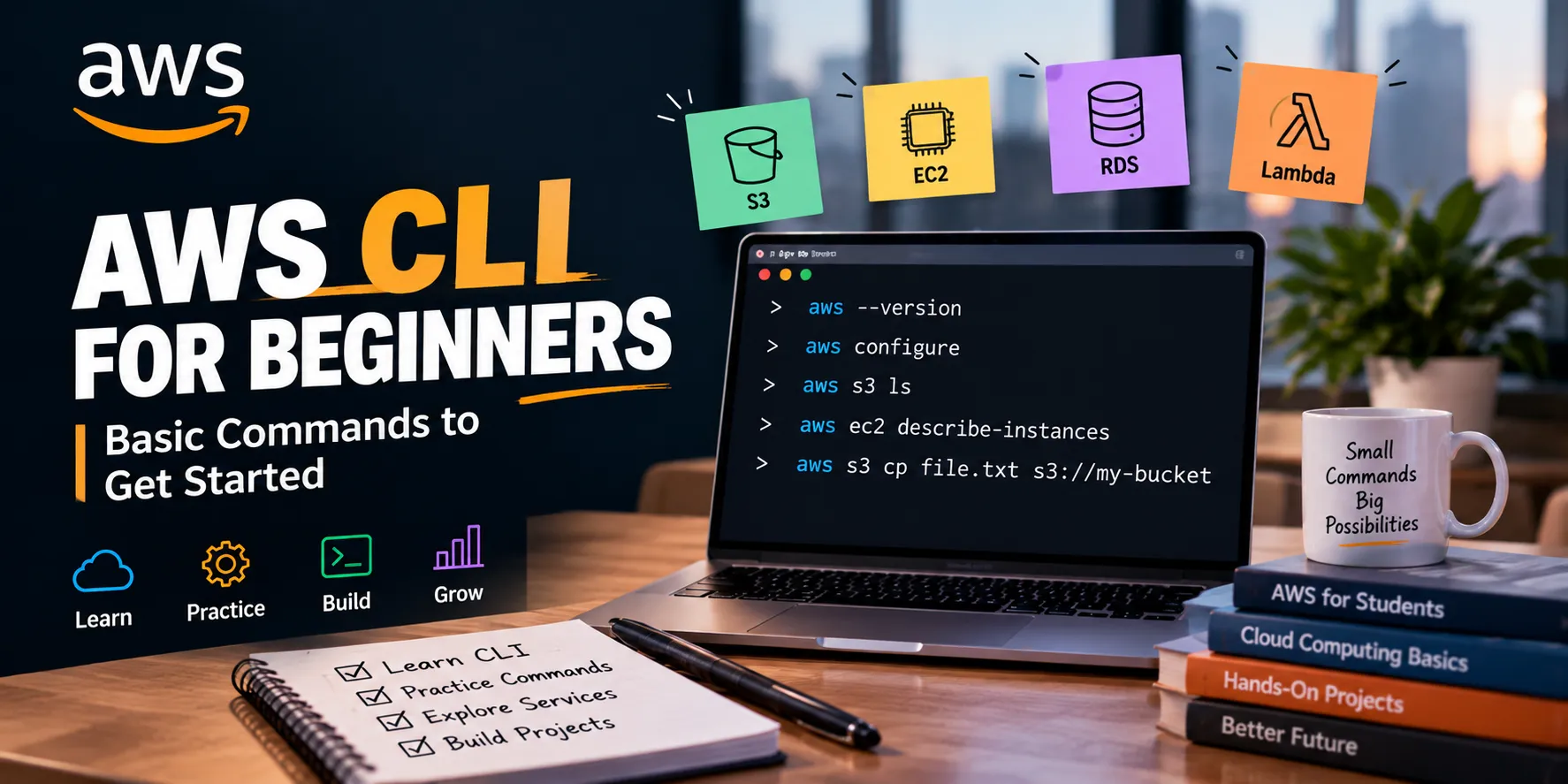
AWS CLI for Beginners: 5 Commands Every Student Should Know
Want to manage AWS from your terminal? Here are 5 beginner-friendly AWS CLI commands that can help students start working with AWS services more efficiently.

A☁️ AWS CLI for Beginners
The AWS Management Console is great for beginners, but learning the AWS CLI can make your cloud workflow much faster.
Here are 5 basic commands every AWS beginner should know.
1️⃣ Check AWS CLI Version
1
aws --version
This confirms that AWS CLI is installed on your system.
2️⃣ Configure AWS CLI
aws configure
This allows you to configure your AWS credentials and default region.
🔐 Never share your AWS access keys publicly.
3️⃣ List S3 Buckets
aws s3 ls
This command shows the S3 buckets available to your configured AWS identity.
4️⃣ List EC2 Instances
aws ec2 describe-instances
This retrieves information about your EC2 instances.
5️⃣ Copy a File to S3
aws s3 cp file.txt s3://your-bucket-name/
This uploads a file from your computer to an S3 bucket.
🎯 Why Learn AWS CLI?
AWS CLI helps you:
Work faster with AWS services
Automate repetitive tasks
Practice cloud administration
Prepare for DevOps workflows
Understand how AWS services can be managed programmatically
You don't need to memorize hundreds of commands.
Start with a few useful commands, understand what they do, and practice them in your own AWS projects.
Learn → Practice → Build → Automate 🚀☁️w
2️⃣ Configure AWS CLI
aws configure
This allows you to configure your AWS credentials and default region.
🔐 Never share your AWS access keys publicly.
3️⃣ List S3 Buckets
aws s3 ls
This command shows the S3 buckets available to your configured AWS identity.
4️⃣ List EC2 Instances
aws ec2 describe-instances
This retrieves information about your EC2 instances.
5️⃣ Copy a File to S3
aws s3 cp file.txt s3://your-bucket-name/
This uploads a file from your computer to an S3 bucket.
🎯 Why Learn AWS CLI?
AWS CLI helps you:
Work faster with AWS services
Automate repetitive tasks
Practice cloud administration
Prepare for DevOps workflows
Understand how AWS services can be managed programmatically
You don't need to memorize hundreds of commands.
Start with a few useful commands, understand what they do, and practice them in your own AWS projects.
Learn → Practice → Build → Automate 🚀☁️w
Enjoyed reading this content? Let the author know!
Your likes, comments, shares, and saves help creators reach more builders.

Loading recommendations
Loading article