
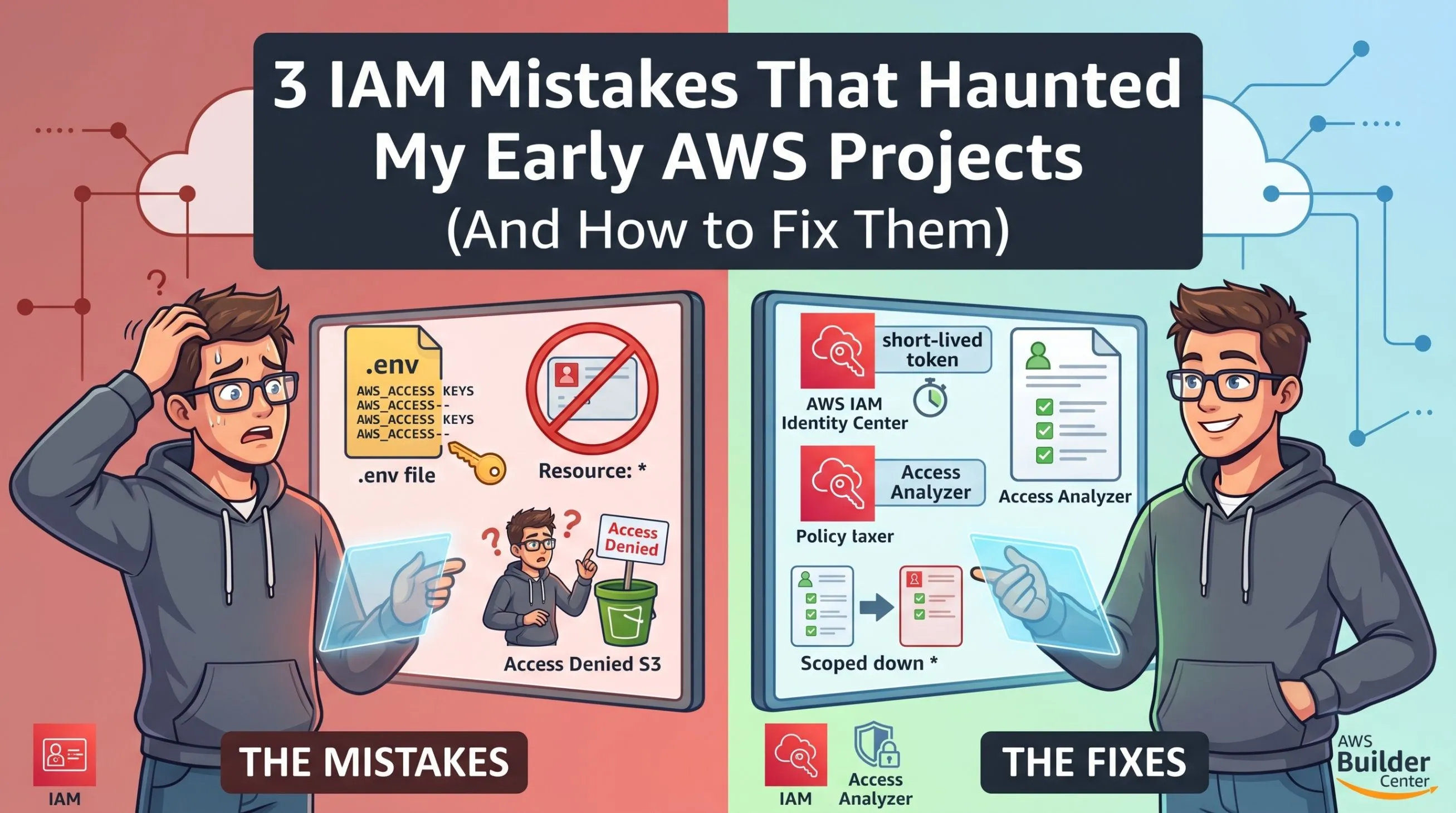
3 IAM Mistakes That Haunted My Early AWS Projects (And How to Fix Them)
Stop guessing IAM policies. Learn how to fix three common AWS IAM mistakes, scope down permissions, and secure your cloud environments.

Identity and Access Management (IAM) is the absolute core of AWS security. But let's be honest when you are a new builder just trying to get a Lambda function to read an S3 bucket, IAM can feel like a massive roadblock.
In my early days, I often took the path of least resistance just to make my applications work. That approach resulted in some terrible security postures that I had to painfully untangle later. Here are three major IAM mistakes I made, and how I eventually learned to fix them.
Mistake 1: The Resource: "*" Temptation
When an application threw an AccessDenied error, my immediate reaction was to tweak the IAM policy, get frustrated, and eventually just replace the specific resource ARN with a wildcard ().
When an application threw an AccessDenied error, my immediate reaction was to tweak the IAM policy, get frustrated, and eventually just replace the specific resource ARN with a wildcard ().
It made the error go away instantly. However, it also meant my Lambda function, which only needed to read from one specific bucket, suddenly had permission to read, write, and delete data from every bucket in my entire AWS account.
The Fix:
I forced myself to stop using the console to manually guess policies. Instead, I started using AWS IAM Access Analyzer. Access Analyzer reviews your CloudWatch logs and AWS CloudTrail events to see exactly which API calls your service is actually making, and then generates a scoped-down, least-privilege policy for you based on that real-world activity.
I forced myself to stop using the console to manually guess policies. Instead, I started using AWS IAM Access Analyzer. Access Analyzer reviews your CloudWatch logs and AWS CloudTrail events to see exactly which API calls your service is actually making, and then generates a scoped-down, least-privilege policy for you based on that real-world activity.
Mistake 2: Hardcoding Access Keys for Local Testing
To test my code locally before deploying it to AWS, I generated long-term IAM Access Keys and hardcoded them directly into my environment variables or configuration files.
To test my code locally before deploying it to AWS, I generated long-term IAM Access Keys and hardcoded them directly into my environment variables or configuration files.
One day, I accidentally committed a .env file containing those keys to a public GitHub repository. Within minutes, automated bots scraped the keys and attempted to spin up crypto-mining EC2 instances in my account. (Thankfully, AWS managed to block it and alert me, but it was a terrifying wake-up call).
The Fix:
I completely stopped generating long-term IAM users and access keys for myself. Instead, I moved entirely to AWS IAM Identity Center (formerly AWS SSO). Now, I authenticate via a web portal and use short-lived, temporary credentials that automatically expire after a few hours. Even if I accidentally leak them, their blast radius is severely limited by time.
I completely stopped generating long-term IAM users and access keys for myself. Instead, I moved entirely to AWS IAM Identity Center (formerly AWS SSO). Now, I authenticate via a web portal and use short-lived, temporary credentials that automatically expire after a few hours. Even if I accidentally leak them, their blast radius is severely limited by time.
Mistake 3: Misunderstanding Resource vs. Identity Policies
I once spent three hours trying to figure out why an IAM User couldn't access a specific Amazon S3 bucket, even though I had given the user s3:GetObject permissions in their IAM policy.
I once spent three hours trying to figure out why an IAM User couldn't access a specific Amazon S3 bucket, even though I had given the user s3:GetObject permissions in their IAM policy.
What I didn't understand was that S3 (along with KMS, SQS, and EventBridge) uses Resource-Based Policies. The S3 bucket had its own policy that explicitly denied access to everyone except a specific role. I didn't realize that an explicit Deny on a resource policy will always override an Allow on an identity policy.
The Fix:
I learned to check both sides of the bridge. Now, whenever there is an access issue with S3, KMS, or SQS, my debugging checklist explicitly requires checking the Resource Policy first, before even looking at the user or role's IAM policy.
I learned to check both sides of the bridge. Now, whenever there is an access issue with S3, KMS, or SQS, my debugging checklist explicitly requires checking the Resource Policy first, before even looking at the user or role's IAM policy.
Enjoyed reading this content? Let the author know!
Your likes, comments, shares, and saves help creators reach more builders.

Loading recommendations
Loading article