
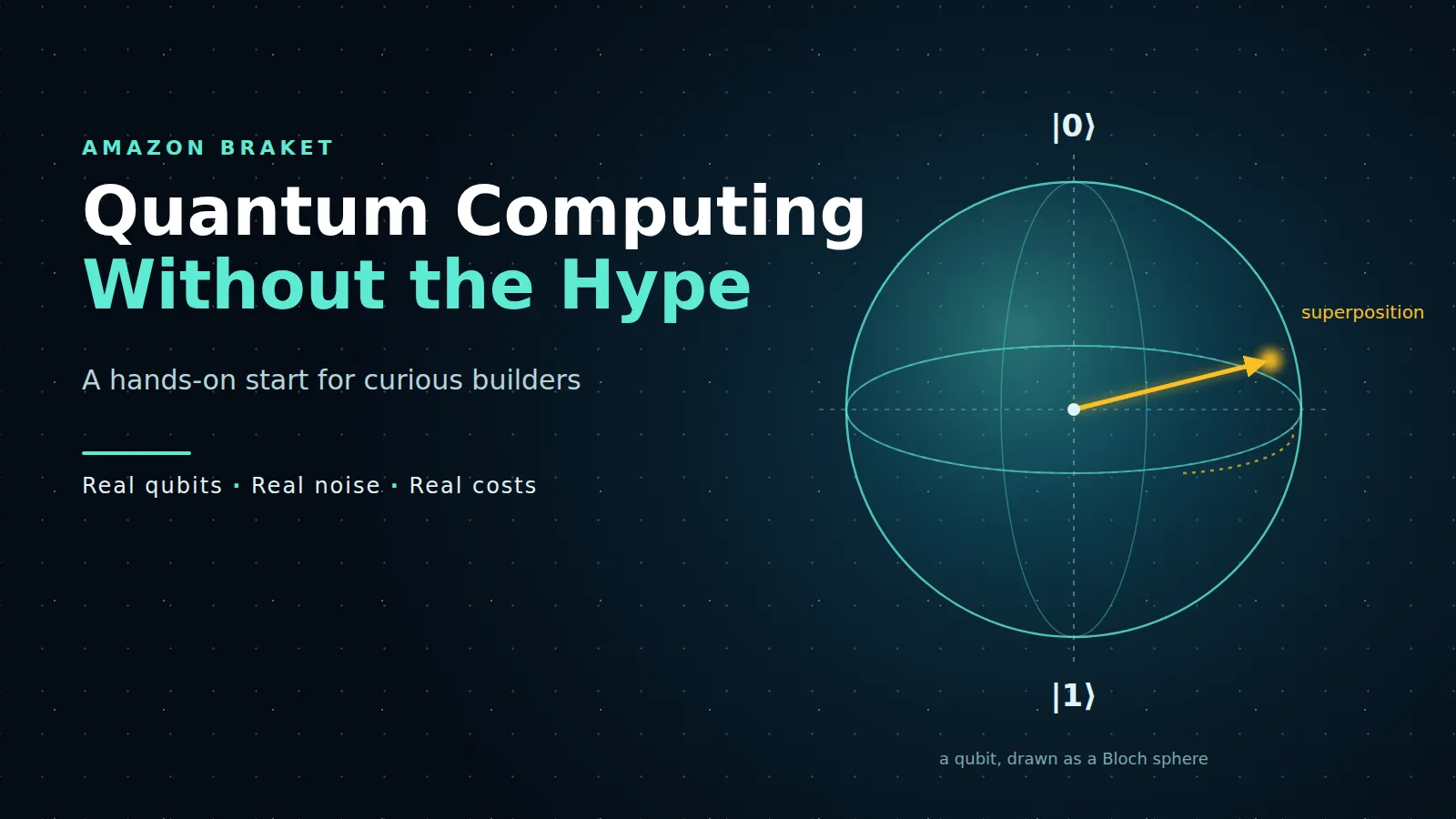
Quantum Computing Without the Hype: A Hands-On Start with Amazon Braket
Quantum computing isn't breaking encryption tomorrow, but you can try it today. A beginner's hands-on guide to Amazon Braket, from a free local simulator to real quantum hardware.

Introduction
Quantum computing usually shows up in headlines in one of two ways: either it's about to break all encryption tomorrow, or it's so complicated that only physicists can touch it. Neither is very helpful if you're a student who's just curious.
Here's the less dramatic truth. You can write and run a real quantum program today, using Python, on your own laptop, for free. And if you want to, you can send that same program to an actual quantum computer through AWS and get results back, often for less than the price of a cup of tea.
That's what this article is about. We'll cover just enough of the basics to understand what's going on, run a famous two-qubit experiment with Amazon Braket, look at what it really costs, and finish with an honest look at where quantum computing actually stands right now.
Quantum basics in plain words
You only need three ideas to follow along.
Qubits
A normal bit is either 0 or 1, like a light switch that's off or on. A qubit is the quantum version. Before you measure it, it can be in a mix of 0 and 1 at the same time. The moment you measure it, though, you always get a plain 0 or 1.
Superposition
That "mix" is called superposition. A good mental picture is a coin spinning on a table. While it spins, it isn't heads or tails yet. When it stops (when you measure), it lands on one side. If you set up the spin carefully, you can make it land heads 50% of the time and tails 50% of the time.
The gate that puts a qubit into an even 50/50 superposition is called the Hadamard gate, written H.
Entanglement
This is the strange one. Two qubits can be linked so that their results always match, even though each one on its own is random. It's like two spinning coins that always land the same way up: both heads or both tails, never one of each.
The gate that creates this link is called CNOT (controlled-NOT). It flips the second qubit only if the first one is 1.
Put H and CNOT together and you get the most famous two-qubit experiment there is: the Bell state. Measure it many times and you should only ever see 00 or 11, roughly half and half. Never 01 or 10. That's exactly what we're going to build.
(The coin analogies aren't perfect, and physicists will wince a little, but they're good enough to start.)
What is Amazon Braket?
Amazon Braket is AWS's quantum computing service. You write a quantum circuit once using the Braket Python SDK, and then choose where to run it. There are three options, from free to "real hardware":
| Where it runs | What it is | Cost | Good for |
|---|---|---|---|
| Local simulator | Simulates qubits on your own laptop | Free | Learning, testing, almost everything at first |
| Managed simulators (SV1, DM1, TN1) | AWS simulates larger circuits in the cloud | $0.075 per minute; 1 free hour per month for your first 12 months | Bigger circuits your laptop can't handle |
| Real quantum computers (QPUs) | Actual quantum hardware from partner companies | $0.30 per task plus a per-shot fee | Seeing how real, noisy hardware behaves |
One word you'll see a lot is shot. A shot is one run of your circuit followed by a measurement. Because quantum results are random, you run the same circuit many times (say 100 or 1,000 shots) and look at how often each result shows up.
Which real quantum computers can you use?
At the time of writing, Braket's pricing page lists hardware from several companies, built with quite different technologies:
| Provider | Device | Per-shot price |
|---|---|---|
| Rigetti | Cepheus | $0.000425 |
| IQM | Garnet | $0.00145 |
| IQM | Emerald | $0.0016 |
| QuEra | Aquila | $0.01 |
| AQT | IBEX-Q1 | $0.0235 |
| IonQ | Forte | $0.08 |
Every task also has a flat $0.30 fee on top. Devices aren't online all the time, and availability depends on the AWS Region, so check the Devices page in the Braket console before you plan anything around a particular machine. Prices change too, so treat these as a snapshot.
Hands-on 1: Your first quantum circuit (free, on your laptop)
You don't need an AWS account for this part. Just Python 3.
Install the Braket SDK:
1
pip install amazon-braket-sdk
Create a file called
bell.py:1
2
3
4
5
6
7
8
9
10
from braket.circuits import Circuit
from braket.devices import LocalSimulator
# H on qubit 0, then CNOT from qubit 0 to qubit 1
bell = Circuit().h(0).cnot(0, 1)
print(bell)
device = LocalSimulator()
result = device.run(bell, shots=1000).result()
print(result.measurement_counts)Run it with
python bell.py. Here's the output from one run:1
2
3
4
5
6
7
8
9
T : │ 0 │ 1 │
┌───┐
q0 : ─┤ H ├───●───
└───┘ │
┌─┴─┐
q1 : ───────┤ X ├─
└───┘
T : │ 0 │ 1 │
Counter({'11': 517, '00': 483})The top part is the circuit Braket drew for us: an H gate on qubit 0, then a CNOT (the dot is the control, the X is the target).
The last line is the interesting bit. Out of 1,000 shots, we got 00 483 times and 11 517 times. Not a single 01 or 10. Each run was random, but the two qubits always agreed with each other. That's entanglement, running on your own machine.
Your numbers will be slightly different every time, because the results really are random. They should always be close to 50/50, and always only 00 and 11.
Try breaking it
The best way to learn is to change things and predict the result first:
- Swap
.cnot(0, 1)for.i(1)(an "identity" gate that does nothing, but keeps qubit 1 in the circuit). Now the qubits aren't linked, so you'll see 00 and 10. (If you just delete the CNOT, Braket drops qubit 1 entirely and you'll only see 0 and 1.) - Remove
.h(0). With no superposition, you'll get 00 all 1,000 times. - Add a third qubit with
.cnot(1, 2). Now three qubits agree: only 000 and 111.
All three were checked on the local simulator, and the results matched these predictions.
Hands-on 2: Running in the cloud and on real hardware
This part needs an AWS account. The nice thing is that your circuit code doesn't change at all. Only the
device line does.Before you start
- Open the Amazon Braket console and enable the service (it may ask you to accept third-party terms for the hardware providers).
- Make sure your AWS credentials are set up locally (for example with
aws configure), using an IAM identity, not the root user. - Braket saves results to an S3 bucket. The console normally creates one for you, named starting with
amazon-braket-. - Pick a Region where the device you want is available. SV1 runs in US East (N. Virginia), US West (N. California and Oregon) and Europe (London).
Step 1: The managed simulator (SV1)
1
2
3
4
5
6
7
8
from braket.circuits import Circuit
from braket.aws import AwsDevice

bell = Circuit().h(0).cnot(0, 1)

sv1 = AwsDevice("arn:aws:braket:::device/quantum-simulator/amazon/sv1")
task = sv1.run(bell, shots=1000)
print(task.result().measurement_counts)
You'll get the same kind of clean 00/11 split. A circuit this small takes only a few seconds, so it comfortably fits inside the free hour per month (for your first 12 months).
Step 2: A real quantum computer
In the Braket console, open Devices, pick a machine that shows as available, and copy its ARN. Then swap it in:
1
2
3
4
qpu = AwsDevice("<device ARN from the Braket console>")
task = qpu.run(bell, shots=100)
print("Task ID:", task.id)
print(task.result().measurement_counts)  # waits until the job finishes
Two things will be different from the simulator.
You'll wait in a queue. Real quantum computers are shared and only open at certain times, so your task might take minutes or hours to run. You can close the script and check the result later in the console using the task ID.
You'll see "wrong" answers. Instead of only 00 and 11, you'll probably see a few 01s and 10s. That's not a bug in your code. Real qubits are fragile and pick up noise from their surroundings. Seeing that noise with your own eyes is honestly the most educational part of the whole exercise.
What does it actually cost?
This is the question every student asks first, so here's the maths for our Bell circuit, using the prices listed on the Braket pricing page at the time of writing.
A task on real hardware costs $0.30 + (number of shots × per-shot price).
| Where you run it | Shots | Cost |
|---|---|---|
| Local simulator | 1,000 | Free |
| SV1 managed simulator | 1,000 | A few seconds of simulation, inside the free hour for your first 12 months (after that, $0.075 per minute, 3-second minimum) |
| Rigetti Cepheus | 1,000 | $0.30 + $0.425 = about $0.73 |
| IQM Garnet | 1,000 | $0.30 + $1.45 = about $1.75 |
| IonQ Forte | 100 | $0.30 + $8.00 = about $8.30 |
So the cheapest way to see real quantum noise for yourself costs well under a dollar. The expensive machines aren't "better" for this experiment; they just use different technology with different pricing.
A few ways to avoid surprises:
- Do everything on the local simulator first. Only send a circuit to real hardware once it does exactly what you expect.
- Use fewer shots on expensive devices. 100 shots is plenty to see the pattern for a Bell state.
- Set an AWS Budget alert (for example at $5) before you touch real hardware.
- Watch out for notebooks. If you use a Braket notebook, it runs on a SageMaker instance that's billed for as long as it's running. Stop it when you're done.
An honest reality check
It's easy to finish a Bell state and feel like you're holding the future. It's worth being clear about where things actually stand.
Today's quantum computers are small and noisy. You saw the noise yourself in Hands-on 2. Errors build up as circuits get longer, which limits what these machines can reliably do.
They don't beat your laptop at everyday tasks. For almost every practical problem a student would try, a normal computer is faster, cheaper and more accurate today. Quantum computers are expected to help with specific problems, like simulating molecules and materials or certain optimisation tasks, not with running apps or websites.
"Quantum breaks all encryption" isn't happening this year. Breaking widely used encryption would need far larger machines with working error correction. Even so, the risk is taken seriously: new post-quantum encryption standards already exist, and organisations are starting to move to them.
Error correction is where the race is. Much of the serious research now goes into making qubits reliable, rather than just adding more of them. AWS is working on this too, with its own experimental quantum chip research.
So why bother learning now? Because the basics (qubits, gates, measurement, noise) don't change, and getting comfortable with them early costs you nothing but a free afternoon. And being able to say "I've run circuits on real quantum hardware" is a genuinely interesting line on a student's profile.
Wrapping up
You don't need a lab or a physics degree to try quantum computing. With Amazon Braket you can:
- Learn the basics and run real quantum circuits free on your laptop with the local simulator
- Scale up to managed simulators in the cloud, with a free hour a month for your first year
- Run on actual quantum hardware for under a dollar and see real quantum noise for yourself
And you'll come away with a realistic picture of what quantum computers can and can't do yet, which is more than most headlines will give you.
What to try next
- Build the three-qubit version and see if real hardware keeps all three in agreement
- Run the same circuit on two different QPUs and compare how noisy each one is
- Look up Grover's search and try the two-qubit version on the local simulator
- Open the example notebooks in the Braket console, which walk through more algorithms step by step
Resources
- Amazon Braket
- Amazon Braket pricing
- Amazon Braket Developer Guide
- Amazon Braket Python SDK on GitHub
Did your real-hardware run come back with any 01s or 10s? Post your counts in the comments. I'm curious how noisy different machines are.
Enjoyed reading this content? Let the author know!
Your likes, comments, shares, and saves help creators reach more builders.

Loading recommendations
Loading article