
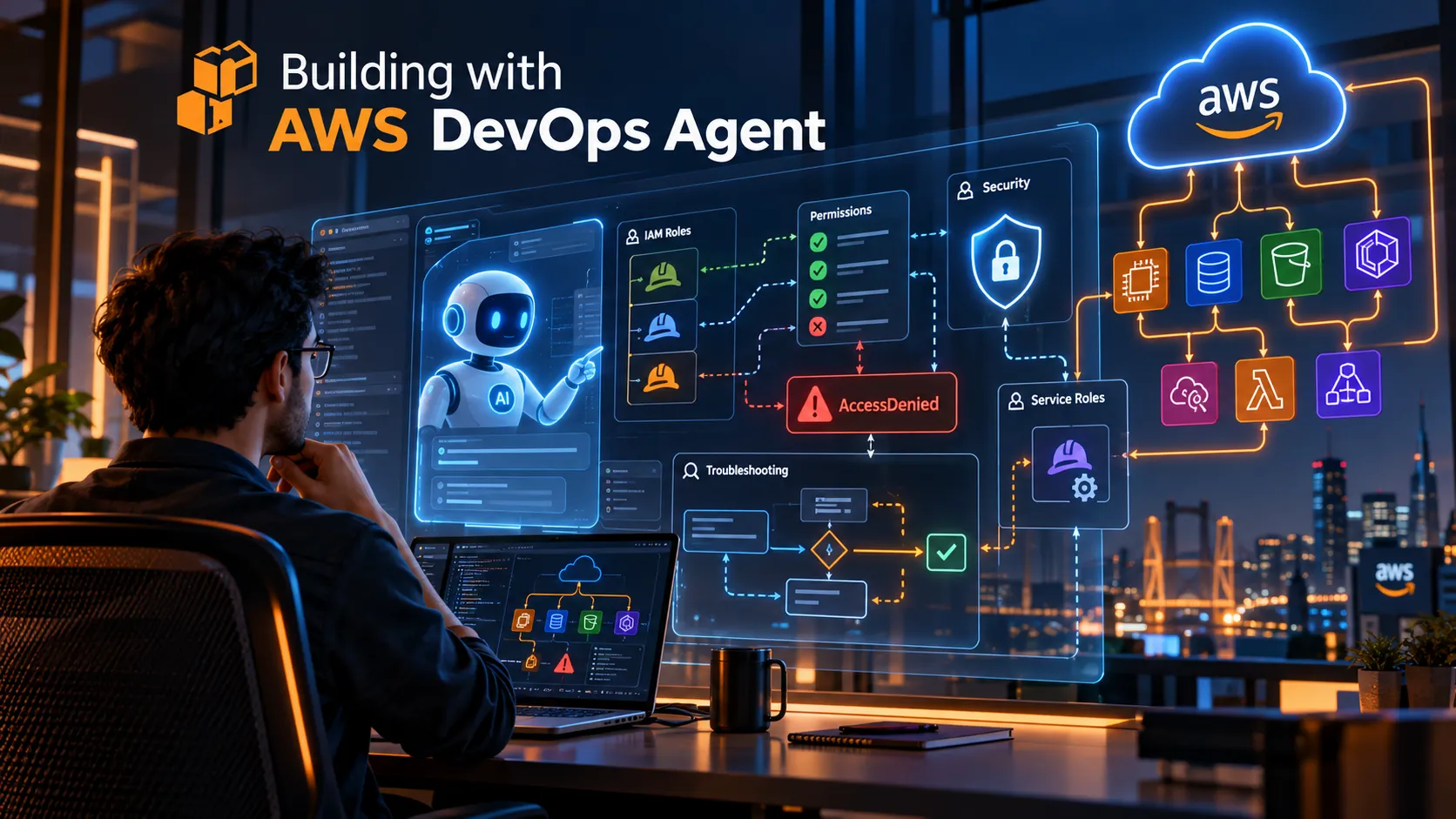
What Building with AWS DevOps Agent Taught Me About IAM, Permissions, and Troubleshooting
My first experience with AWS DevOps Agent taught me that successful DevOps implementations depend on more than the service itself. IAM permissions, roles, spaces, and access management quickly became key parts of the process. In this article, I share the main lessons I learned while configuring and troubleshooting my first real implementation.

The Challenge
The goal was to create an environment where operational teams could use AWS DevOps Agent to support troubleshooting, understand infrastructure behavior, and work more efficiently with AWS resources.
Before reaching that point, several foundational components had to be configured correctly:
- AWS DevOps Agent spaces
- User access
- IAM permissions
- Role creation
- Service permissions
- Authentication and session access
One of the first lessons was simple:
Using an AI-powered DevOps service is not only about the AI. Identity, permissions, and access design are equally important.
Architecture Overview
At a high level, the implementation followed this structure:
1
2
3
4
5
6
7
8
9
User
  ↓
IAM Identity / Role
  ↓
AWS DevOps Agent Space
  ↓
Service Role / Permissions
  ↓
AWS Resources
IAM became one of the most important components because interactions between users, services, roles, and AWS resources depend on authorization.
This reinforced one of the most important lessons from the implementation:
AI services still depend on traditional cloud fundamentals.
1. Start by Understanding Spaces
One of the first concepts I had to understand was the idea of a Space.
Instead of thinking about AWS DevOps Agent as one large shared environment, spaces can help organize operational contexts, workloads, projects, and access.
For example:
1
2
3
Space: Development
Space: Testing
Space: Production
Another organization might structure them differently:
1
2
3
Space: Project A
Space: Project B
Space: Platform Operations
The important lesson is not that every organization should use the same structure.
The important question is:
Who should have access to each space?
Thinking about access boundaries before assigning permissions makes IAM management easier and reduces unnecessary access later.
2. IAM Is Part of the Architecture
During the configuration process, several permission-related errors appeared.
Some of the actions involved were:
1
2
3
iam:CreateRole
iam:PassRole
aidevops:CreateOneTimeLoginSession
There were also permissions required to access or manage AWS DevOps Agent spaces.
At first, these errors can look like isolated permission problems.
In reality, they show something broader:
AWS services depend on identities, roles, policies, and permissions to interact securely with resources.
This changed the way I approached troubleshooting.
Instead of thinking:
1
DevOps Agent is not working
I started thinking:
1
Which AWS API action is being denied?
That small change made troubleshooting much more structured.
3. Understanding iam:CreateRole
One of the permissions I encountered was:
1
iam:CreateRole
This permission allows an IAM principal to create IAM roles.
Conceptually:
1
2
3
4
5
User
  ↓
iam:CreateRole
  ↓
IAM Role
During the configuration process, an
AccessDenied error related to role creation showed that the workflow I was configuring depended on IAM role creation and service permissions.However, this permission should not simply be granted broadly.
Creating IAM roles is a sensitive operation because those roles may later receive permissions to interact with other AWS services.
The lesson was:
Fixing an IAM problem should not mean giving a user unlimited IAM access.
The goal should always be to understand exactly what permission is required and why.
4. Why iam:PassRole Matters
One of the most interesting permissions I encountered was:
1
iam:PassRole
At first, the name can be confusing.
iam:PassRole does not mean that the user assumes the role.Instead, it allows a user or principal to tell an AWS service:
You are allowed to use this IAM role.
A simple way to understand it is:
1
2
3
4
5
6
7
CreateRole
   ↓
I can create a role

PassRole
   ↓
I can allow an AWS service to use that role
Conceptually:
1
2
3
4
5
6
7
8
9
User
  │
  │ iam:PassRole
  ▼
AWS Service
  │
  │ uses IAM role
  ▼
AWS Resources
This distinction is important.
A user may have permission to create or configure a resource, but if an AWS service needs to use a role and the user cannot pass that role, the operation may still fail.
That was one of the most valuable IAM lessons from this implementation.
5. How I Started Troubleshooting AccessDenied
Another important lesson was learning how to read IAM errors.
For example:
1
2
AccessDenied:
aidevops:CreateOneTimeLoginSession
Instead of treating the entire AWS DevOps Agent environment as broken, I learned to separate the error into smaller pieces.
1
2
3
4
5
6
7
8
Service:
aidevops

Action:
CreateOneTimeLoginSession

Problem:
The current IAM principal is not authorized
That provides a much better starting point.
My troubleshooting process became:
1
2
3
4
5
6
7
8
9
10
11
12
13
14
15
AccessDenied
     ↓
Read the denied API action
     ↓
Identify the IAM principal
     ↓
Review the relevant policies
     ↓
Check whether a role is involved
     ↓
Verify iam:PassRole if necessary
     ↓
Apply the minimum required permission
     ↓
Retry the operation
This is much more effective than randomly adding permissions.
An
AccessDenied message is not only an error.It is also a troubleshooting signal.
6. An Important IAM Caveat
It is important to remember that an
AccessDenied error does not always mean that one permission is simply missing from an identity-based IAM policy.Other authorization controls can also affect the result, including:
- Service Control Policies (SCPs)
- Permissions boundaries
- Session policies
- Resource-based policies
- Explicit
Denystatements
For beginners, however, identifying the denied API action is still one of the best places to start.
The key is to avoid assuming that adding another
Allow will always solve the problem.7. Least Privilege Still Matters
When troubleshooting IAM, it can be tempting to grant broad permissions just to make the error disappear.
For example:
1
2
3
4
5
{
  "Effect": "Allow",
  "Action": "*",
  "Resource": "*"
}
That may solve the immediate problem, but it can create a much larger security risk.
A better approach is to identify the specific API action required.
A simplified example might look like this:
1
2
3
4
5
{
  "Effect": "Allow",
  "Action": "aidevops:CreateOneTimeLoginSession",
  "Resource": "*"
}
This example is intentionally simplified and should not be copied directly into a production policy.
The actual permission scope should be reviewed according to:
- The organization's IAM design
- The specific AWS service requirements
- The resources involved
- The principle of least privilege
The main lesson is:
Troubleshooting should lead to more precise permissions, not broader access.
8. IAM Troubleshooting Is Often Iterative
One mistake beginners can make is assuming that one permission error represents the entire problem.
In reality, IAM troubleshooting can be iterative.
For example:
1
2
3
4
5
6
7
8
9
10
11
12
13
14
15
16
17
Operation starts
      ↓
CreateRole denied
      ↓
Permission corrected
      ↓
Operation continues
      ↓
PassRole denied
      ↓
Permission corrected
      ↓
Login session denied
      ↓
Permission corrected
      ↓
Operation succeeds
This does not necessarily mean that something is fundamentally broken.
Sometimes the workflow is simply reaching the next AWS API action required to continue.
Understanding this makes troubleshooting much less frustrating.
9. What I Learned
Building with AWS DevOps Agent taught me several important lessons.
1. AI services still depend on cloud fundamentals
Even when working with AI-powered services, concepts such as IAM, roles, authentication, permissions, and resource access remain critical.
2. Read the denied API action first
When an IAM error appears, the denied API action usually provides one of the best starting points for troubleshooting.
3. iam:PassRole is an important AWS concept
Creating a role and allowing an AWS service to use that role are two different things.
Understanding that distinction makes many IAM problems easier to diagnose.
4. Spaces should have clear access boundaries
Before assigning permissions, it is important to understand who should access each operational environment.
5. Avoid solving IAM problems with broad permissions
The goal should always be to apply the minimum permissions required.
6. Troubleshooting is often iterative
Fixing one permission may reveal the next required permission.
That is part of understanding how the workflow interacts with IAM.
7. AccessDenied does not always mean “missing Allow”
SCPs, permission boundaries, explicit denies, and other controls can also affect authorization.
Final Thoughts
Working with AWS DevOps Agent reinforced something that applies to many AWS services:
The AI may be the visible part of the solution, but IAM is part of the foundation that allows the solution to work securely.
Understanding spaces, IAM identities, service roles,
iam:PassRole, and AccessDenied messages made the implementation easier to troubleshoot.More importantly, it changed how I approach AWS permission problems.
Instead of asking:
1
Why is AWS not working?
I now start with:
1
2
3
4
5
6
7
Which API action is being denied?

Which identity is executing it?

What authorization control is blocking it?

What is the minimum permission required?
That mindset is useful far beyond AWS DevOps Agent.
It is a fundamental AWS troubleshooting skill.
Enjoyed reading this content? Let the author know!
Your likes, comments, shares, and saves help creators reach more builders.

Loading recommendations
Loading article