
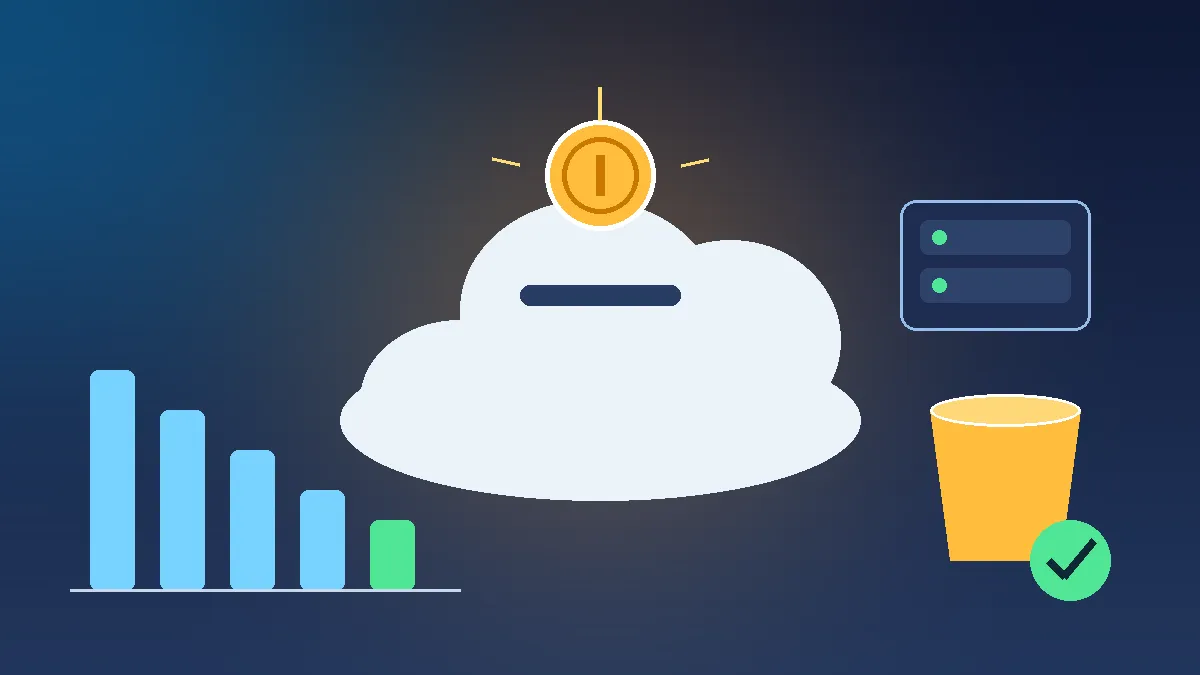
AWS Cloud Cost Optimization: 5 Simple Ways to Avoid Unnecessary Costs
AWS Cloud Cost Optimization: 5 Simple Ways to Avoid Unnecessary Costs

AWS Cloud Cost Optimization: 5 Simple Ways to Avoid Unnecessary Costs
AWS makes it easy to create cloud resources, but it is also easy to leave resources running and create unnecessary costs.
For beginners, understanding basic cost optimization is an important part of learning AWS.
1. Stop EC2 Instances You Don't Need
If you are using an EC2 instance for learning or testing, you may not need it running all the time.
For example:
1
2
3
4
5
6
7
8
9
10
11
12
Learning
   |
   v
EC2 Running
   |
   v
Finished?
   |
  YES
   |
   v
Stop the instance
Stopping resources when they are not needed can help reduce compute-related charges. Always check the pricing details for the specific resources you use.
2. Remove Unused Resources
Cloud environments can accumulate resources that are no longer required.
Regularly check for things such as:
- Unused EC2 instances
- Unused EBS volumes
- Old snapshots
- Unused load balancers
- Unused Elastic IP resources
Before deleting anything, make sure it is not being used by another application.
3. Choose the Right Instance Size
A common beginner mistake is selecting a larger EC2 instance than necessary.
For a small learning application, a very large instance may provide more capacity than the application actually needs.
Start with an appropriate size and monitor usage.
1
2
3
4
5
6
7
8
9
10
11
12
Application
     |
     v
Monitor Usage
     |
     v
Is the instance oversized?
     |
    YES
     |
     v
Consider a smaller option
4. Understand S3 Storage
Amazon S3 is useful for storing objects such as images, documents, and backups.
However, storing large amounts of data for a long time can increase costs.
It is useful to understand:
- Storage classes
- Lifecycle rules
- Data retrieval
- Data transfer
For example, lifecycle rules can automatically transition or expire objects based on your requirements.
5. Monitor Your AWS Usage
Cost optimization starts with visibility.
AWS provides tools that help you understand your spending and usage.
A simple approach is:
1
2
3
4
5
6
7
8
9
10
AWS Resources
      |
      v
Usage & Cost Monitoring
      |
      v
Find Unnecessary Usage
      |
      v
Optimize
Monitoring regularly is better than waiting until the end of the month to discover unexpected costs.
Simple Cost Optimization Checklist
Before finishing an AWS learning session, ask:
- Did I stop resources I no longer need?
- Are there unused resources?
- Am I using an appropriate instance size?
- Do I have unnecessary storage?
- Have I checked my current AWS costs and usage?
Conclusion
AWS cost optimization does not always require complicated techniques.
For beginners, the most important habit is to understand what resources are running, monitor their usage, and remove or stop resources that are no longer required.
Learning to control costs from the beginning helps build better cloud engineering habits.
Enjoyed reading this content? Let the author know!
Your likes, comments, shares, and saves help creators reach more builders.

Loading recommendations
Loading article